 Video
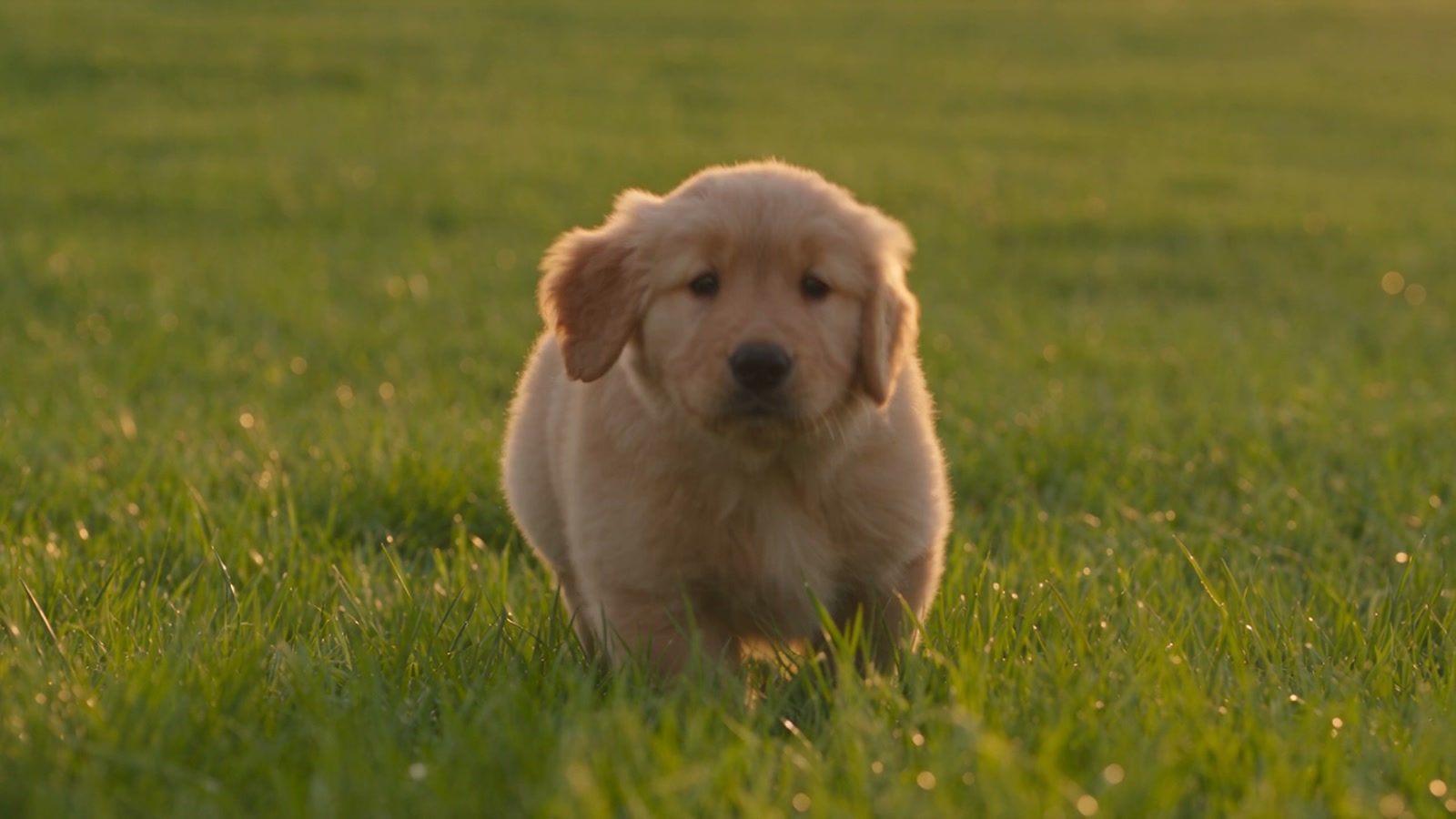
VideoSeedance 2.5
ByteDance's flagship multimodal video model with native audio, 5s to 30s generation, and up to 30 reference images, 10 videos, and 10 audio files.

AI IMAGE + VIDEO STUDIO
Create campaign images and short-form video from a prompt or reference—inside one focused workspace.
STORY
What you can make
Real output from real models and workflows. Find a visual language you like, enter the matching studio, and make it belong to your project.
VideoByteDance's flagship multimodal video model with native audio, 5s to 30s generation, and up to 30 reference images, 10 videos, and 10 audio files.
 App
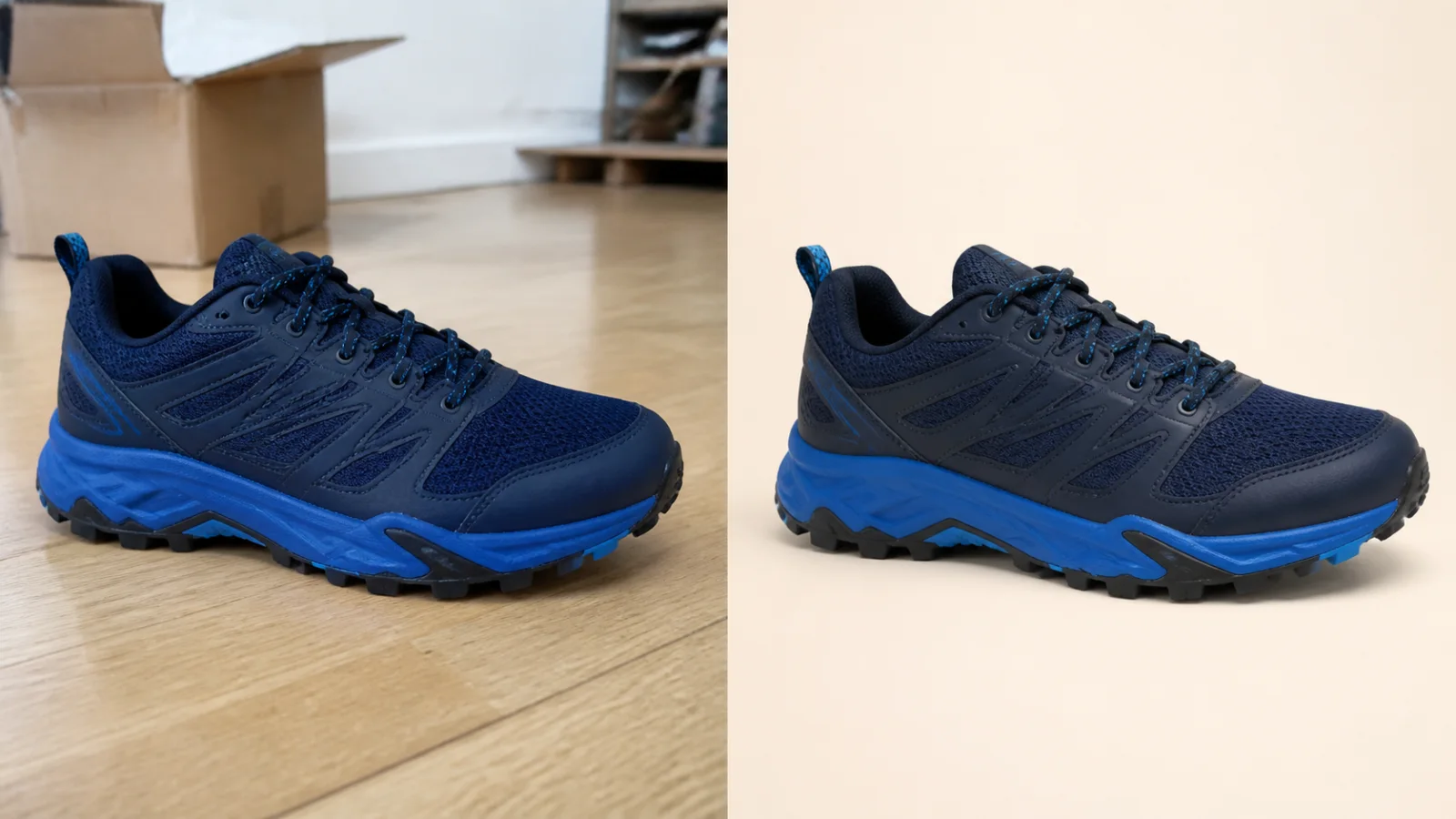
AppOne product photo in, a clean studio image out.
 App
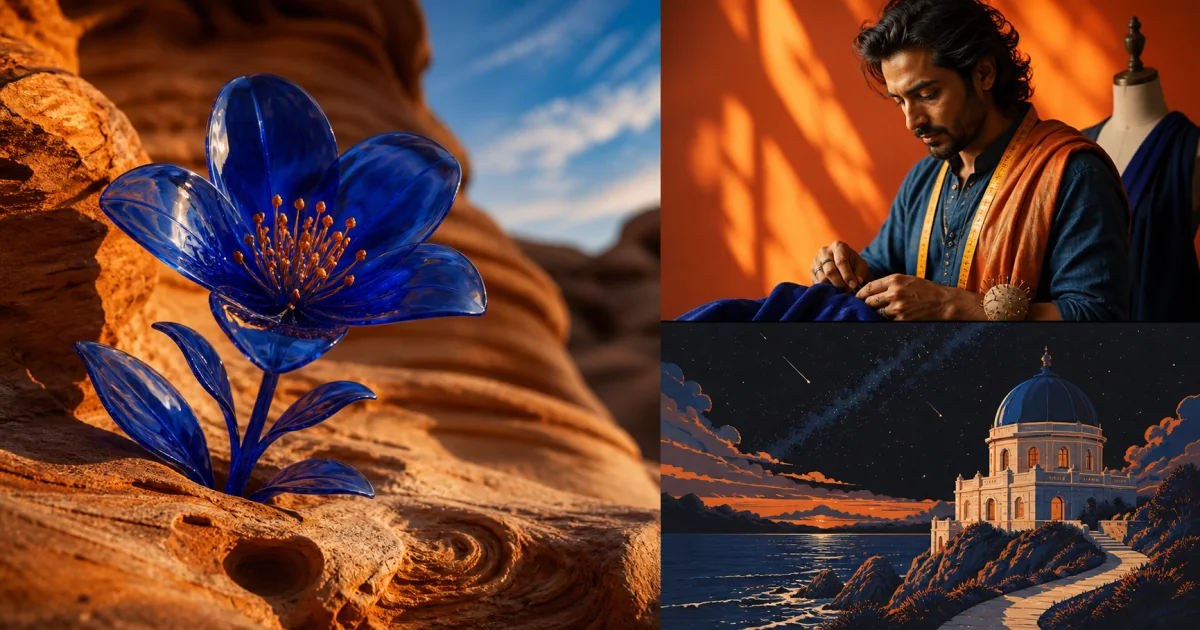
AppExplore product, editorial, and illustrated directions in one image workspace.
 Model
ModelCreate, edit, typeset, and extend one idea without rebuilding the brief.
 Model
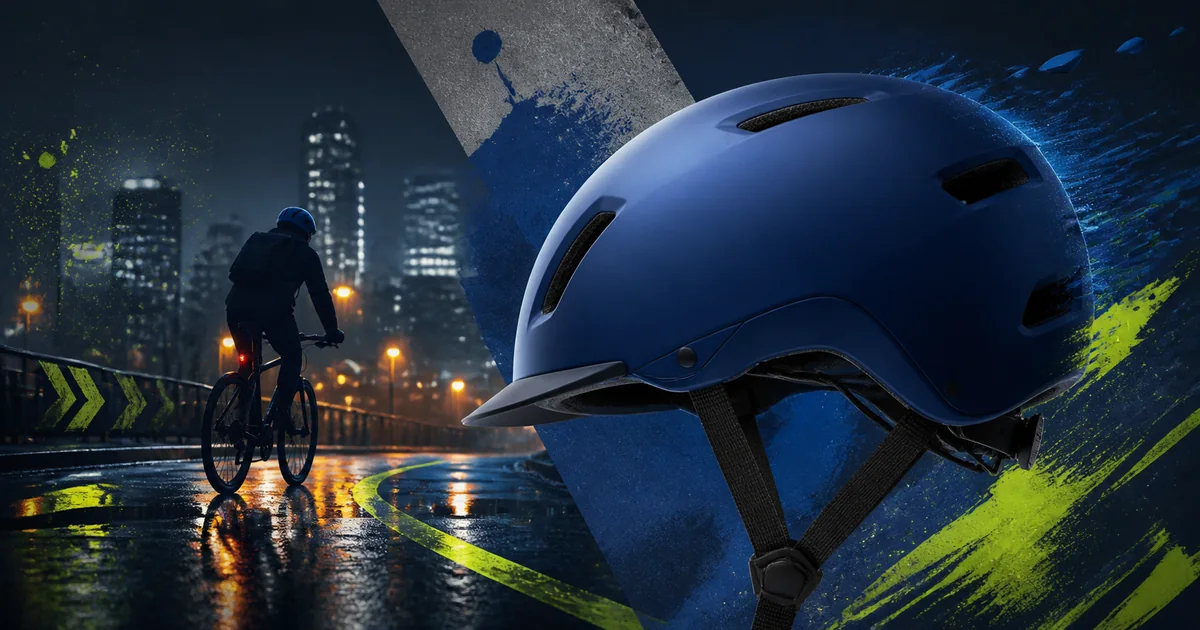
ModelCompare composition and mood before committing time to a finishing pass.
 Model
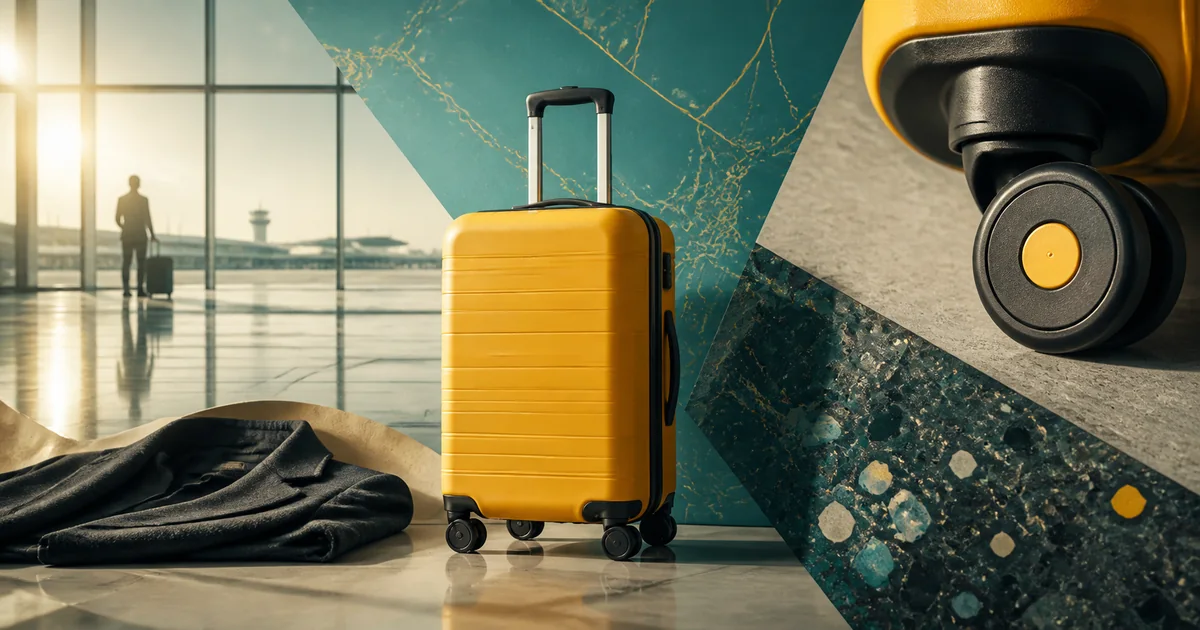
ModelCombine product, person, setting, and style references at 2K or 4K.
 Model
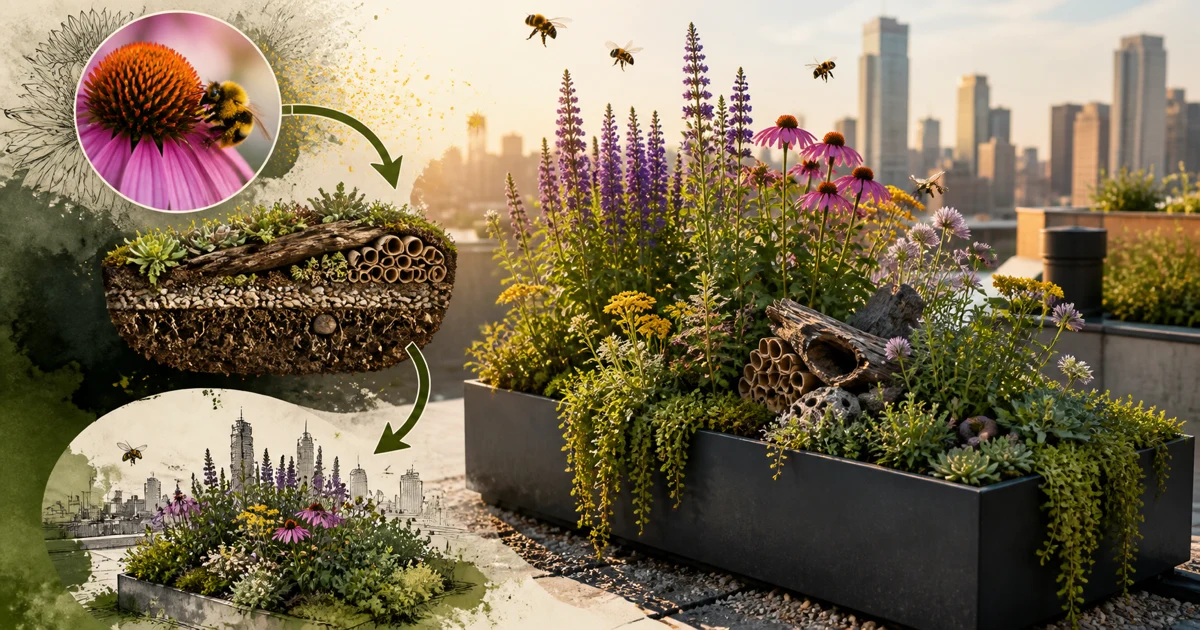
ModelOrganize a complex brief into an information visual, then review it at 2K or 3K.
 App
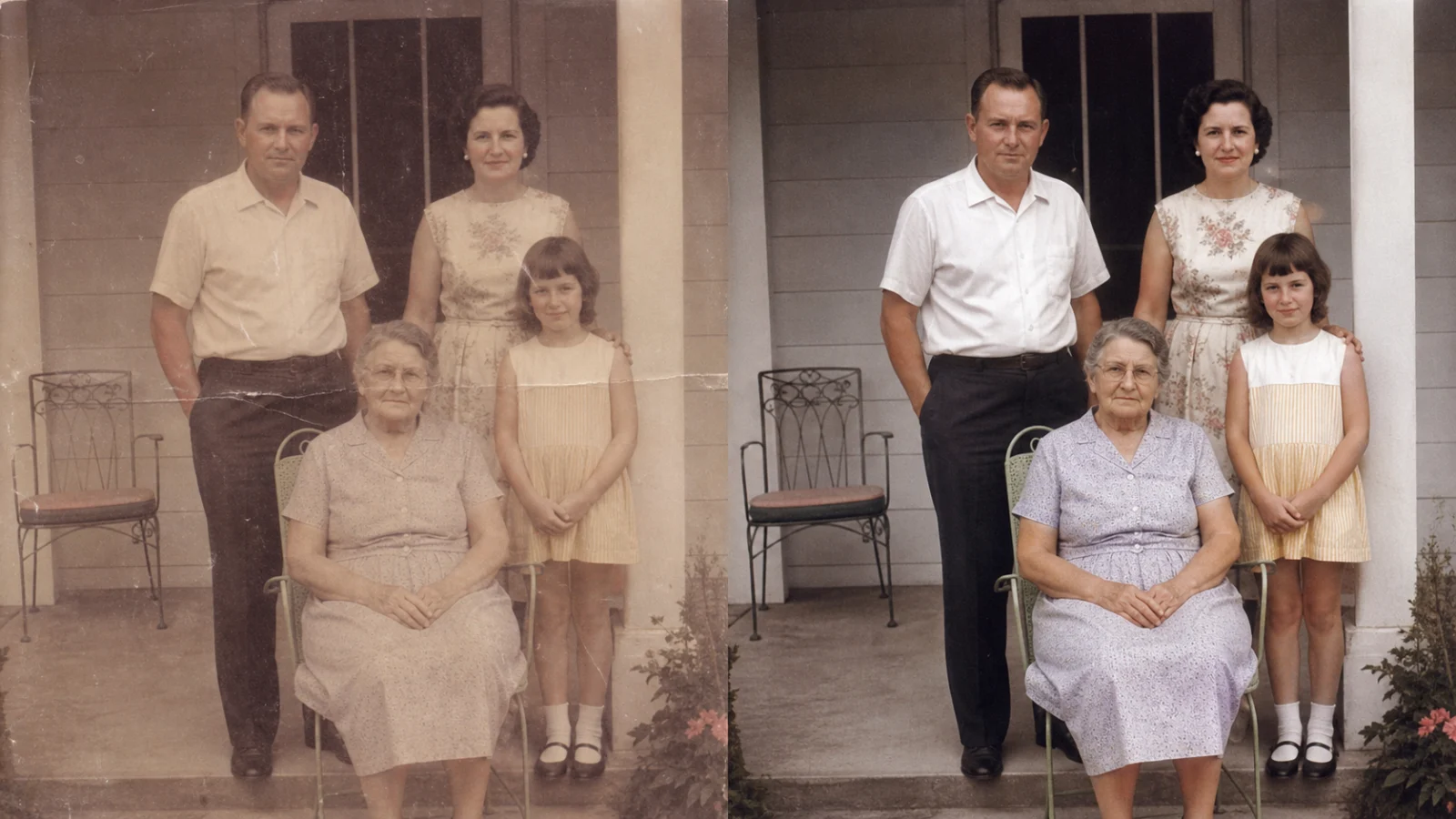
AppRepair scratches, fading, and weak contrast while keeping the family recognizable.
Unified Workflow
From product imagery, brand worlds, and spatial concepts to short-form motion, Toono keeps creative input, model control, results, and iteration in one continuous interface.
Use one account, one credit balance, and one workspace for product images, ad visuals, and short-form motion instead of switching between disconnected tools.
Launch packshots, lifestyle scenes, social ads, virtual staging, photo restoration, headshots, and more with guided inputs designed for practical business use.
Create images with Nano Banana, Flux, and Seedream, then move into video with Seedance, Kling, Veo, and Runway when your project needs motion.
Move from concept art and product visuals to motion samples inside one workspace, with less asset handoff between tools.
Built for Production
Make the visuals your business needs, pick the model that fits the job, and preview real output styles before you start generating.
Create product packshots, lifestyle scenes, social ads, room redesigns, virtual staging images, professional headshots, and photo restorations with purpose-built workflows.
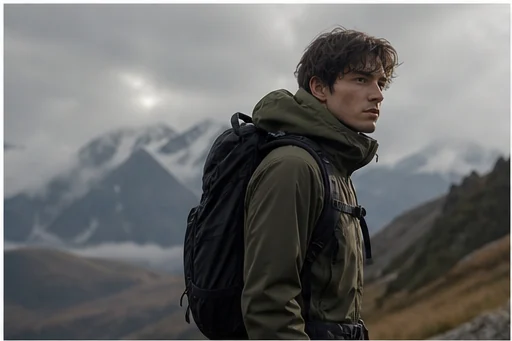
Use Seedance 2.5, Kling, Veo, and Runway for text-to-video, image-to-video, and reference-driven video generation when a still image needs to become motion content.
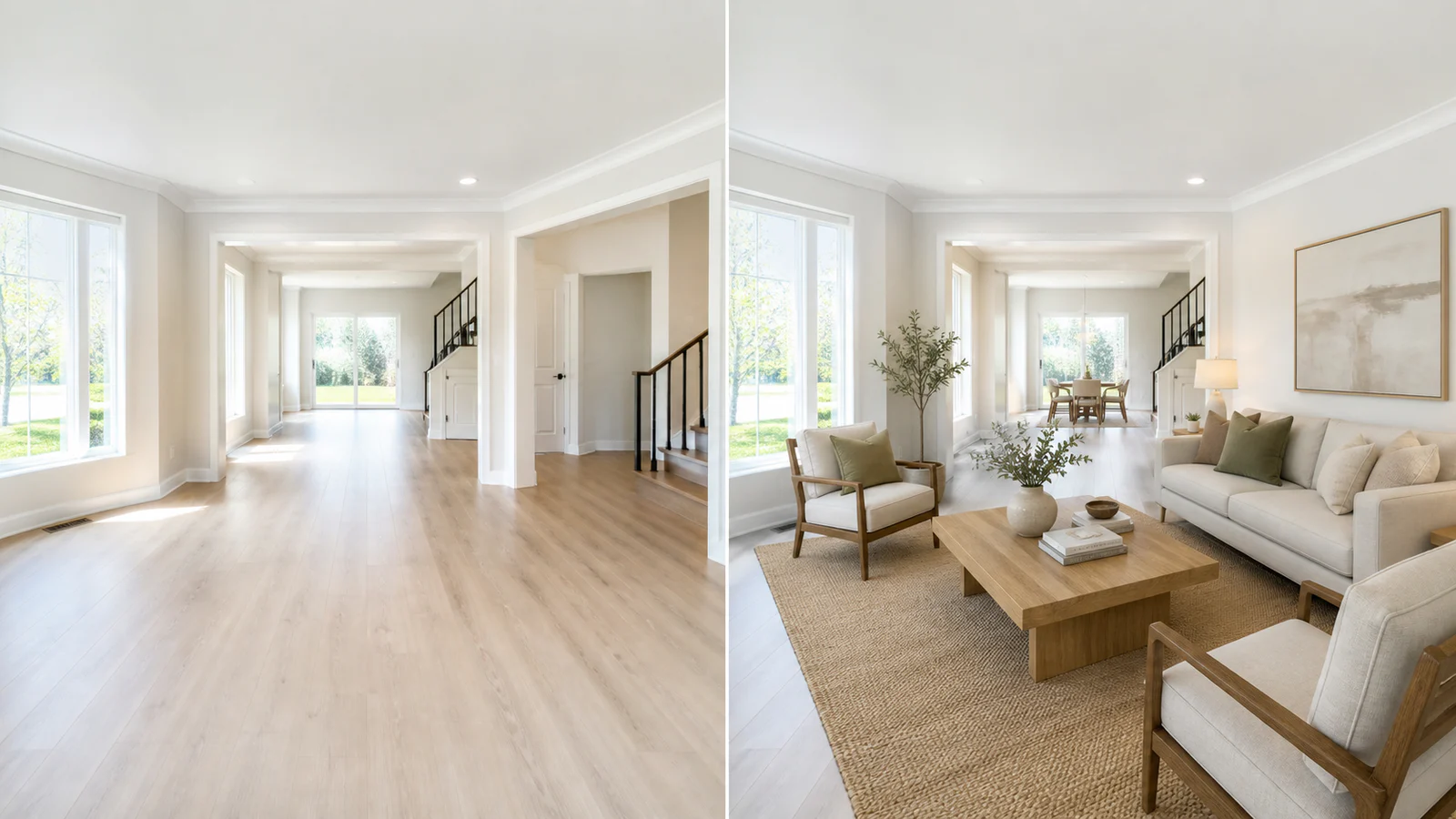
Browse image and video examples, open the matching workspace, and use the same creative direction for your own product, brand, or content project.
Creative work is not a single roll of the dice. It is a production path you can keep pushing forward.
If the use case is clear, go straight into packshots, headshots, room redesign, or another workflow app. If not, start in the image or video studio.
Use Nano Banana, Flux, or Seedream for images, then switch to Seedance, Kling, Veo, or Runway when the project needs motion.
Use prompts, reference images, video references, multi-image inputs, and end-frame control to refine outputs without leaving the same creative flow.
Create the right packshot, campaign visual, or scene first, then push that still into a video model to build a fuller content pipeline.
FAQ
Direct answers about images, video, model choice, and creative workflows.
Both. Toono combines image generation, video generation, and guided workflow apps in one workspace so you can create still visuals and motion content together.
Yes. Each showcase is designed to point you toward a matching app, model, or workspace so you can start from a similar direction and adapt it to your own project.
Yes. Toono is built for product packshots, lifestyle scenes, social ad creative, room redesign, virtual staging, professional headshots, restoration, and video generation.
You can go directly into the core image or video workspace. The packaged apps reduce friction for common tasks, while the base studios are better for prompt control, references, and model selection.
Choose image or video, bring the idea and references into the studio, and let the models and workflows carry it forward.