 Footwear
Mesh, laces, and a layered trail sole
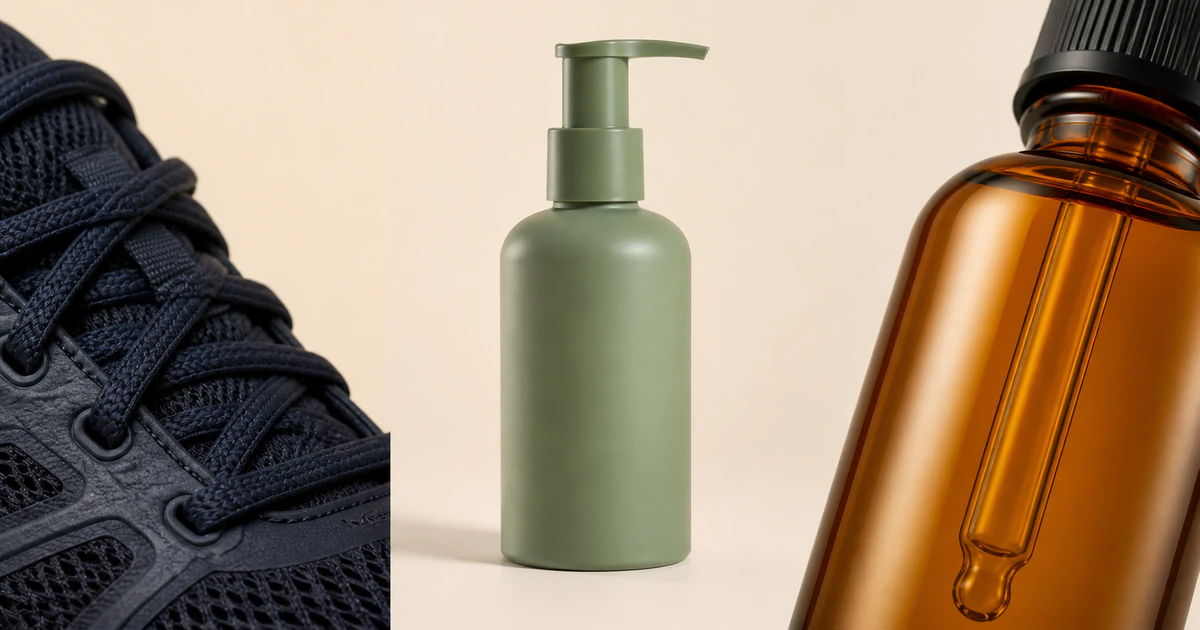
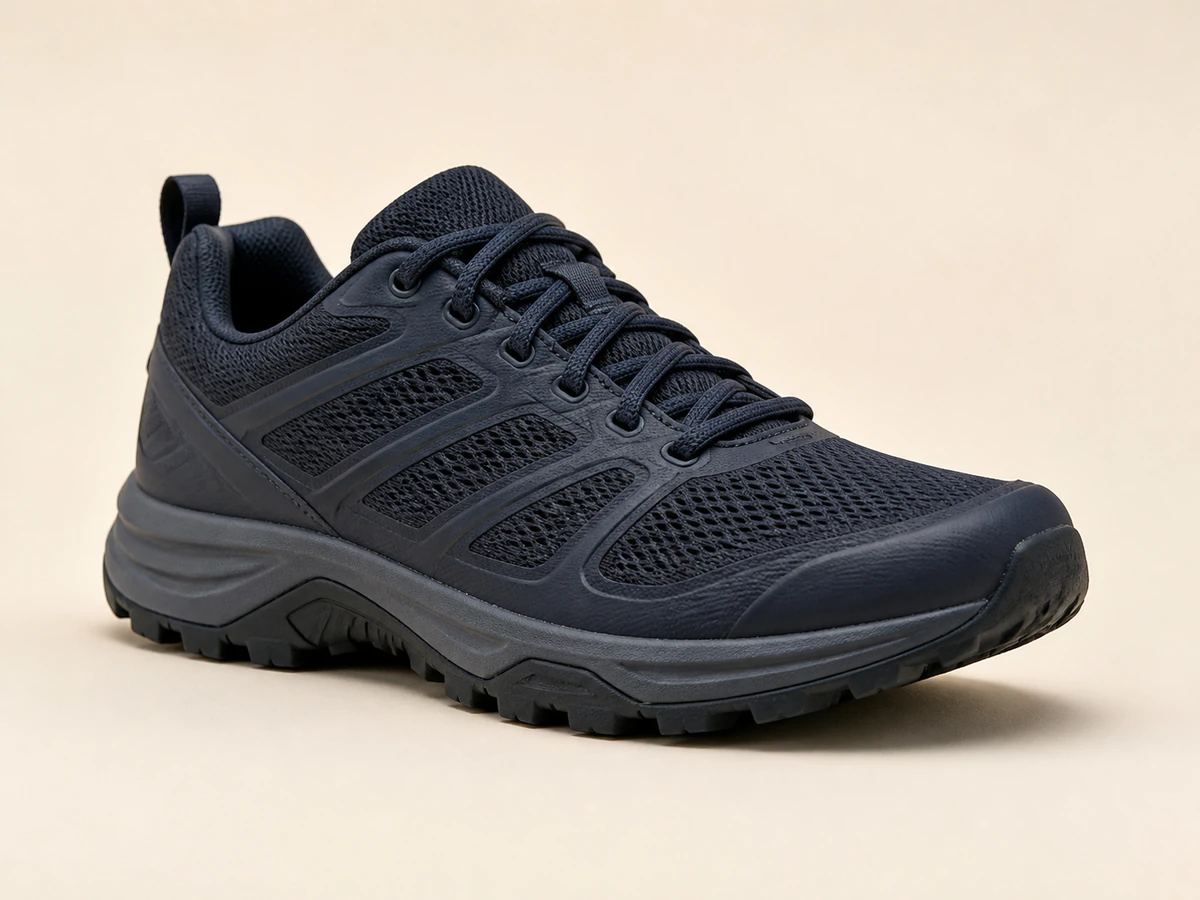
The navy upper keeps its fine mesh, lace geometry, molded overlays, and rugged sole profile readable against warm ivory.

Upload one clear product image. The guided workspace prepares a square studio setup designed to keep the product recognizable while cleaning up the background, lighting, edges, and shadow.
Material study
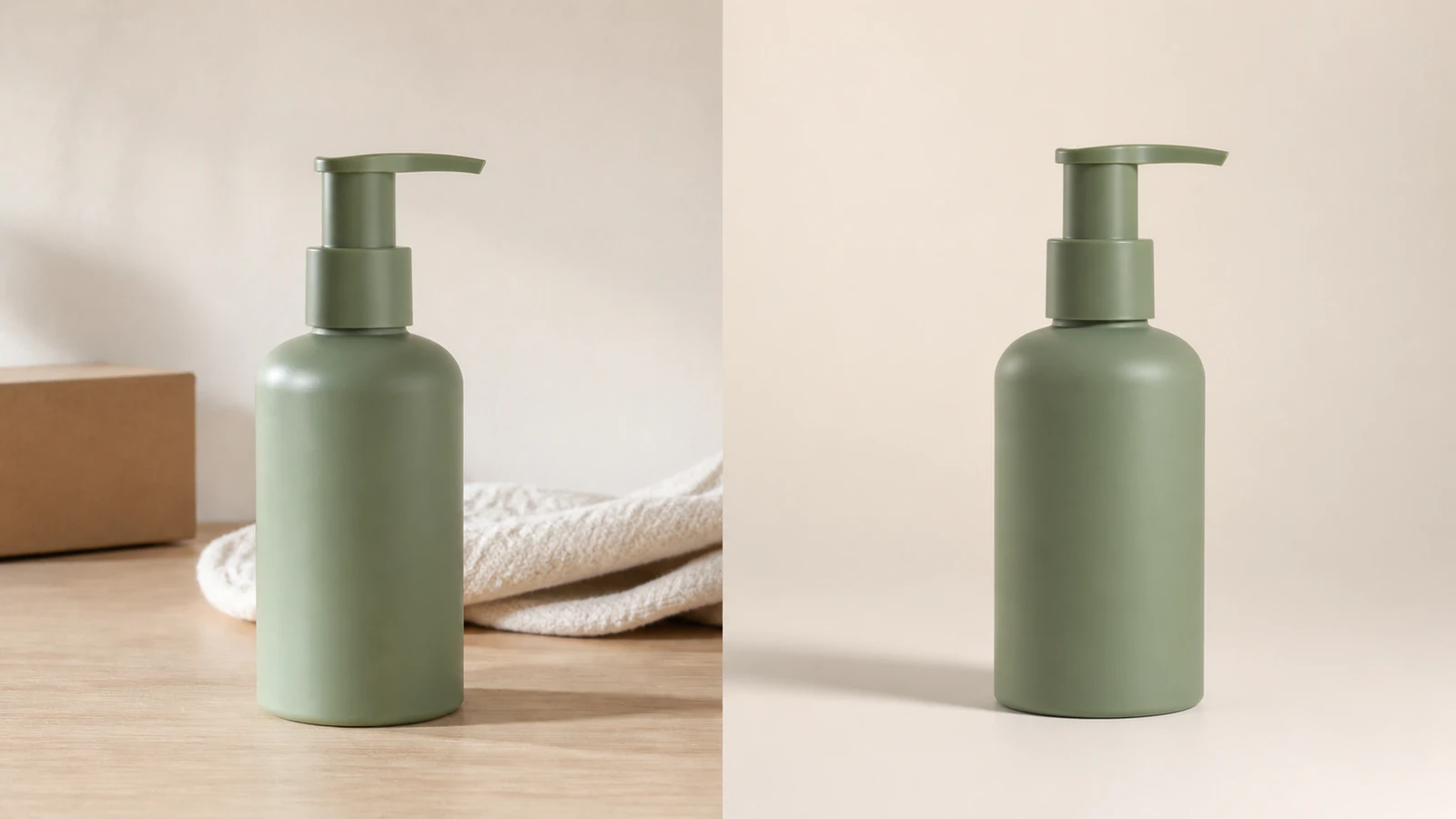
A useful packshot needs more than a white canvas. These representative compositions show the edge, texture, reflection, and shadow decisions worth checking across common ecommerce products.
FootwearThe navy upper keeps its fine mesh, lace geometry, molded overlays, and rugged sole profile readable against warm ivory.
 Glass packaging
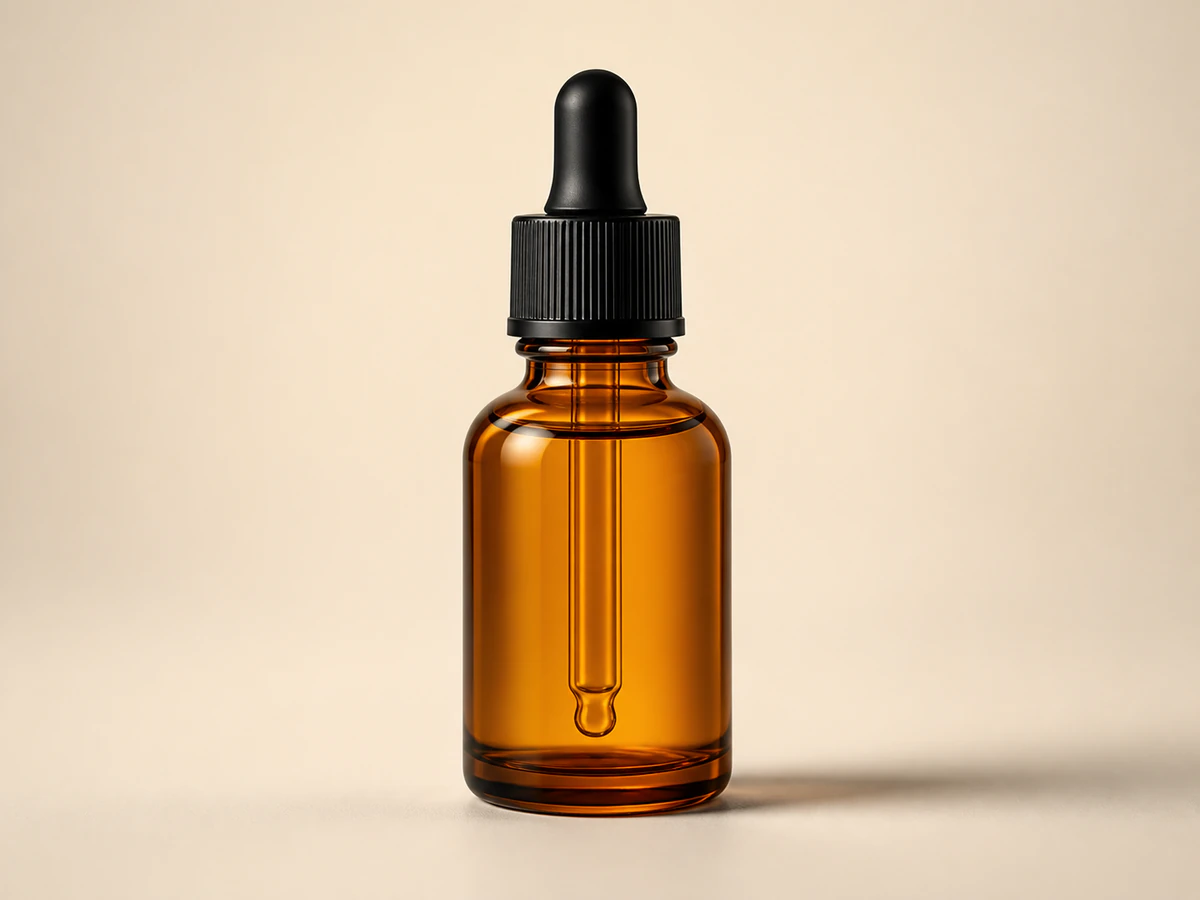
Glass thickness, the dropper silhouette, and a clean rim highlight stay visible without turning the bottle into a dark advertising shot.
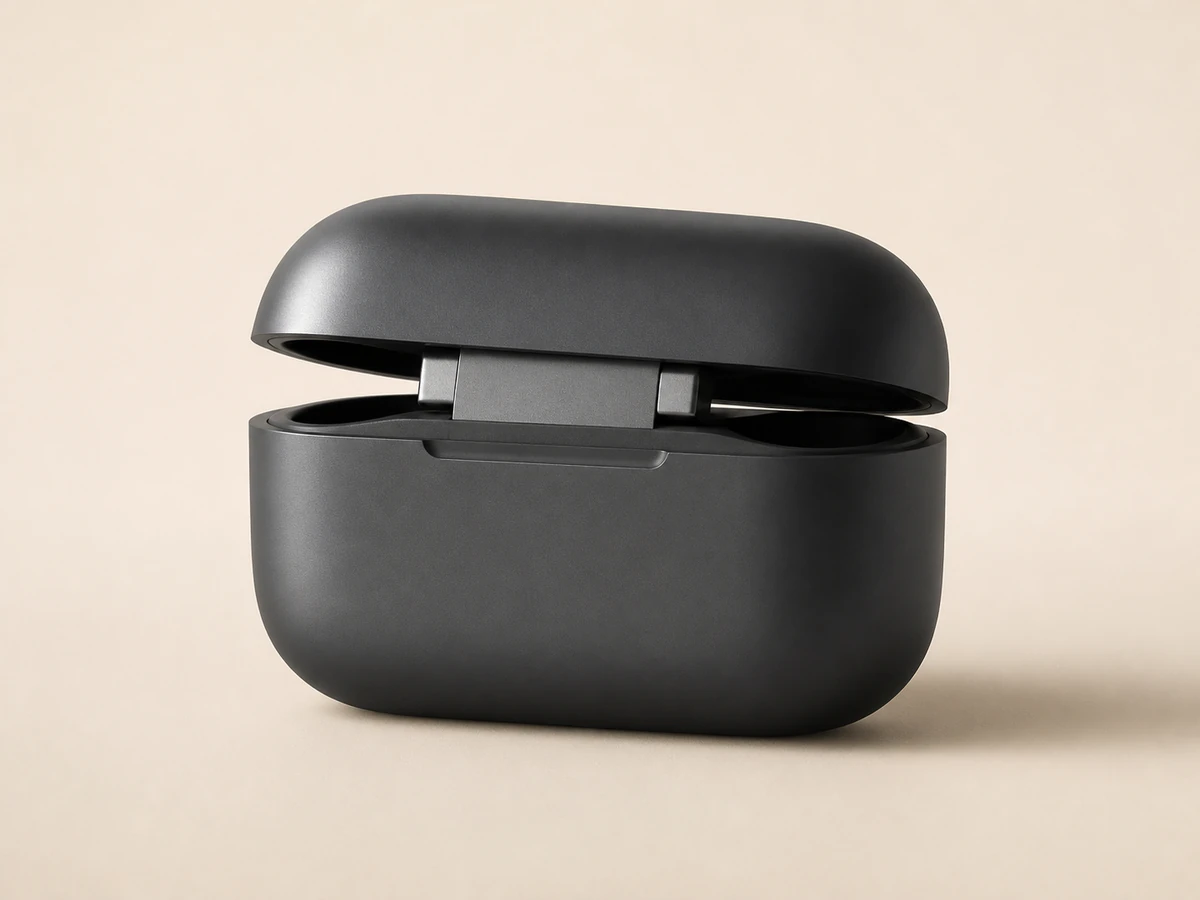 Electronics
A quiet front three-quarter view makes the charging-case seam, metal hinge, bevels, and soft reflection easier to review.
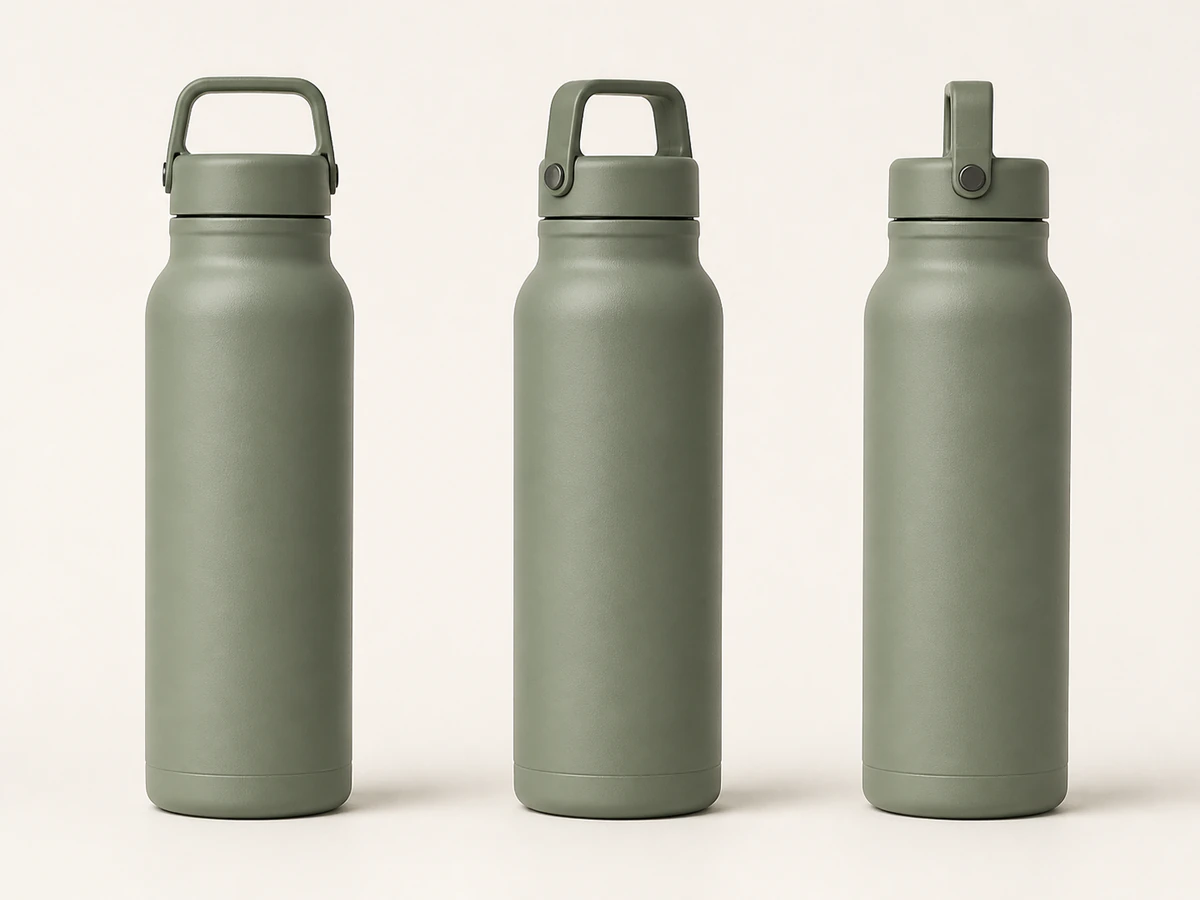 Catalog consistency
Front, three-quarter, and side views help you compare color, cap geometry, body proportion, and scale across a listing set.
Representative compositions for common product categories. Always inspect generated labels, colors, proportions, edges, and platform requirements at full size before publishing.
The App keeps the task narrow: provide a useful source, run the prepared packshot setup, and inspect the result before it reaches a listing or catalog.
Keep the full product visible, reasonably sharp, and free from hands or objects that cover important edges. Neutral light gives the model better evidence to work from.
The App prepares a 1:1 composition and product-preservation direction so you can start without rebuilding the setup.
Review shape, labels, color, texture, reflections, and shadow at full size. Confirm the final file against the rules of the marketplace where it will appear.
Practical answers before you send a product photo into the workspace.
Build the next asset
Once the product is clearly represented, move into lifestyle scenes, apparel imagery, or category-specific campaign work without losing the public product trail.
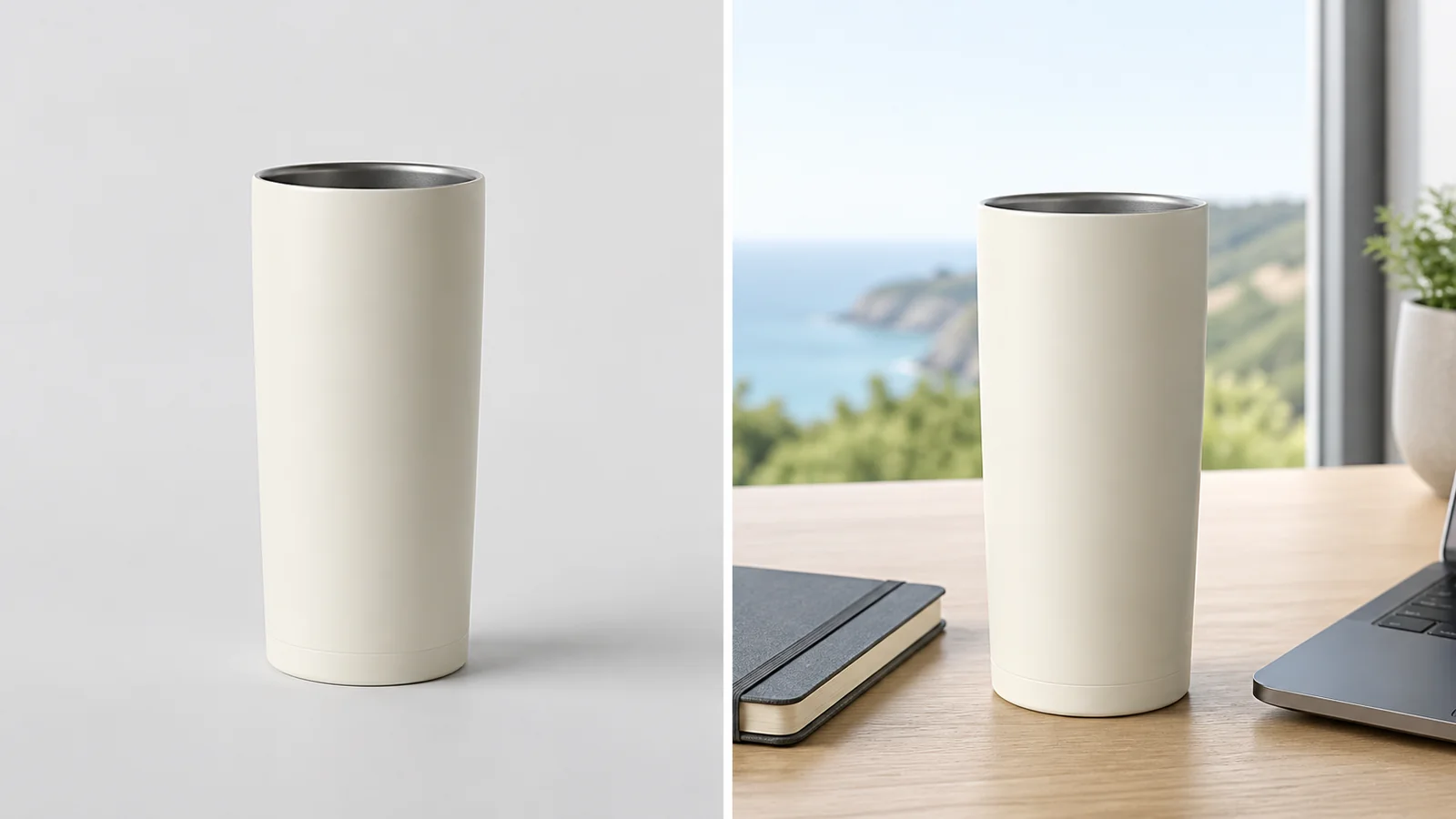
Place a product into a polished campaign-style scene for ads, PDPs, and social creative.
View product page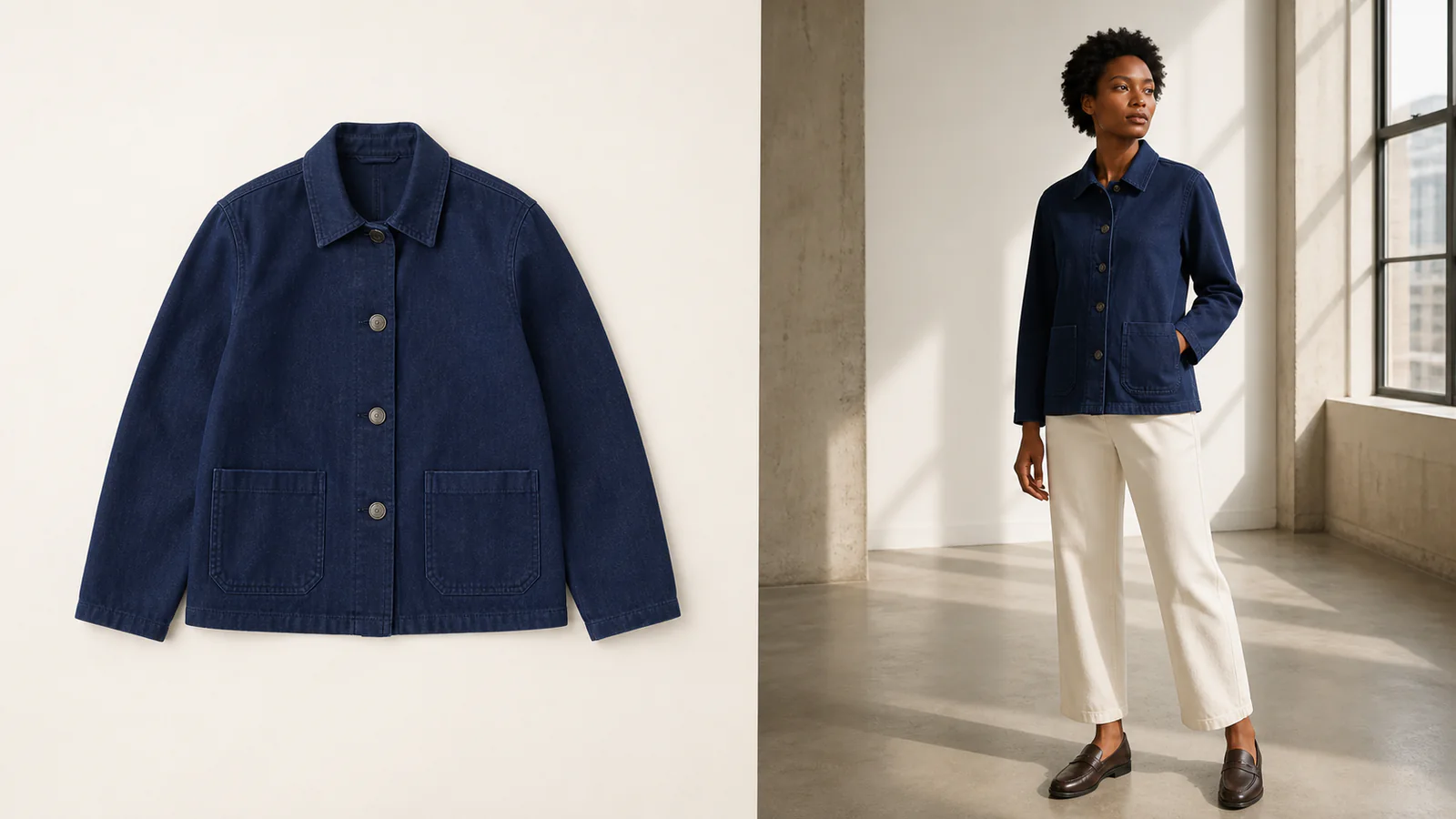
Turn a clothing or accessory image into an editorial-style model photo for campaigns and lookbooks.
View product page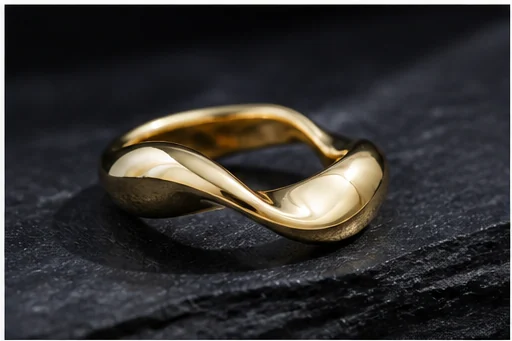
Turn a jewelry image into a luxury campaign-ready visual for ecommerce and paid media.
View product pageReady when the source is
Open the guided workspace, upload one clear product image, and create a cleaner studio composition to inspect before listing.