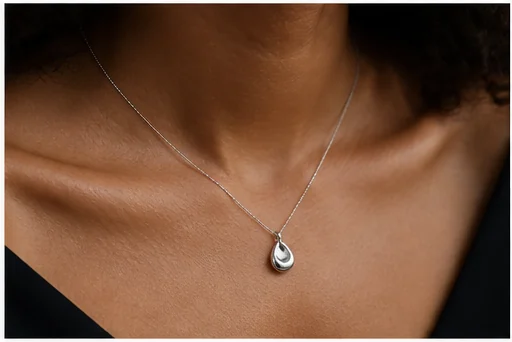
Luxury campaign hero
Use restrained surfaces and controlled reflections to center the piece.

Turn a clear ring, necklace, earring, bracelet, or watch photo into a premium direction for ecommerce, launches, gifting, and paid media.
Open the focused App workspace
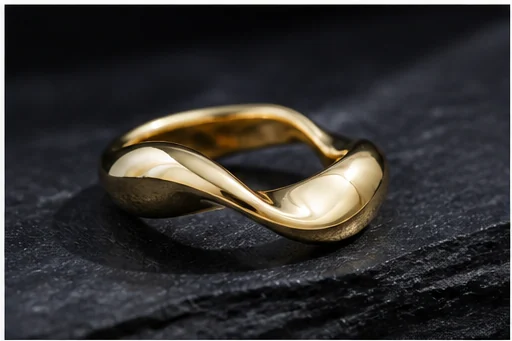
Visual examples
Buyers need to see the object, understand how it wears, and feel the brand world. One image rarely does all three.
Use restrained surfaces and controlled reflections to center the piece.
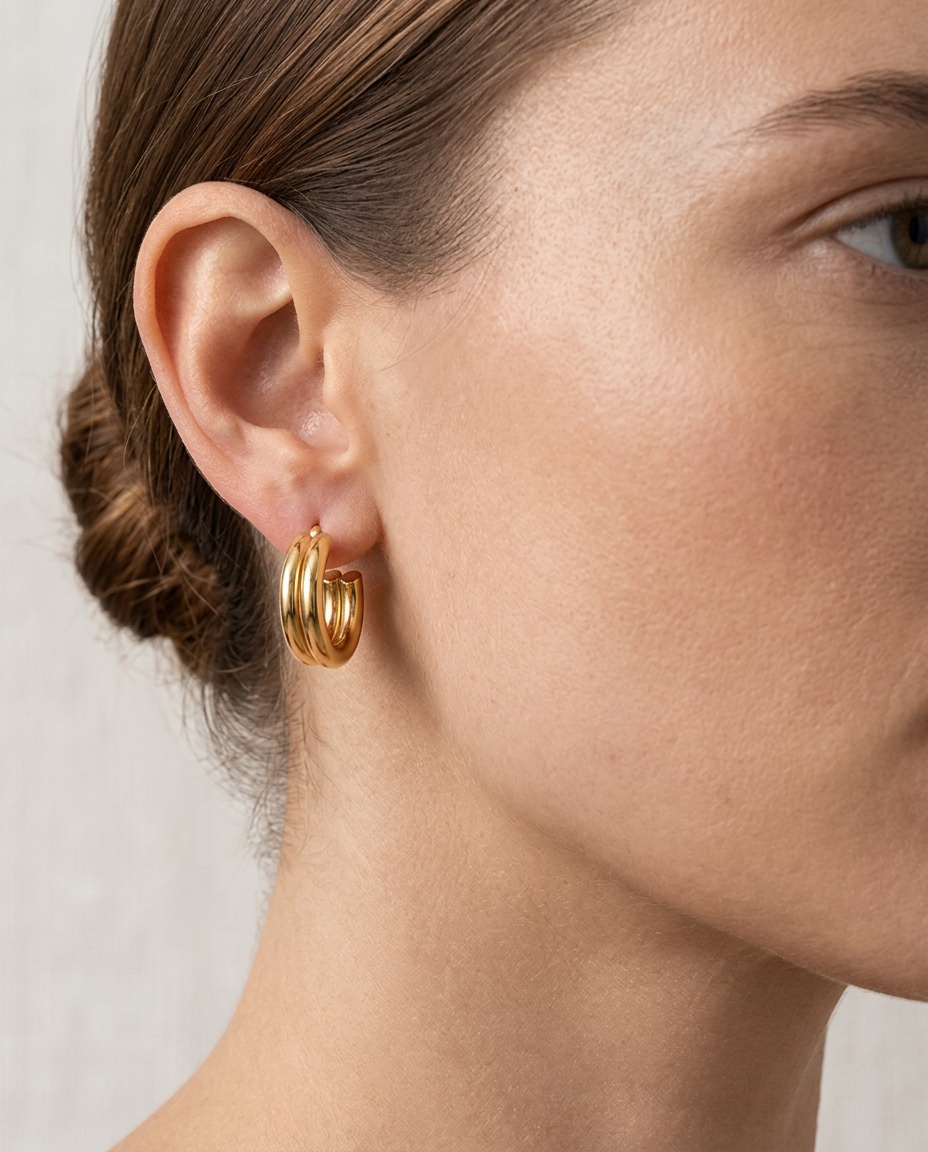
Explain necklace length, earring drop, ring presence, or bracelet scale.
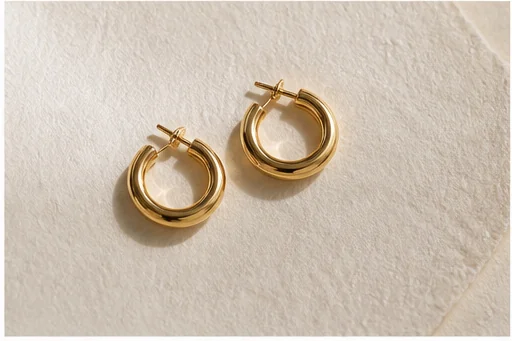
Keep a clean image nearby so shape and construction can be verified.
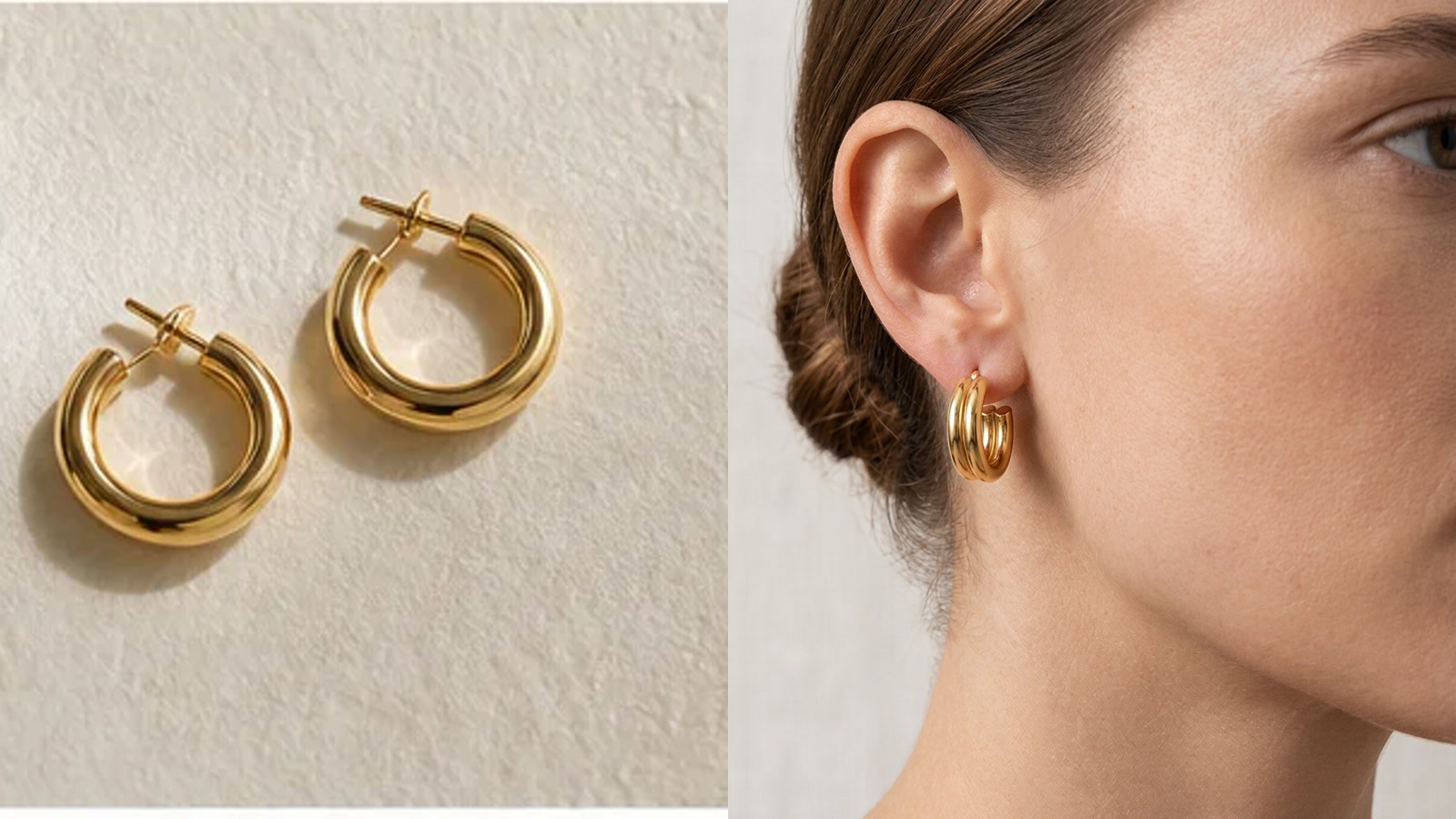
Compare the real earring source with the generated on-model result before approving scale, construction, and metal color.
Generated jewelry can gain, lose, or reshape small elements. Compare every stone, setting, clasp, link, engraving, and proportion.
Build mood through surface and light, not by redesigning the setting or adding stones.
Use sharp focus, correct color, and an angle revealing setting, clasp, or chain.
Decide whether to sell craftsmanship, show scale, or establish a gifting mood.
Count stones and inspect prongs, links, symmetry, engraving, and metal color.
Inputs, review steps, and publishing considerations for this guided workflow.
Related products
Support it with a clean packshot, on-model fashion direction, or category-ad variation.
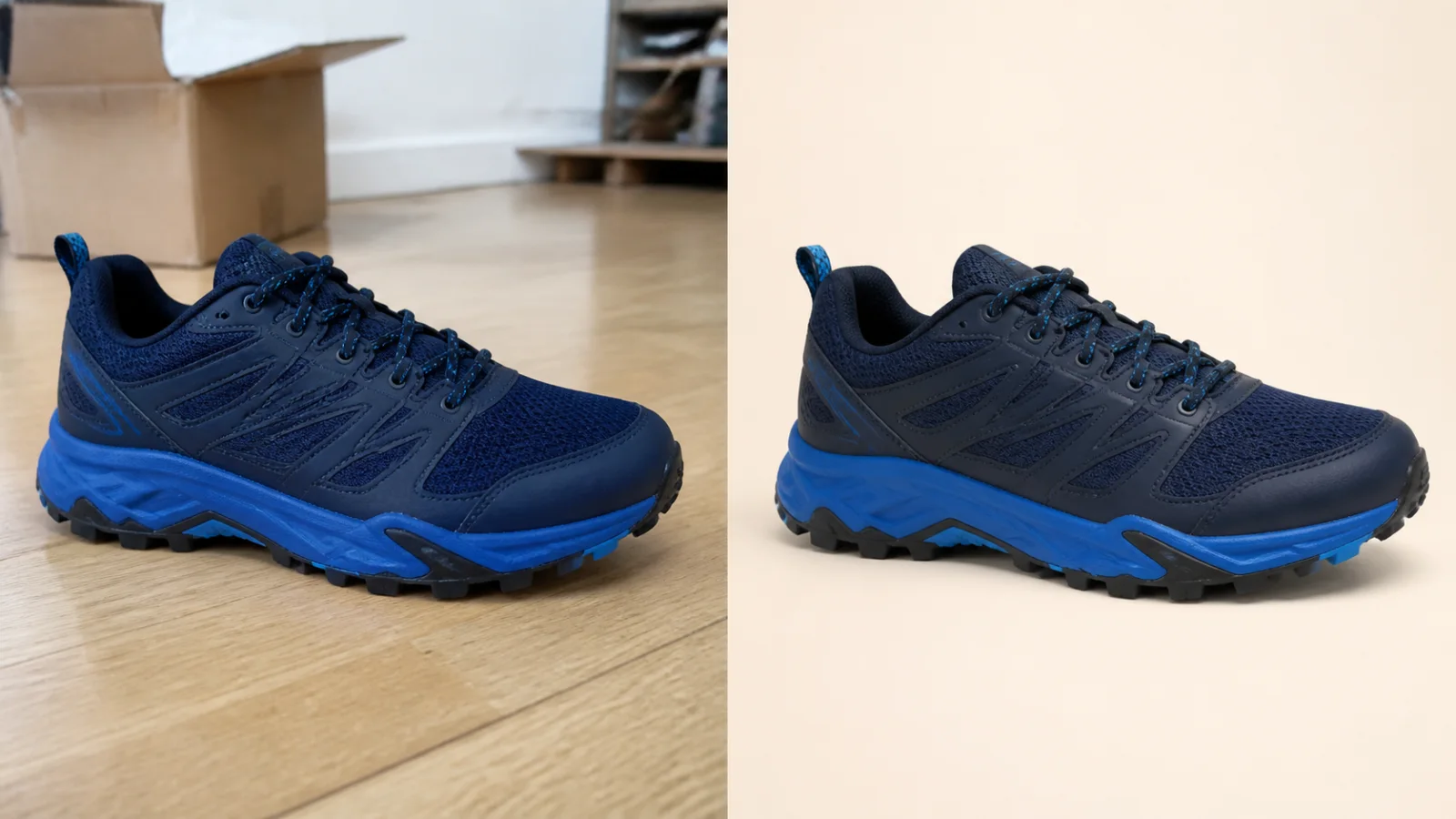
Clean up a product photo into a marketplace-ready packshot with a simple one-purpose flow.
View product page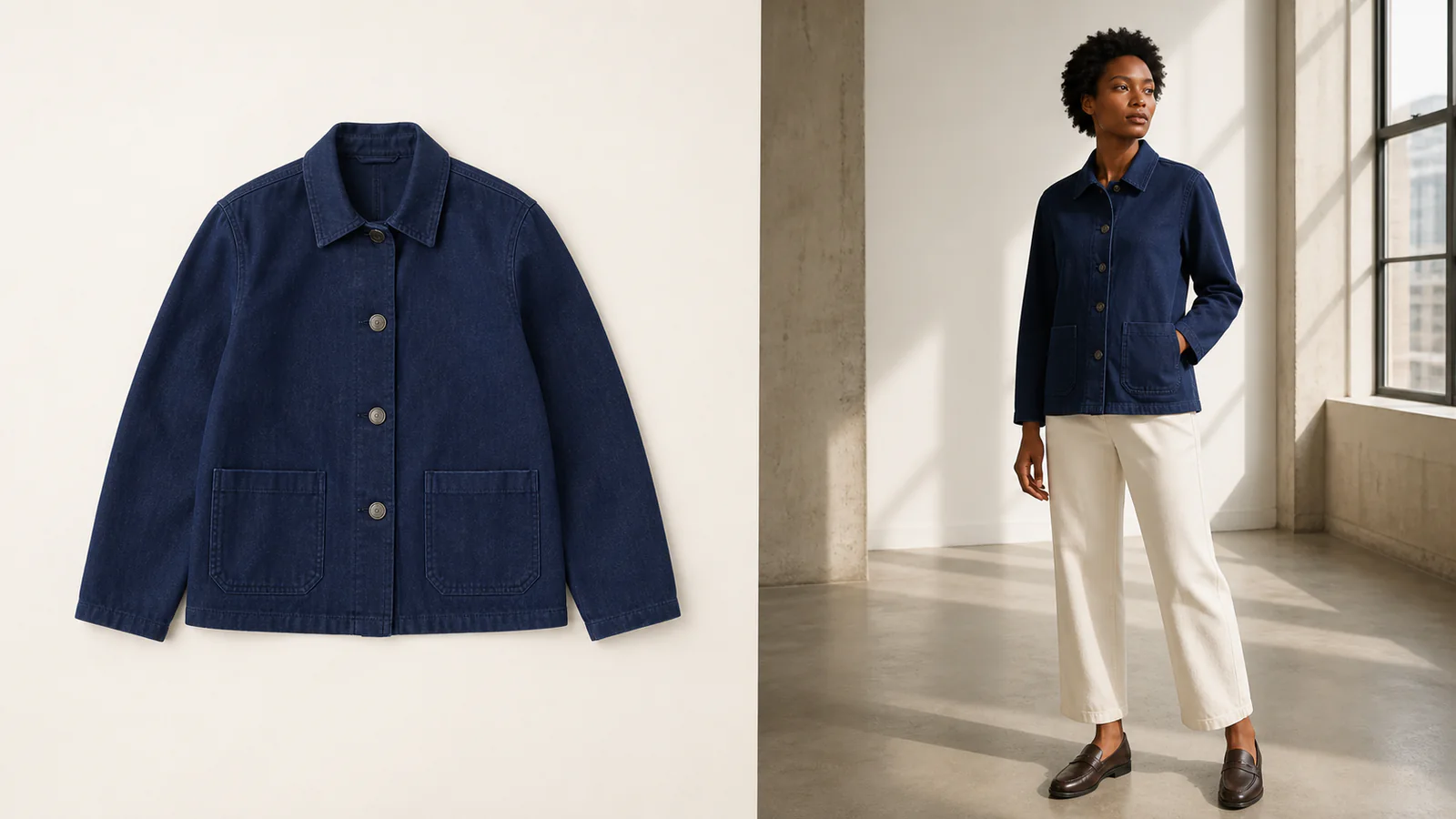
Turn a clothing or accessory image into an editorial-style model photo for campaigns and lookbooks.
View product page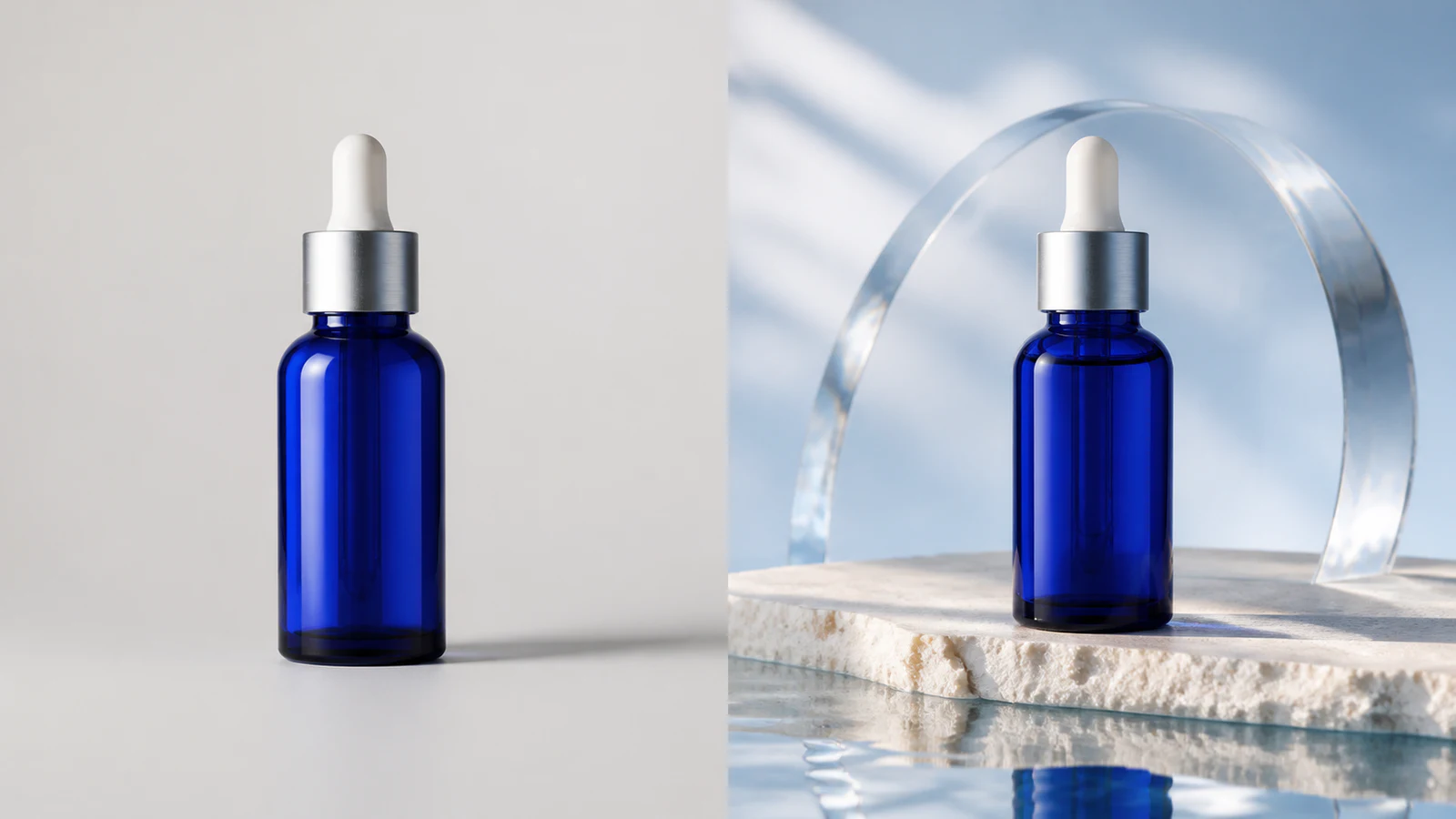
Create premium skincare and cosmetics campaign visuals from simple product photos.
View product pageSource asset ready
Begin with a sharp source and a single display or wearing goal.
Open the focused App workspace