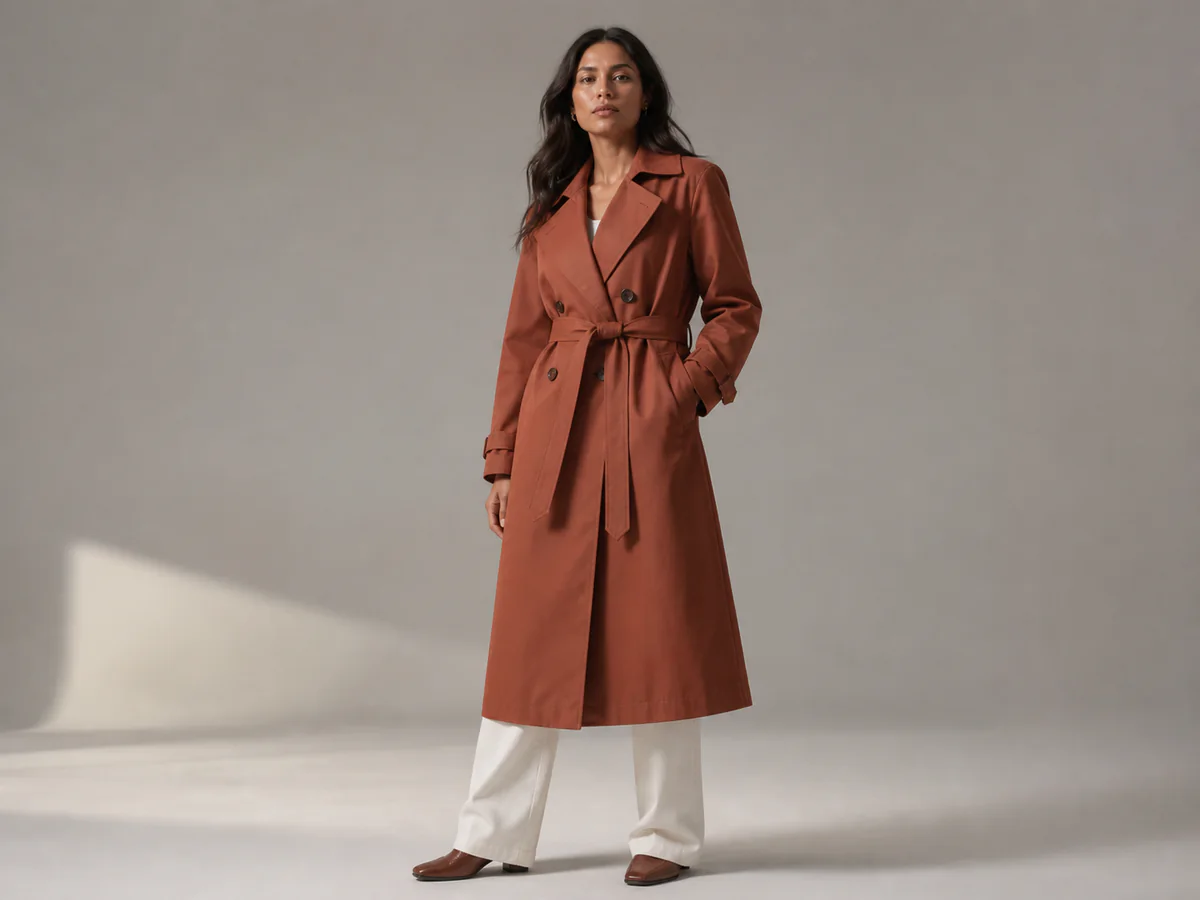
Full on-model view
Show the silhouette and how the garment sits before moving to tighter crops.

Create editorial-style model imagery for product pages, lookbooks, launch content, and creative testing without losing sight of the garment customers will receive.
Open the focused App workspace
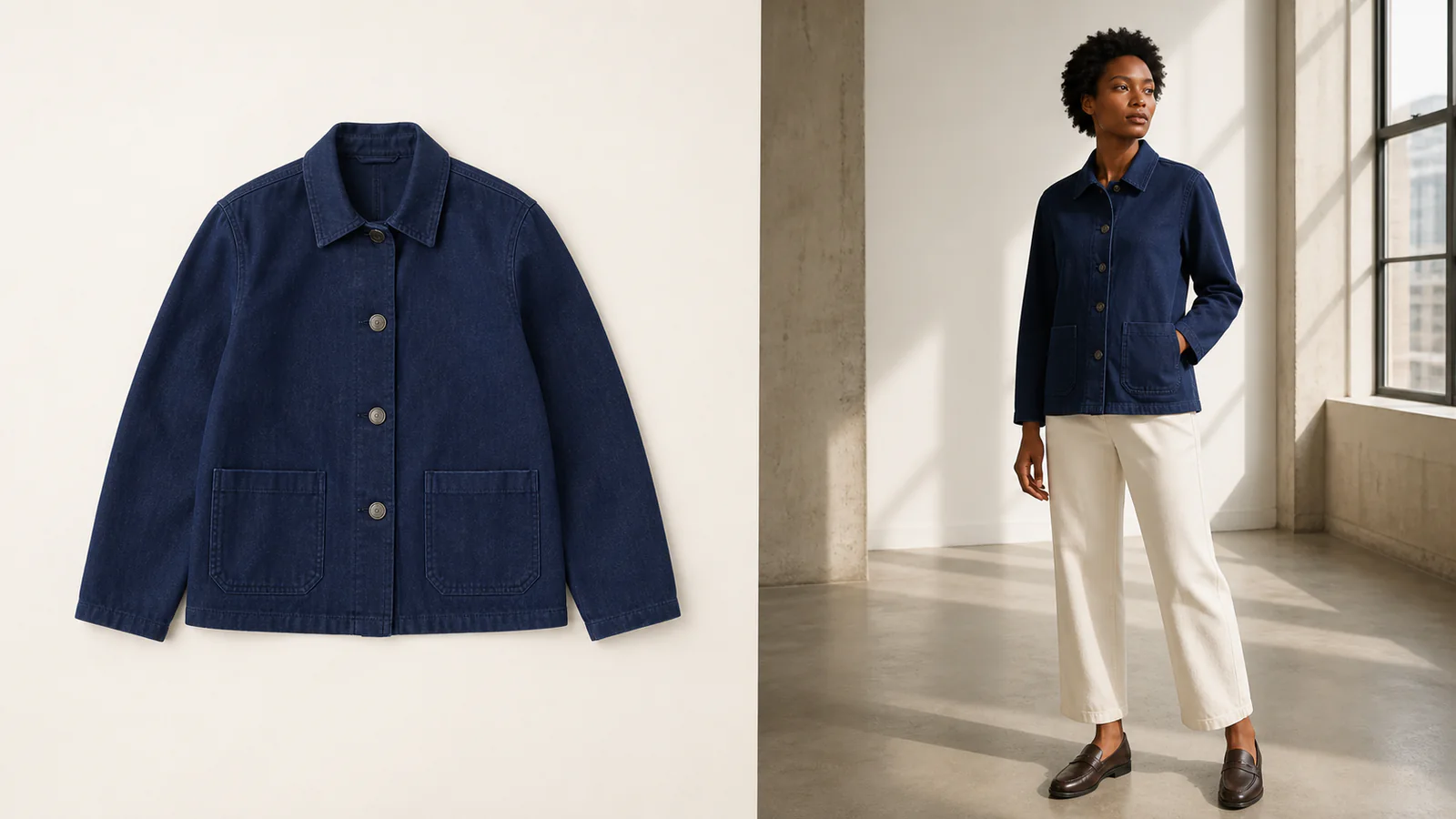
Visual examples
Fashion imagery must explain fit, preserve construction, establish brand mood, and give shoppers enough detail to judge the item.
Show the silhouette and how the garment sits before moving to tighter crops.
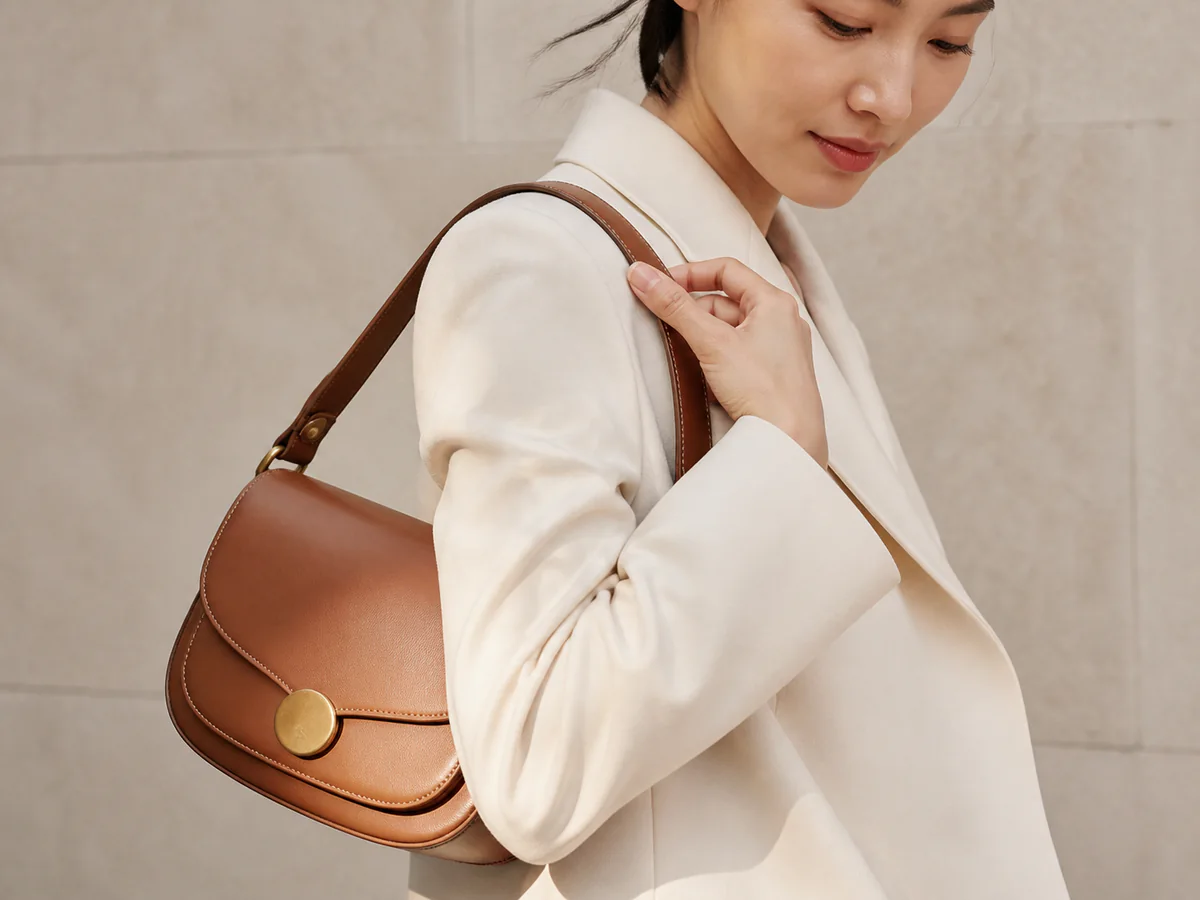
Move closer when size, fastening, placement, or drape is the main question.
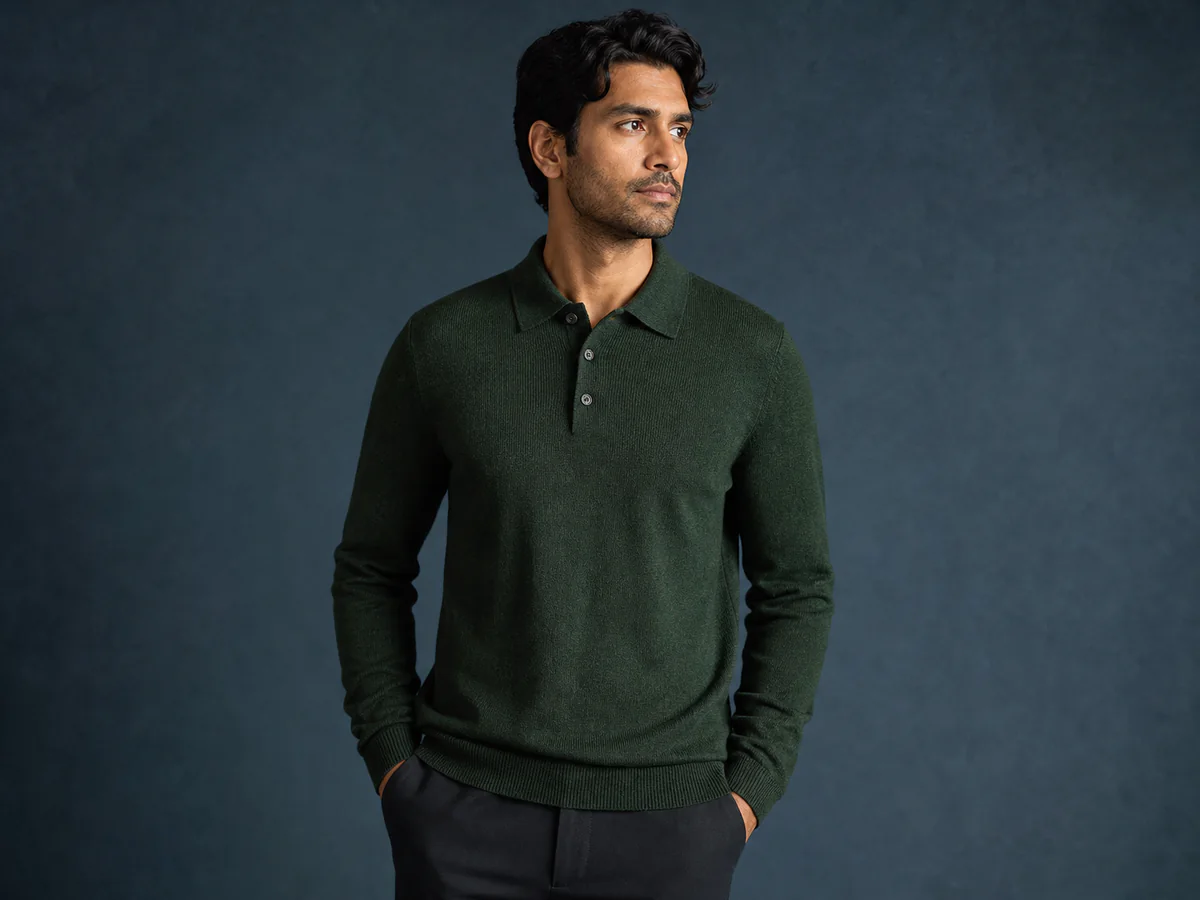
Use a closer crop to review neckline, knit texture, cuffs, and construction without losing the model context.
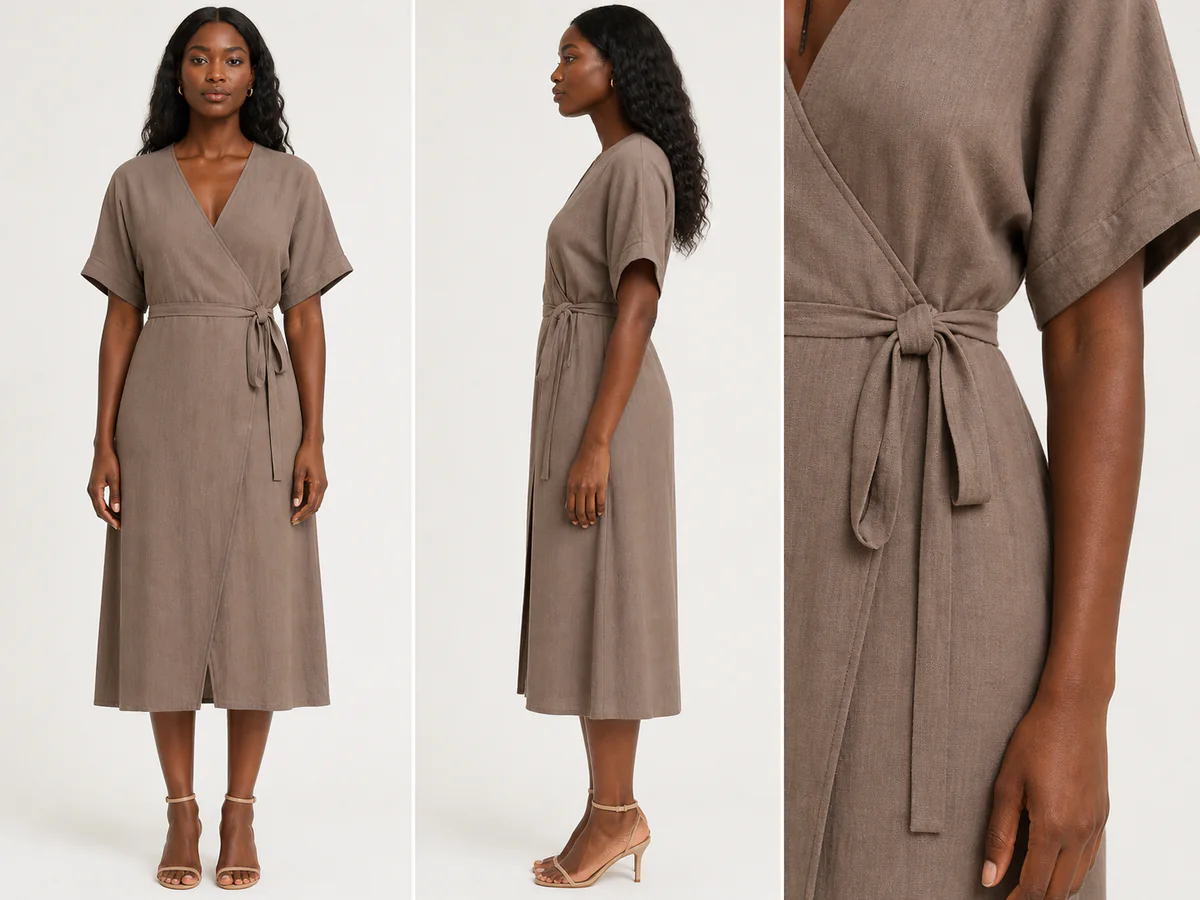
Compare front, profile, and construction details together before approving a product-page image.
Generated people and styling are illustrative. Use authorized references and check garment identity before commercial publication.
Treat the source item as a product specification; pose, model, light, and setting should support it.
Show neckline, sleeves, hem, print, seams, and closures in a sharp source.
Choose whether the image explains fit, leads a lookbook, or tests a campaign mood.
Compare silhouette, fabric, color, logo, hardware, and pattern placement before export.
Inputs, review steps, and publishing considerations for this guided workflow.
Related products
Add accessory close-ups, a clean product anchor, or lifestyle imagery for a complete merchandising story.
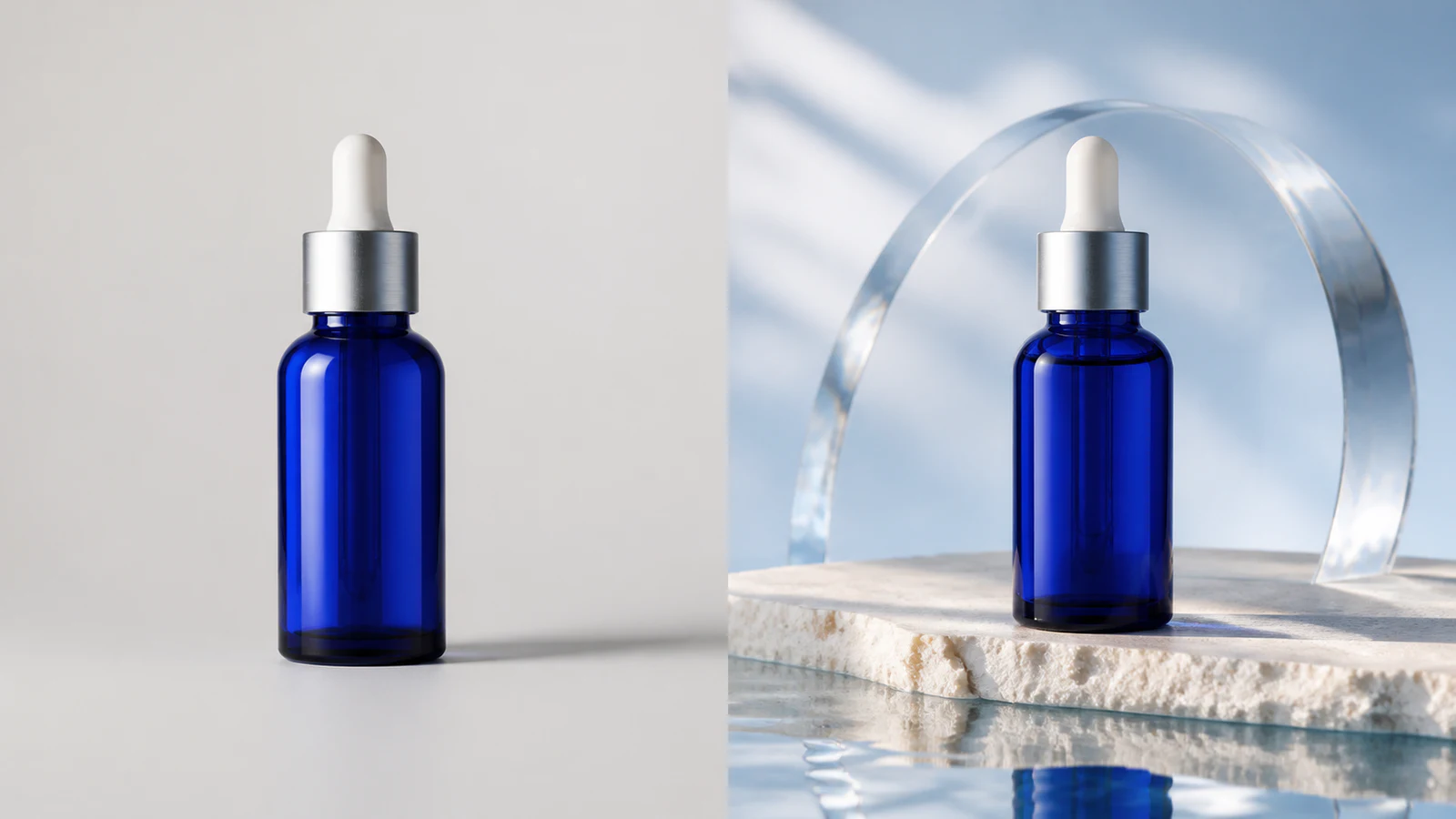
Create premium skincare and cosmetics campaign visuals from simple product photos.
View product page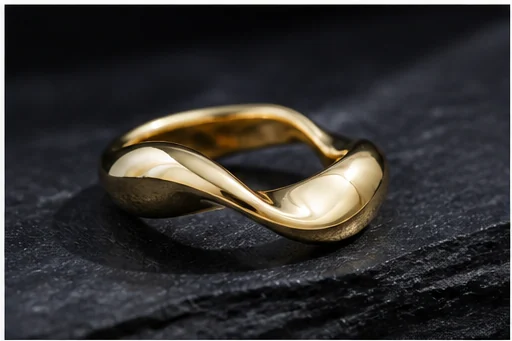
Turn a jewelry image into a luxury campaign-ready visual for ecommerce and paid media.
View product page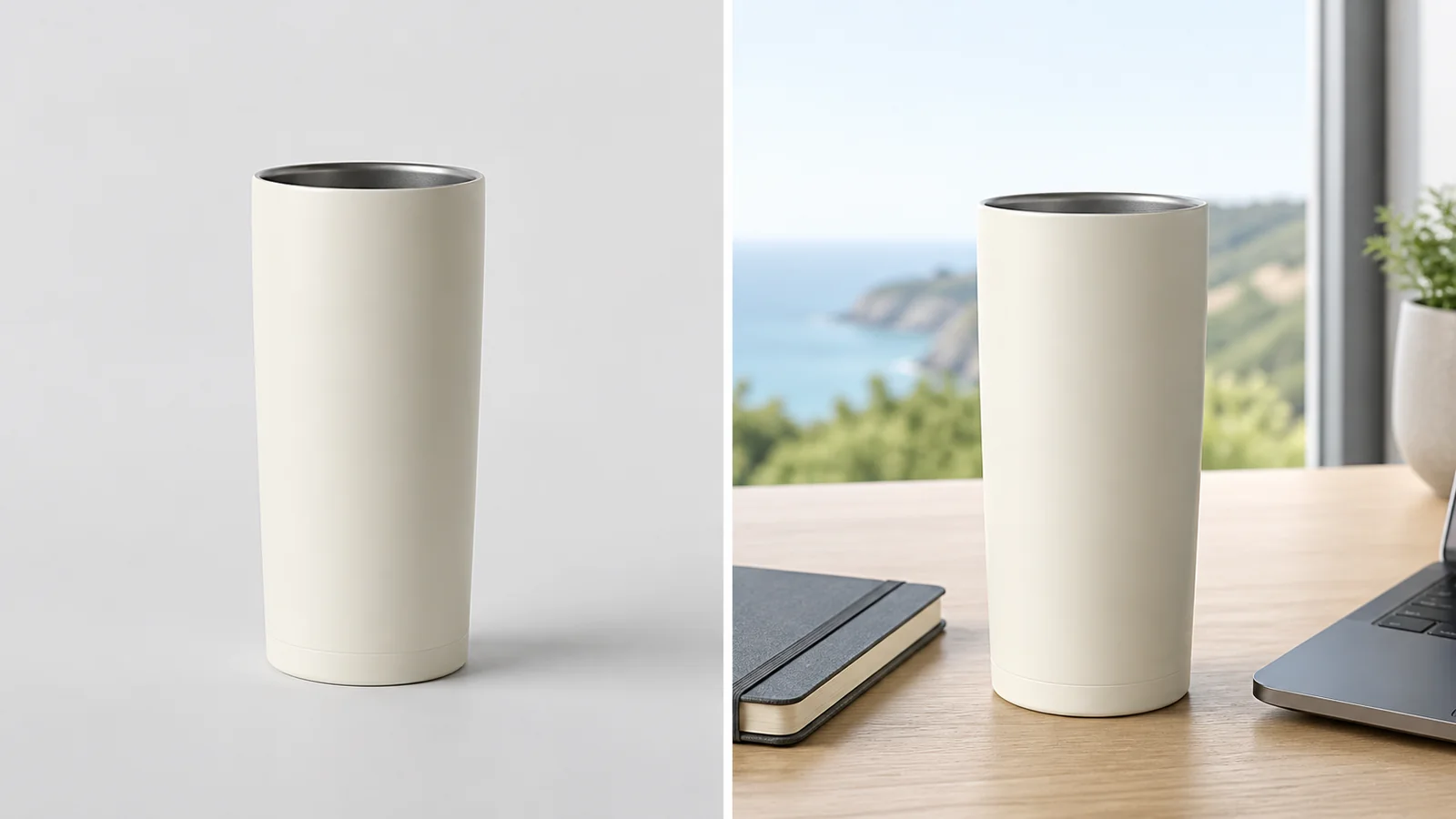
Place a product into a polished campaign-style scene for ads, PDPs, and social creative.
View product pageSource asset ready
Begin with one accurate garment source and one clear merchandising goal.
Open the focused App workspace