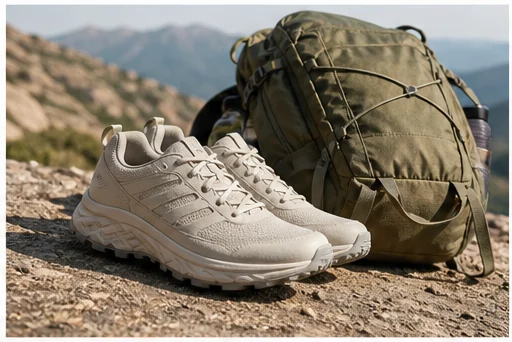
Outdoor launch scene
Give footwear and carry goods a believable trailhead context without hiding product shape.

Upload a clear product photo and build a polished lifestyle image around it while keeping the item as the visual anchor. Use the result for Shopify pages, marketplace galleries, launches, and paid-social tests.
Open the focused App workspace
Visual examples
Different products need different context. Outdoor gear benefits from use cues, home fragrance from atmosphere, tech from a clear workspace, and hospitality products from serving detail.
Give footwear and carry goods a believable trailhead context without hiding product shape.
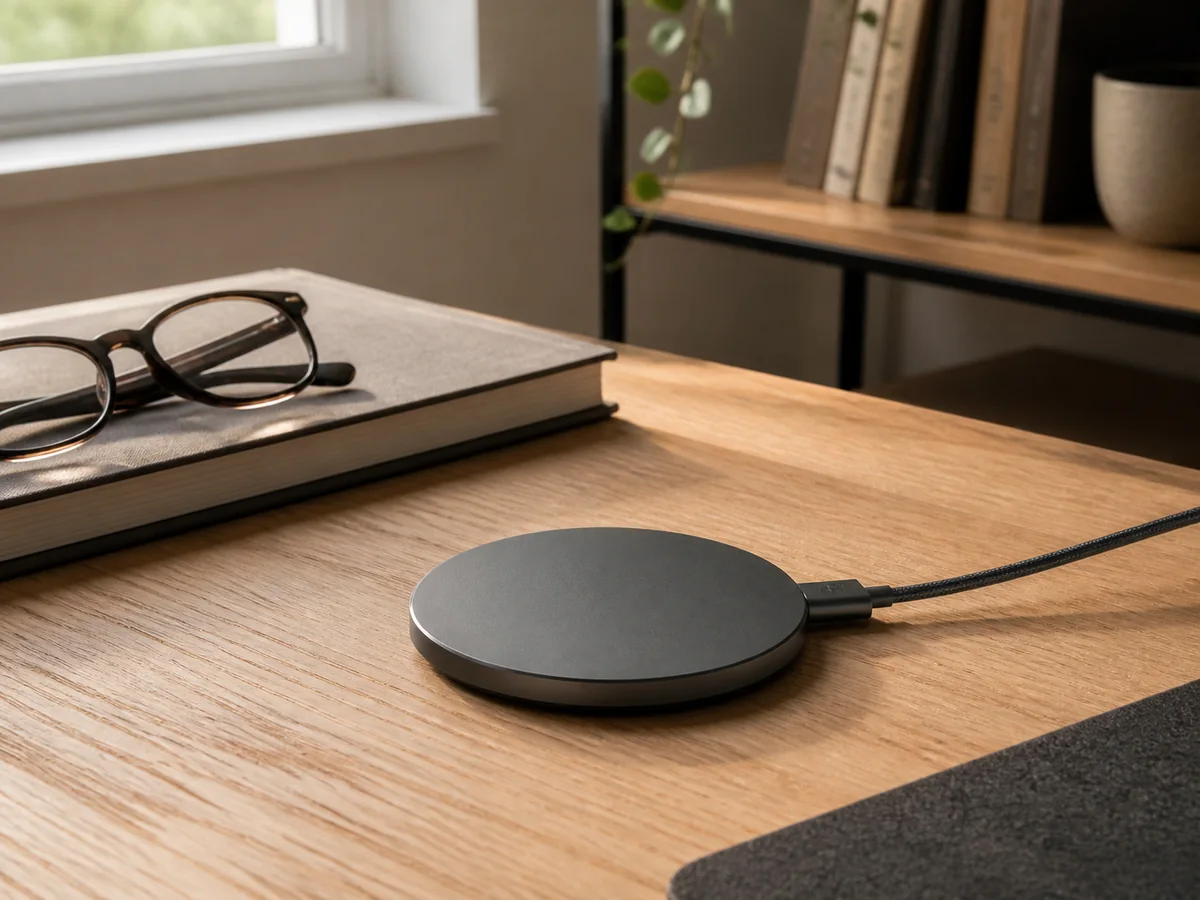
Show a compact device in a realistic work setup so scale and daily use are immediately clear.
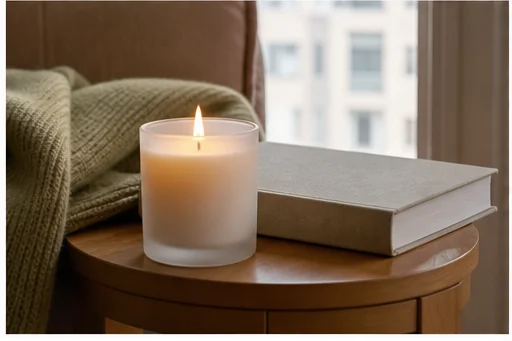
Use restrained light and tactile surfaces to suggest atmosphere while keeping the candle legible.

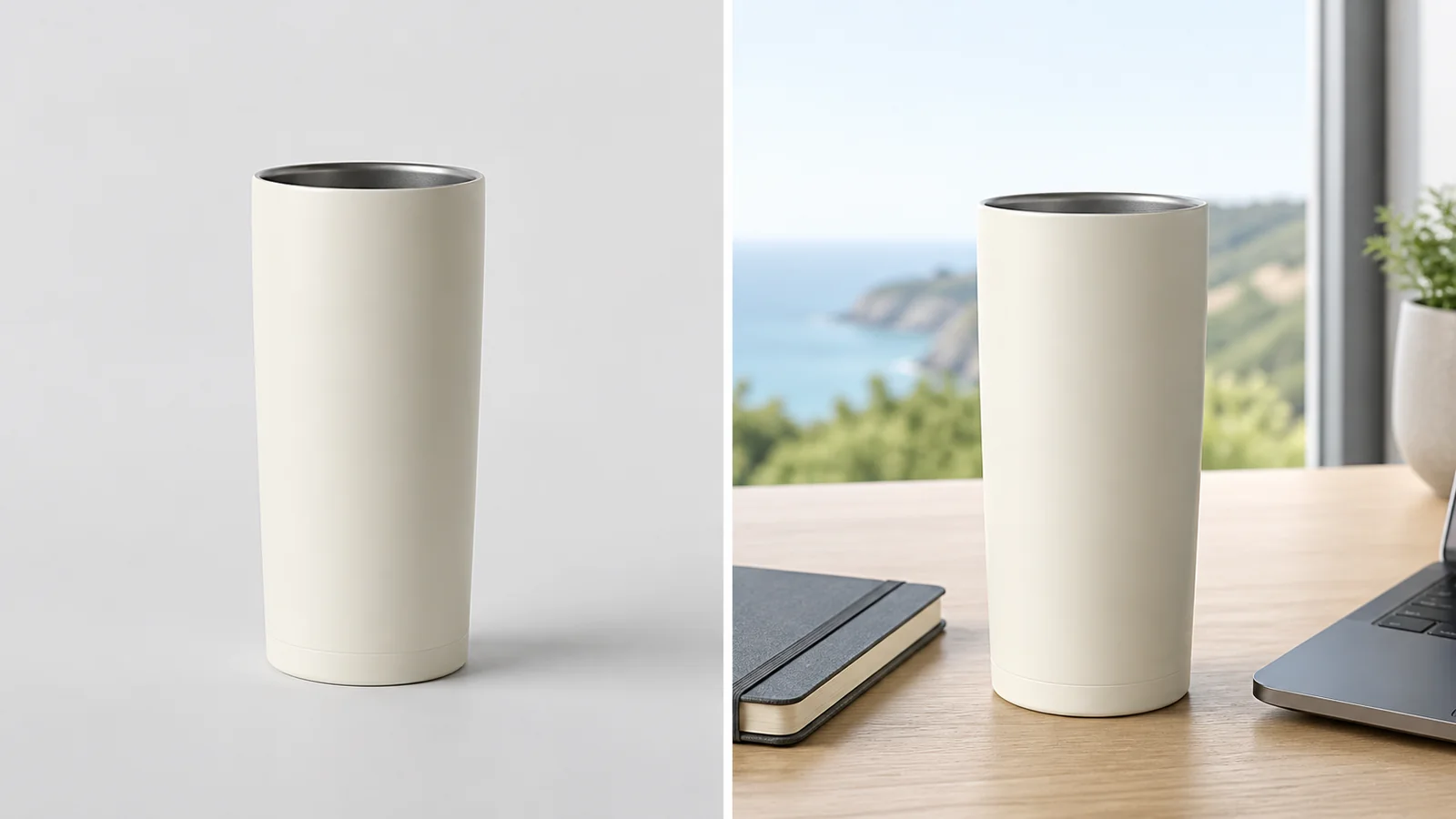
Use serving context and a close commercial crop to explain material, ritual, and scale.
Examples are creative references, not guaranteed outputs. Confirm product identity, visible copy, materials, scale, and channel rules on every generated image.
Protect the product first, then decide where it lives and how the setting supports the buying story.
Use a sharp photo with the full product, labels, edges, and reflective surfaces visible.
Name location, surface, light, camera angle, and channel instead of stacking style words.
Create a hero, detail view, and alternate crop, then compare all against the same source.
Inputs, review steps, and publishing considerations for this guided workflow.
Related products
Pair the lifestyle hero with a clean packshot, paid-social variant, or category campaign image.
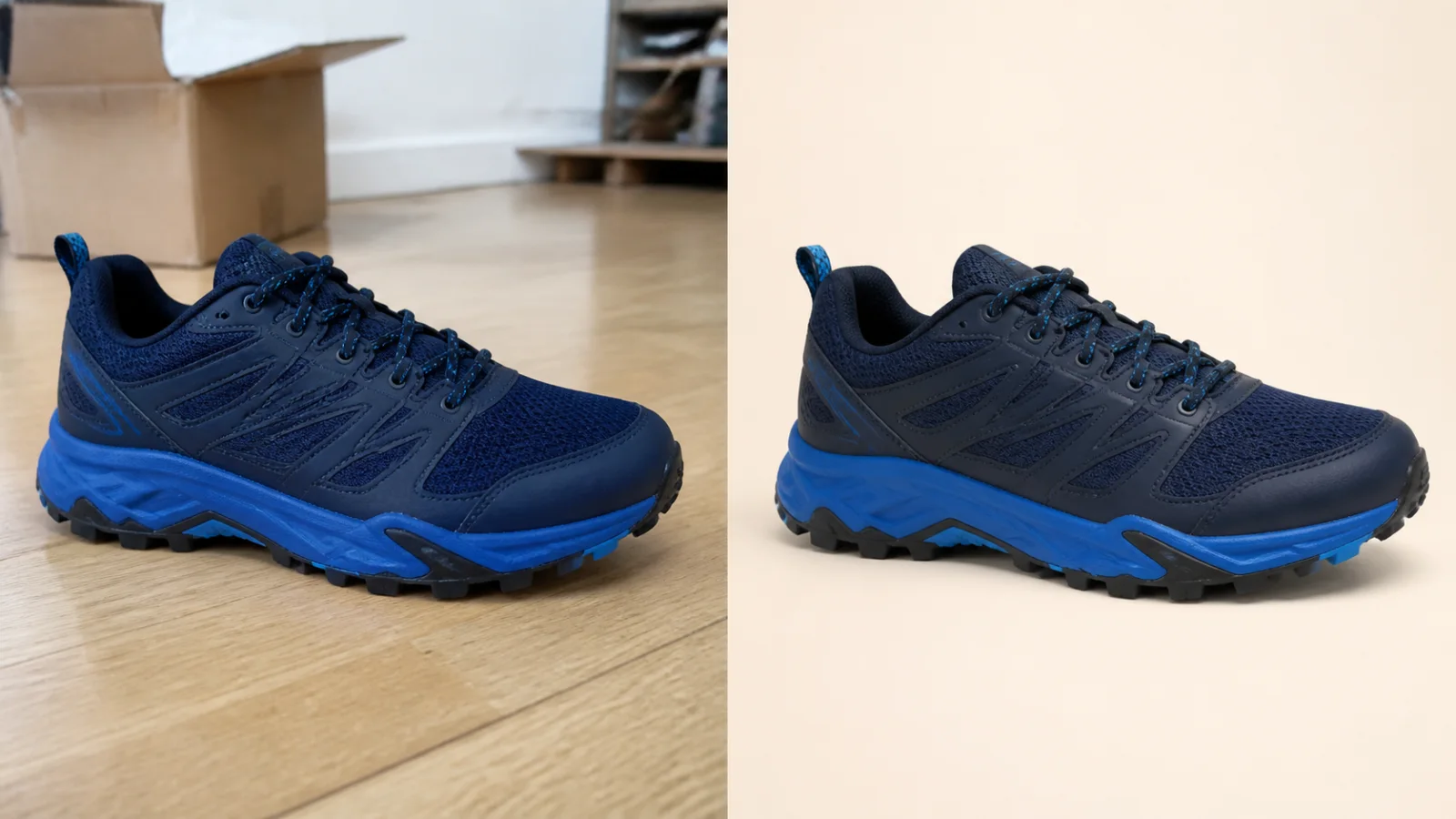
Clean up a product photo into a marketplace-ready packshot with a simple one-purpose flow.
View product page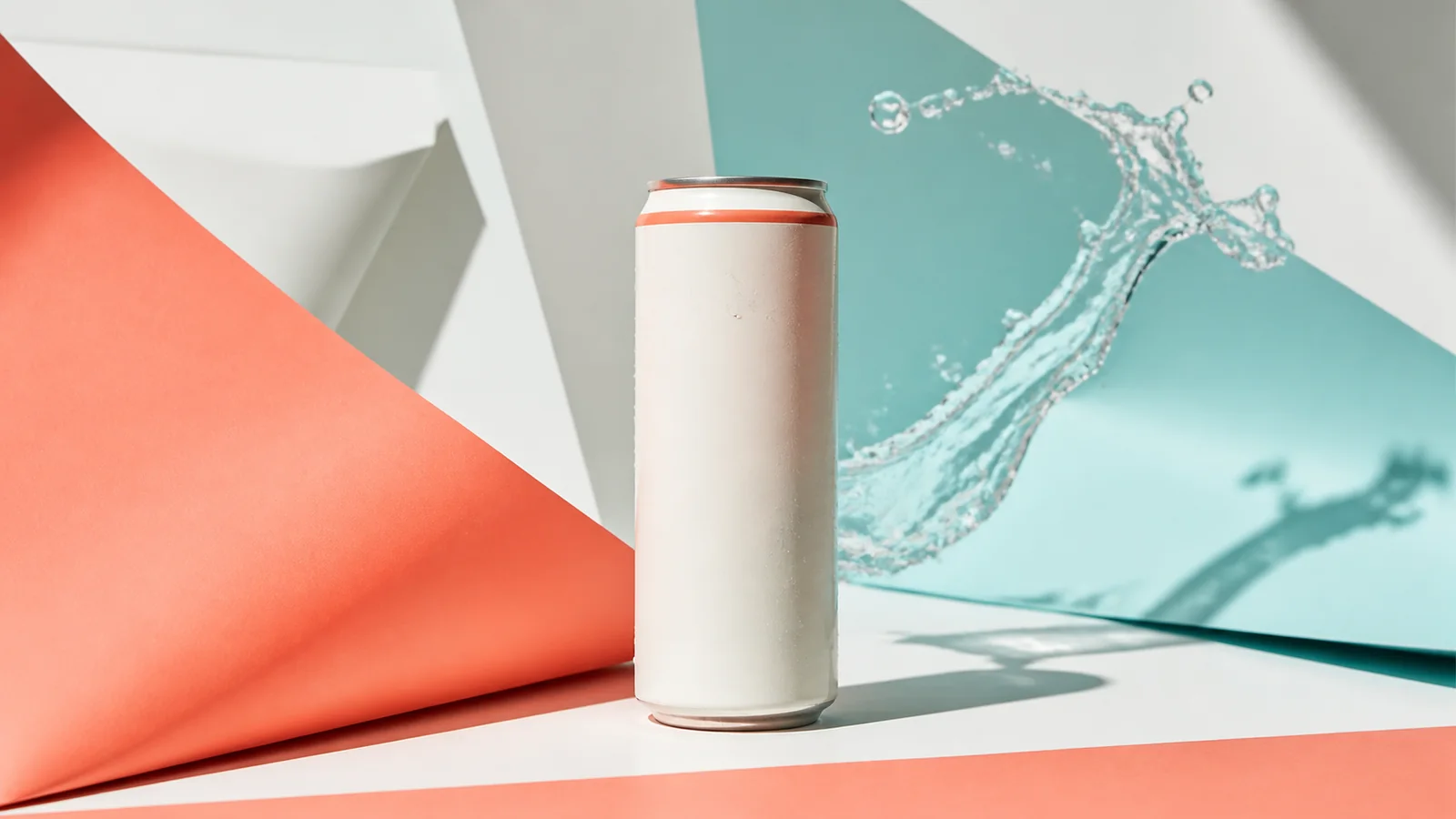
Turn a product image into a polished paid-social creative built for scroll-stopping campaigns.
View product page
Create premium skincare and cosmetics campaign visuals from simple product photos.
View product pageSource asset ready
Start with one clear setting, review product fidelity, then expand into a coordinated image set.
Open the focused App workspace