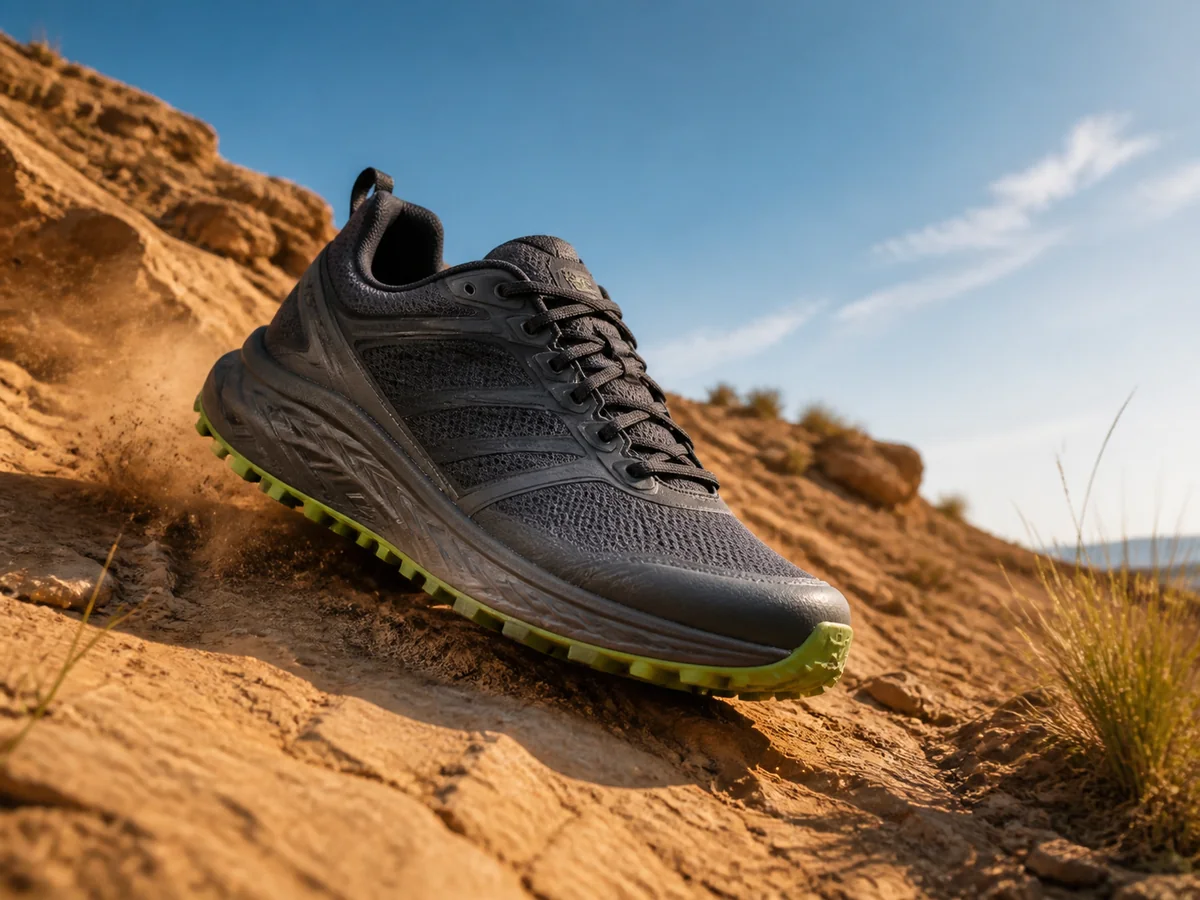
Outdoor performance cue
Put the shoe in a trail context so the intended use reads before supporting copy is added.

Create one logo-free, text-free visual designed to read in a mobile feed. Review the product first, then add approved copy, pricing, and offers in your campaign layout.
Open the focused App workspace
Visual examples
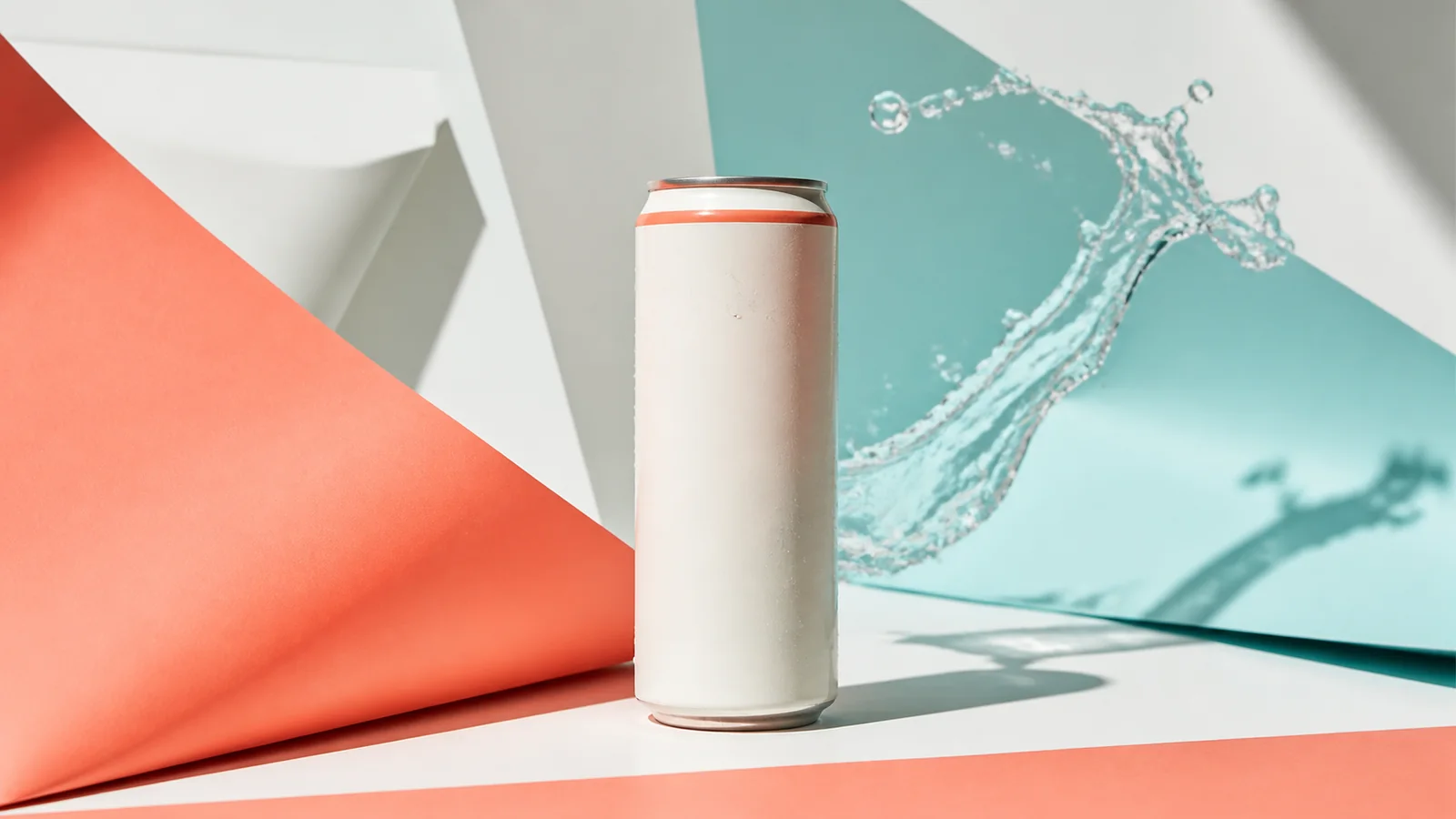
Each direction changes one meaningful reason to stop—use context, sensory texture, craftsmanship, or a controlled visual matrix while keeping the sellable item recognizable.
Put the shoe in a trail context so the intended use reads before supporting copy is added.
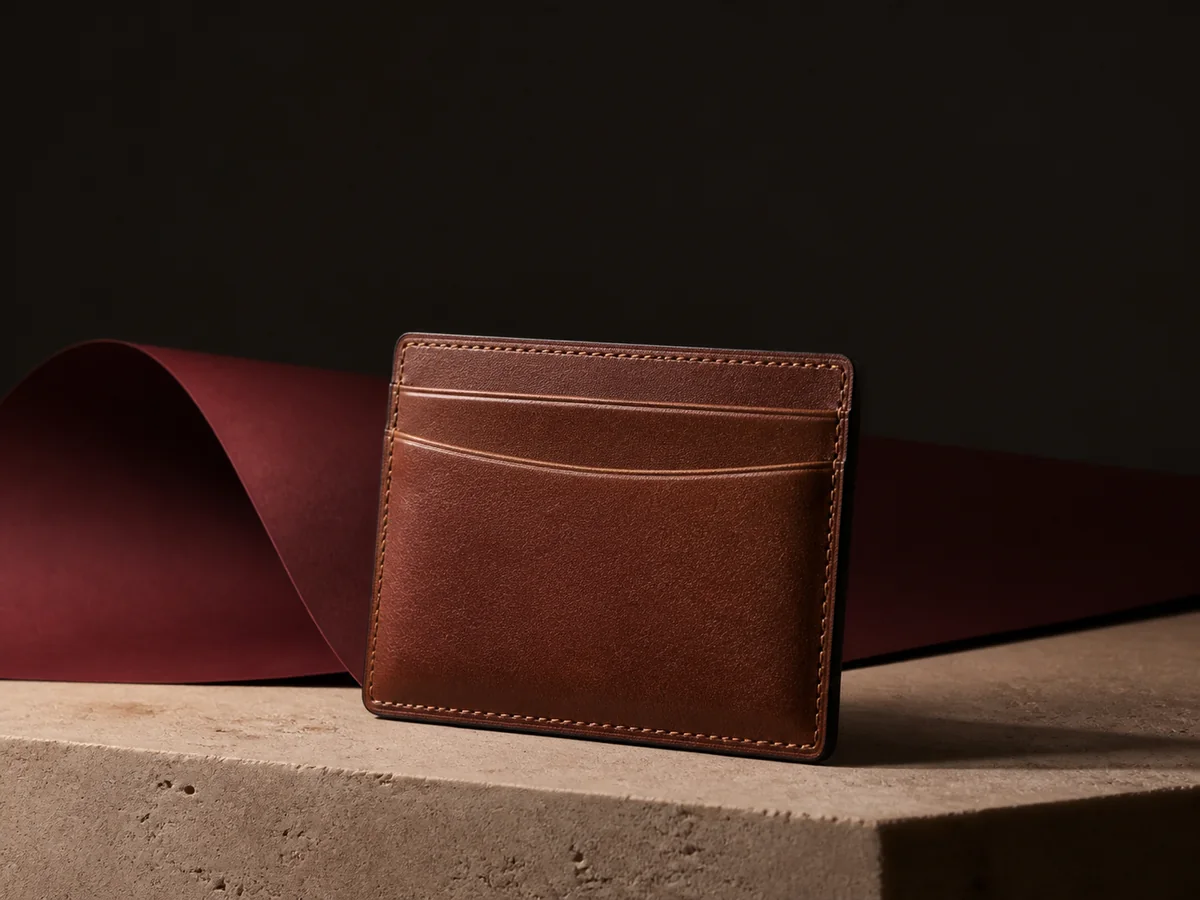
Let stitching, grain, and hardware carry a premium accessories concept while the product remains identifiable.
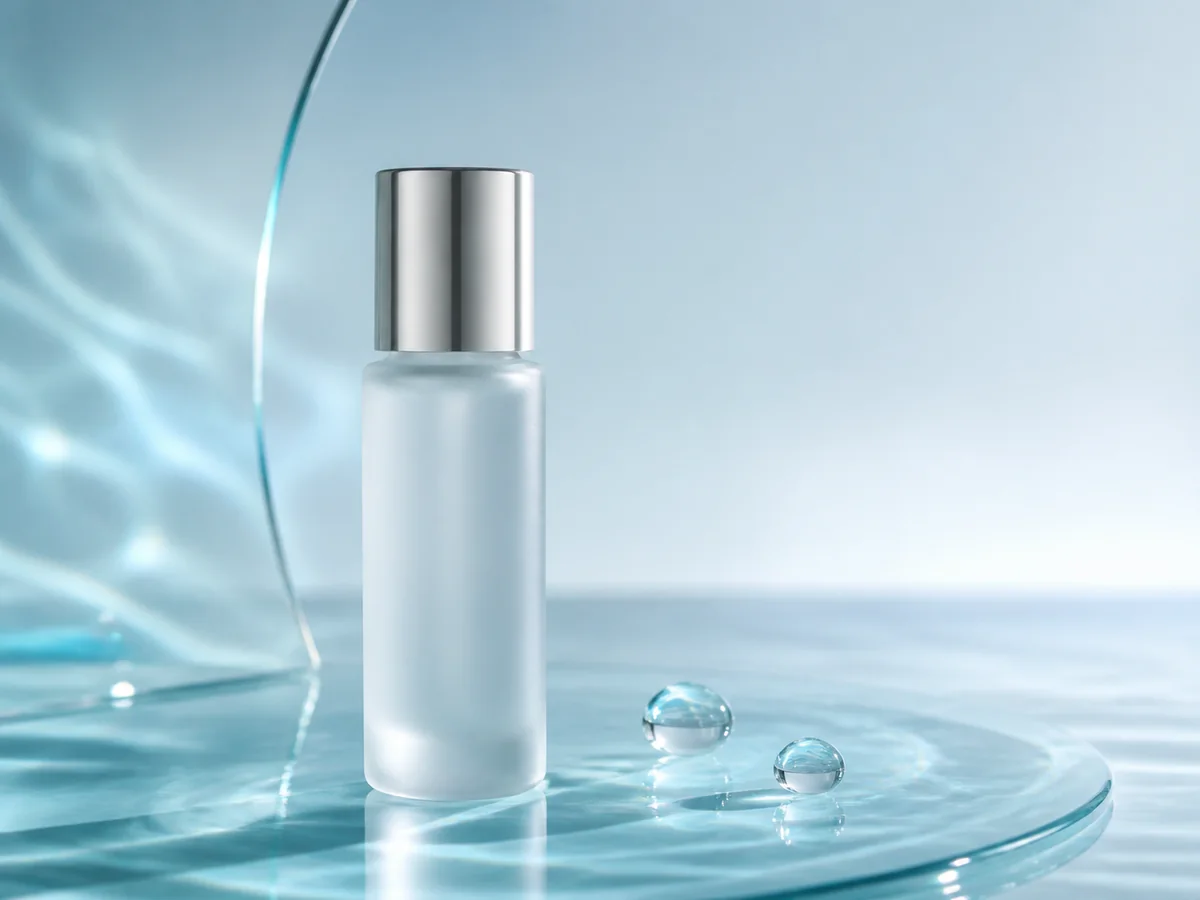
Use liquid, light, and close detail to create a tactile skincare hook without inventing an ingredient claim.
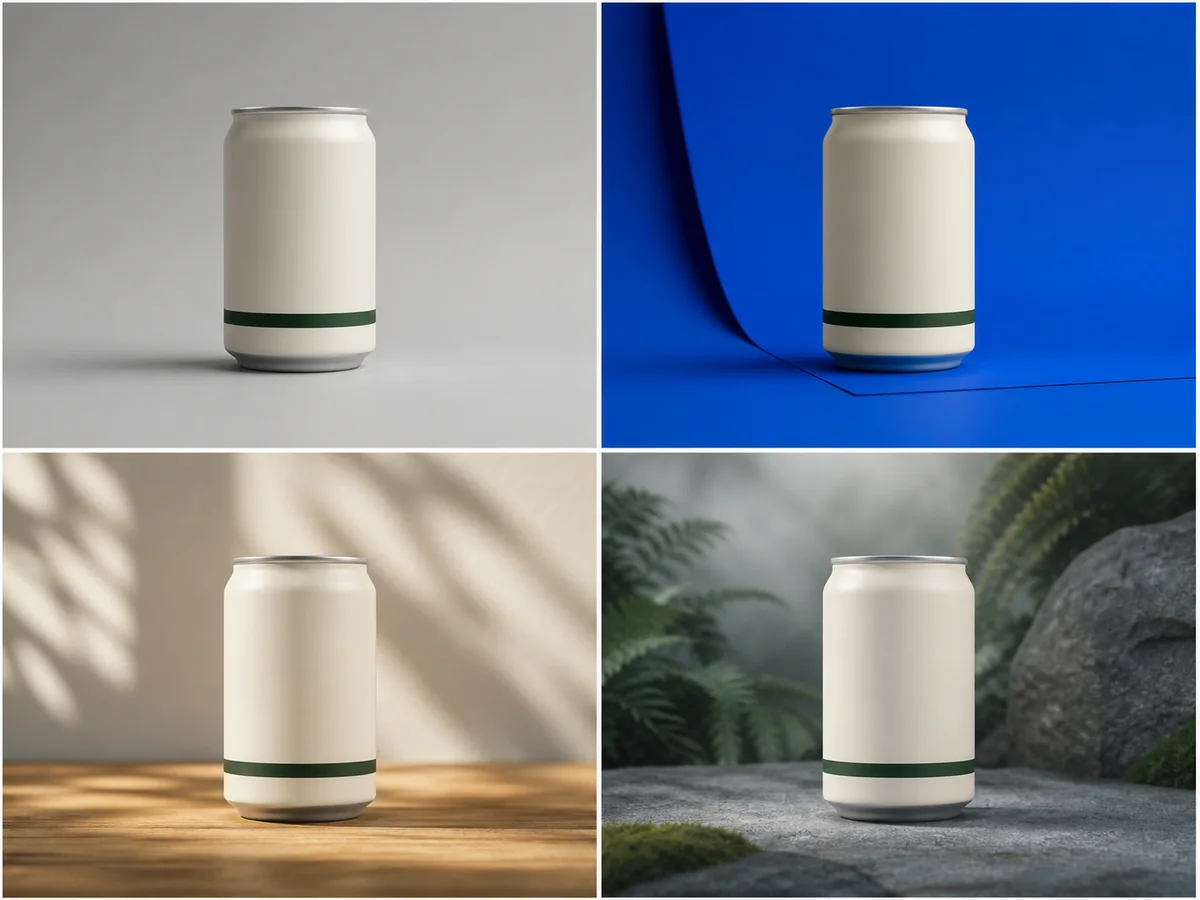
Compare background, crop, and lighting directions around the same hero item instead of making near-duplicate ads.
Before launch, verify packaging, color, claims, offer terms, platform policy, safe areas, and every piece of copy added later.
Decide what the visual needs to prove before generating, then keep copy and offer changes outside the image-making step.
Use a sharp product photo with accurate color, complete edges, and enough resolution to inspect details.
Set one audience context and one reason to stop, such as use, texture, craft, or contrast.
Reject product drift first; only then place the headline, price, CTA, and disclosures in a controlled layout.
Inputs, review steps, and publishing considerations for this guided workflow.
Related products
Start with a clean packshot, a believable lifestyle scene, or a category-specific campaign image, then develop the ad matrix.
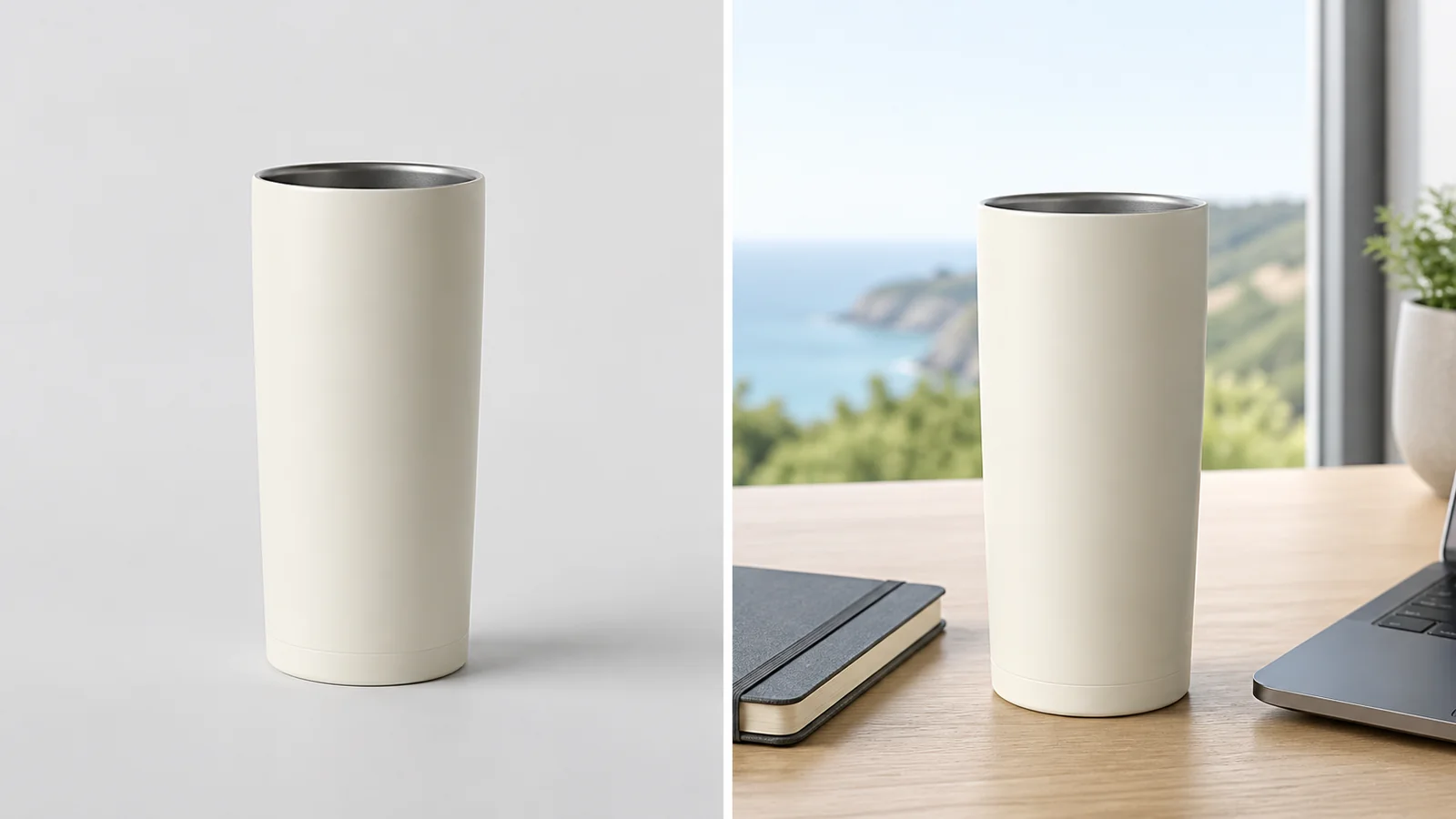
Place a product into a polished campaign-style scene for ads, PDPs, and social creative.
View product page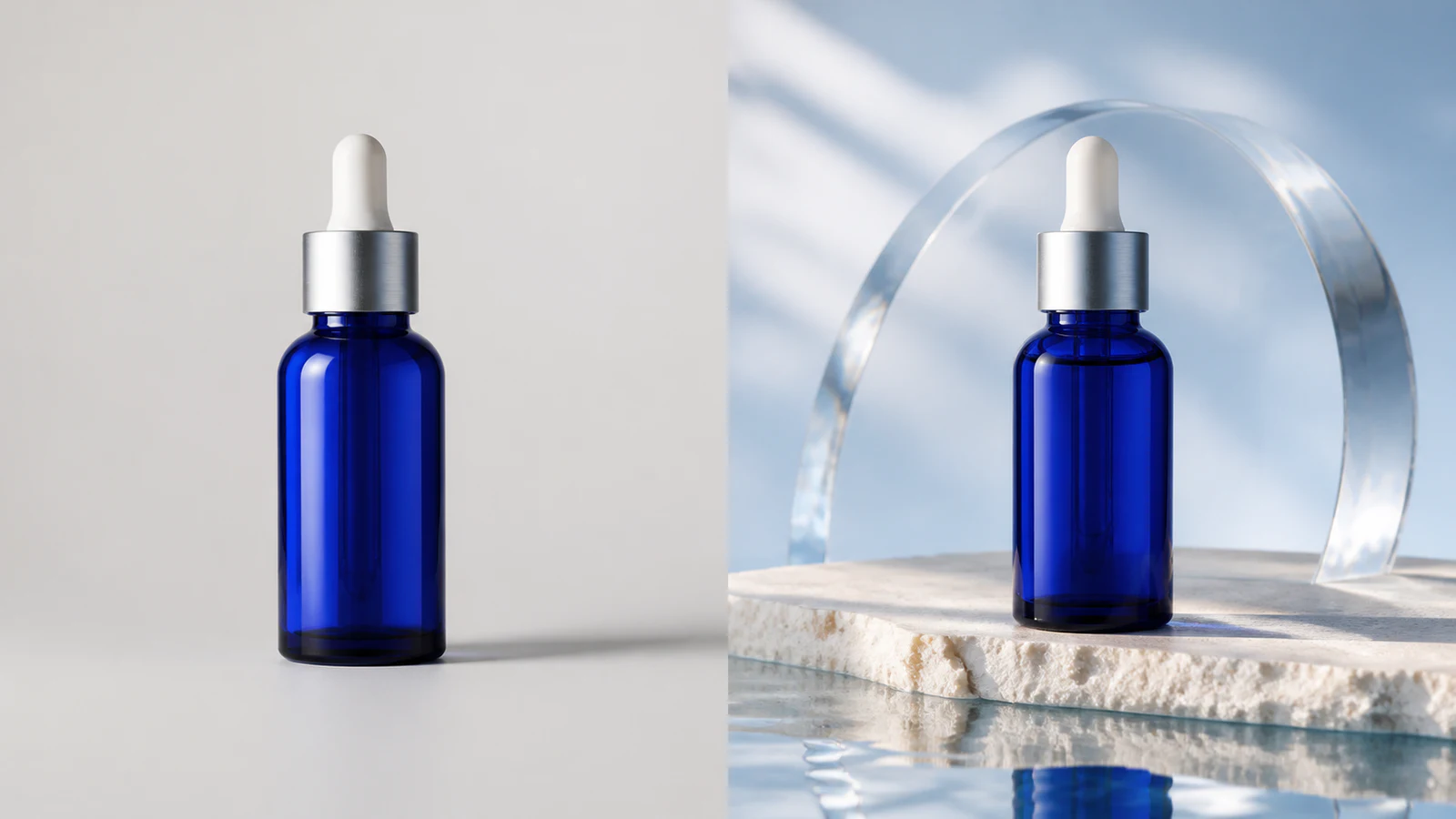
Create premium skincare and cosmetics campaign visuals from simple product photos.
View product page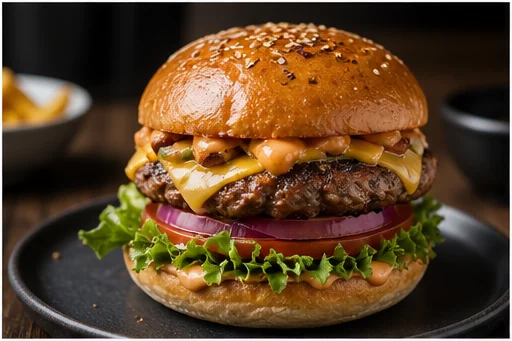
Upgrade a dish photo into an appetizing restaurant, menu, or delivery-platform hero image.
View product pageSource asset ready
Bring one product photo, one audience context, and one visual hypothesis into the workspace.
Open the focused App workspace