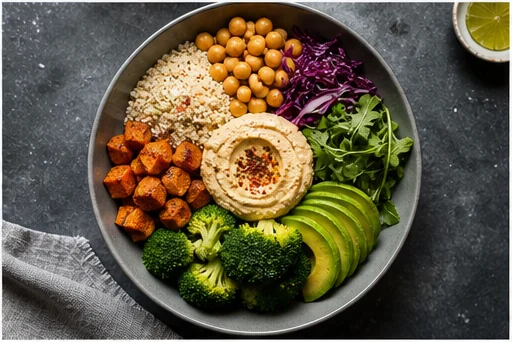
Primary menu hero
Use a clear plate view so the dish remains recognizable at thumbnail size.

Improve lighting, background, composition, and appetite appeal for menus, delivery listings, restaurant websites, and seasonal promotions—without inventing a different meal.
Open the focused App workspace
Visual examples
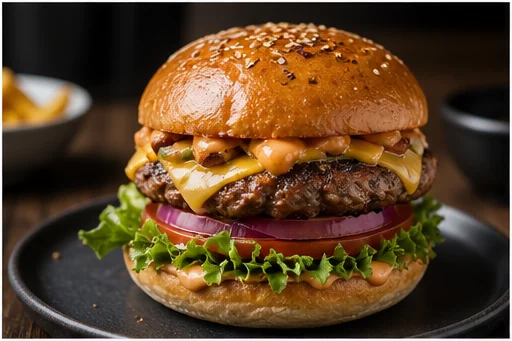
Menu images need consistent light and framing, but customers expect the dish, portion, and visible ingredients to match.
Use a clear plate view so the dish remains recognizable at thumbnail size.
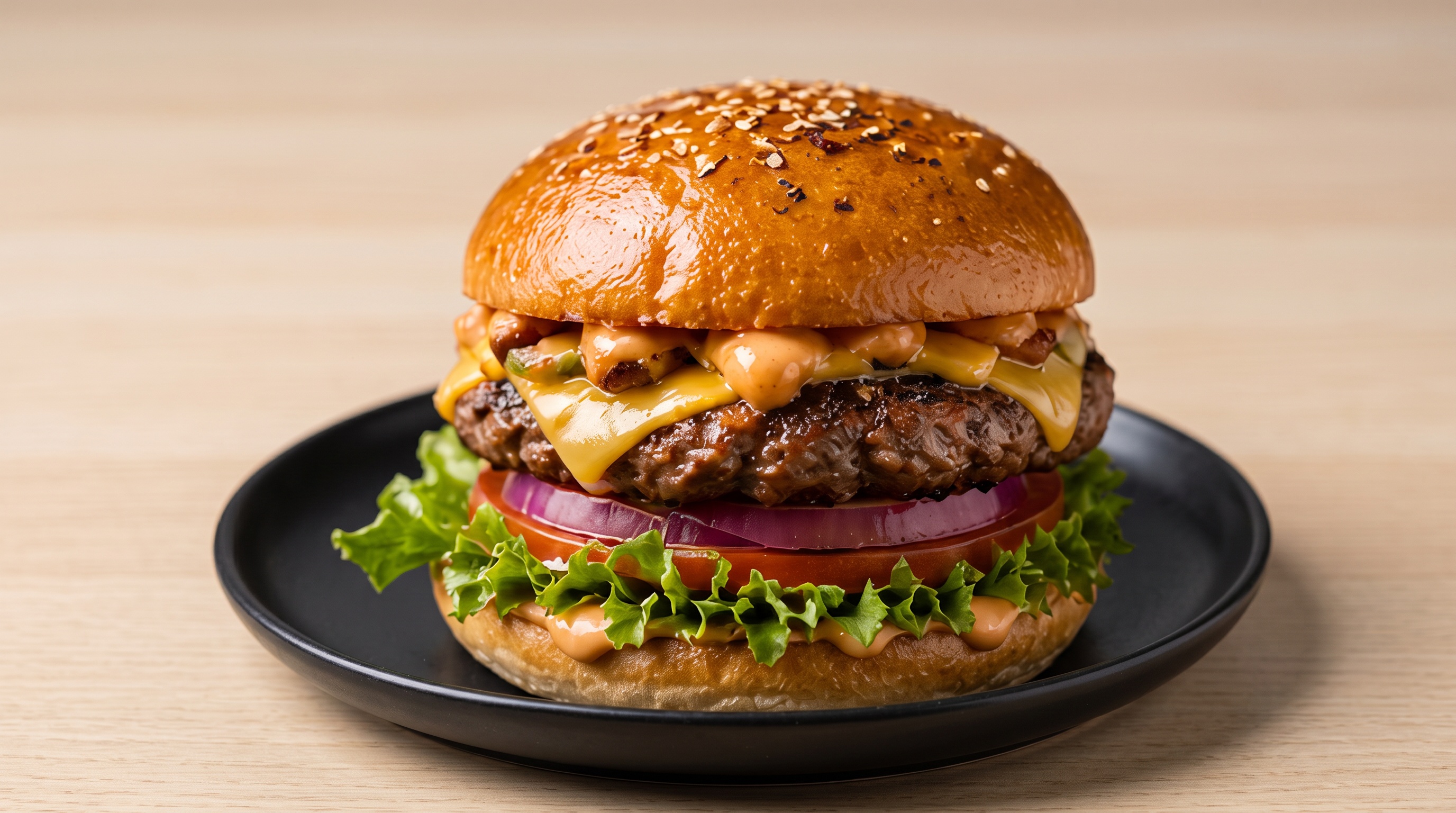
A real burger upload was cleaned and reframed in the Toono dashboard while keeping the original dish and portion visible.
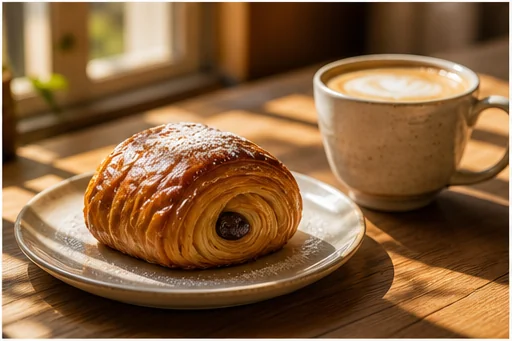
Add atmosphere only when it supports the experience without hiding food.
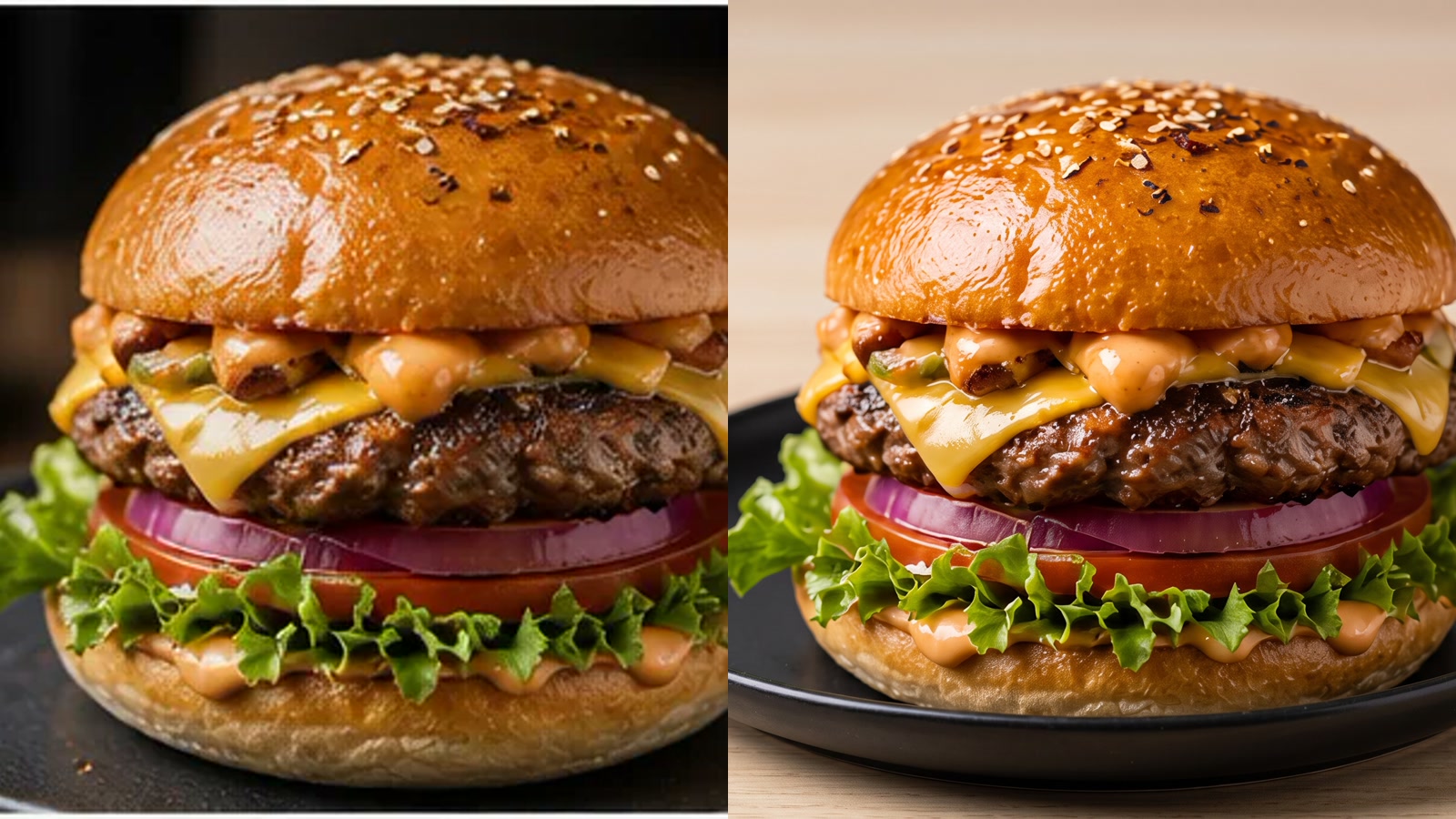
Compare the real phone photo with the generated listing image before approving ingredients, count, garnish, and crop.
Do not publish an image that adds ingredients, increases portion, changes the dish, or shows an unavailable serving style.
Start with the dish customers can order, direct the setting, then verify every food detail.
Photograph the standard portion with normal garnish, plate, and ingredients.
Specify delivery listing, printed menu, website hero, or social post.
Check food count, portion, garnish, doneness, color, and container.
Inputs, review steps, and publishing considerations for this guided workflow.
Related products
Add a product anchor, broader lifestyle scene, or paid-social variation around the menu hero.
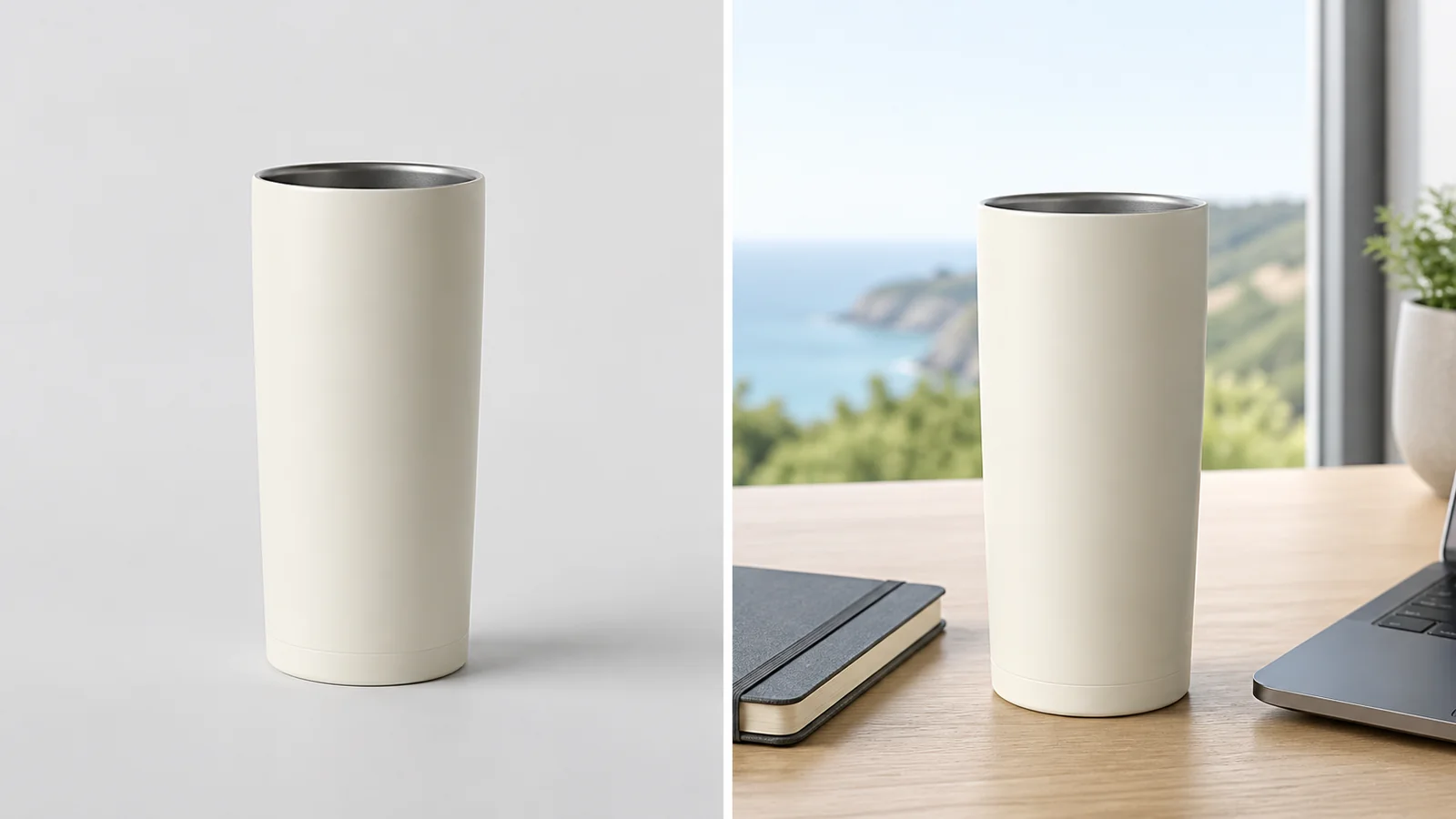
Place a product into a polished campaign-style scene for ads, PDPs, and social creative.
View product page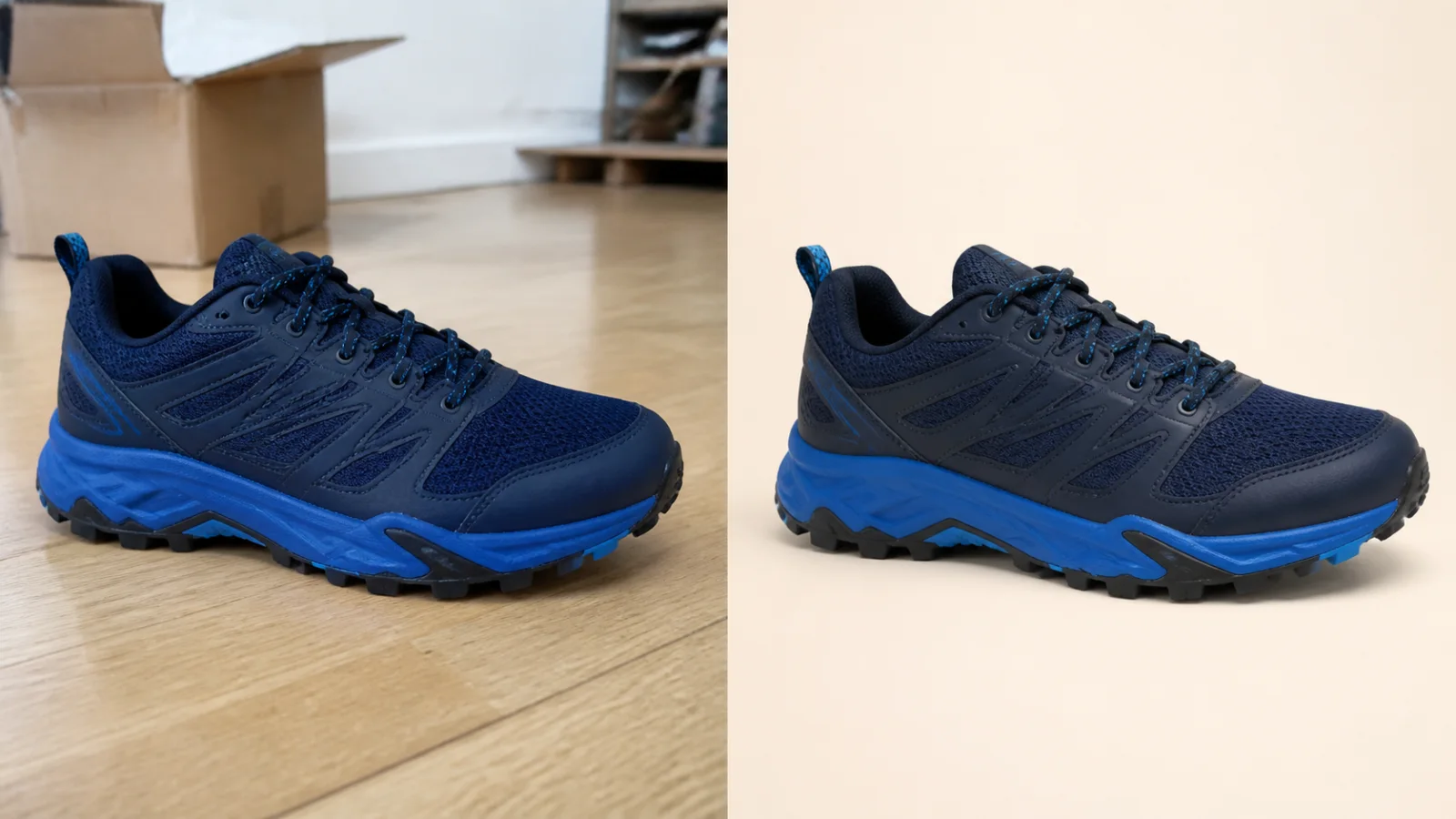
Clean up a product photo into a marketplace-ready packshot with a simple one-purpose flow.
View product page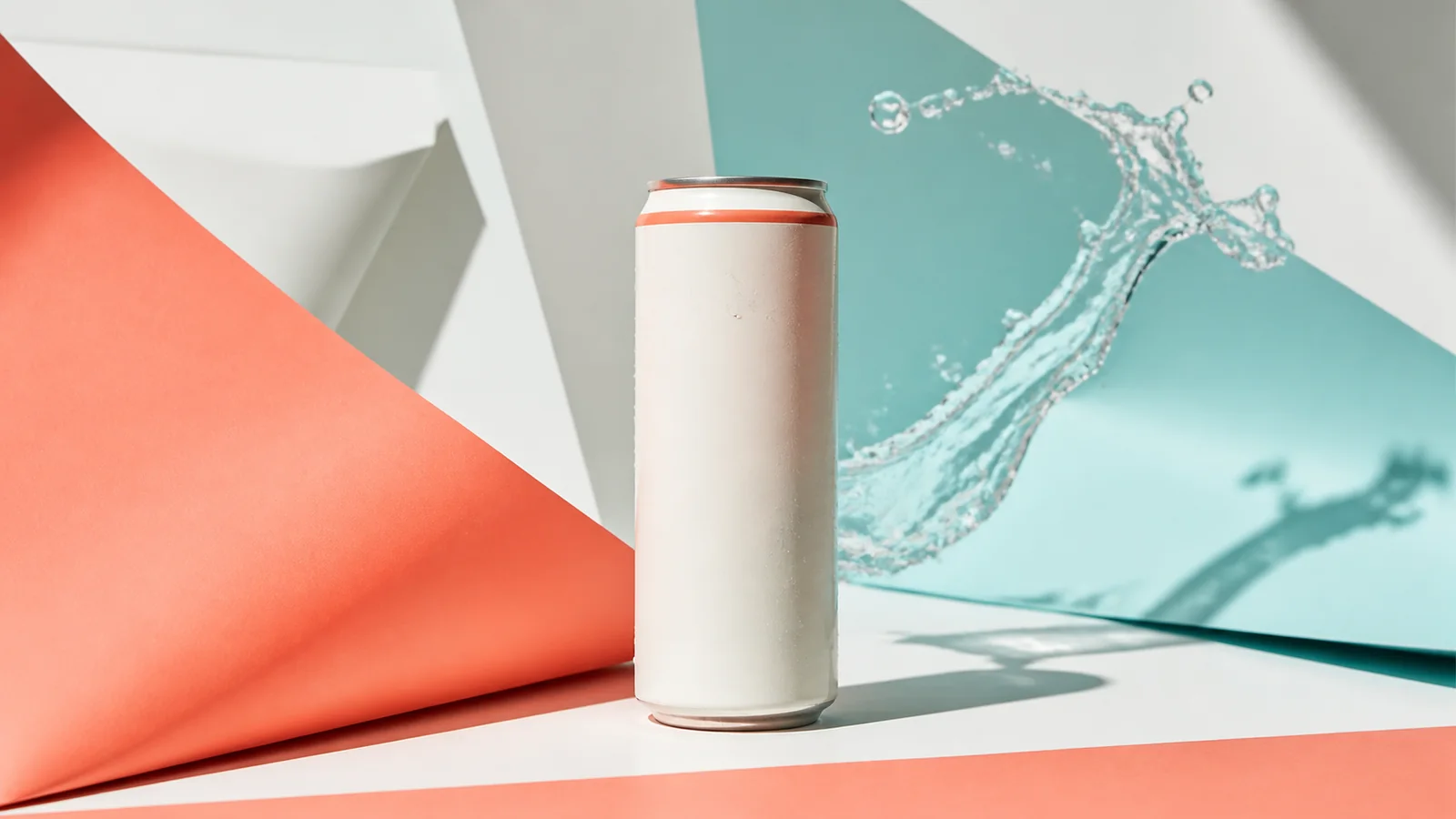
Turn a product image into a polished paid-social creative built for scroll-stopping campaigns.
View product pageSource asset ready
Start with the standard portion customers can actually order.
Open the focused App workspace