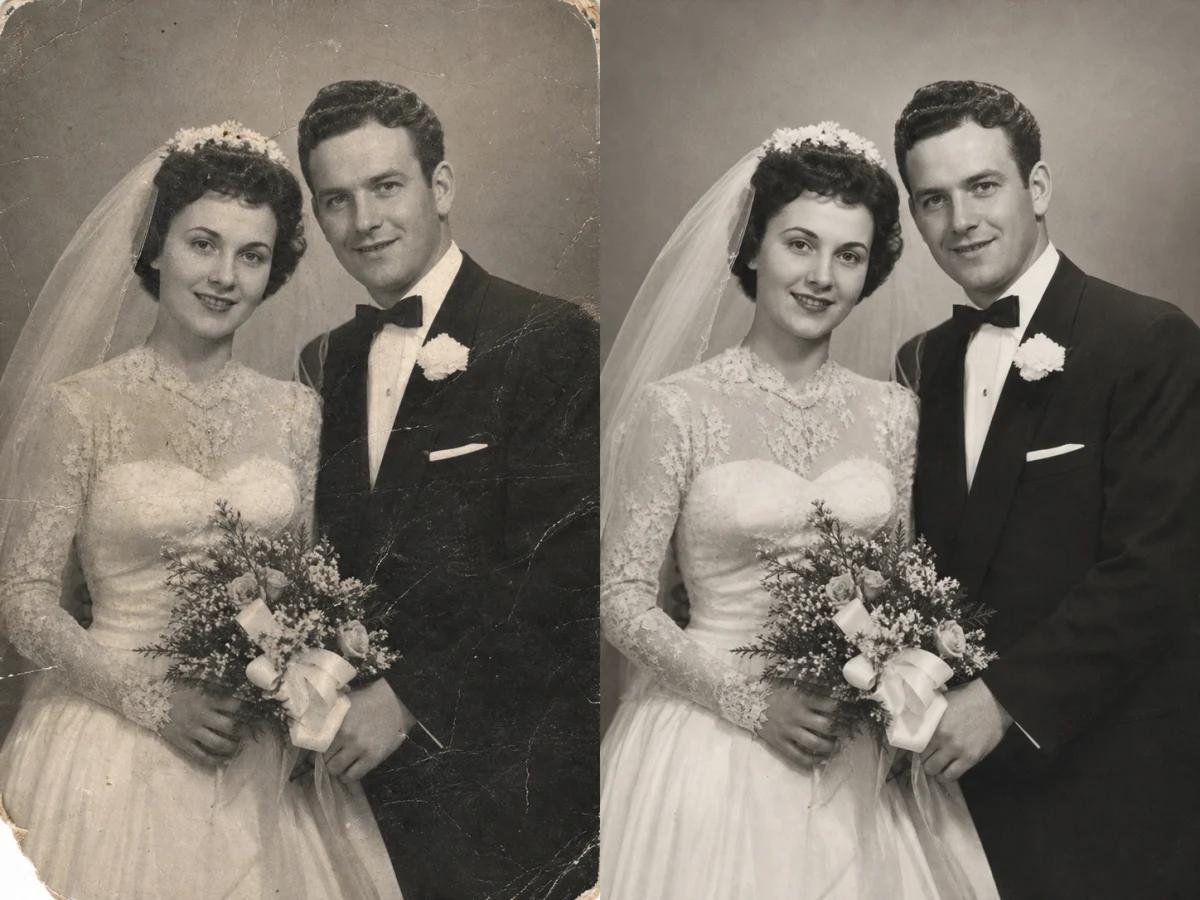
Restore Old Photos with AI

Restore your old photos to full clarity. Include scratches, blur, color loss, and more.

hero background
Reference Image(0/1)

No Images Generated

Flexible Pricing for Nano Banana Pro Generator

Keep your existing purchase flow and unlock nano banana pro generator for one-time and subscription usage.

Starter

$19.9
$14.9 / month
Great for regular users

Includes

  • 500 credits per month
  • Priority support
  • Advanced features
  • Cancel anytime
Popular

Pro

$49.9
$39.9 / month
Most popular choice
Most popular choice

Everything in Starter, plus

  • 1,500 credits per month
  • Premium support
  • All features included
  • Priority processing

Max

$99.9
$79.9 / month
For teams and heavy users

Everything in Pro, plus

  • 4,000 credits per month
  • Dedicated support
  • Custom integrations

Restore Photos at Production Speed

This workflow turns fragile archives into clean digital assets quickly with repeatable quality and less manual retouching.

10x faster than manual scratch and dust cleanup

10x

faster than manual scratch and dust cleanup

90% of images improved after first automated restoration pass

90%

of images improved after first automated restoration pass

4K export-ready quality for print, social, and archive use

4K

export-ready quality for print, social, and archive use

1 flow for color repair, deblur, denoise, and detail recovery

1 flow

for color repair, deblur, denoise, and detail recovery

Why Teams Use This AI Photo Restoration Tool

To repair old photos consistently, you need clean edges, natural color, and low artifact risk. This page focuses on a practical upload, repair, compare, and export workflow.

Scratch Removal

Cleans dust, creases, and small damage while preserving original structure.

Blur Recovery

Improves facial detail and object edges without pushing heavy oversharpen halos.

Color Revival

Restores faded tones and white balance for natural skin and accurate background color.

Noise Control

Reduces grain and compression artifacts while keeping texture readable.

Batch-Friendly

Supports repeatable output across family albums and business archives.

Export Ready

Generates share-ready visuals for print, web, docs, and memorial projects.

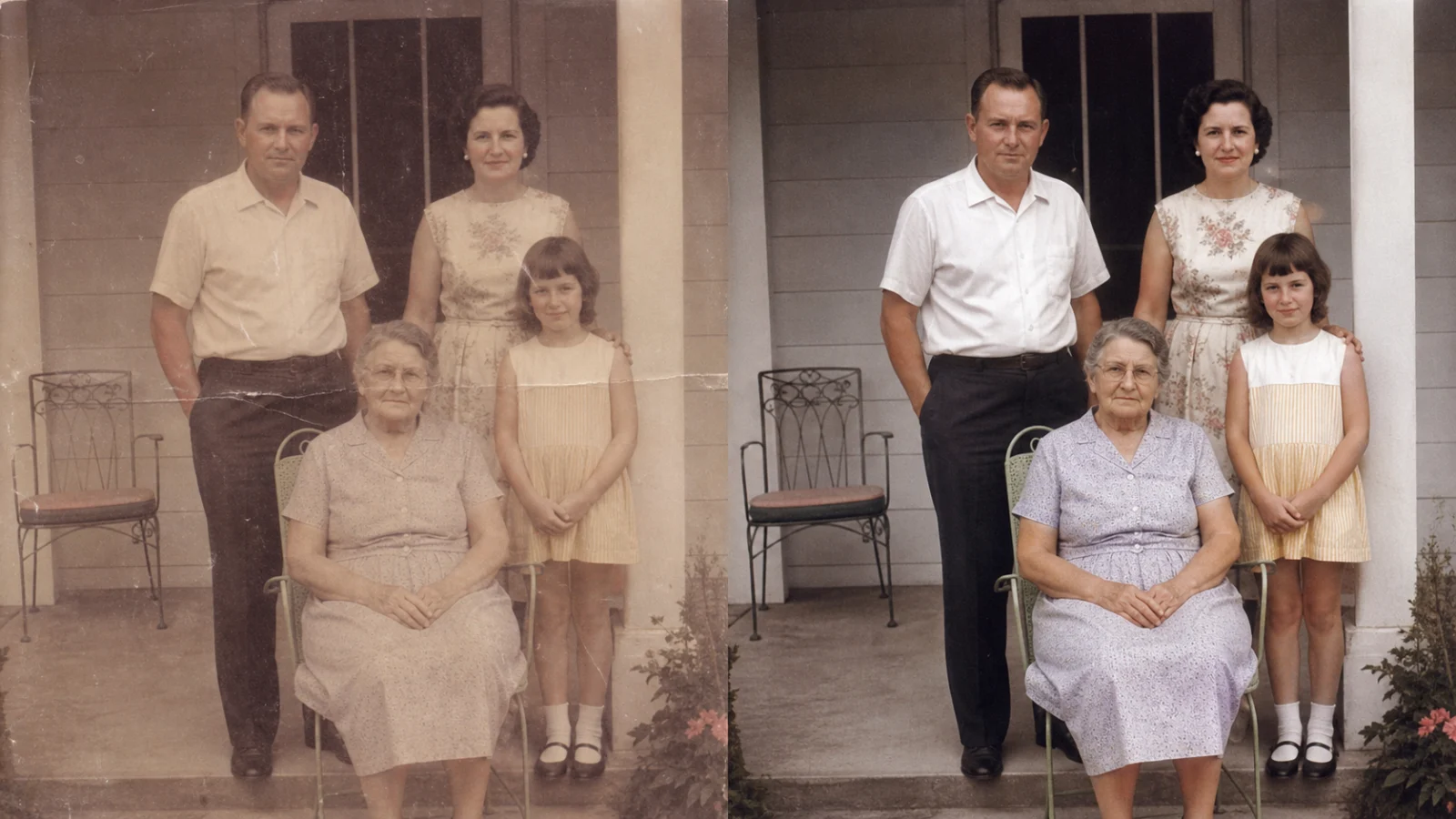
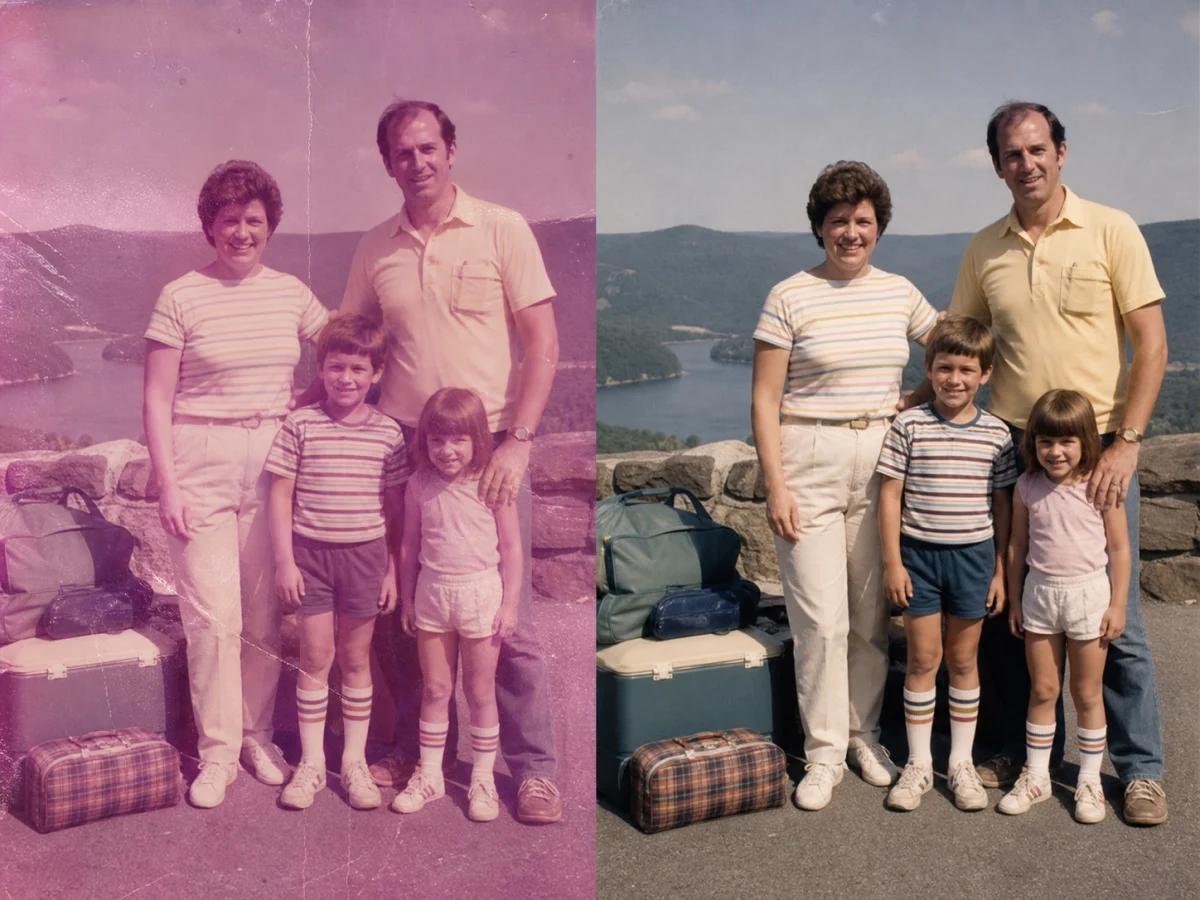
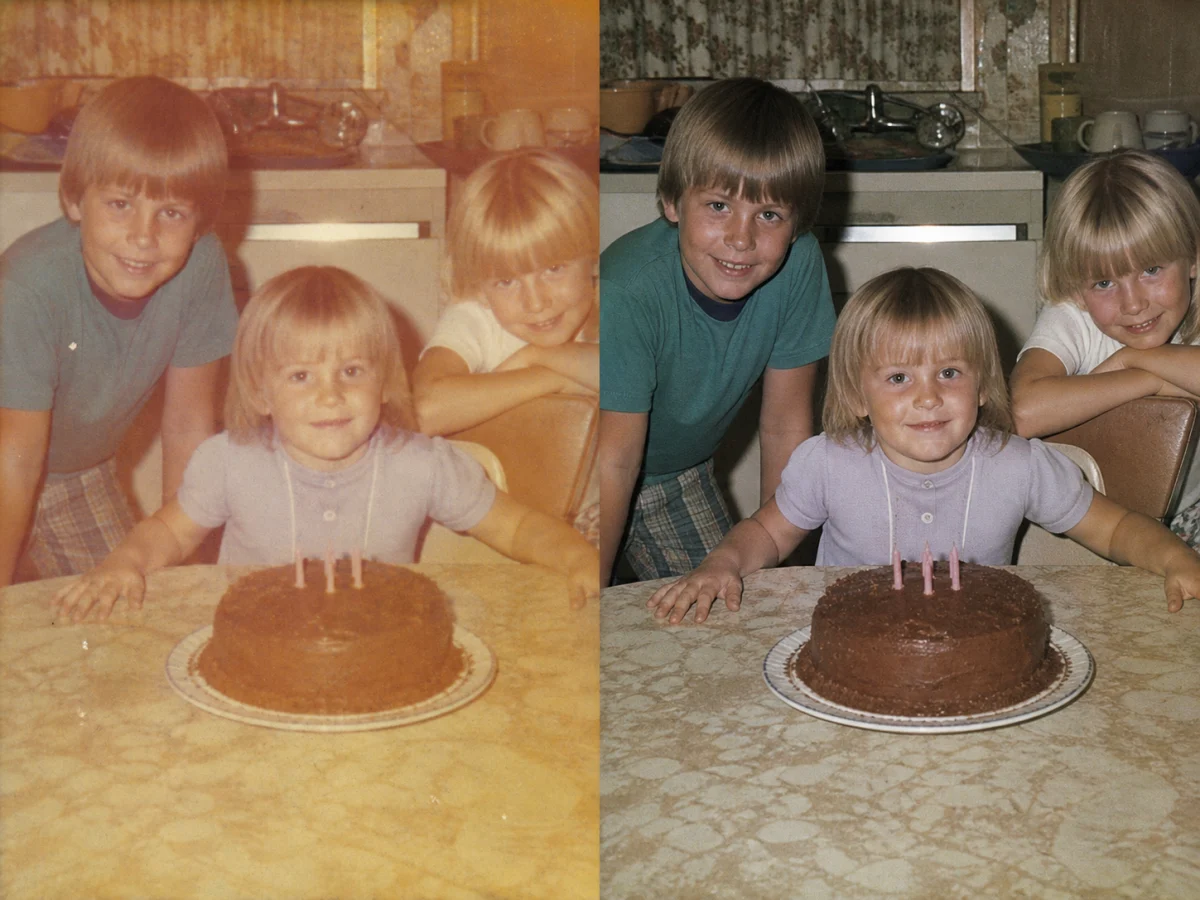
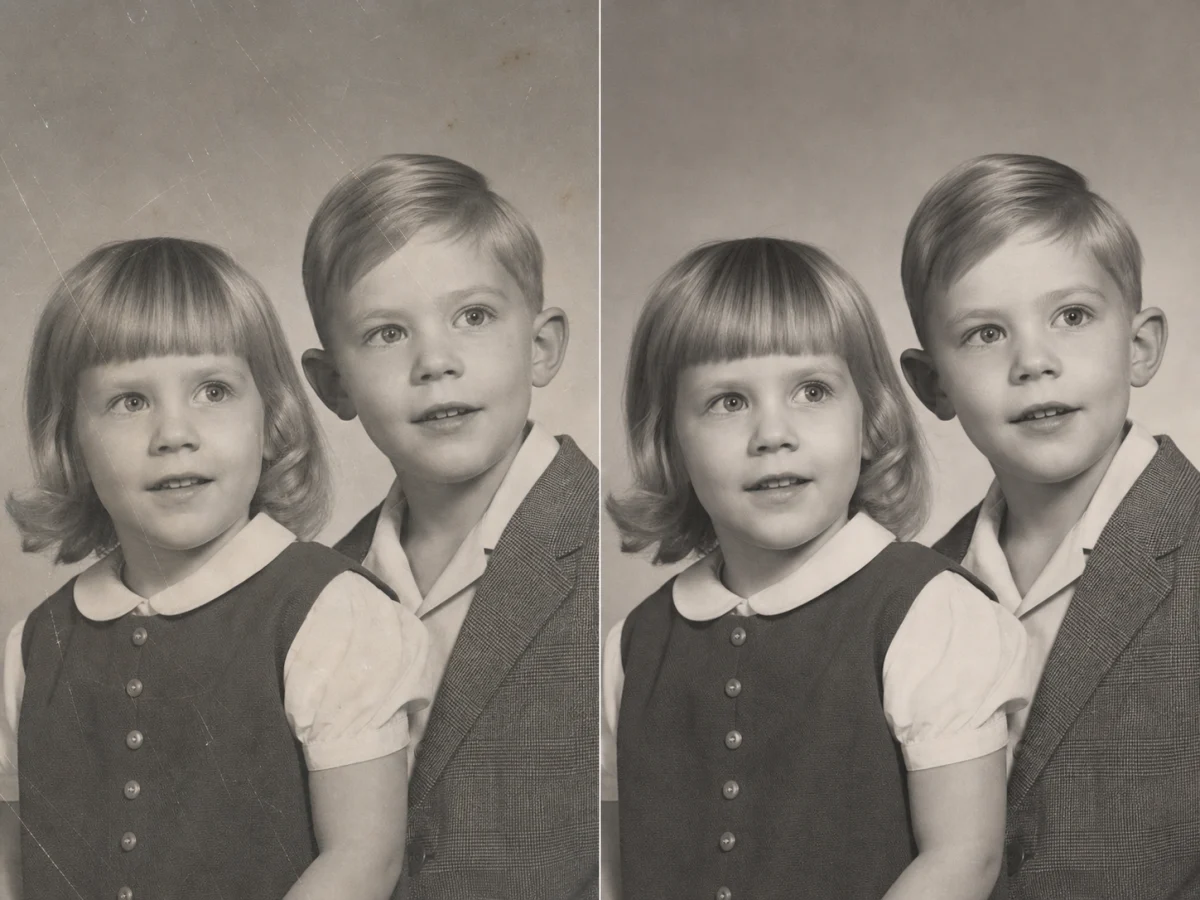
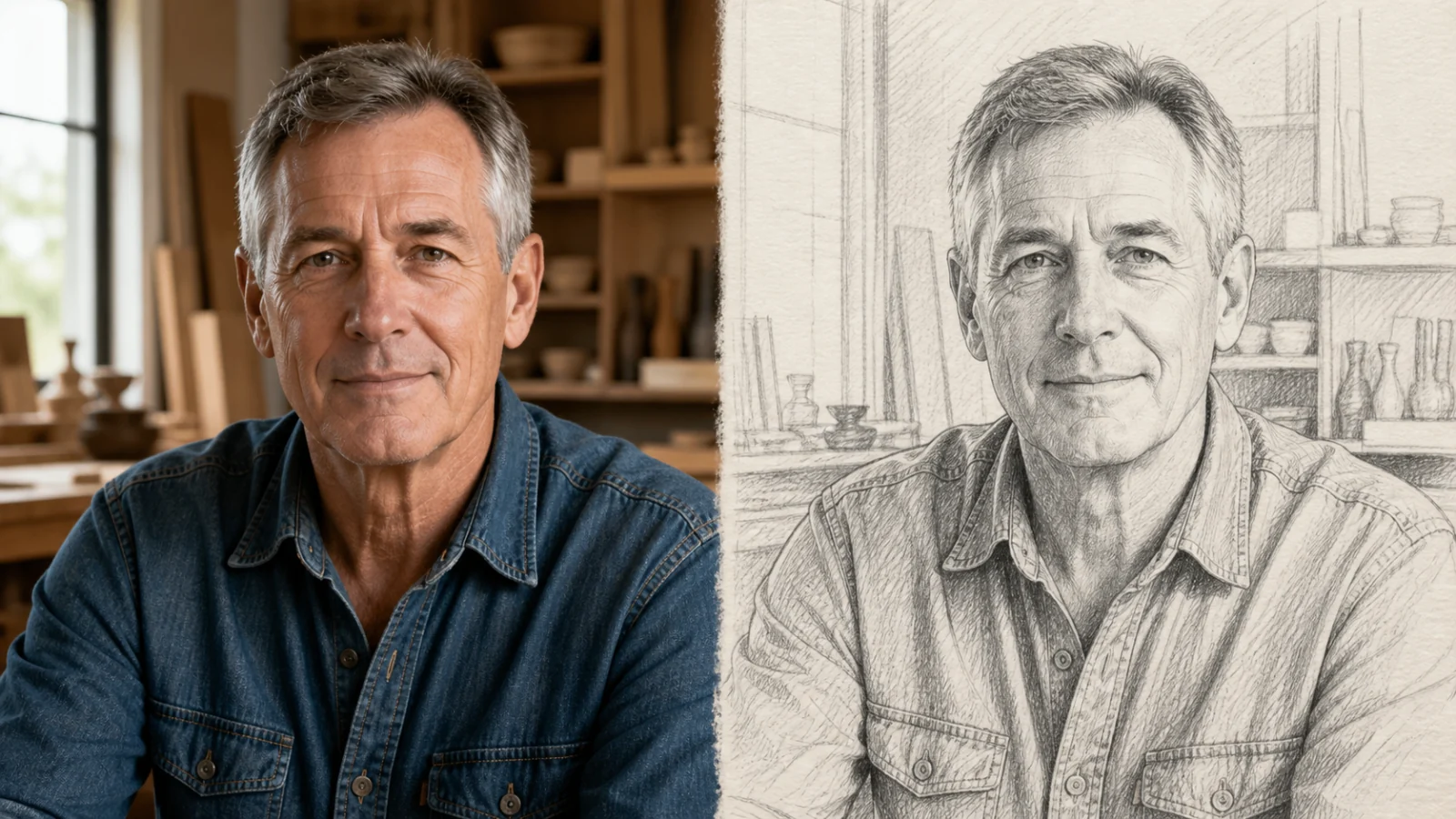
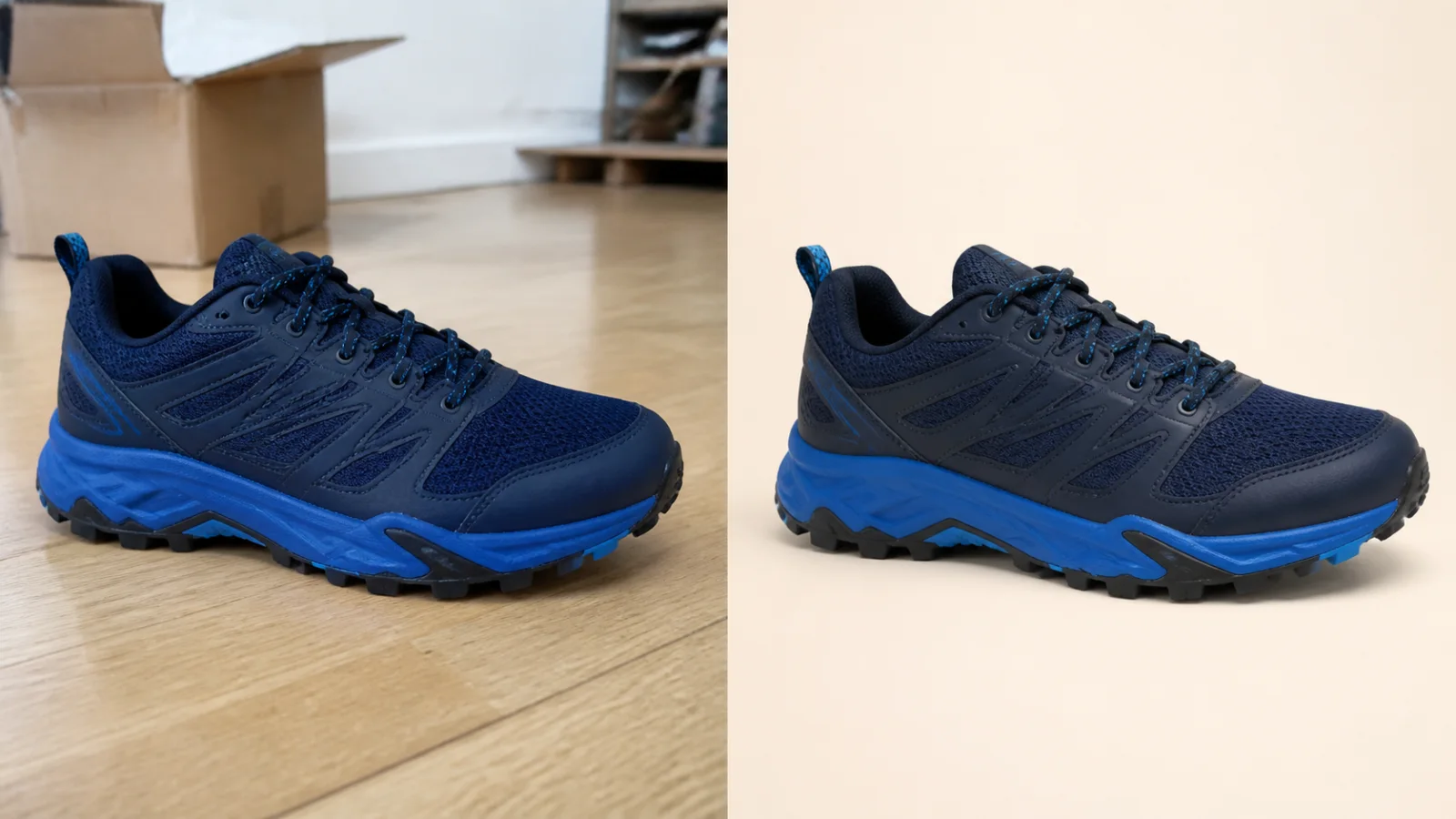
Effect Showcase: Before and After Photo Restoration

These examples show practical outcomes across portraits, product scans, and scene images. Use them to evaluate edge fidelity, skin realism, and color consistency.

Portrait Detail Recovery

Vintage Product Cleanup

Atmosphere and Contrast Repair

Complex Texture Preservation

Color Fading Correction

Fine Edge Deblur

Low-Light Repair

City Archive Refresh

Restoration Workflow

How to Restore Photos with Fewer Revisions

Follow this four-step method to avoid over-processing and scale consistent output across large collections.

1

Assess Damage

Identify blur, scratches, fading, and color shift before starting so your target is clear.

2

Run Base Pass

Use the first repair pass for broad cleanup and structure recovery.

3

Refine by Issue

Adjust one issue at a time, such as skin texture or highlight clipping.

4

Compare and Export

Check before-after at 100% zoom, then export final versions for archive and sharing.

Photo Restoration Playbook for Better Consistency

Better results come from a repeatable process. Group similar images, run one baseline pass, and refine only files that still need attention. This improves consistency and reduces wasted credits on large archives.

Group by Damage Type

Separate faded, blurry, and scratch-heavy files before processing for more predictable the tool output.

Use a Baseline Pass

Use one consistent first pass across each batch to recover structure and tone quickly.

Protect Skin and Faces

Check faces at high zoom and avoid aggressive sharpening that creates artificial skin texture.

Control Highlights

Recover highlights carefully so bright areas keep detail instead of clipping flat.

Preserve Film Character

Keep gentle texture where needed instead of over-smoothing every image.

Repair Color Cast

Correct yellow or magenta cast to restore natural skin and neutral backgrounds.

Version Final Exports

Save master archive exports and smaller share-ready versions for daily use.

Document Winning Settings

Document winning settings so later the tool batches run faster.

SEO Guide: What Users Expect When They Search Restore Photos

This section matches real search intent with clear quality checkpoints and decision-ready examples.

Intent Match: Fix Old Pictures Fast

Users searching restore photos often need to rescue real archives. They care about natural faces, detail recovery, and predictable revision count. This page answers those practical questions clearly.

Quality Proof: From Damaged to Share-Ready

Strong content explains tradeoffs. People want less blur without harsh halos, better color without neon shifts, and scratch cleanup without texture loss.

Operational Value: Repeatability at Scale

The biggest value appears at batch scale. Repeatable settings and predictable quality reduce rework for families and teams handling many files.

Conversion Path: Learn, Verify, Then Act

This page combines examples, workflow steps, FAQs, and direct access so visitors can evaluate fit and start quickly.

Restore Photos FAQ

Common questions from families, creators, and archive teams.


Start Photo Restoration in Minutes

Upload one old image now and run your first guided restoration pass.