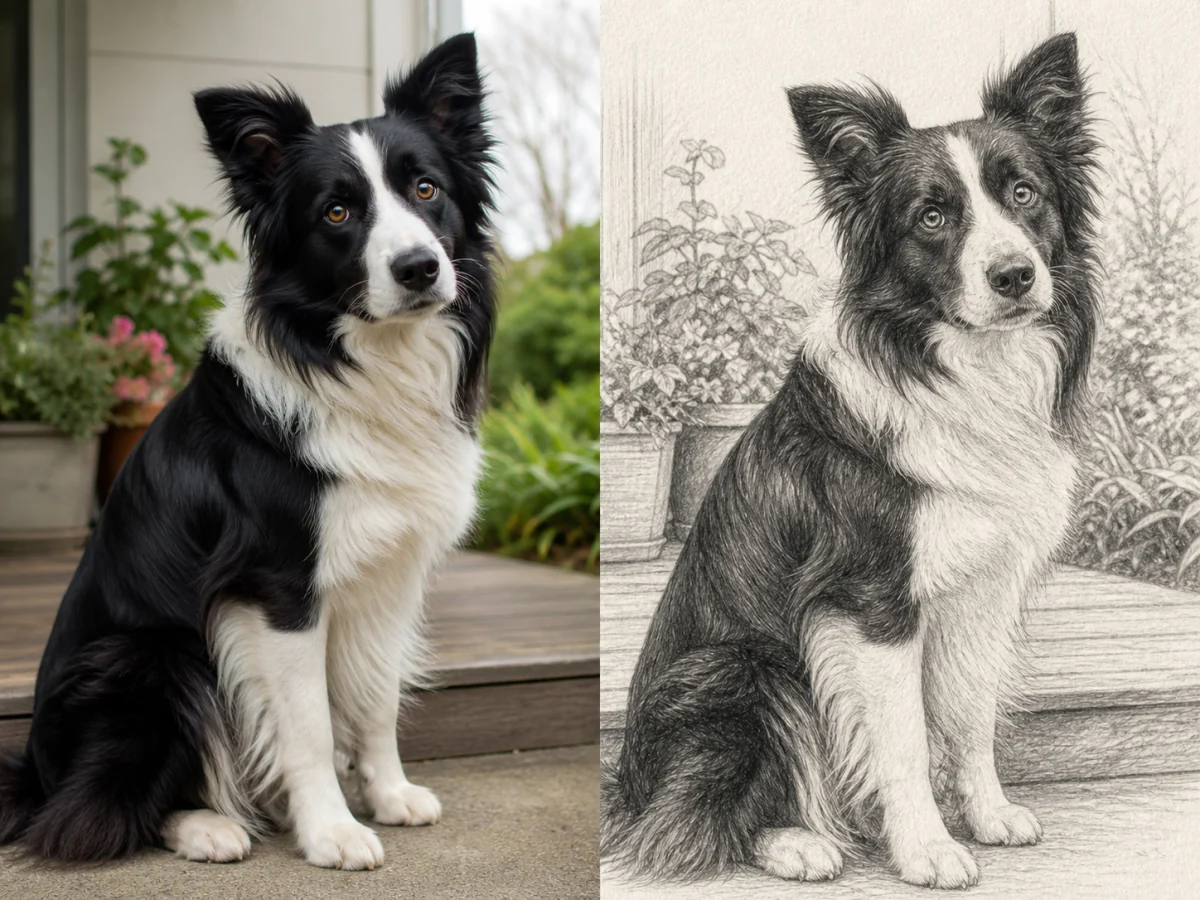
Preserve a pet's markings and expression
Check the eye shape, blaze, ear position, whiskers, and fur direction so the drawing still reads as the same animal.

Upload a portrait, pet, product, or place and create a black-and-white pencil drawing with natural shading, fine strokes, and a clean paper surface. The guided App uses 15 credits per run and requires no prompt, model choice, or advanced setup.
Open the focused App workspace
Visual examples
Graphite should translate shape, light, and texture—not hide them under a gray filter. These examples show how portraits, animals, objects, and places create different review points.
Check the eye shape, blaze, ear position, whiskers, and fur direction so the drawing still reads as the same animal.
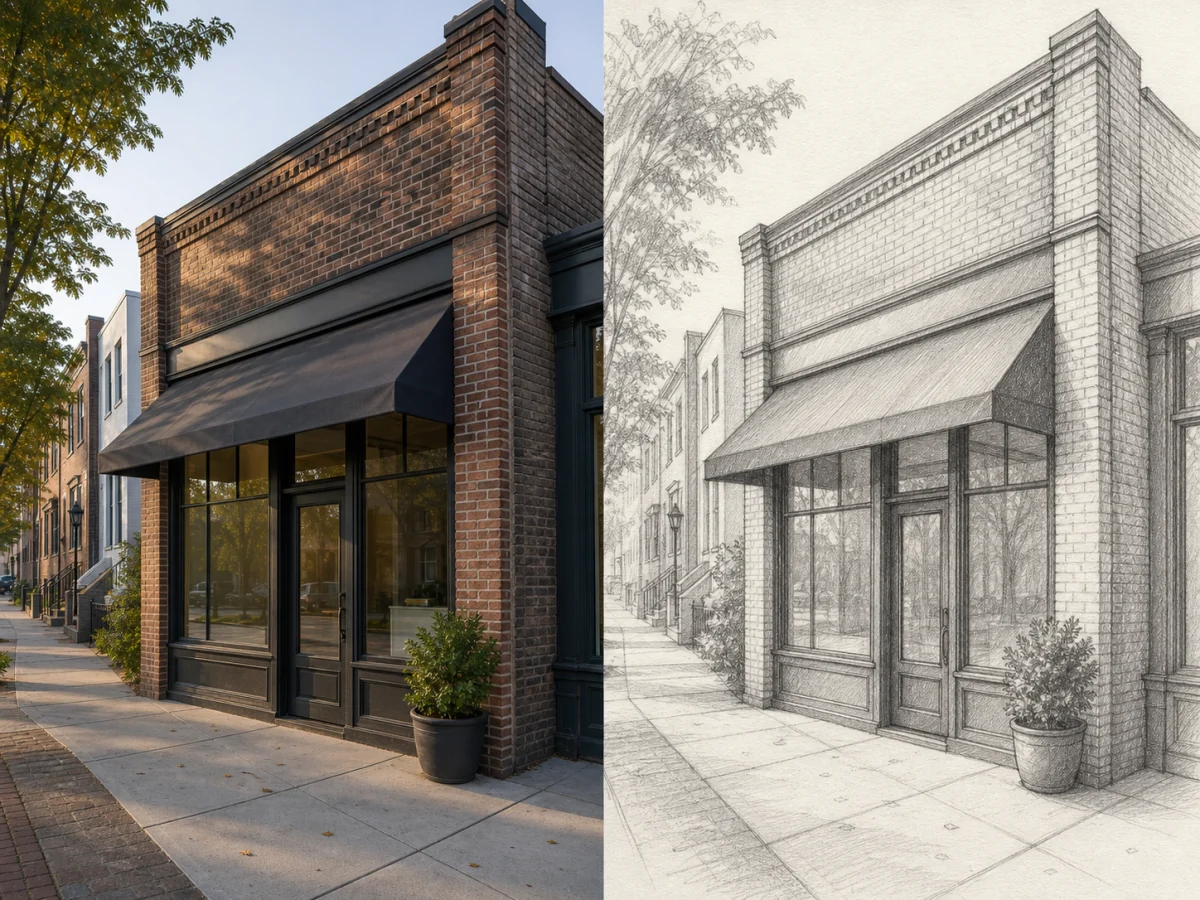
A storefront needs consistent brick rhythm, window divisions, awning angles, and street depth to remain believable.
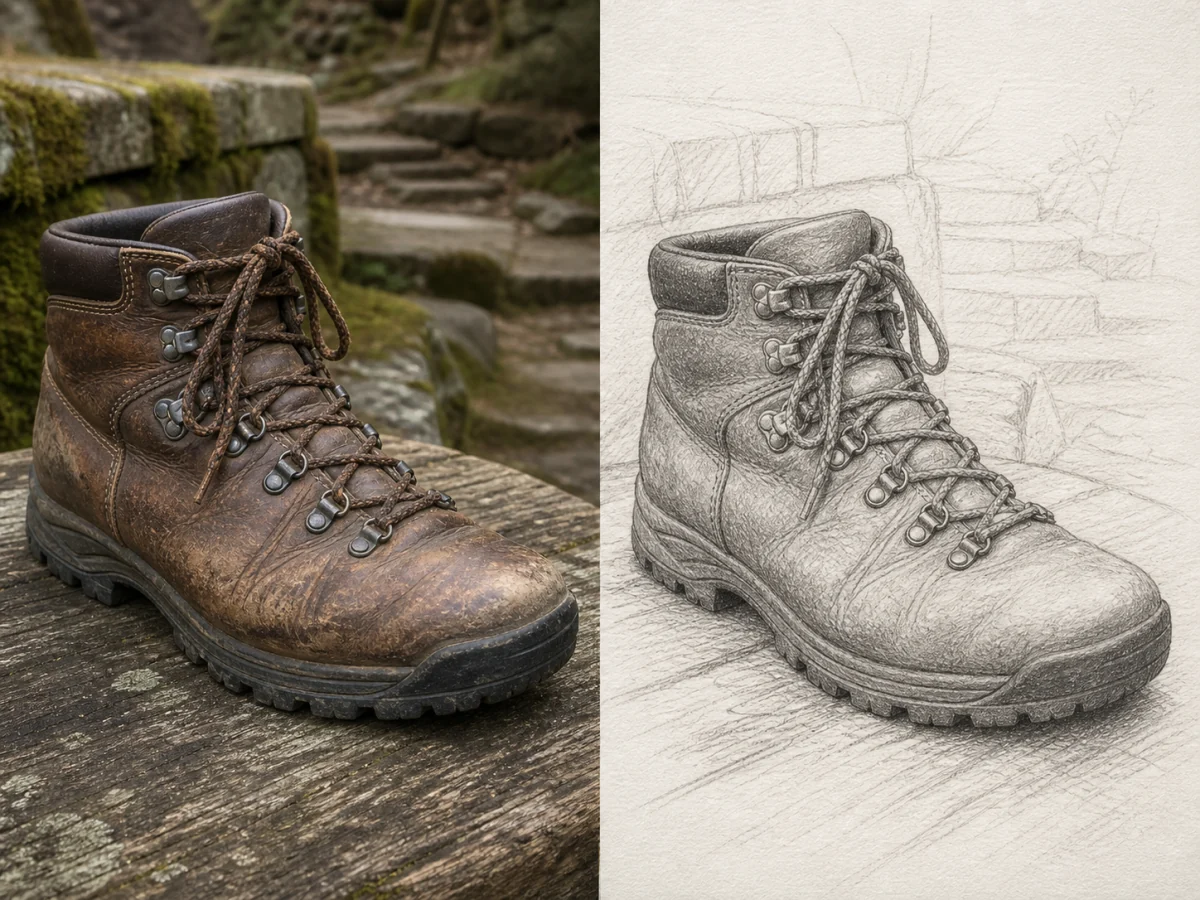
Laces, seams, sole geometry, hardware, and worn leather texture should remain coherent after the move to pencil linework.
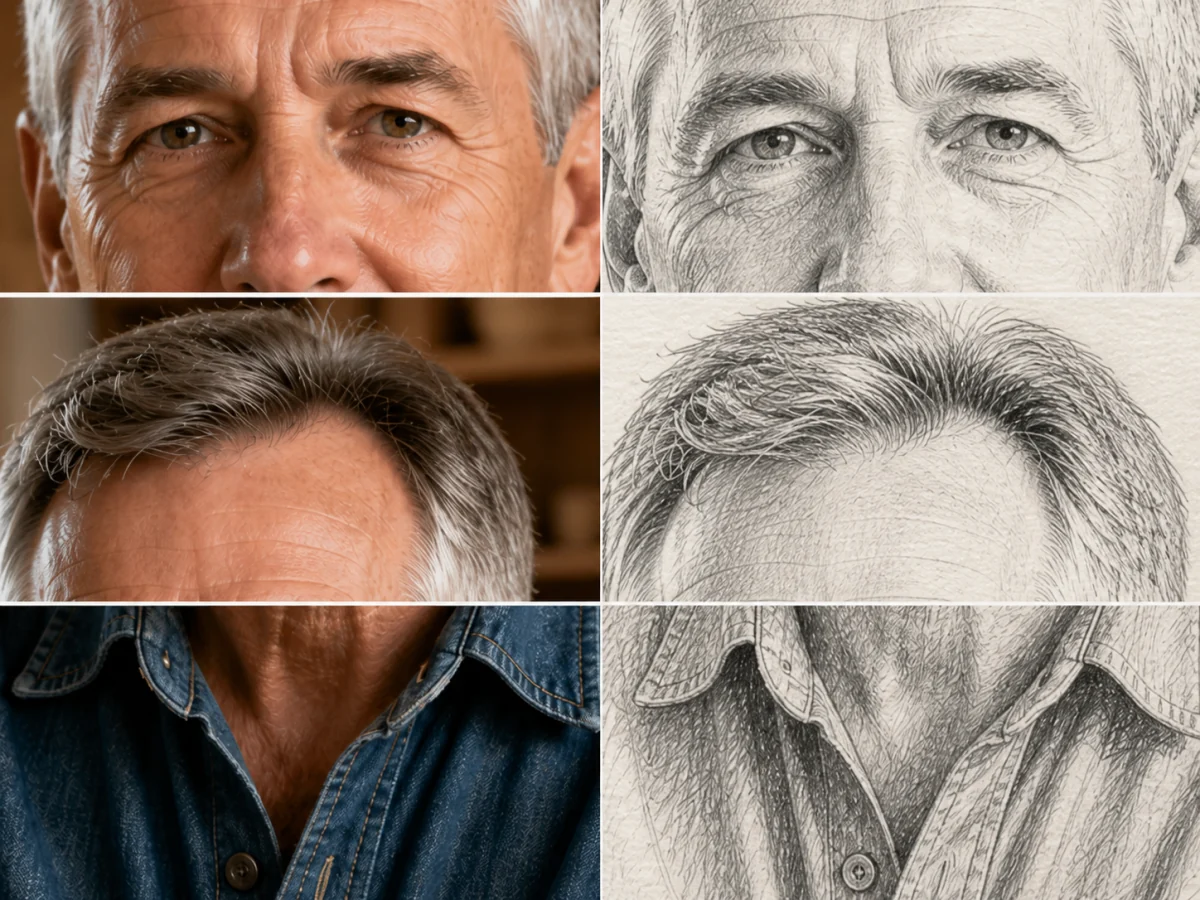
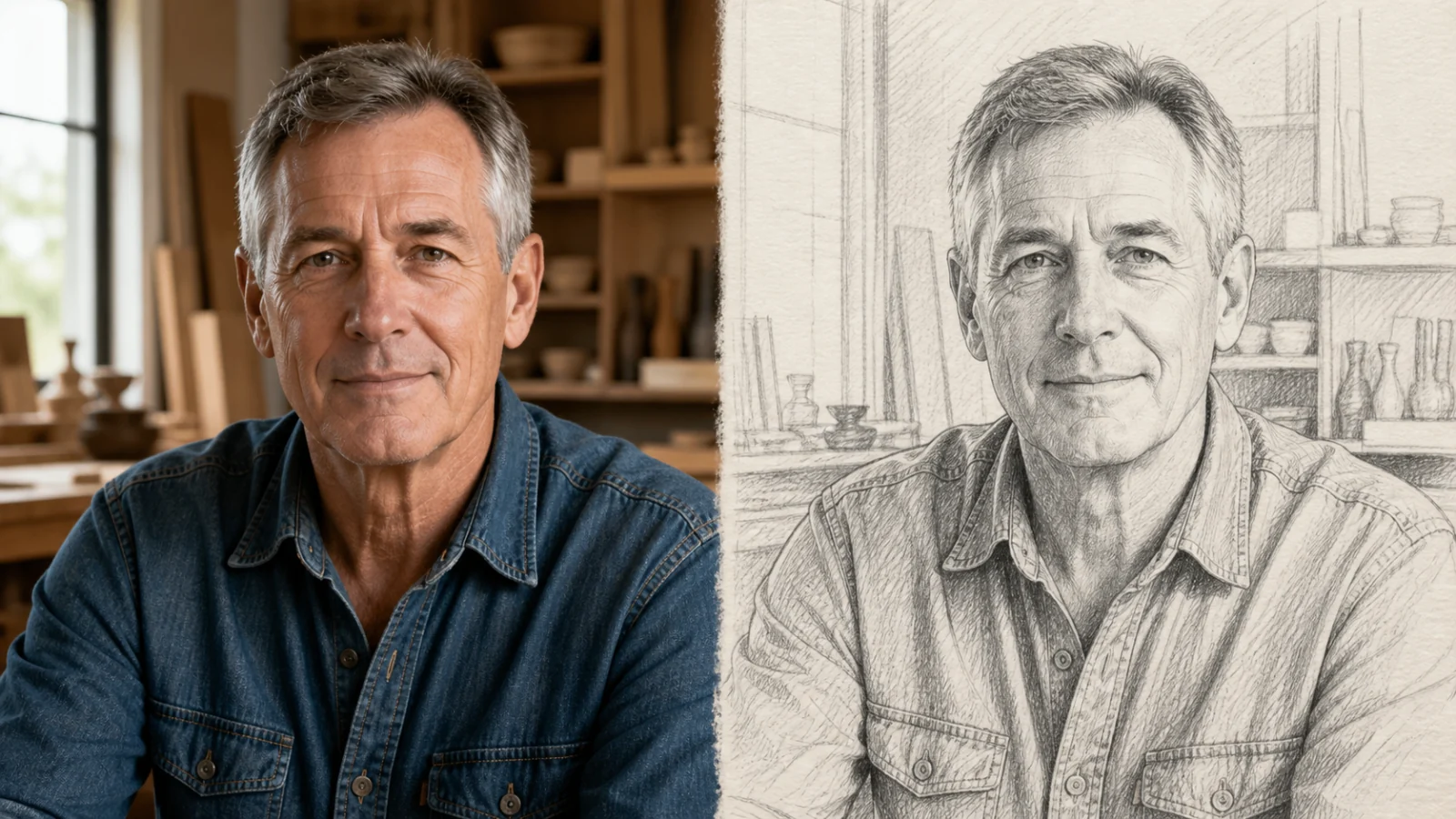
Close crops reveal whether the eyes, silver hair, collar, and cross-hatching support the same person rather than a generic face.
Examples show possible directions, not guaranteed replicas. Open every result at full size and compare the defining features, small structures, perspective, and shadows with the upload.
A clear subject and readable light matter more than an elaborate scene. The guided workflow then keeps the treatment focused on one graphite direction.
Use a sharp image with a visible subject, limited obstruction, useful contrast, and enough resolution to inspect small details.
Upload the image and generate the fixed black-and-white graphite treatment for 15 credits—no prompt or model selection required.
Review likeness, outline, perspective, hands, text-like details, and shadows against the source before using the file.
Inputs, review steps, and publishing considerations for this guided workflow.
Related products
Restore a damaged source before sketching it, prepare a current professional portrait, or open the AI Image Generator when you need other art directions and more control.
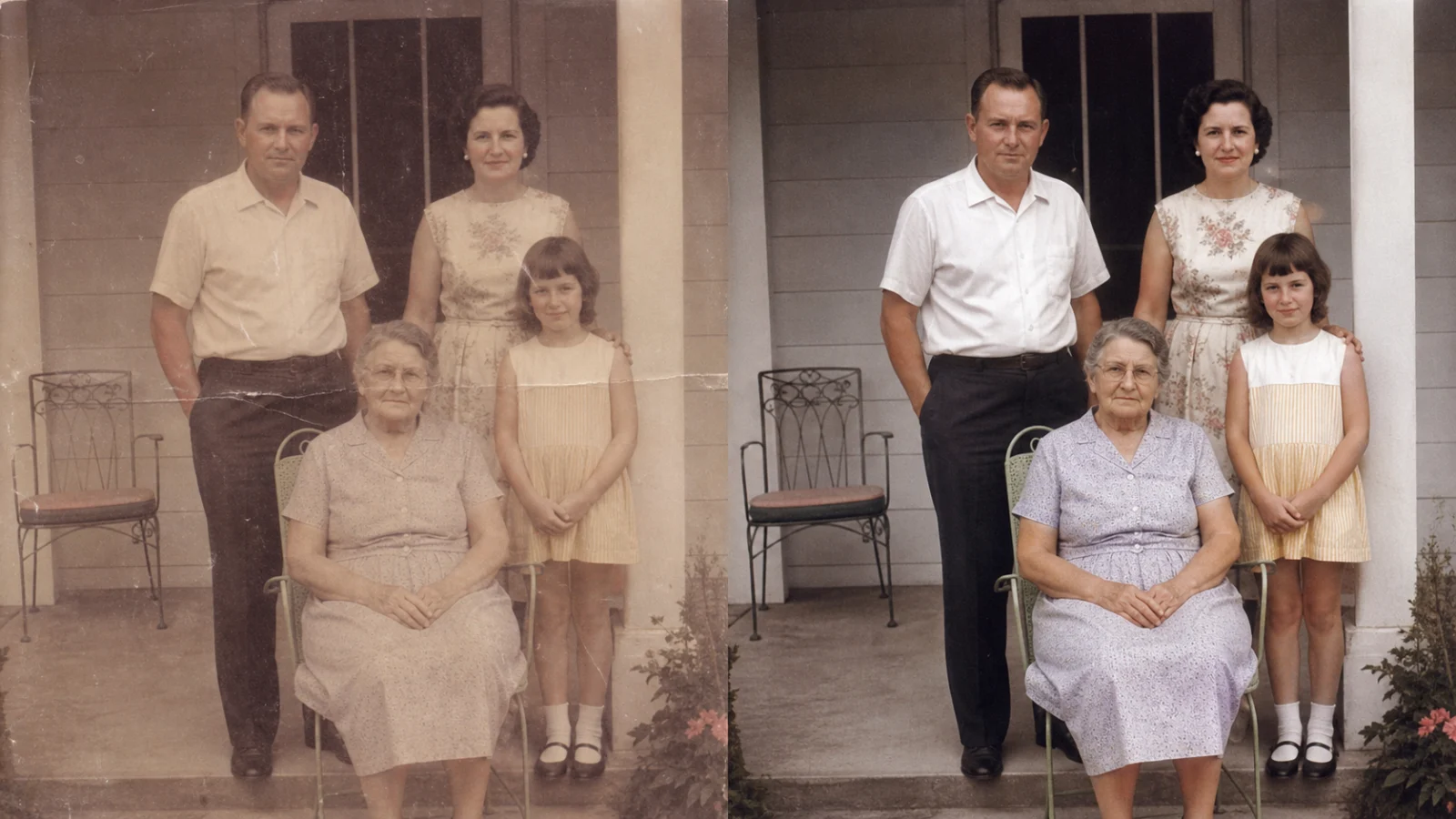
Repair old, faded, or damaged images with a one-purpose restoration flow.
View product page
Turn a casual selfie into a polished business headshot for resumes, profiles, and team pages.
View product page
Create product visuals, editorial images, illustrations, and concepts from prompts or supported reference inputs.
View product pageSource asset ready
Upload a clear source, create the guided graphite sketch, then compare the subject, linework, and shadows before you keep the result.
Open the focused App workspace