
Approachable tech profile
Smart-casual styling and a quiet gray background keep the face clear for job-search and team profiles.

Upload a recent, well-lit portrait and create a clean head-and-shoulders photo that still looks like you. The guided App improves background, light, wardrobe presentation, and avatar-safe framing without asking you to write a prompt.
Open the focused App workspace

Visual examples
A job-search profile, company biography, speaker page, and networking avatar call for different levels of formality. In every case, recognizability and a natural expression matter more than editorial polish.
Smart-casual styling and a quiet gray background keep the face clear for job-search and team profiles.

A warmer setting can feel personal while remaining suitable for portfolios, speaker pages, and client introductions.

A restrained blazer, balanced light, and natural age detail support a credible leadership portrait.

Complete hair, collar, and shoulder space help one square image survive smaller circular profile crops.
Use these portraits as visual directions, not promised replicas. Compare every result with the source at full size before using it to represent you professionally.
A strong source gives the App enough accurate facial information to clean up presentation without inventing a different person.
Choose a single-person image with visible eyes, even light, limited blur, and no sunglasses, masks, or heavy filters.
The workspace applies a professional portrait direction, square output, and crop-aware framing with no prompt or model setup.
Check face shape, eye color, hairline, age, skin texture, expression, wardrobe, and the final circular crop.
Inputs, review steps, and publishing considerations for this guided workflow.
Related products
Turn a photo into a pencil sketch, create an editorial fashion presentation, or prepare a beauty campaign image with the corresponding public App.
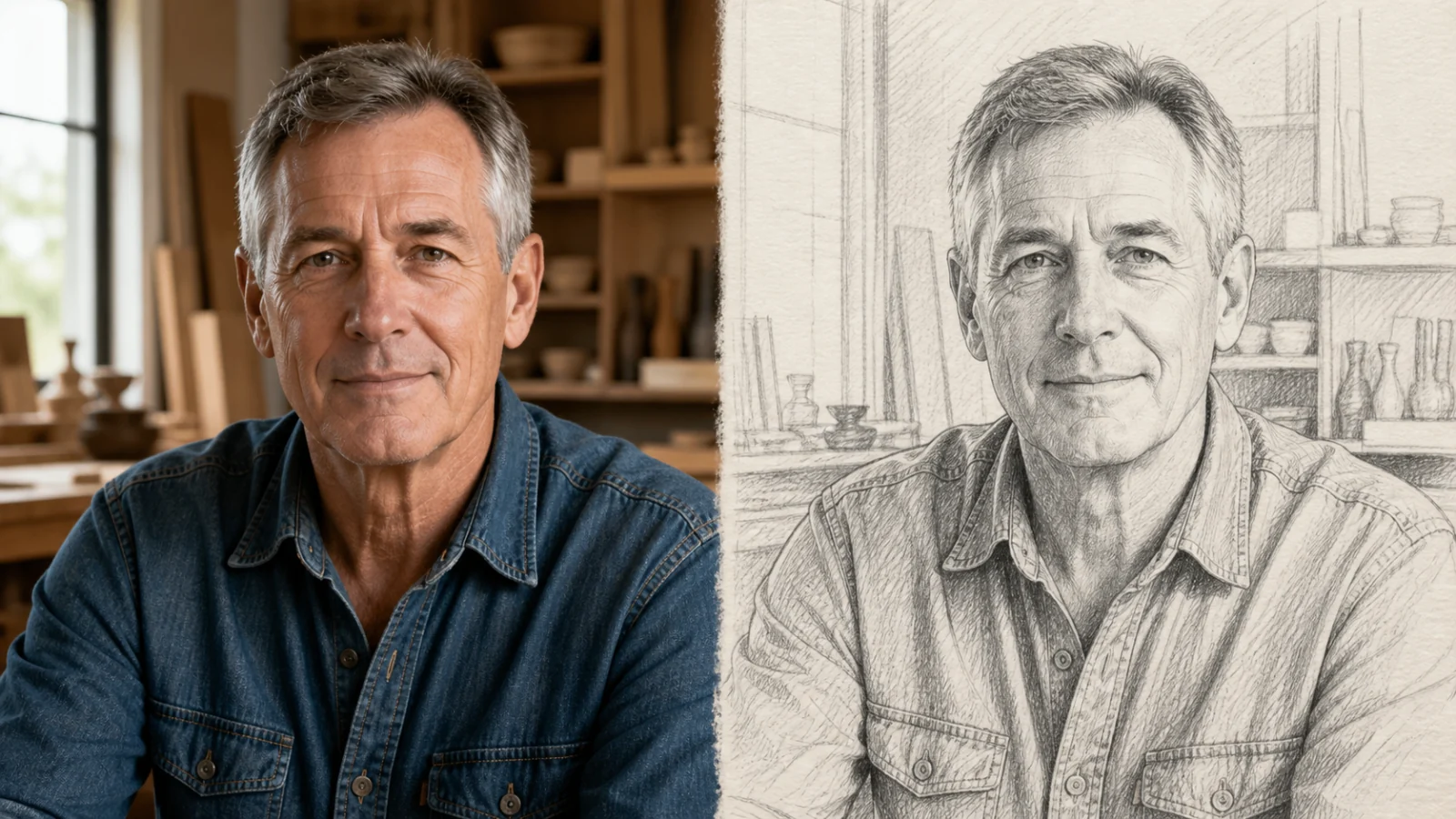
Turn one portrait, pet, product, or place photo into a guided graphite pencil drawing.
View product page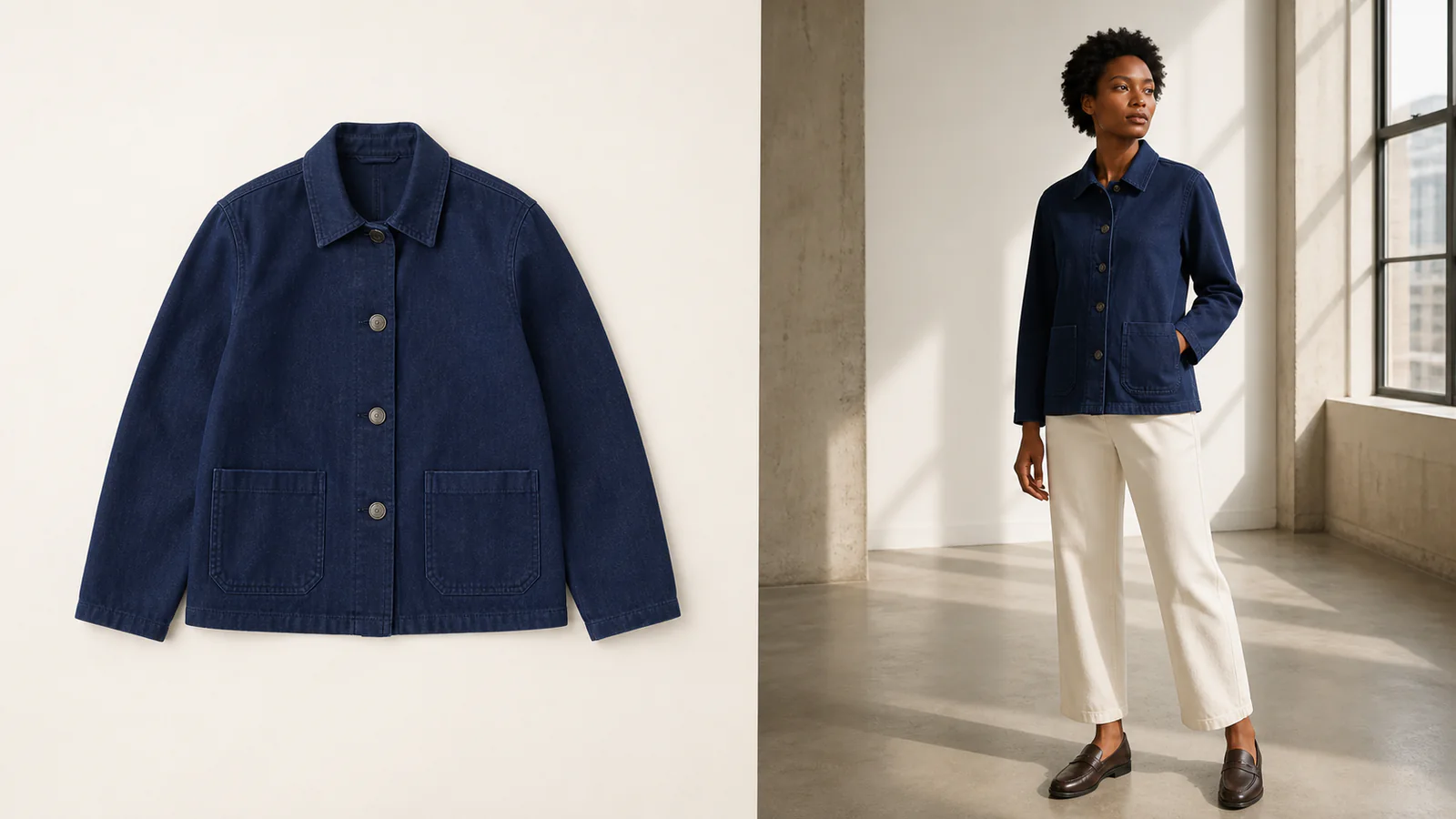
Turn a clothing or accessory image into an editorial-style model photo for campaigns and lookbooks.
View product page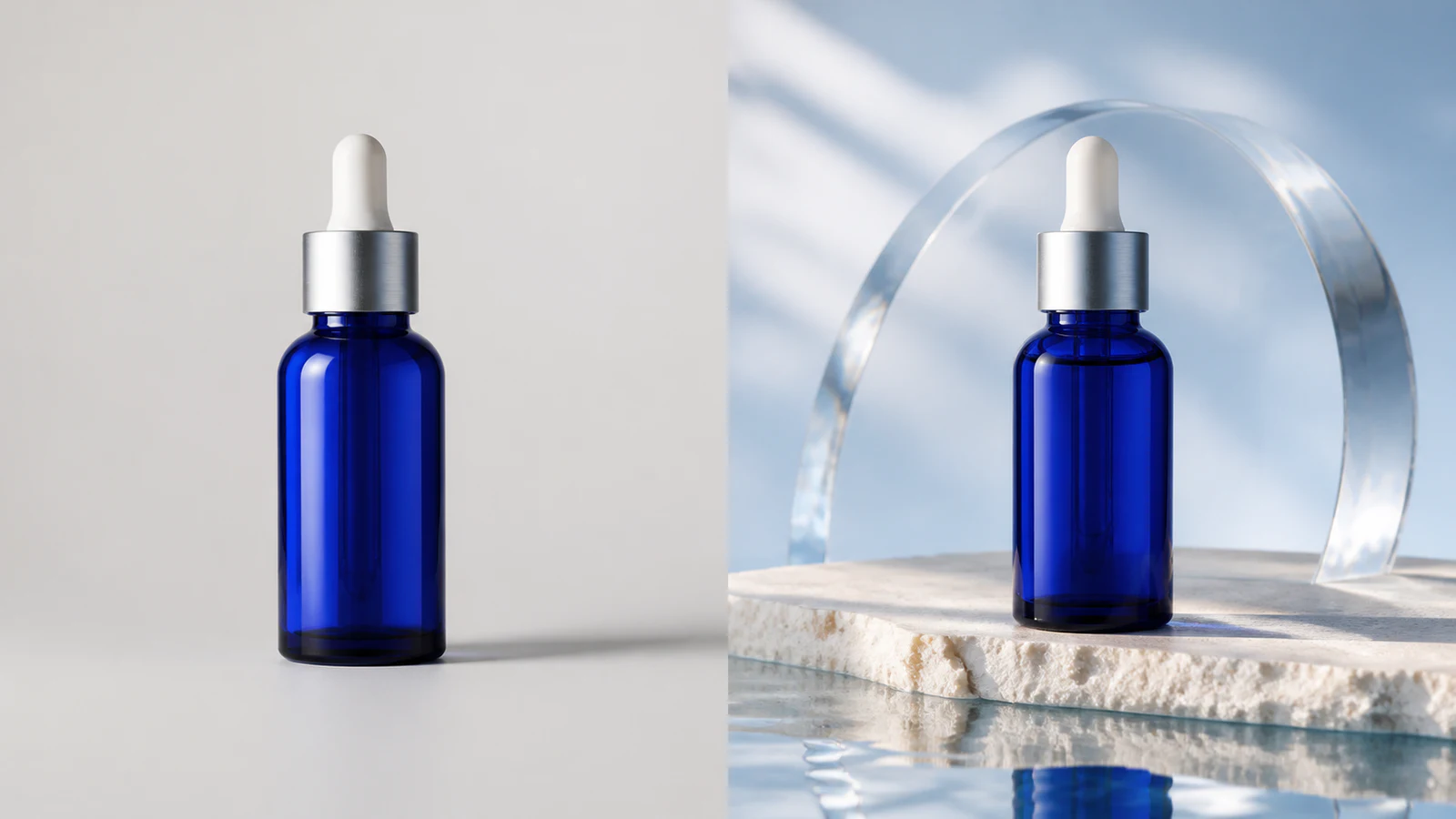
Create premium skincare and cosmetics campaign visuals from simple product photos.
View product pageSource asset ready
Start with one recent portrait, generate a clean business headshot, then check likeness and crop before updating your professional profiles.
Open the focused App workspace