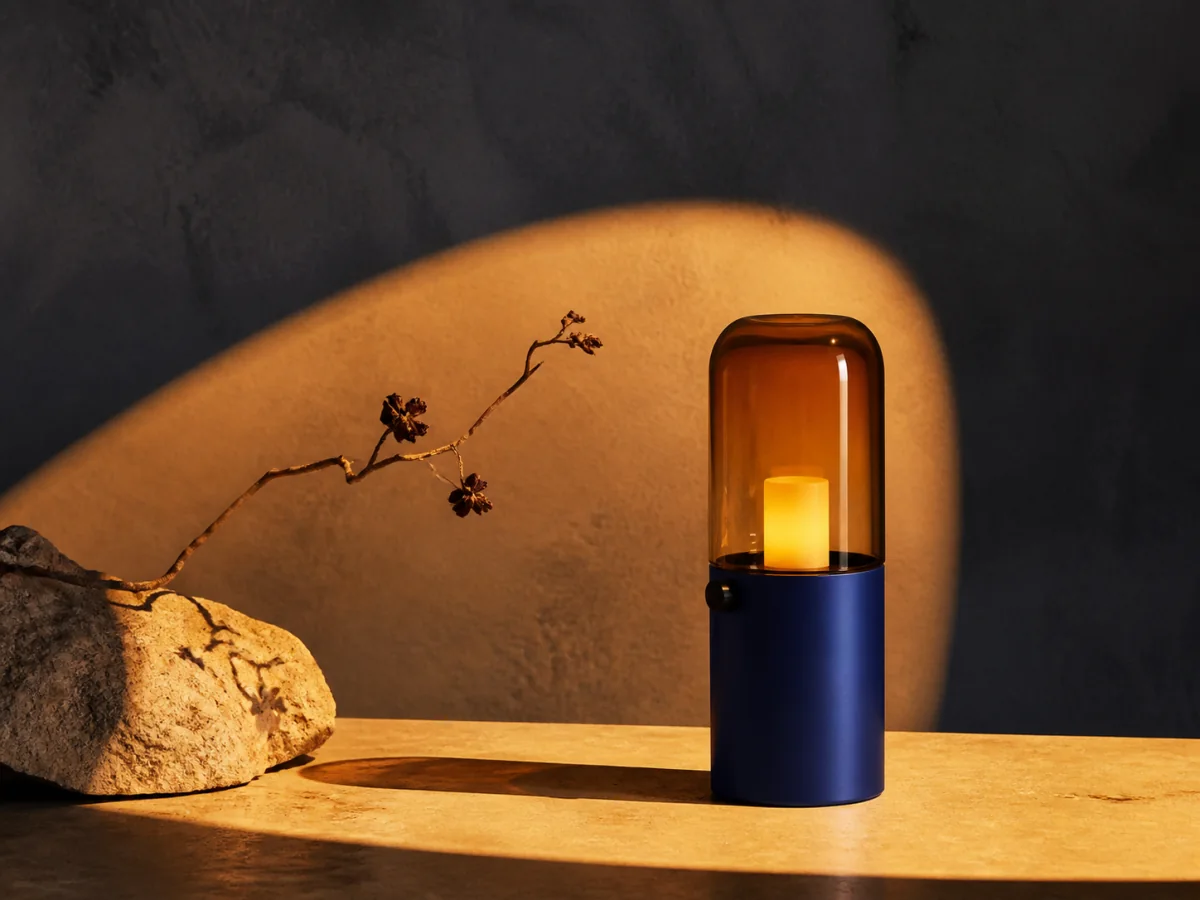
Build a product campaign direction
Describe the object, material, surface, palette, light, and intended placement to move beyond a generic studio render.

Begin with a written brief, add reference images when the chosen setup supports them, and shape the result with the available format and generation controls. Use one workspace to explore product campaigns, editorial stories, illustrations, and early concepts without exposing the production interface on this page.
Open the focused App workspace
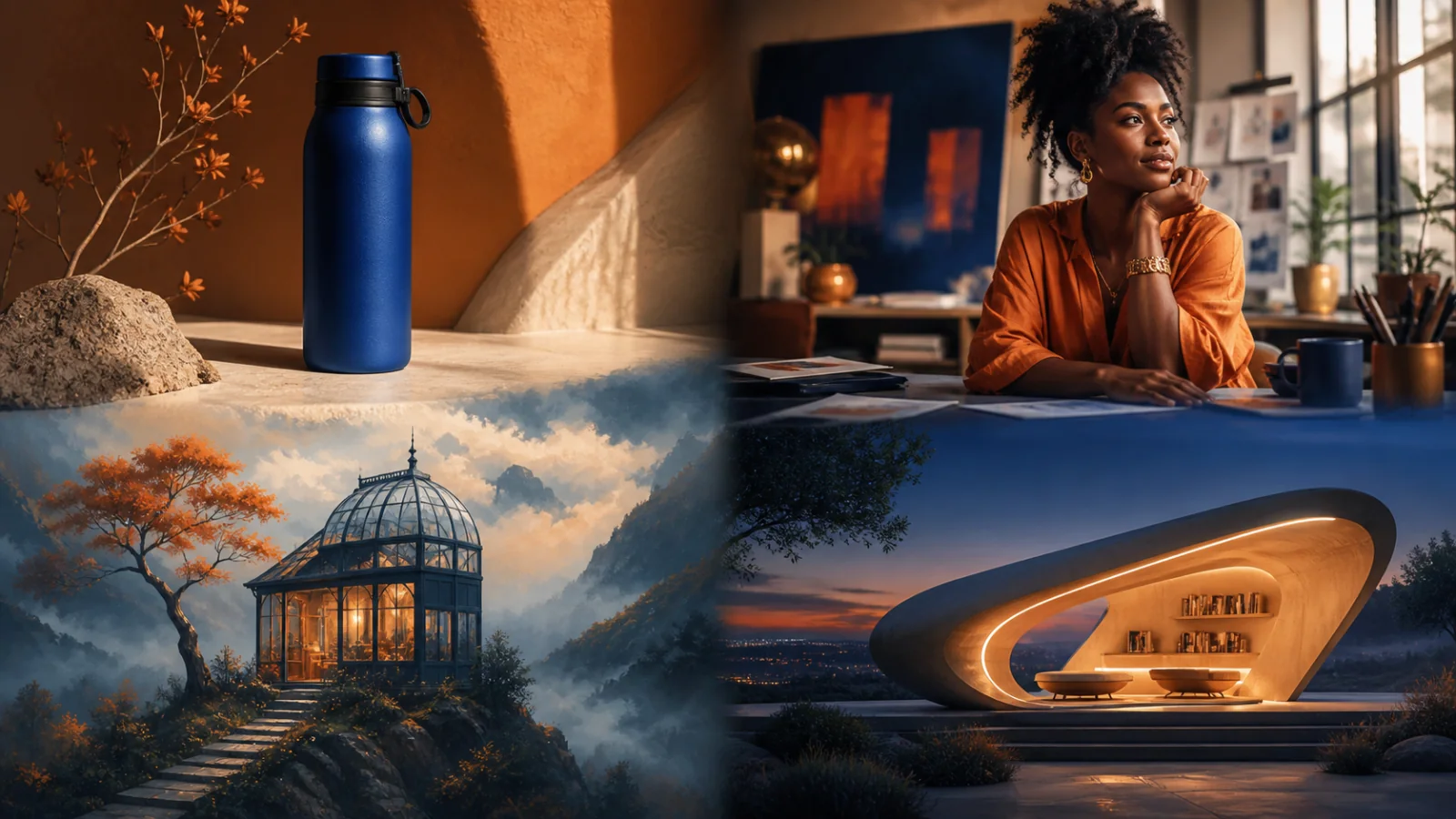
Visual examples
A useful image generator should support the job in front of you, not push every idea toward the same glossy style. These examples cover commercial, editorial, illustrated, and reference-led work.
Describe the object, material, surface, palette, light, and intended placement to move beyond a generic studio render.
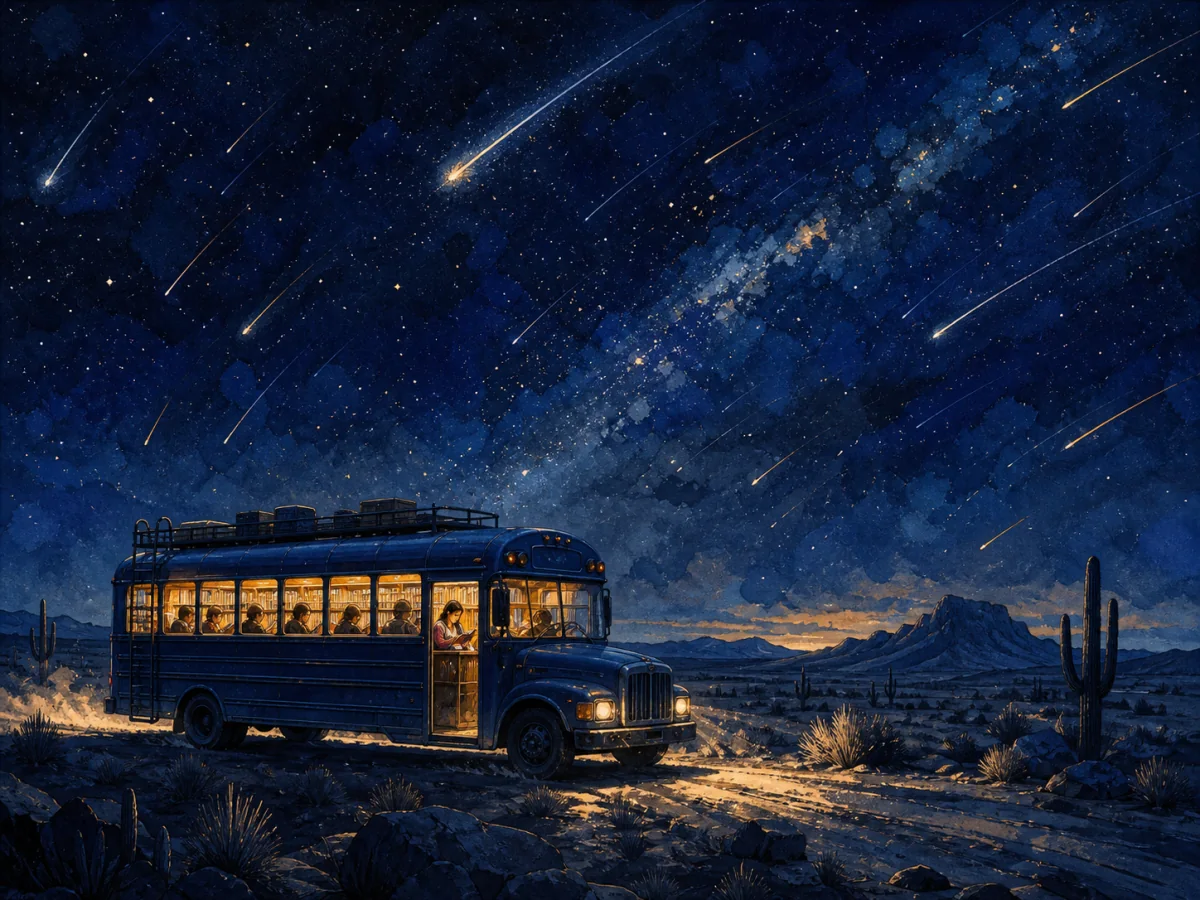
Define the scene, visual medium, color system, and emotional beat for artwork that supports an article, pitch, or story.

Direct the person, action, setting, camera distance, and mood so the image communicates a real story rather than a posed stock photo.
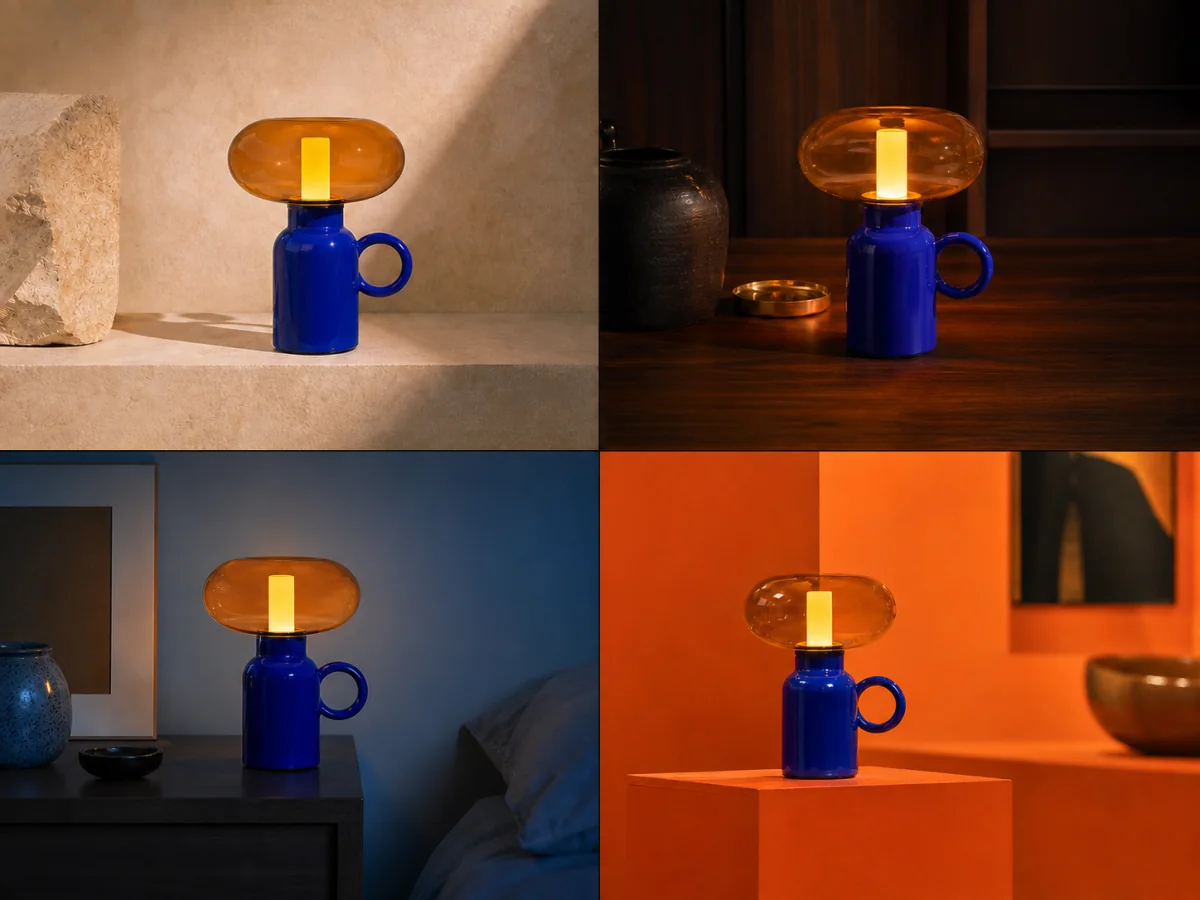
When reference input is available, compare shape, proportion, materials, and identifying details across each new setting.
Examples show creative directions rather than guaranteed results. Available inputs, controls, output count, credit cost, and fidelity vary by generation setup. Review details and usage rights before publishing.
The strongest starting point is a clear purpose and a short list of visual decisions—not a wall of disconnected adjectives.
Start with where the image will appear, what must be visible, and what the viewer should notice first.
Describe environment, framing, light, palette, and medium. Add only references you have the right to use and only where the selected setup supports them.
Select the ratio and available controls for the job, then judge each result against the brief before refining one variable at a time.
Inputs, review steps, and publishing considerations for this guided workflow.
Related products
Use the public Product Packshot, Social Ad Creative, or Room Redesign pages when you want a purpose-built path instead of an open image studio.
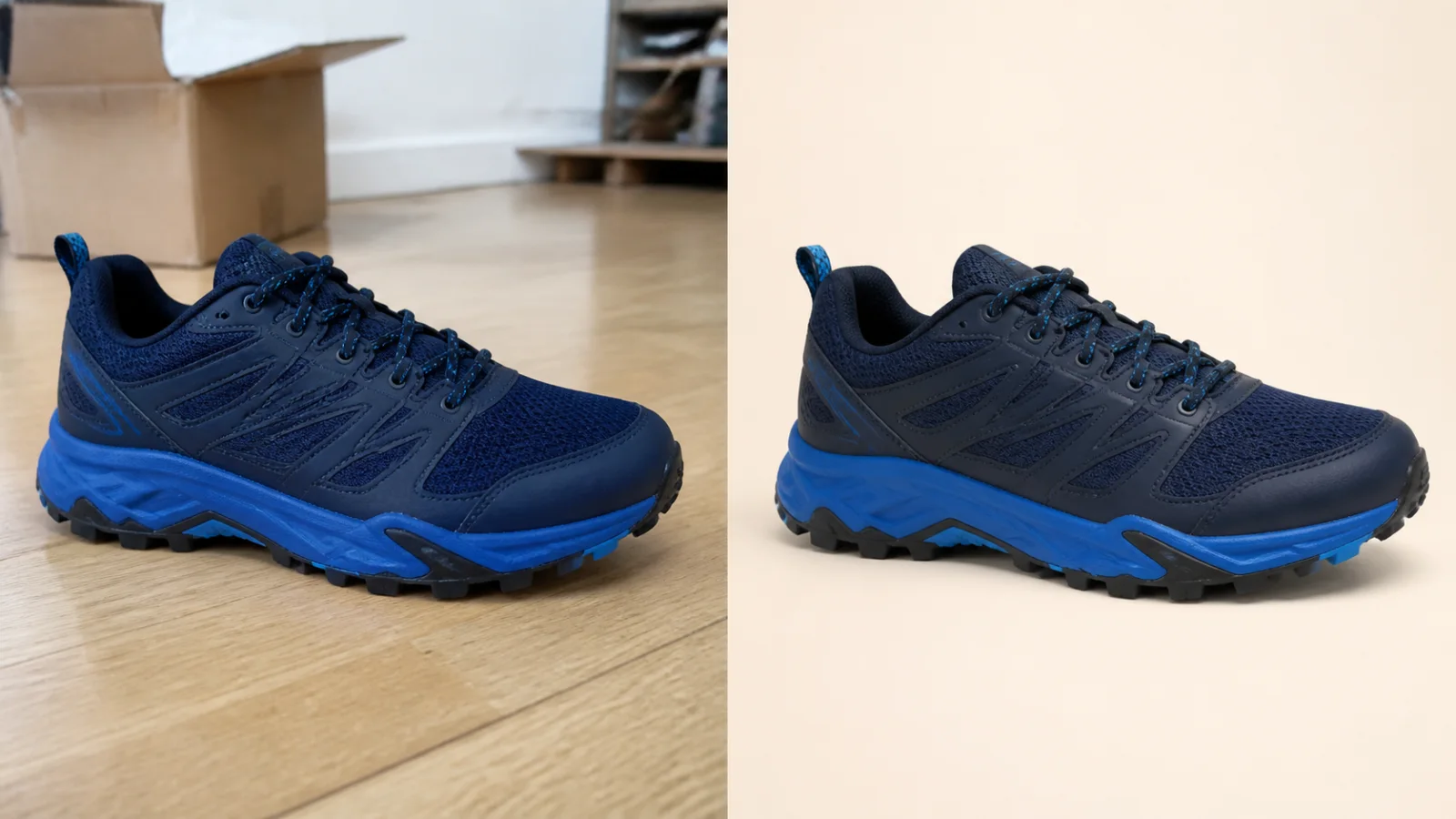
Clean up a product photo into a marketplace-ready packshot with a simple one-purpose flow.
View product page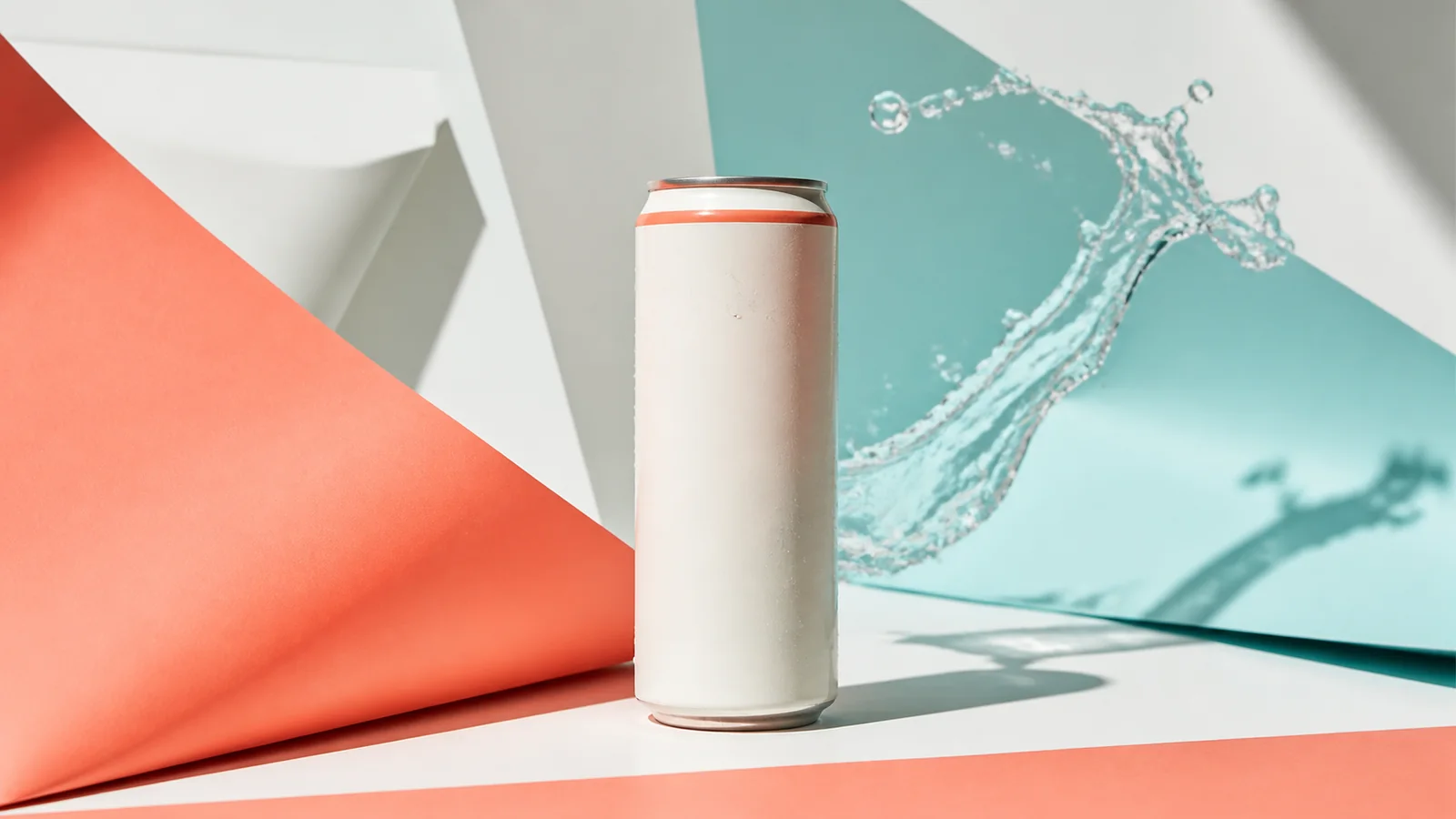
Turn a product image into a polished paid-social creative built for scroll-stopping campaigns.
View product page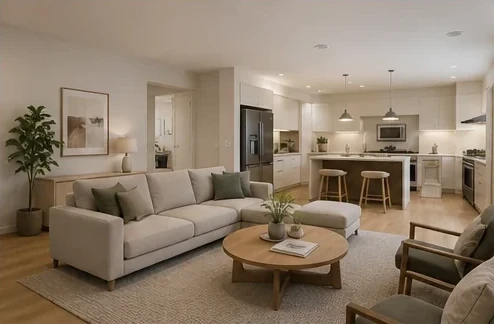
Reimagine a room photo into a designer-style interior concept without exposing complex controls.
View product pageSource asset ready
Open the studio, choose the image setup that fits the job, and start with one focused prompt or reference.
Open the focused App workspace