Home-office reset
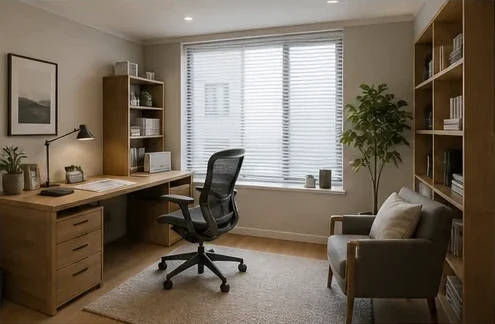
Test a quieter desk wall, storage, seating, and daylight balance without treating the image as a measured plan.

Upload the actual space and generate one polished interior direction. The workflow asks the model to keep the camera view, walls, windows, doors, and layout recognizable while it refreshes furniture, materials, color, and light.
Open the focused App workspace
Visual examples
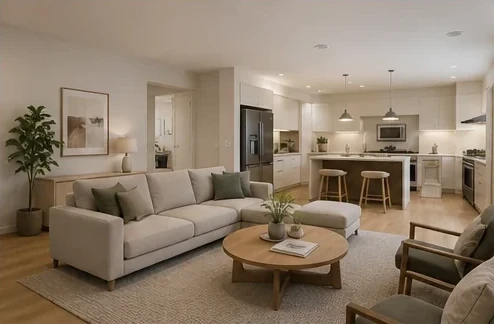
Use each concept to answer a practical question: does the workspace function better, does the bedroom feel calmer, and do the palette and materials still make sense in the original space?
Test a quieter desk wall, storage, seating, and daylight balance without treating the image as a measured plan.
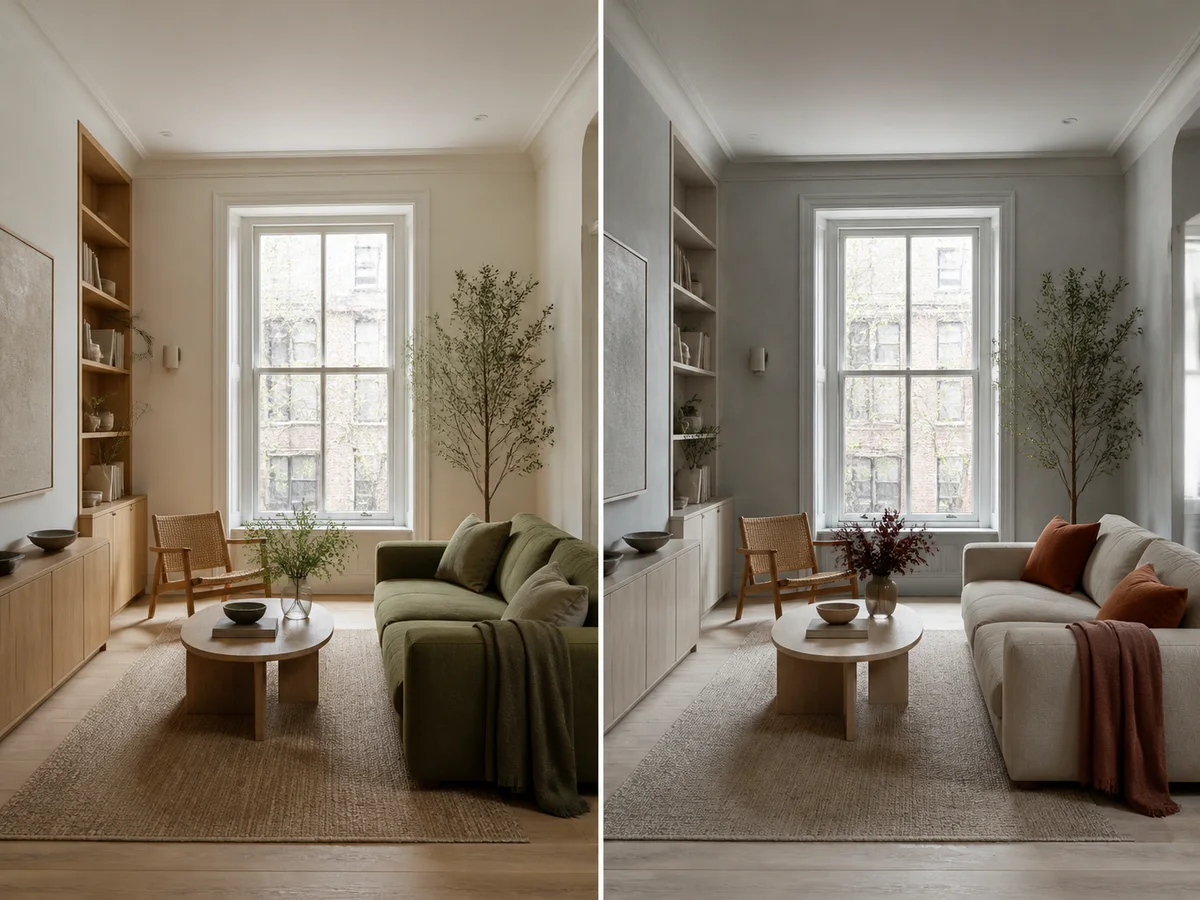
Review two finish directions side by side while watching for changes to the window, walls, and perspective.
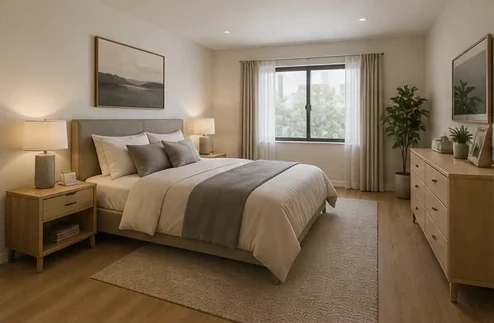
Compare bed placement, bedside storage, window treatment, and warm neutral finishes in one coherent concept.
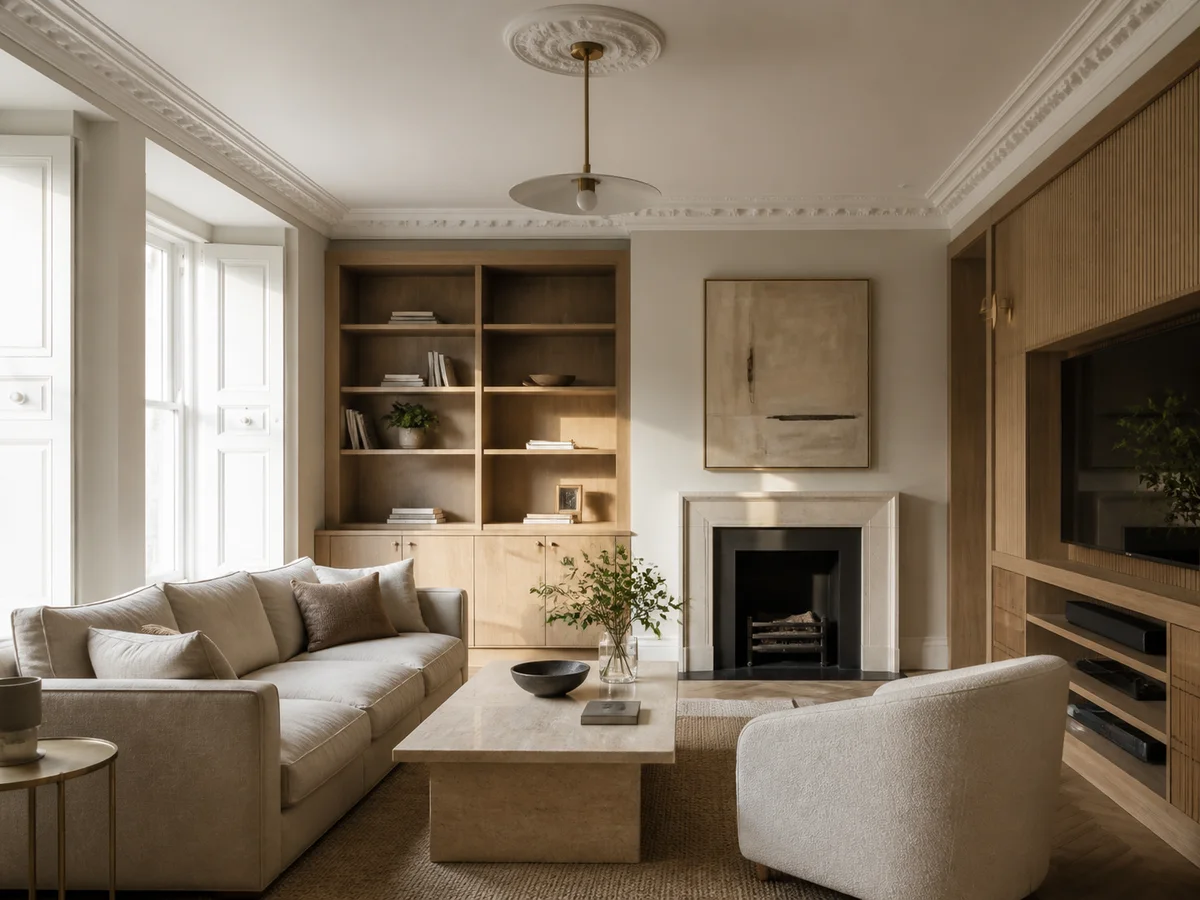
Study how upholstery, timber, stone, built-ins, and reflected light work together across the full room.
AI room concepts are not dimensionally verified. Confirm measurements, access, circulation, codes, materials, and installation feasibility.
This App uses a focused one-click workflow: the input photo establishes the shell, and the result supplies a redesigned furniture and finish direction.
Show walls, floor, ceiling, windows, doors, and existing light in a wide, level image.
Upload the image and let the preset redesign the furniture, styling, palette, textures, lighting, and decor.
Compare openings, proportions, circulation, and fixed elements, then verify promising ideas with measurements.
Inputs, review steps, and publishing considerations for this guided workflow.
Related products
Continue with virtual staging for property listings, product lifestyle scenes, or clean product photography.
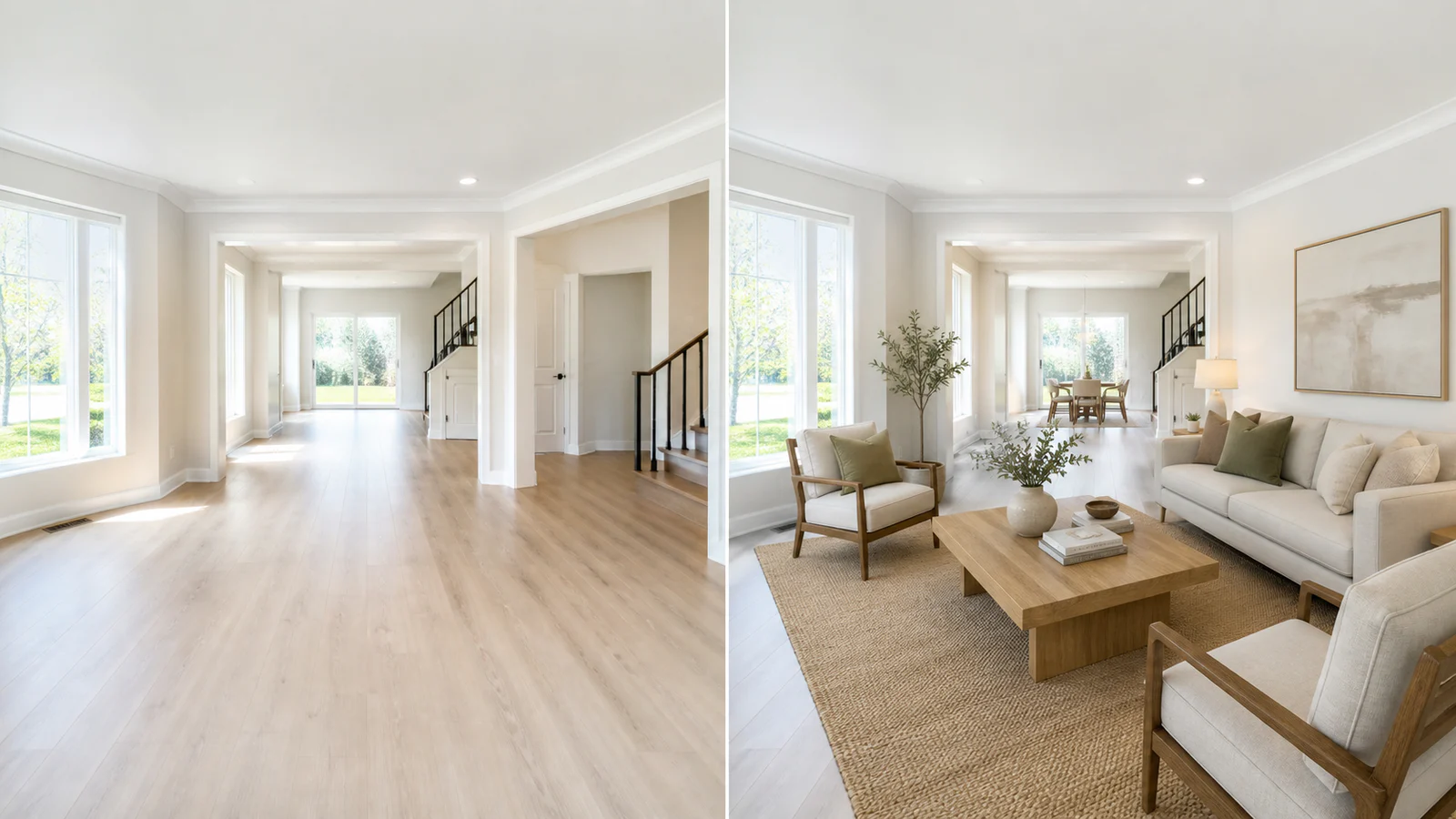
Upload an empty room photo and generate listing-ready interiors by room type, style, and property use.
View product page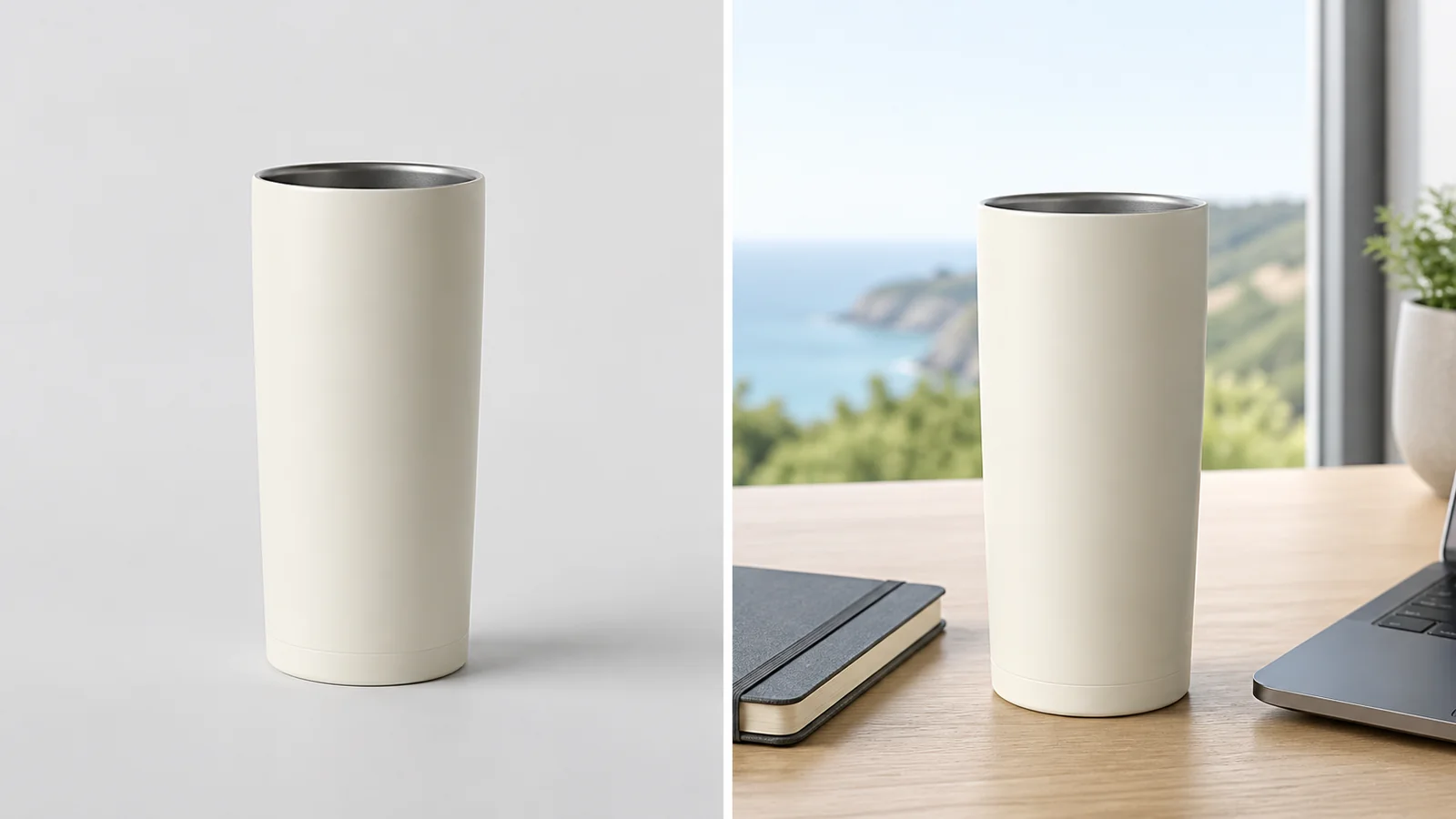
Place a product into a polished campaign-style scene for ads, PDPs, and social creative.
View product page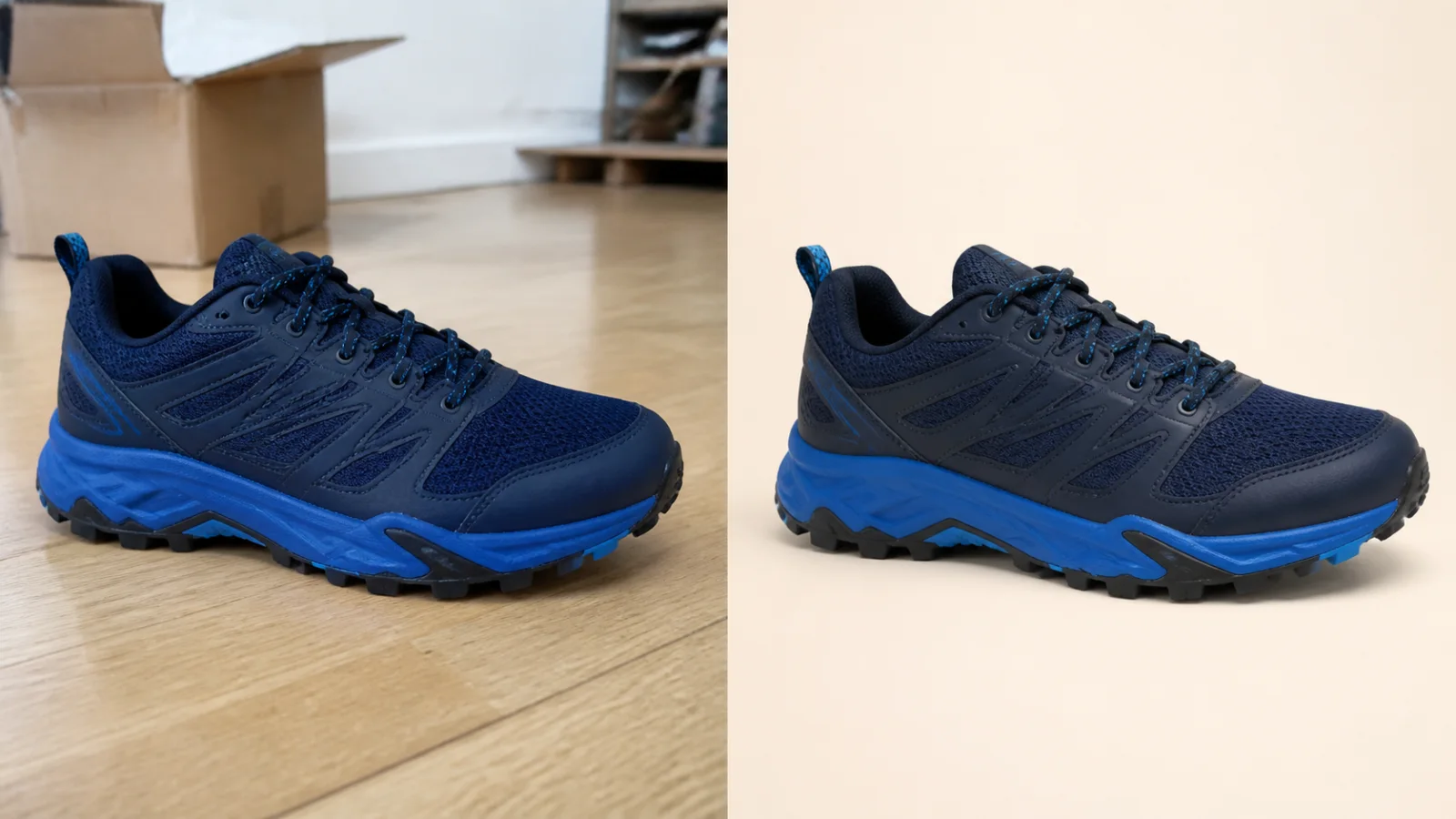
Clean up a product photo into a marketplace-ready packshot with a simple one-purpose flow.
View product pageSource asset ready
Upload one clear photo, generate a polished concept, and review it against the real space.
Open the focused App workspace