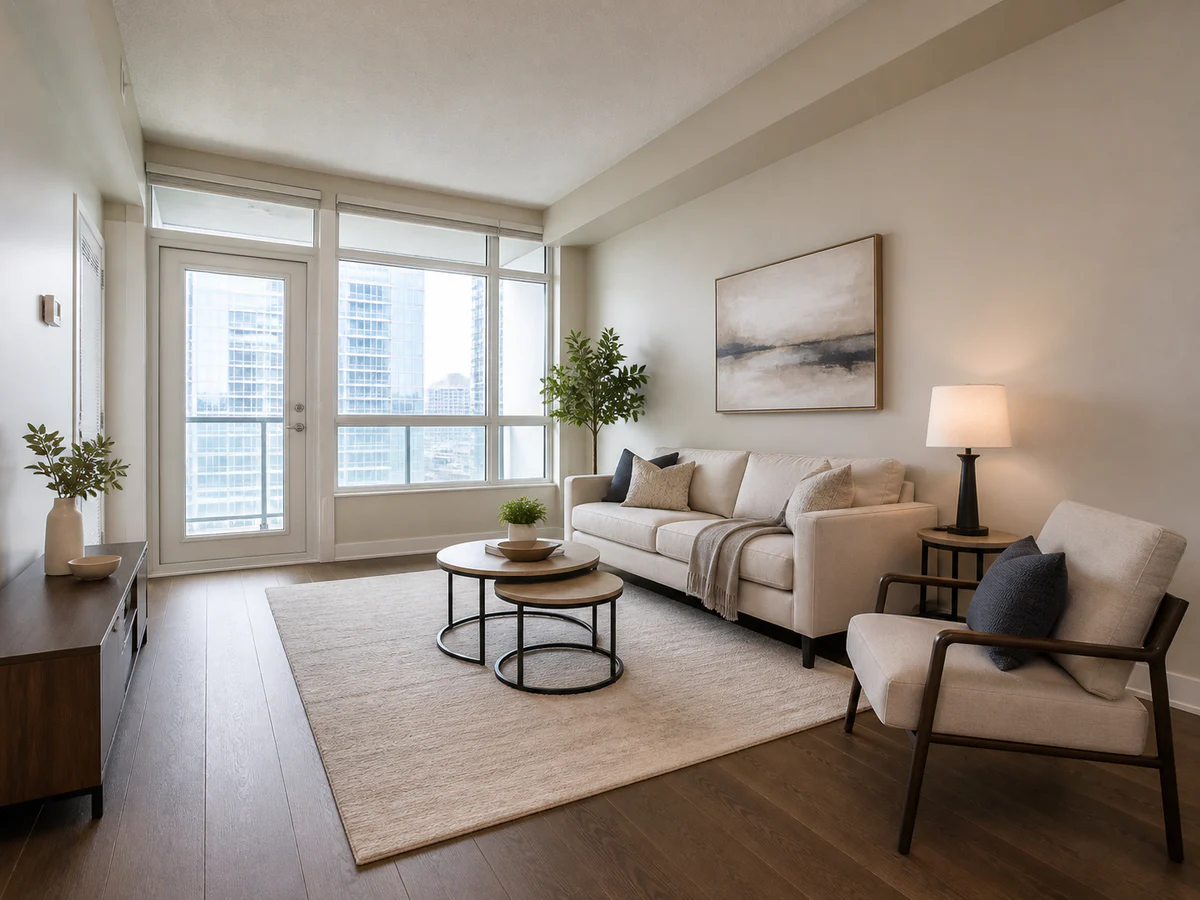
Rental-ready living room
Use apartment-scale seating and a clear balcony route so a compact room still reads naturally.

Upload one clear vacant-room photo, then choose its purpose and a buyer-friendly style. Create a furnished sale or rental image and compare it with the original so openings, fixtures, and scale stay honest.
Open the focused App workspace
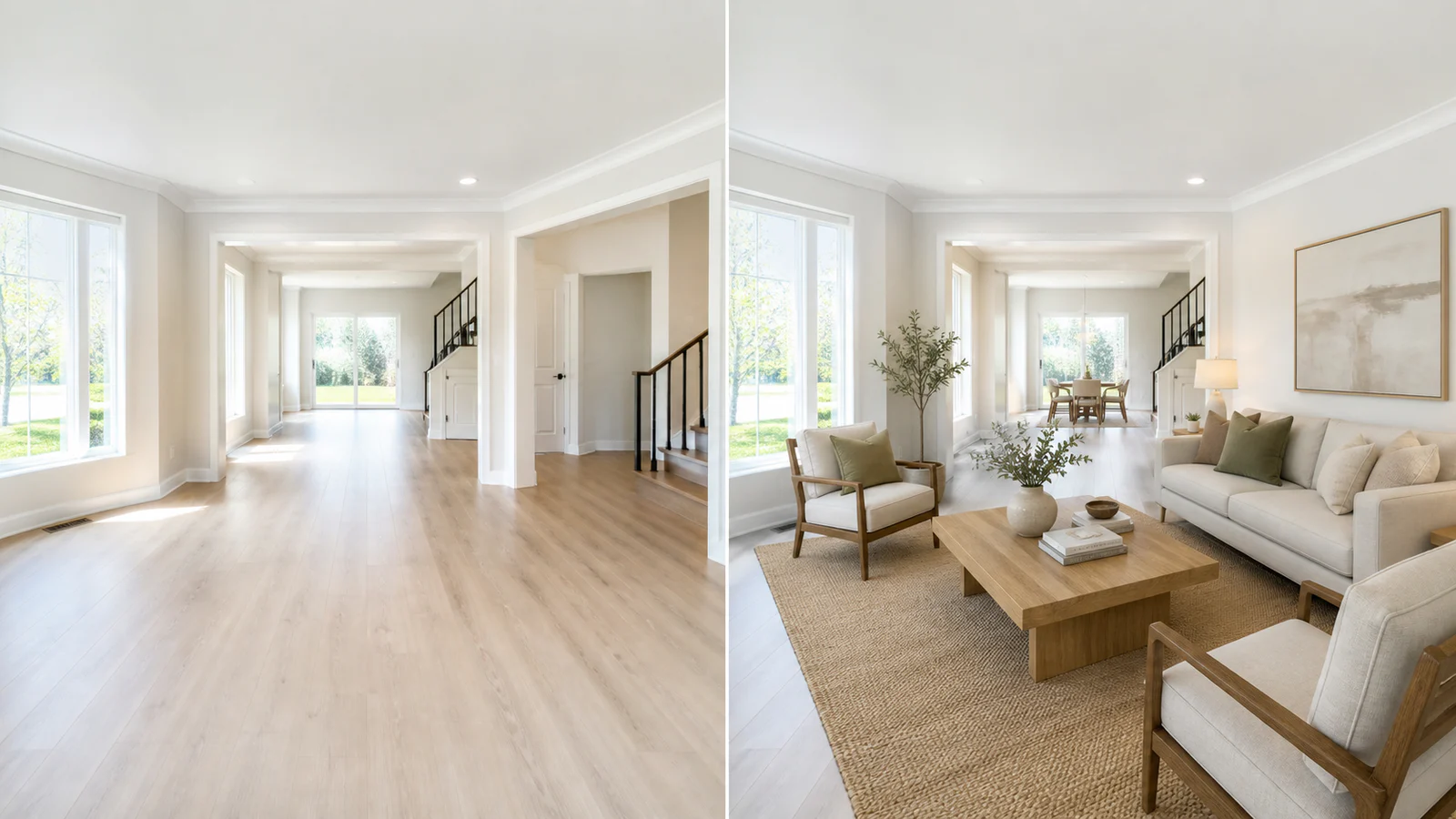
Visual examples
A compact rental living room, a primary bedroom, a bonus-room office, and an open dining zone each need different furniture density and circulation. Review the room function before visual style.
Use apartment-scale seating and a clear balcony route so a compact room still reads naturally.
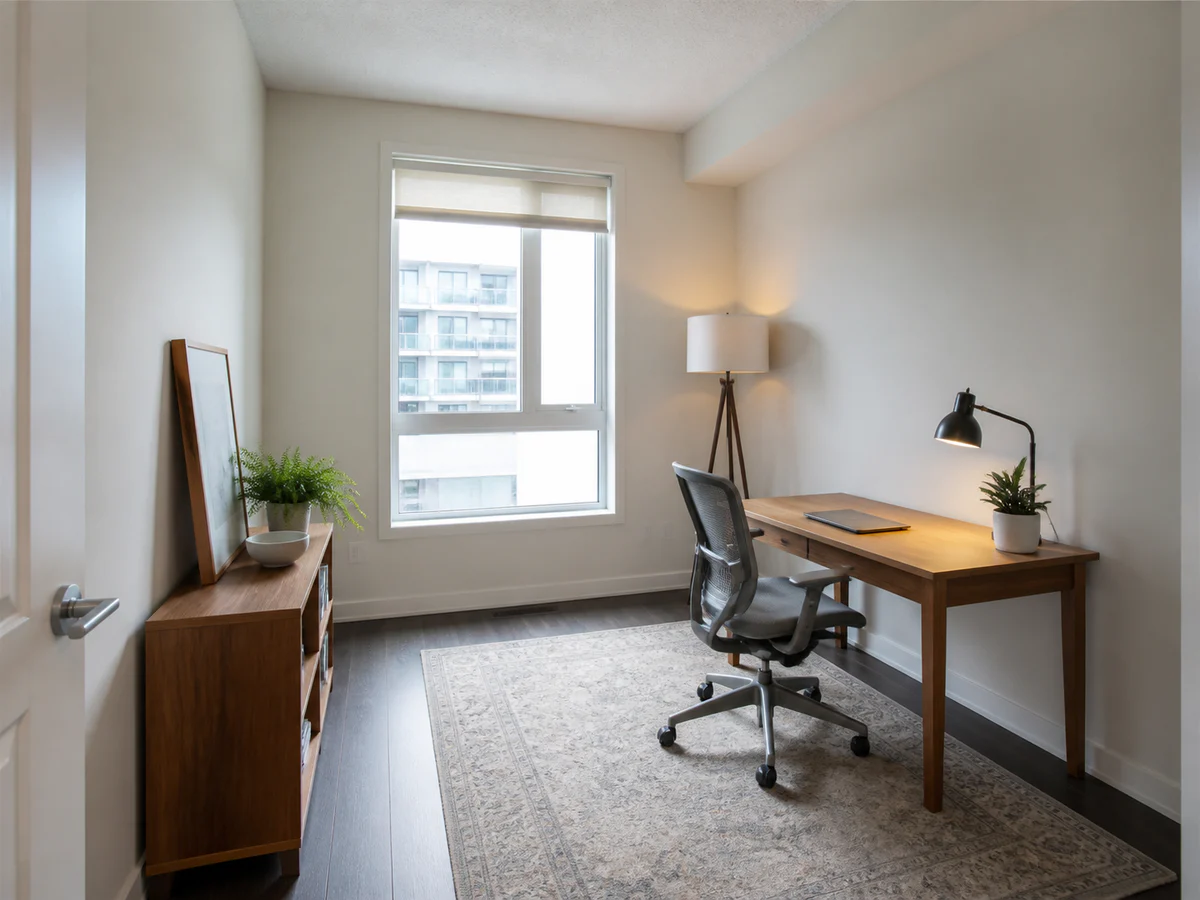
Give an empty den a credible purpose with a practical desk, storage, and open door swing.
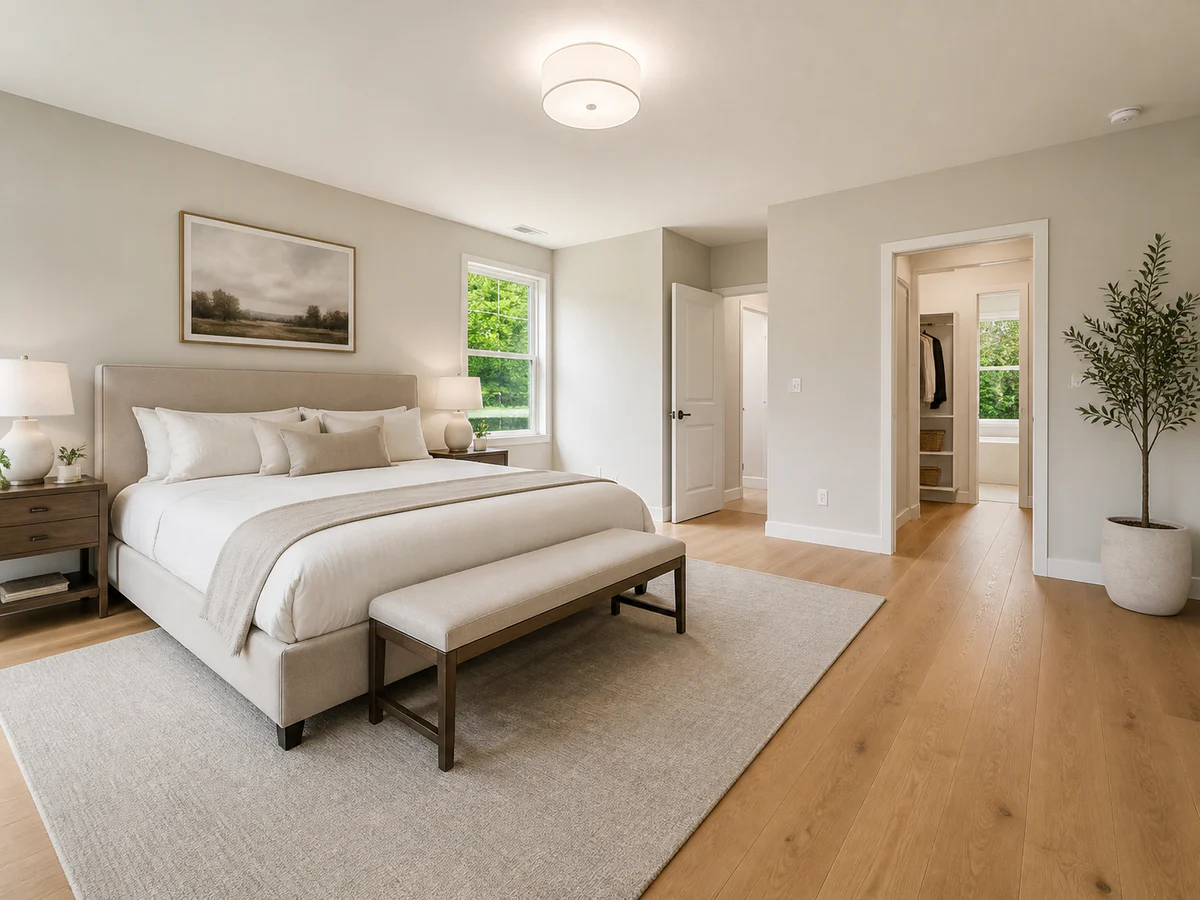
Show bed scale, closet access, and walking space without making the room look larger than it is.
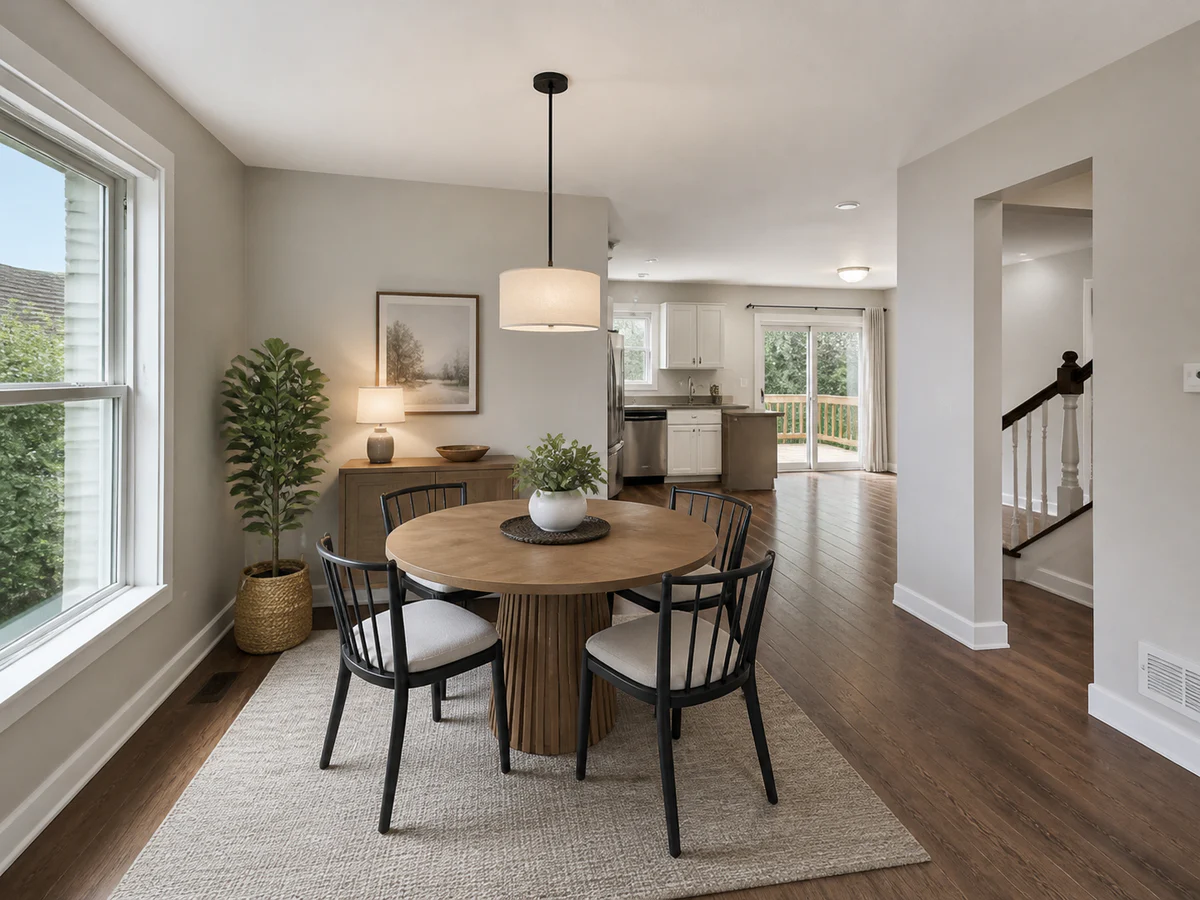
Place a correctly sized table while keeping the route to the kitchen and patio unobstructed.
Keep the unedited source available, label digitally staged images where required, and confirm the current rules of the MLS, portal, brokerage, or advertising channel you use.
Treat virtual staging as an editing workflow: start with an accurate source, make one clear staging choice, and compare the result against the property before publishing.
Include the floor, ceiling, doors, windows, built-ins, and enough depth to judge furniture scale.
Select the actual room type and one restrained direction suited to a sale, rental, short stay, or showroom.
Check every opening, fixture, surface, shadow, and route, then retain both files for channel review.
Inputs, review steps, and publishing considerations for this guided workflow.
Related products
Use Room Redesign for broader interior concepts, Product Lifestyle for commercial scenes, or Product Packshot for clean studio product images.
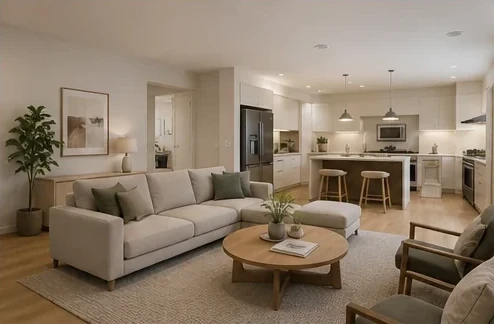
Reimagine a room photo into a designer-style interior concept without exposing complex controls.
View product page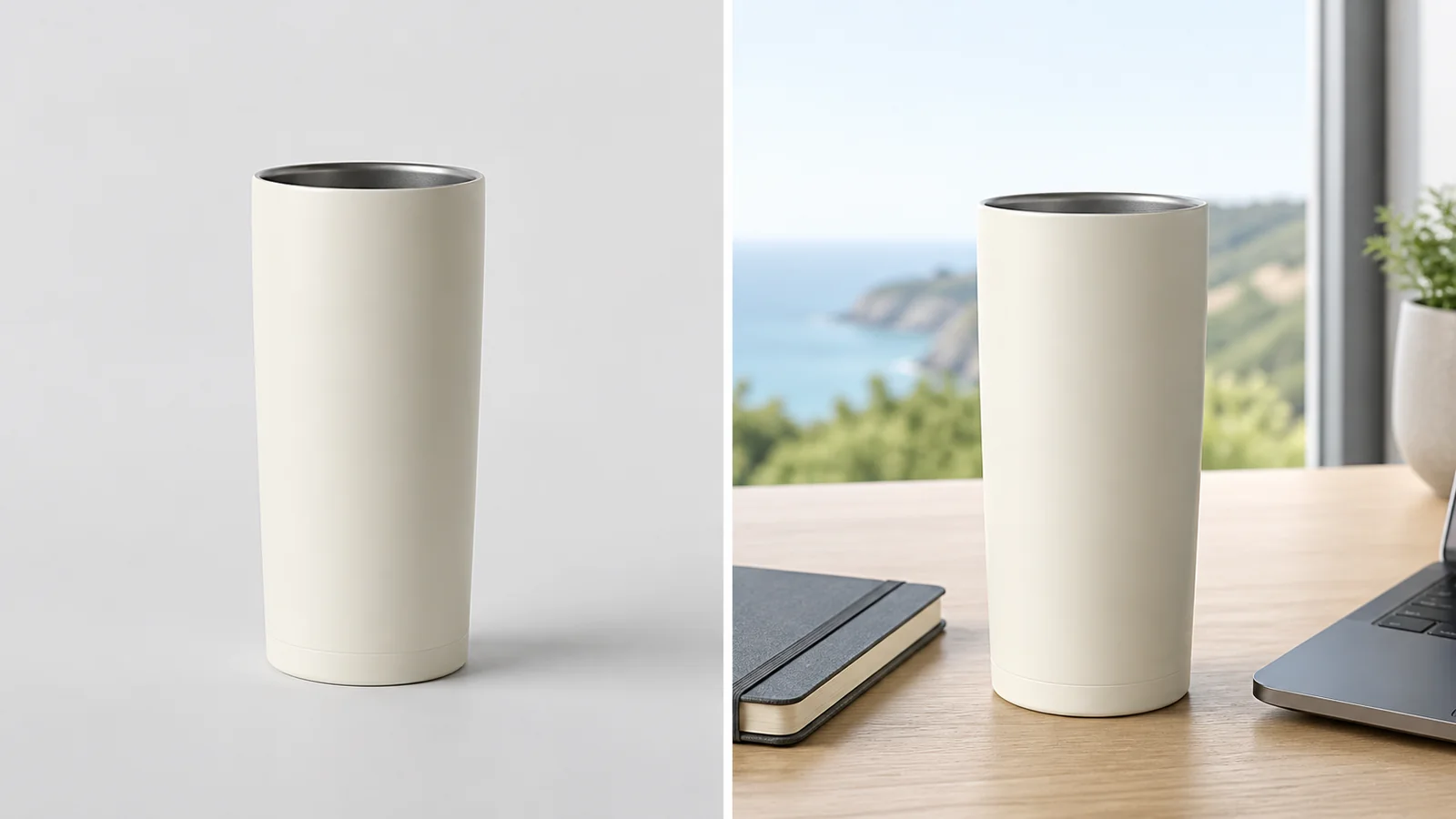
Place a product into a polished campaign-style scene for ads, PDPs, and social creative.
View product page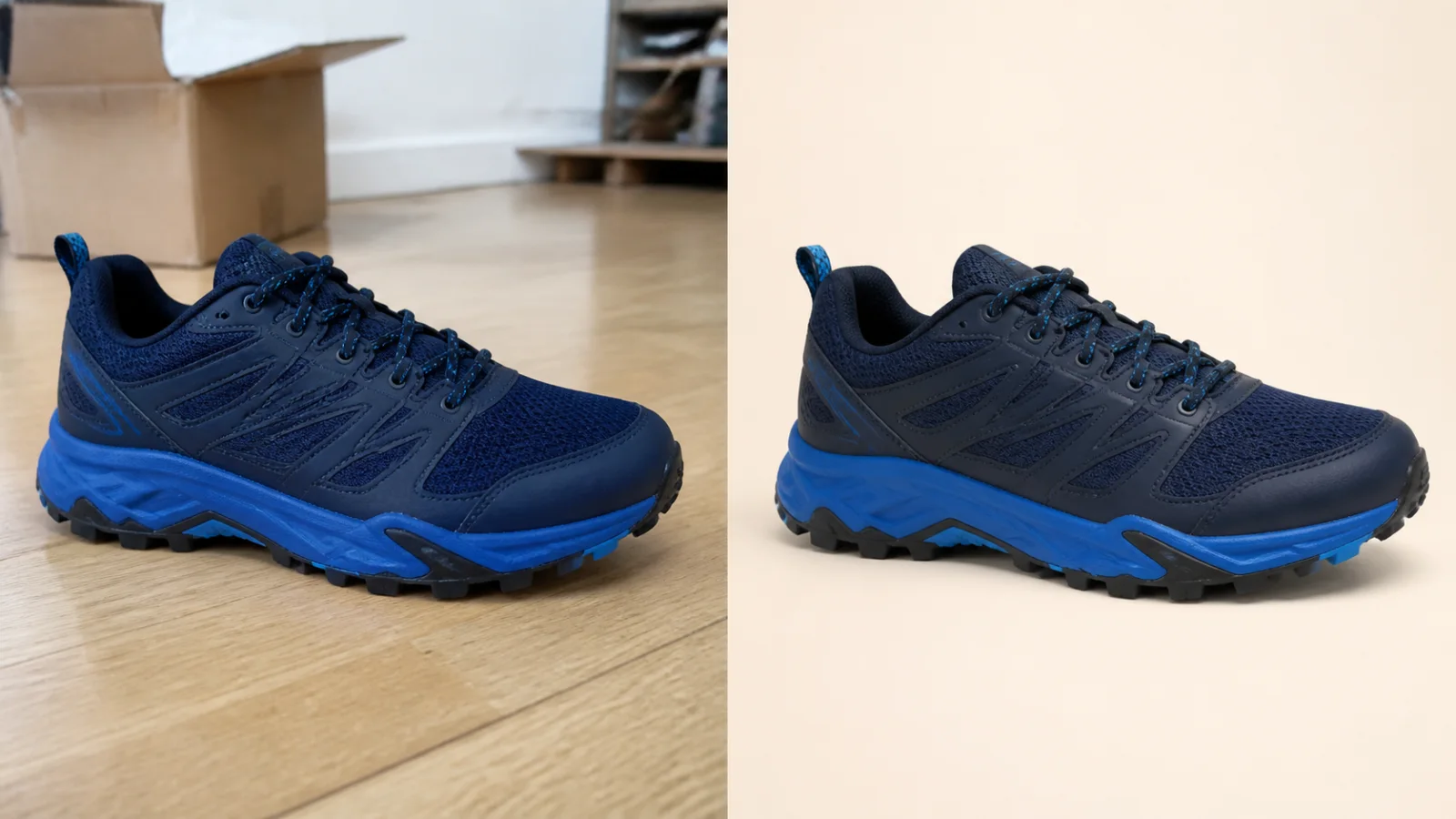
Clean up a product photo into a marketplace-ready packshot with a simple one-purpose flow.
View product pageSource asset ready
Start with one accurate property photo, keep the original beside the result, and publish only after the room still matches reality.
Open the focused App workspace