 Black Forest Labs
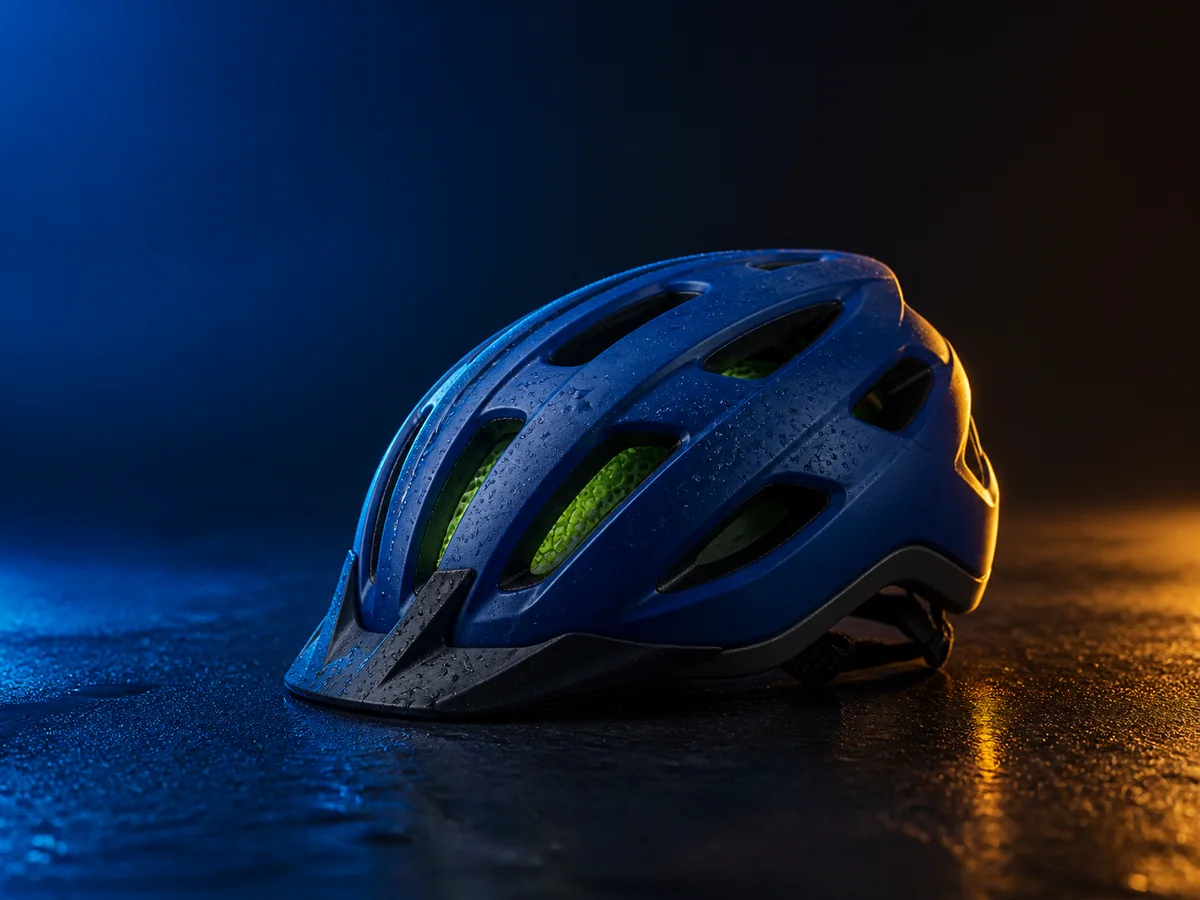
Prove the product silhouette in a studio direction
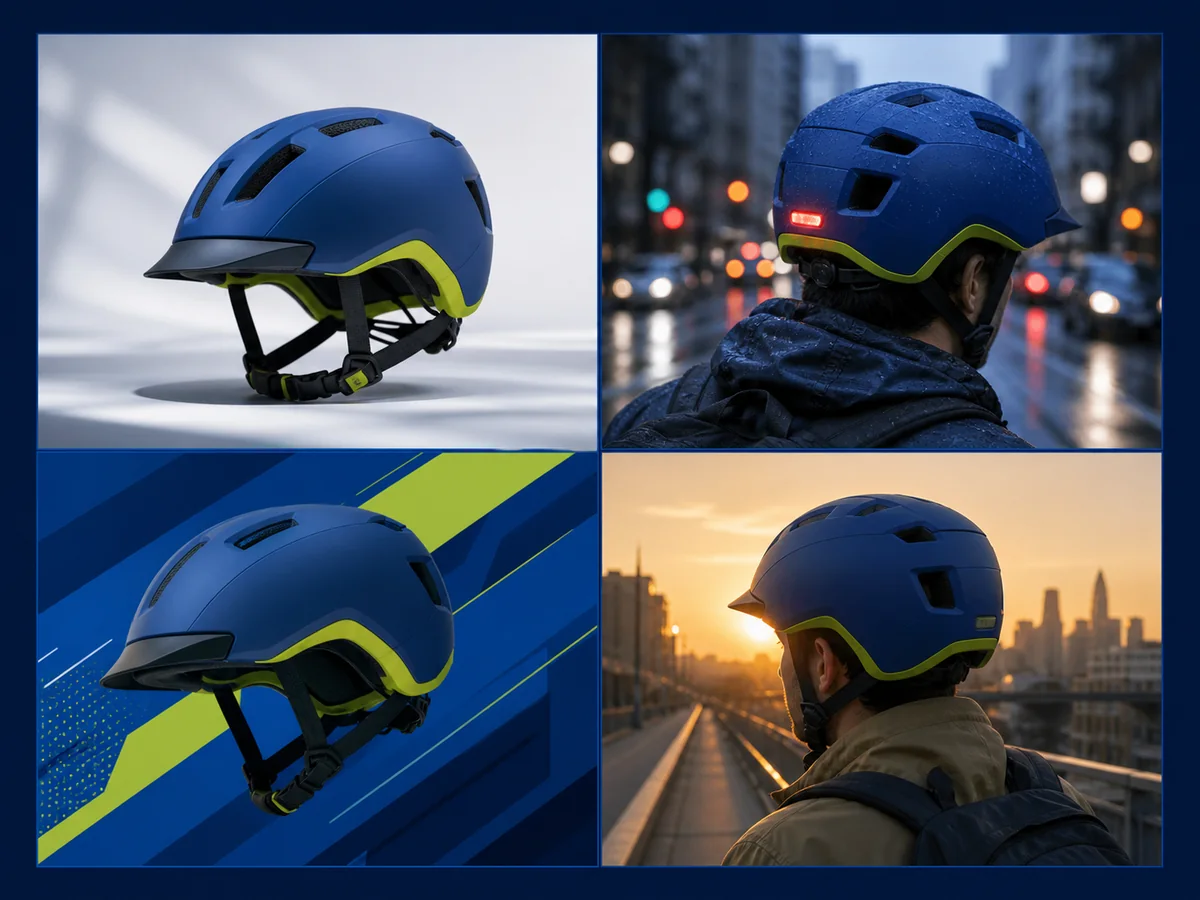
Start with one cobalt helmet, controlled light, and a quiet surface so shape, vents, material, and focal hierarchy are easy to judge.

Flux Schnell is built for the part of a project where composition, mood, and visual language are still open. Write one focused prompt, create up to four outputs, compare the options, and move only the strongest direction into a more controlled production pass.
Open image generation with this model selected
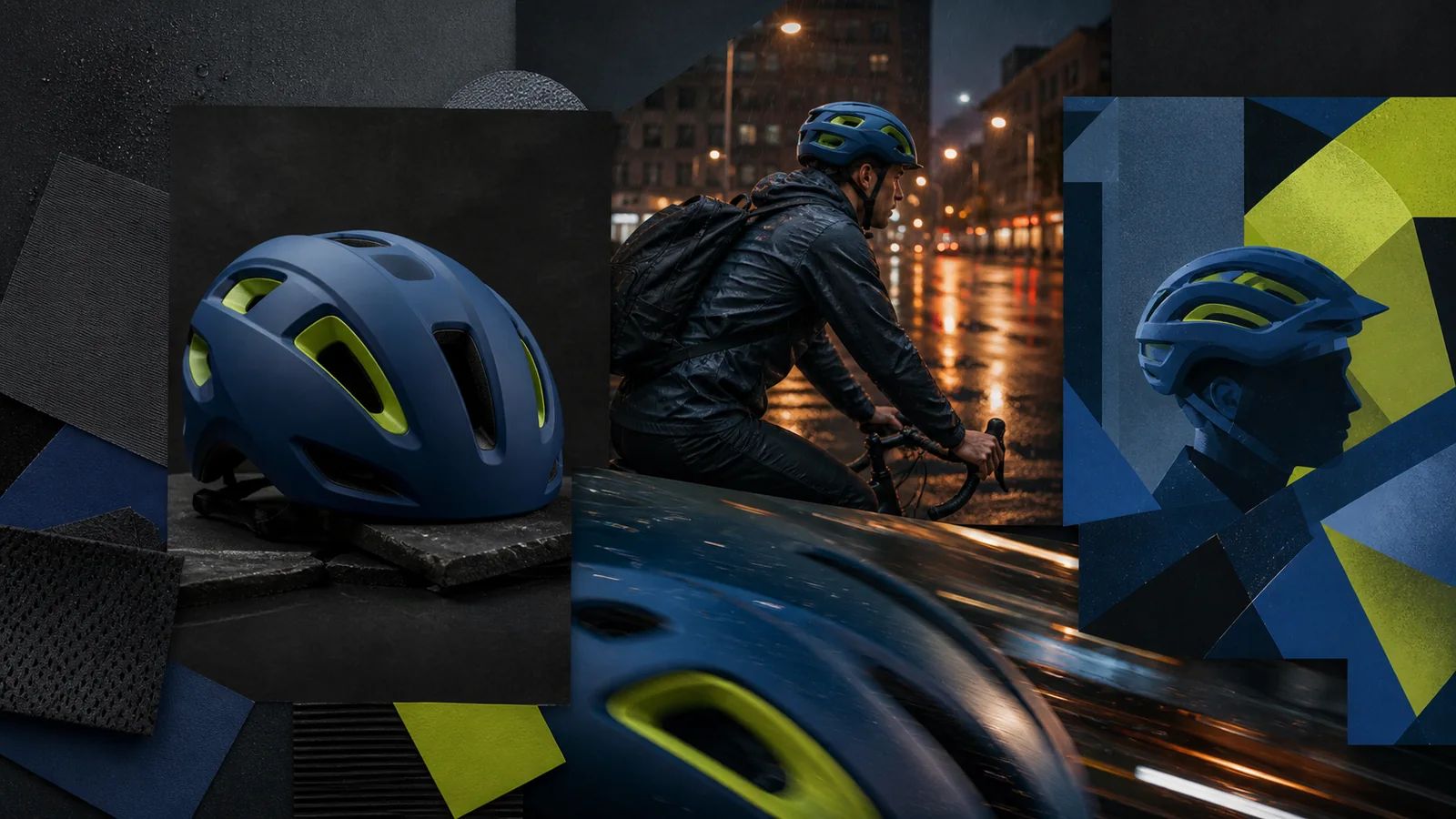
Visual examples
Each example answers a different first-round question: can the product carry a clean still life, a believable scene, a graphic treatment, and a compact batch worth reviewing?
Black Forest LabsStart with one cobalt helmet, controlled light, and a quiet surface so shape, vents, material, and focal hierarchy are easy to judge.
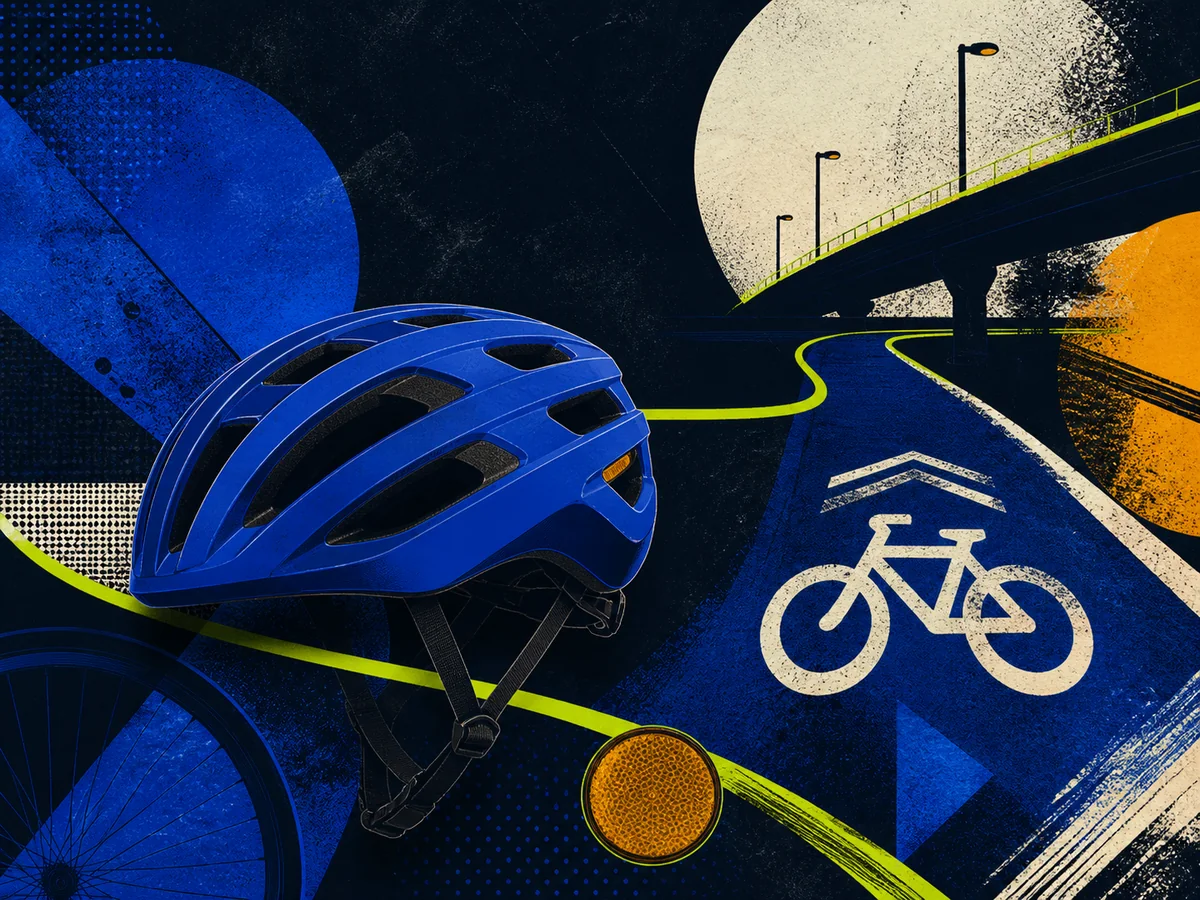 Black Forest Labs
Use bold route lines, screen-print texture, and simplified forms to decide whether an illustrative system fits the project before adding controlled copy.
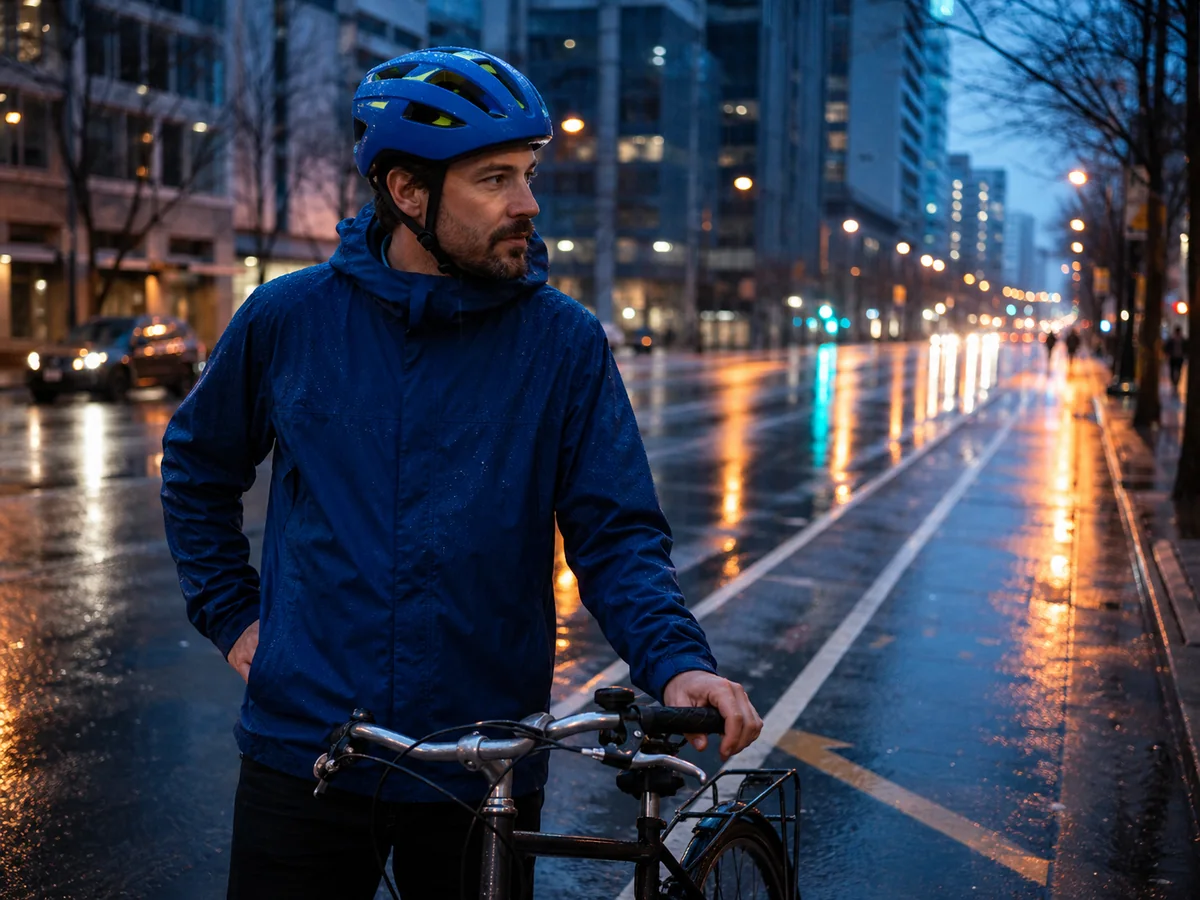 Black Forest Labs
Move the direction into a wet downtown commute and inspect the rider, bicycle, reflections, scale, and whether the helmet still reads at feed size.
 Black Forest Labs
Compare camera, light, mood, and visual style side by side, then keep the direction that best answers the brief instead of polishing every draft.
These examples show direction-finding tasks, not guaranteed replicas or final production files. Prompt fit, object geometry, people, text, output time, and credit use vary. Review the selected image before publishing or rebuilding it at higher control.
A fast model is most useful when every round has a question. Change one meaningful variable, compare a small batch, and carry the winning idea forward.
Name the subject, placement, camera, mood, and one variable to explore. Remove details that do not help the current review.
Choose the intended square, portrait, landscape, wide, or tall canvas and request up to four outputs so the differences are meaningful.
Reject structural errors, keep the strongest composition, and use a more controlled model or design tool when the direction needs exact text, references, or production polish.
Image inputs, output choices, and review points in the current Toono AI integration.
Related products
Open the AI Image Generator to compare models, use Flux 2 Pro when references and custom dimensions matter, or try GPT Image 2 for another production-oriented image workflow.
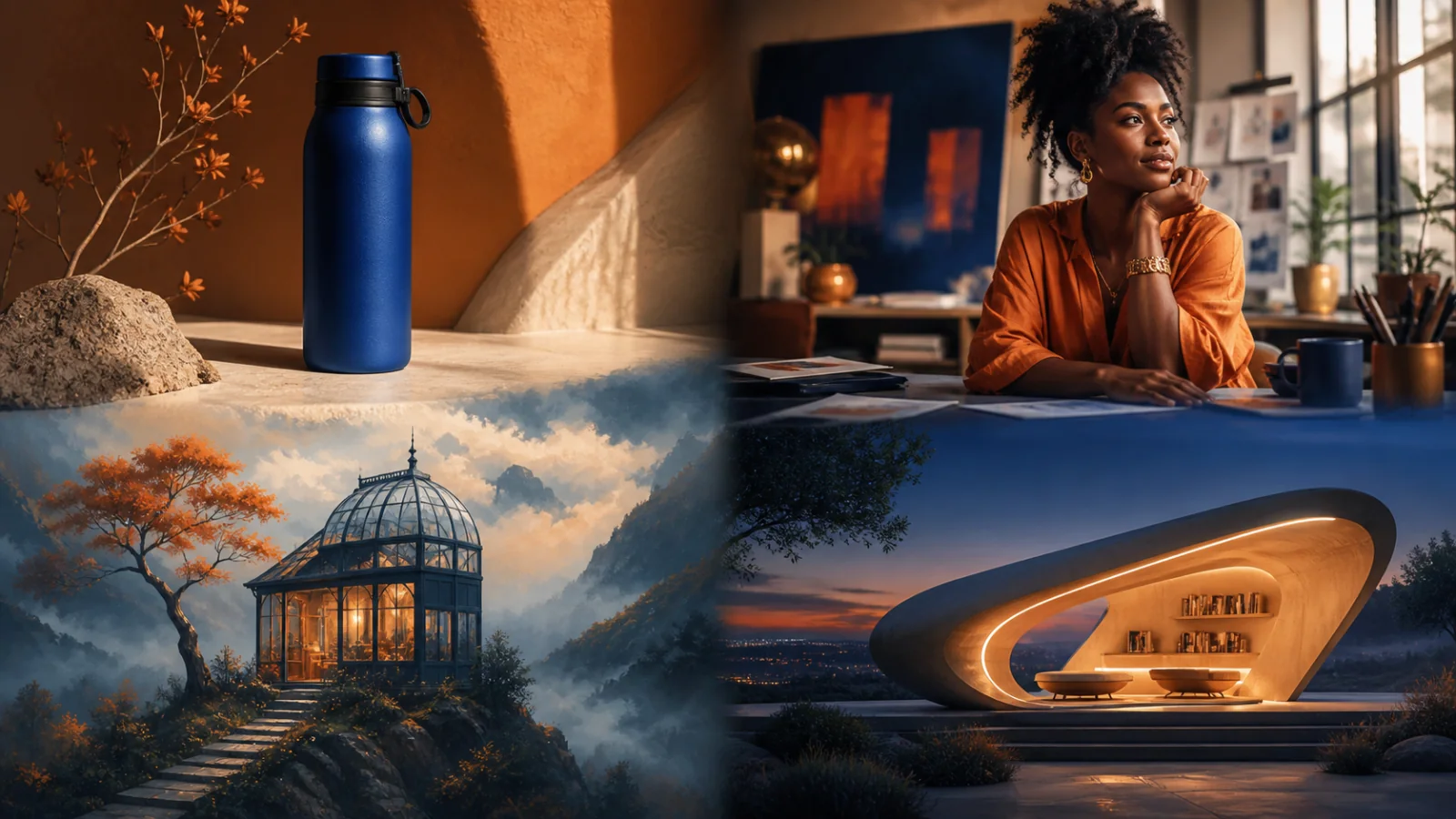
Create product visuals, editorial images, illustrations, and concepts from prompts or supported reference inputs.
View product page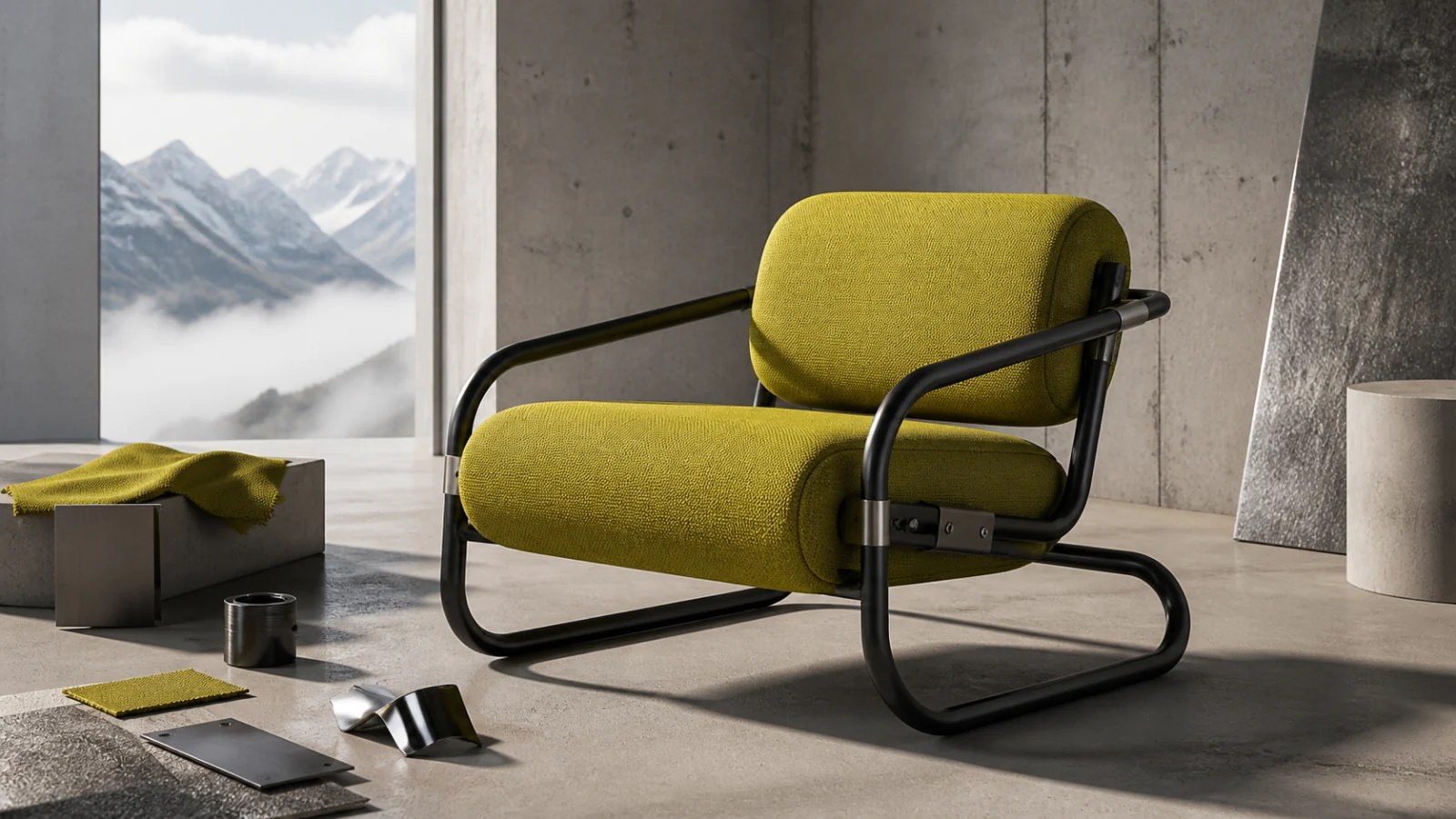
Create from prompts or up to eight references, with 0.5–4 MP tiers, custom dimensions, and PNG, JPG, or WebP export.
View product page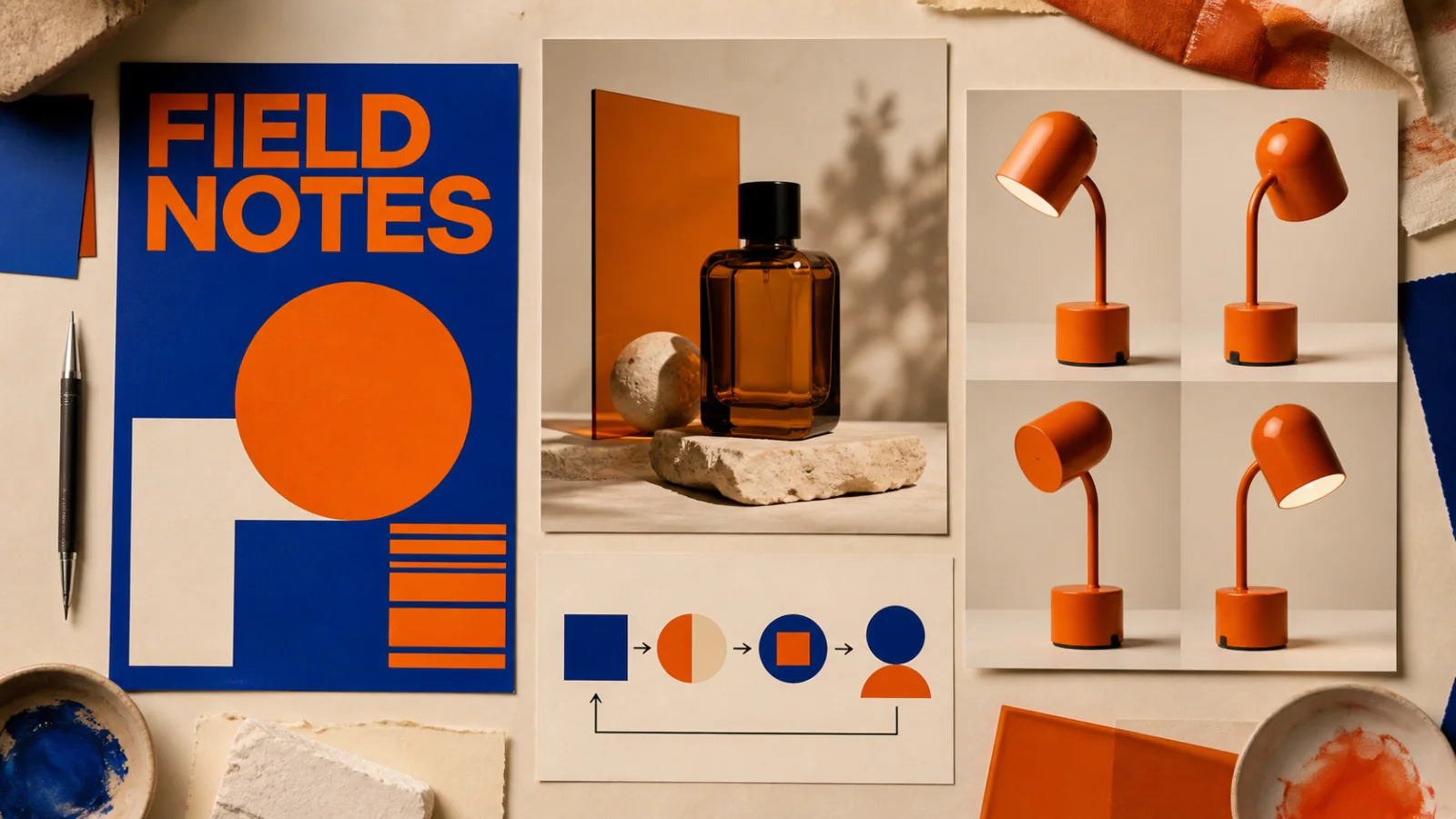
Create text-led layouts, detailed product visuals, structured graphics, and reference-based image edits.
View product pageProduction brief ready
Open Flux Schnell, choose the real placement, generate a small set, and leave the round with one direction worth developing.
Open image generation with this model selected