 OpenAI
Design a text-led campaign layout
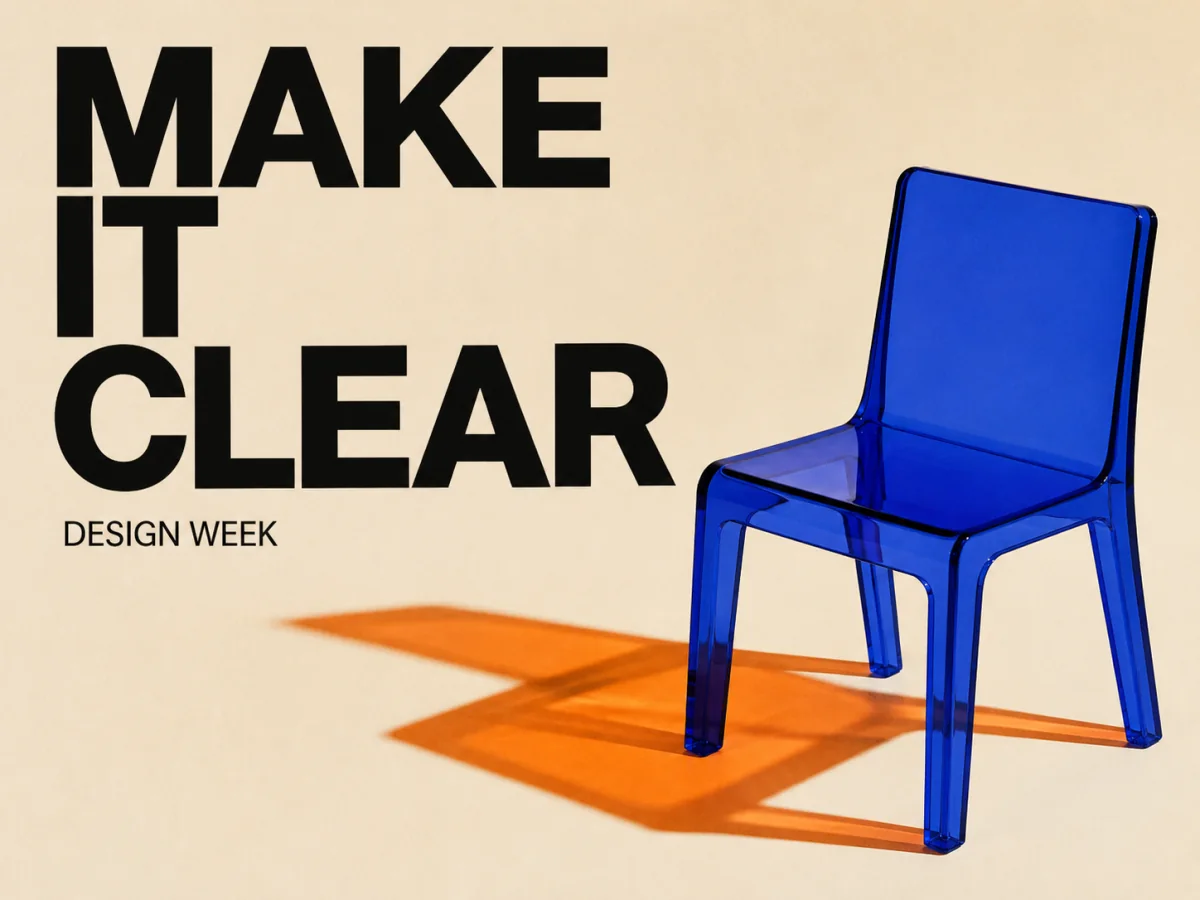
Pair a concise headline with a clear hierarchy, deliberate negative space, and a visual system that can move into a launch page or event campaign.

Start from text, add references when identity or structure matters, and produce campaign layouts, catalog views, diagrams, or edits from one GPT Image 2 workspace. This page explains the workflow; production controls open in the dashboard.
Open image generation with this model selected
Visual examples
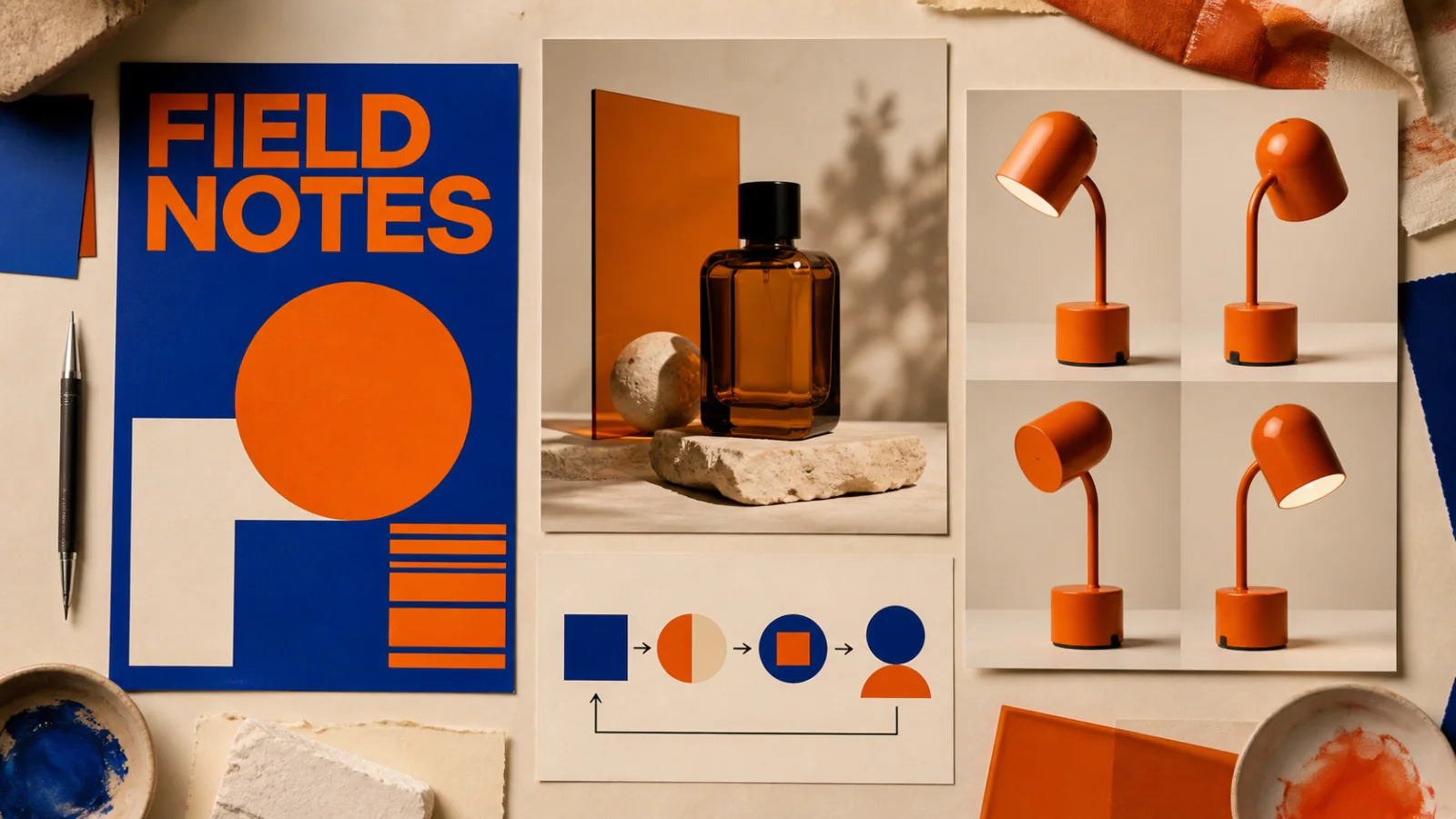
A model page should show where the model earns its place in a real workflow. These examples focus on readable short text, detailed product presentation, structured information, and reference continuity.
OpenAIPair a concise headline with a clear hierarchy, deliberate negative space, and a visual system that can move into a launch page or event campaign.
 OpenAI
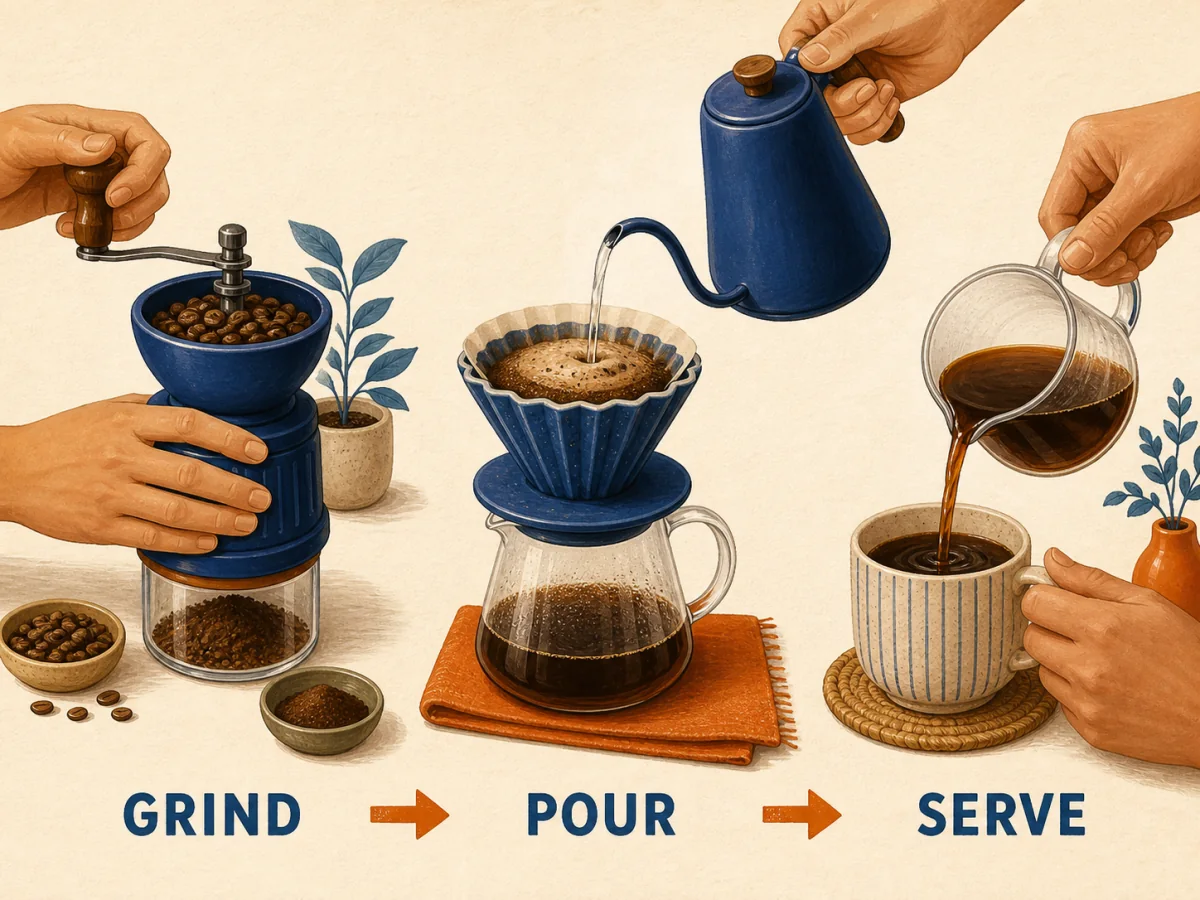
Turn a short sequence into a legible diagram with distinct steps, consistent symbols, and enough space for editorial use.
 OpenAI
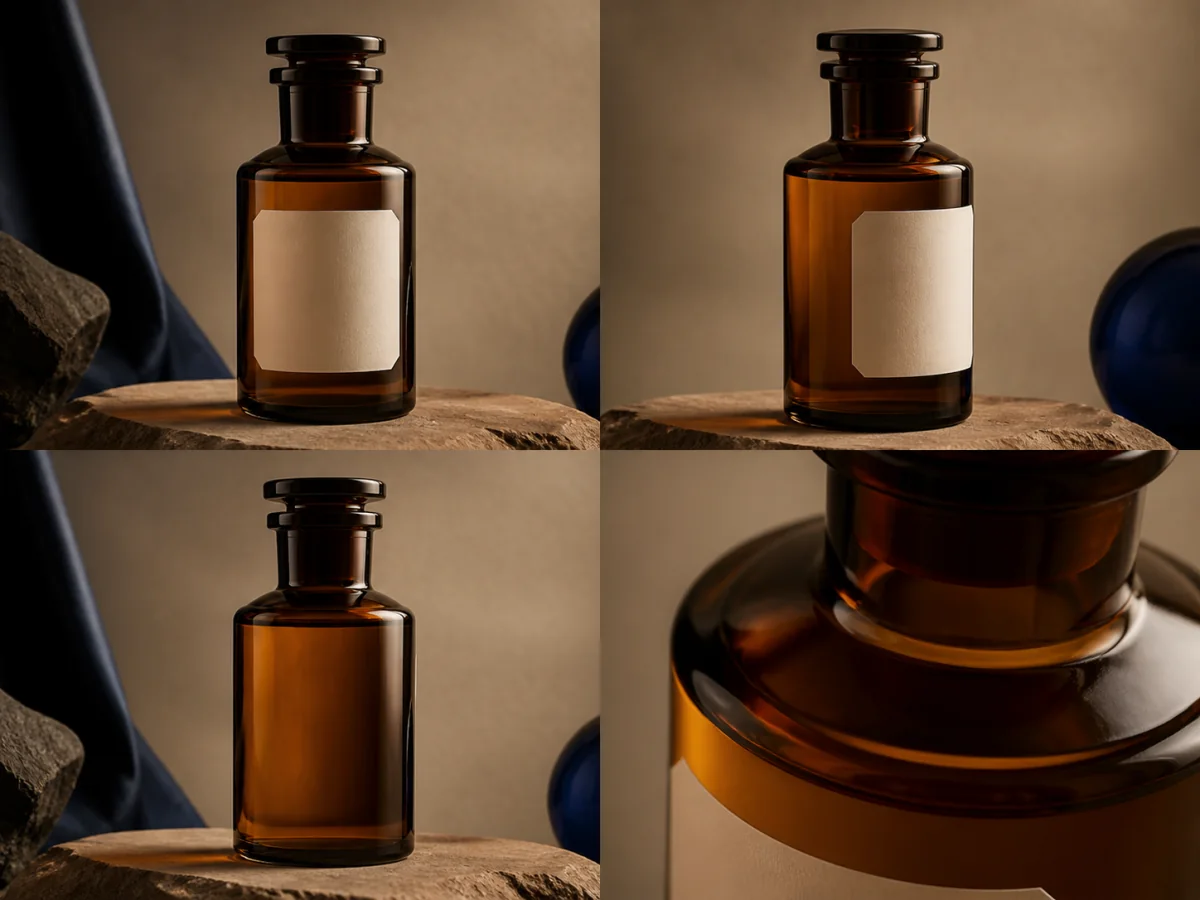
Show form, finish, open and closed states, and a material close-up so a catalog team can evaluate more than a hero angle.
 OpenAI
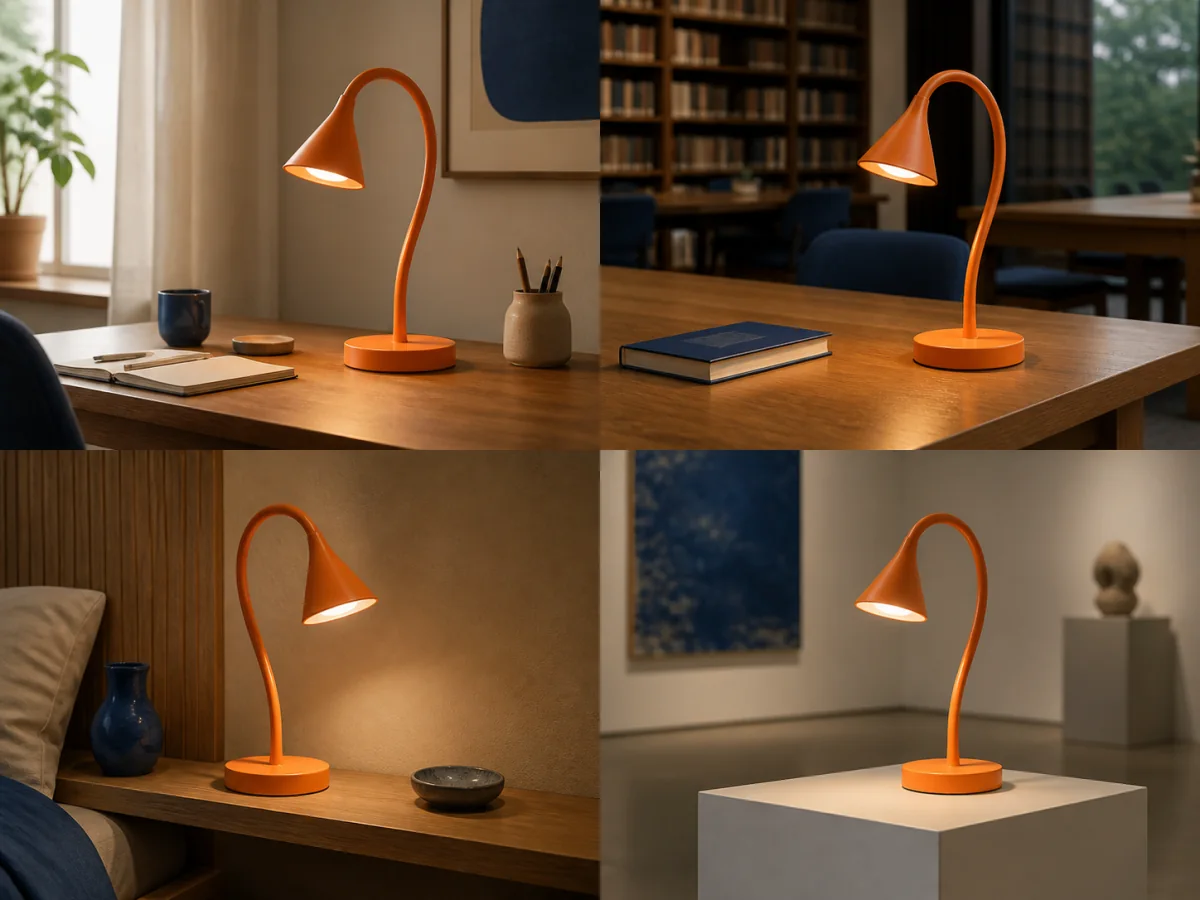
Compare silhouette, color, hardware, and proportions when the same object moves from a desk to a living room, studio, or campaign set.
Examples demonstrate creative directions, not guaranteed outputs. Results, latency, credit cost, available sizes, and reference fidelity depend on the chosen settings and source material. Review every asset before publishing.
GPT Image 2 responds best to a production brief that separates what must stay fixed from what can change between outputs.
Name the final channel, required text, subject details, brand colors, composition limits, and any elements that must not appear.
Use each reference for a clear purpose such as subject identity, palette, layout, or material. Fewer well-chosen references are easier to evaluate than an unstructured mood board.
Set size, quality, format, and output count for the placement. Select the strongest direction and revise one structural issue at a time.
Image inputs, output choices, and review points in the current Toono AI integration.
Related products
Explore Sunburst for its six quality settings, Product Packshot for catalog imagery, or Social Ad Creative for campaign compositions.
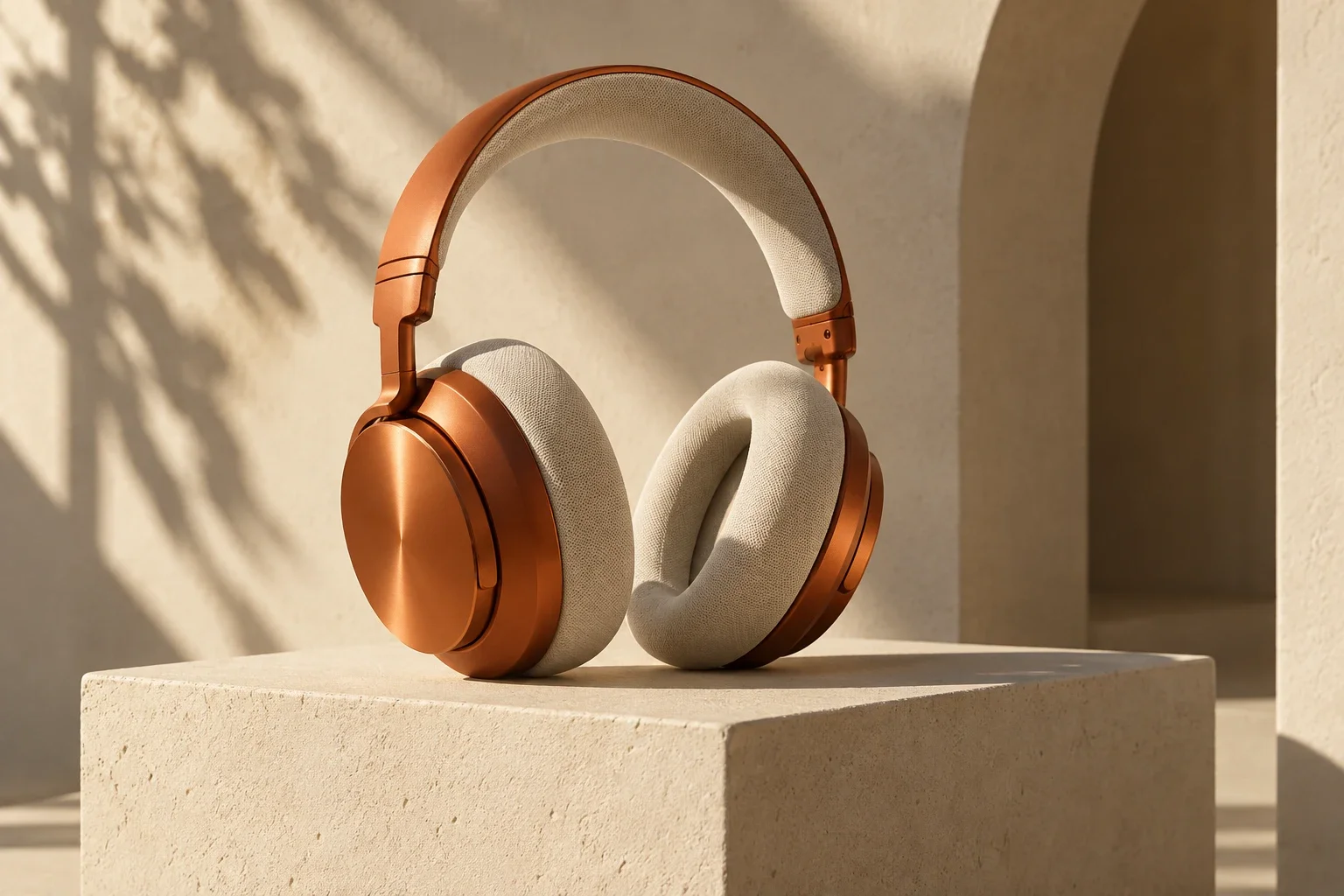
Generate detailed images and edit references with precise instructions, readable text, and six quality levels.
View product page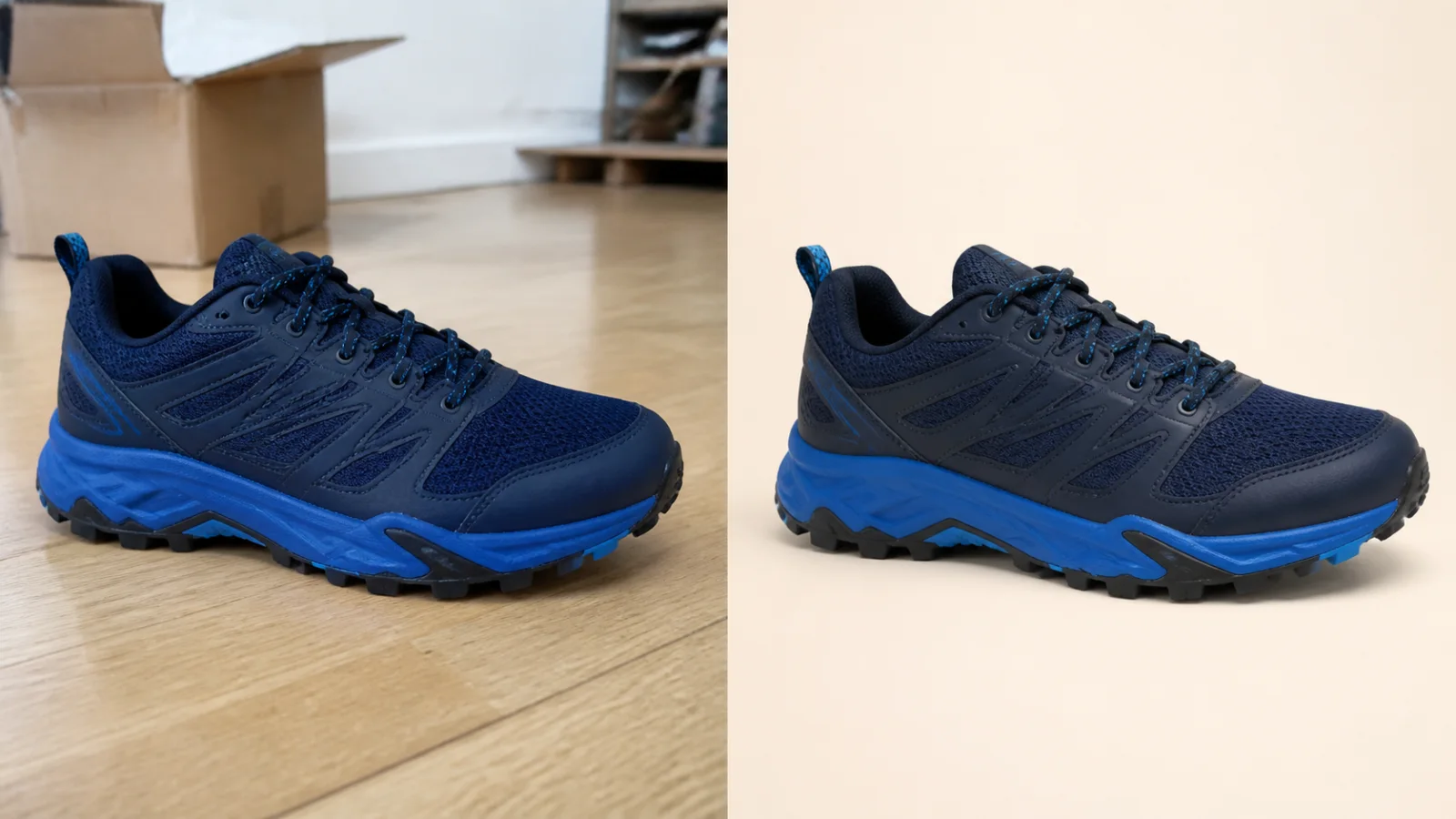
Clean up a product photo into a marketplace-ready packshot with a simple one-purpose flow.
View product page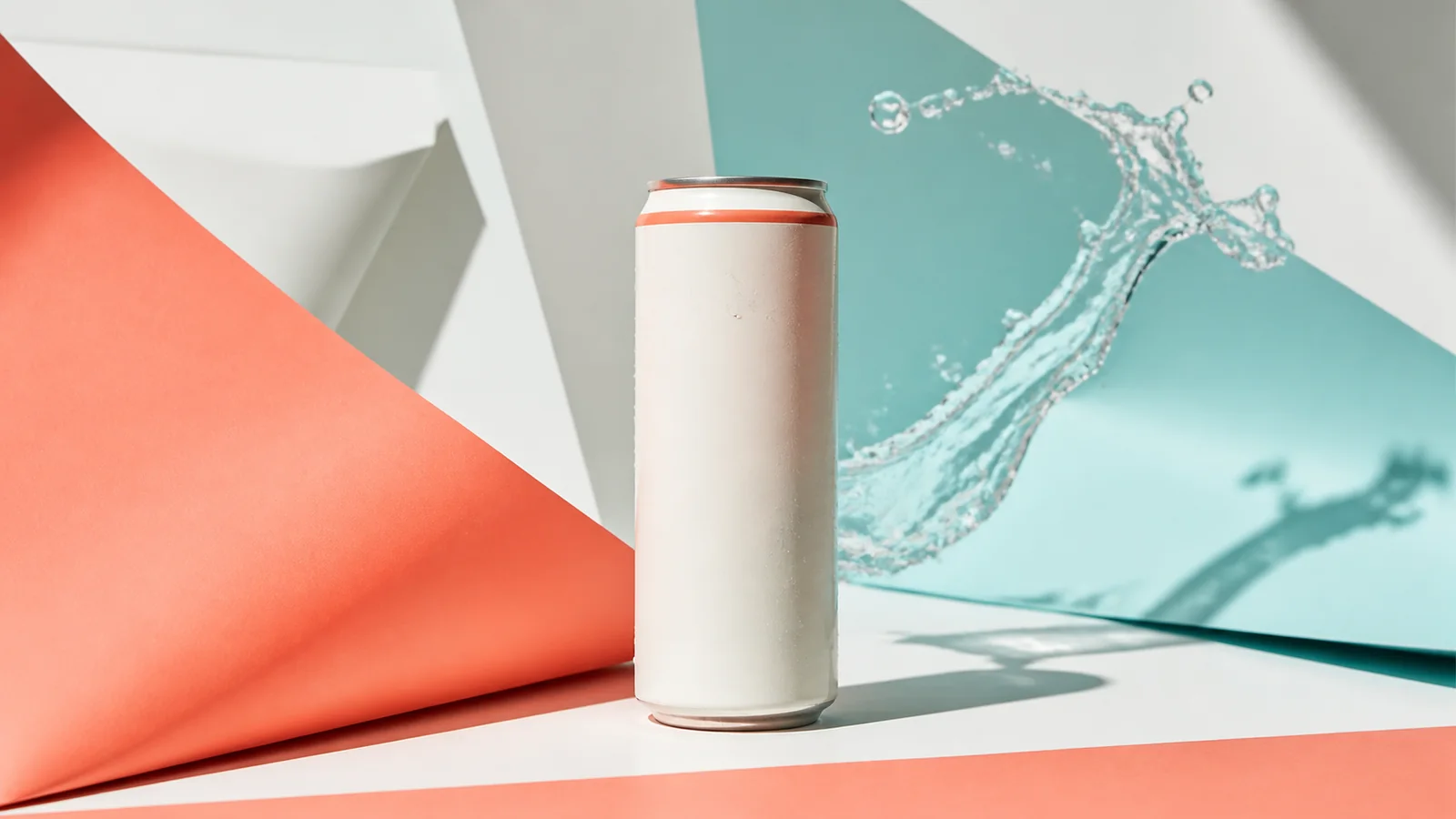
Turn a product image into a polished paid-social creative built for scroll-stopping campaigns.
View product pageProduction brief ready
Open the model workspace, set the placement and constraints, then generate a small set you can compare against the same checklist.
Open image generation with this model selected