 OpenAI
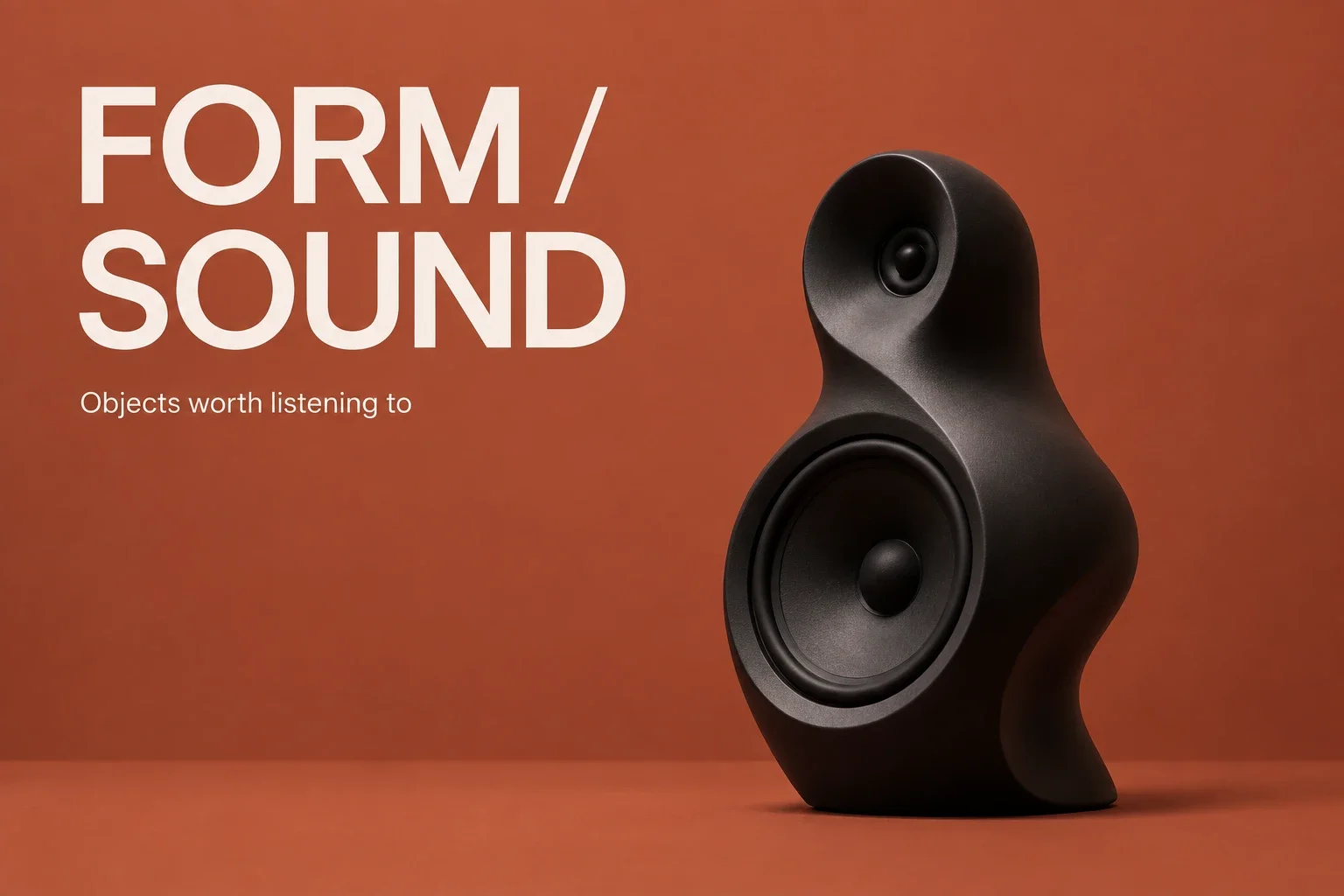
A poster with a clear reading order
A short exhibition headline and a quieter subtitle leave room for the object and the message.

Give the model a clear brief, or bring an image and describe the change. Build product visuals, text-led layouts, and material studies with control over size, quality, and output count.
High quality starts at 16 credits per image.
Visual examples
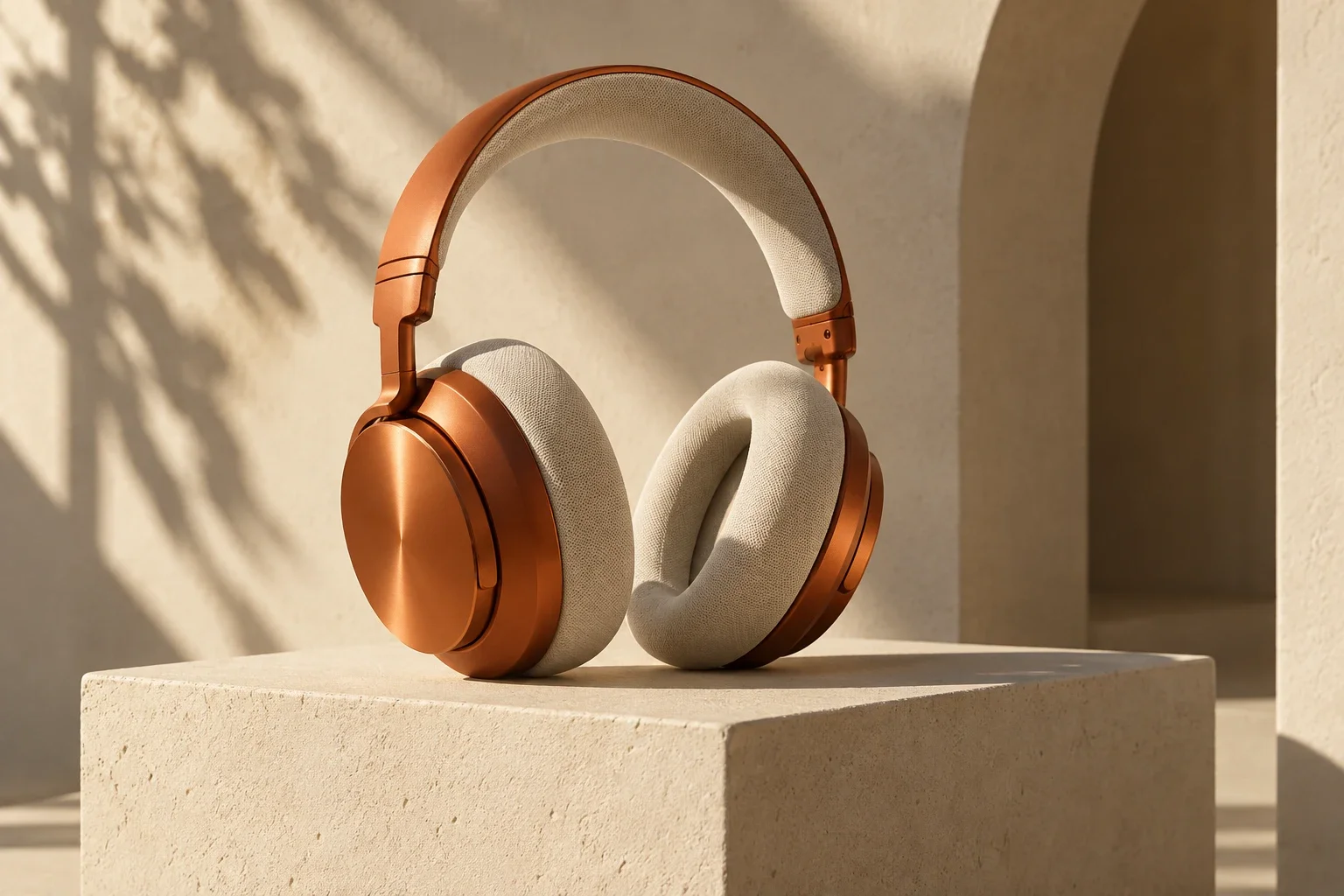
Four distinct briefs show the range of a small creative studio: typography, industrial detail, homeware photography, and a visual sequence.
OpenAIA short exhibition headline and a quieter subtitle leave room for the object and the message.
 OpenAI
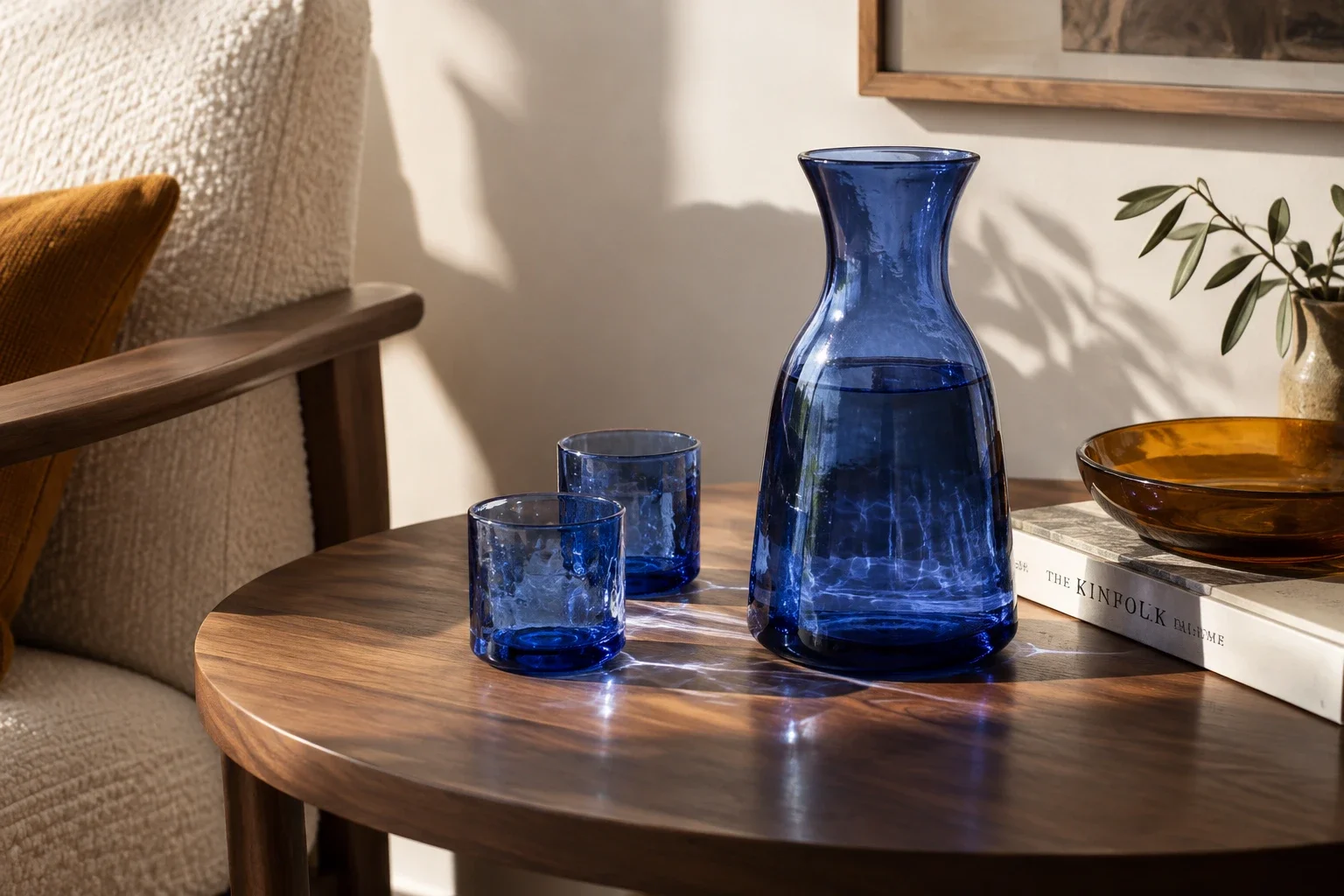
A glass carafe and tumblers bring reflections, shadow, and transparent material into the same brief.
 OpenAI
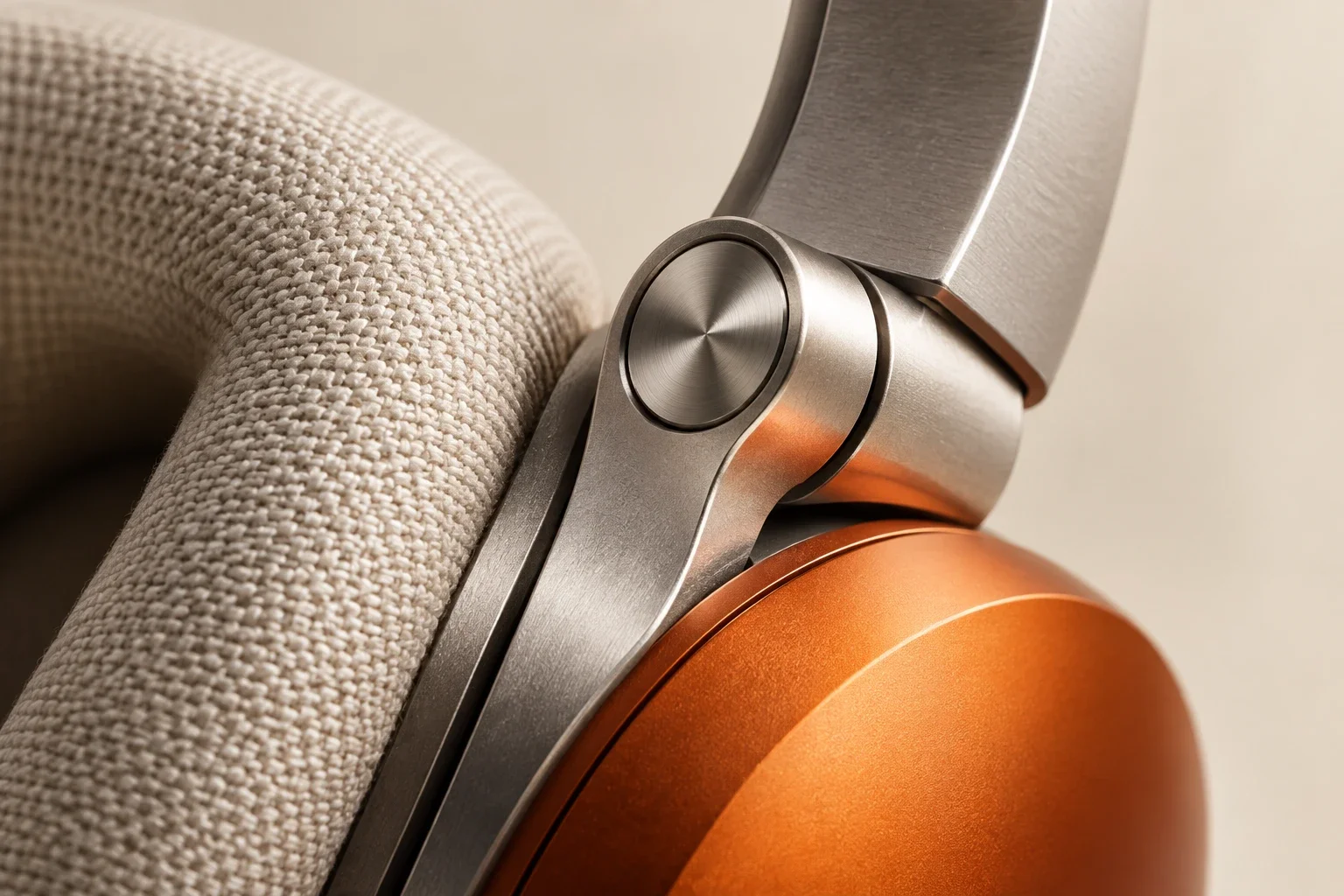
Brushed metal, woven fabric, and a curved shell give an industrial designer different surfaces to inspect.
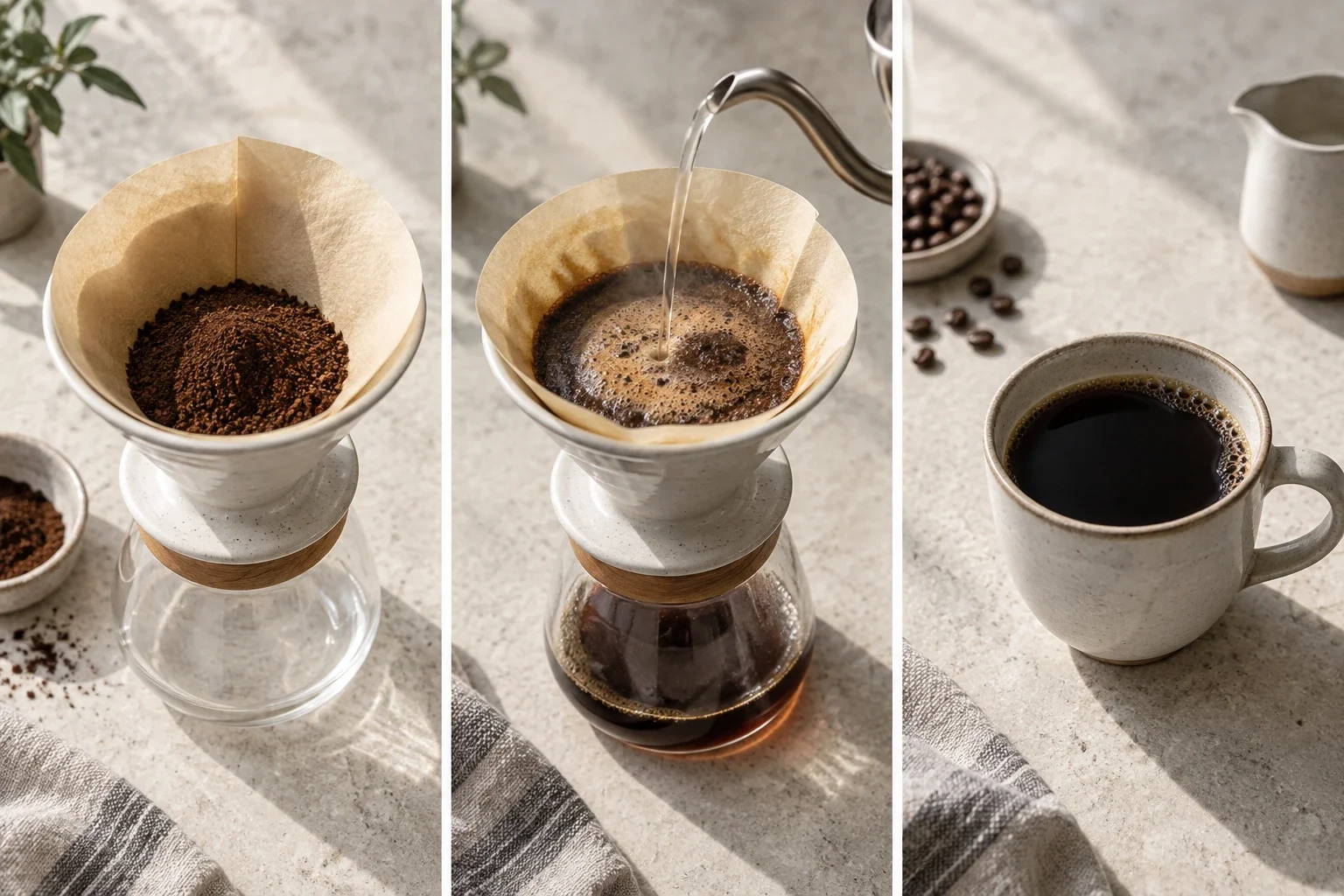 OpenAI
A pour-over sequence explores how a simple visual layout can communicate order without relying on paragraphs.
These are actual Sunburst text-to-image outputs at Medium quality, not reference-edit comparisons. Text, geometry, and factual details still need a final review.
Separate the subject, the requested change, and your constraints. This is especially useful when working from a reference.
Describe the subject, camera angle, lighting, and intended placement. Put short required text in quotation marks.
Add up to 10 images. Explain which carries the subject, which guides the palette, and which establishes the layout.
Ask for a specific adjustment, choose quality and dimensions, then compare the result against the parts you wanted preserved.
Image inputs, output choices, and review points in the current Toono AI integration.
Related products
Explore GPT Image 2 for another model workflow, Nano Banana 2 for image creation, or Product Packshot for a focused product-photo task.
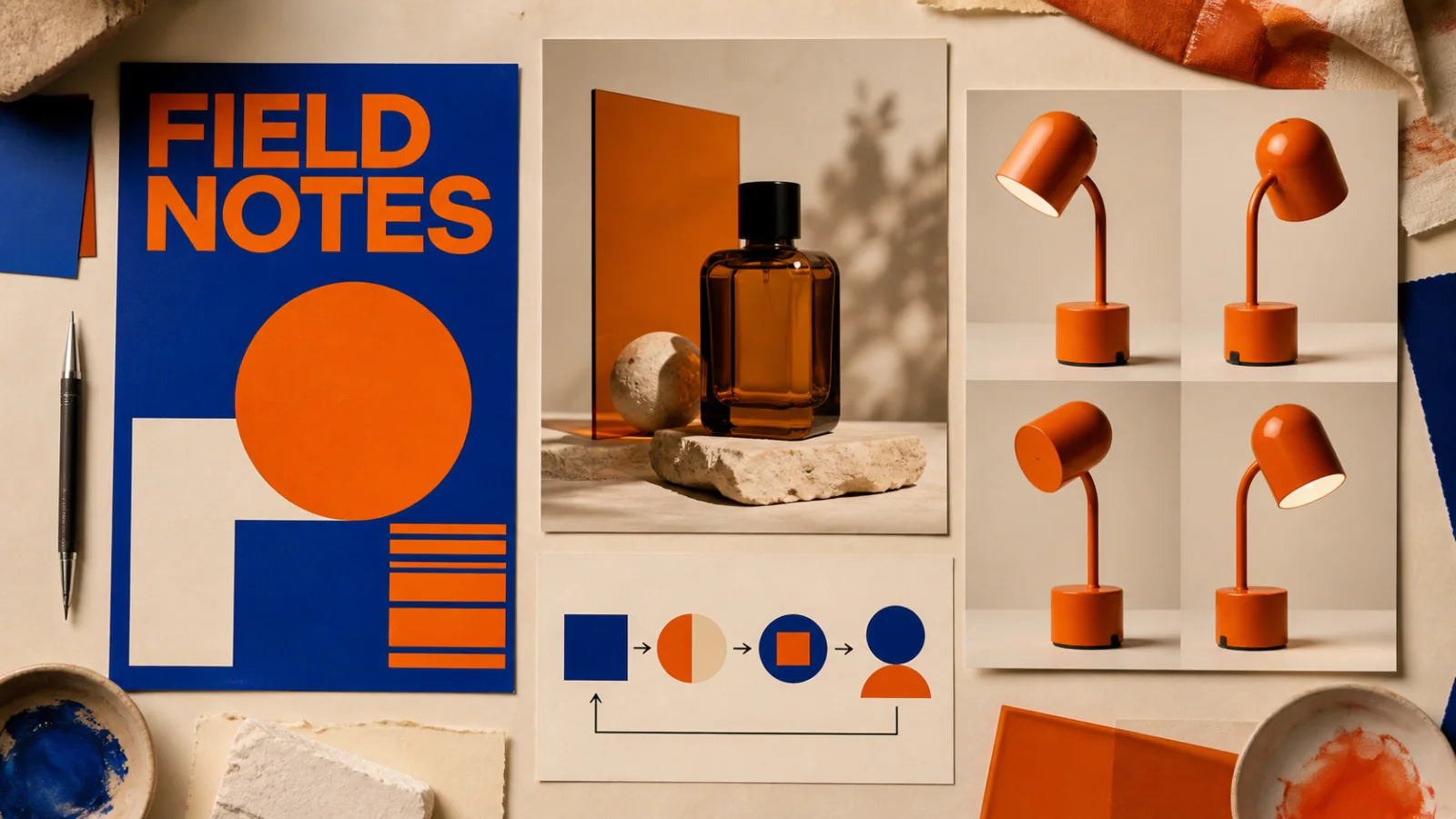
Create text-led layouts, detailed product visuals, structured graphics, and reference-based image edits.
View product page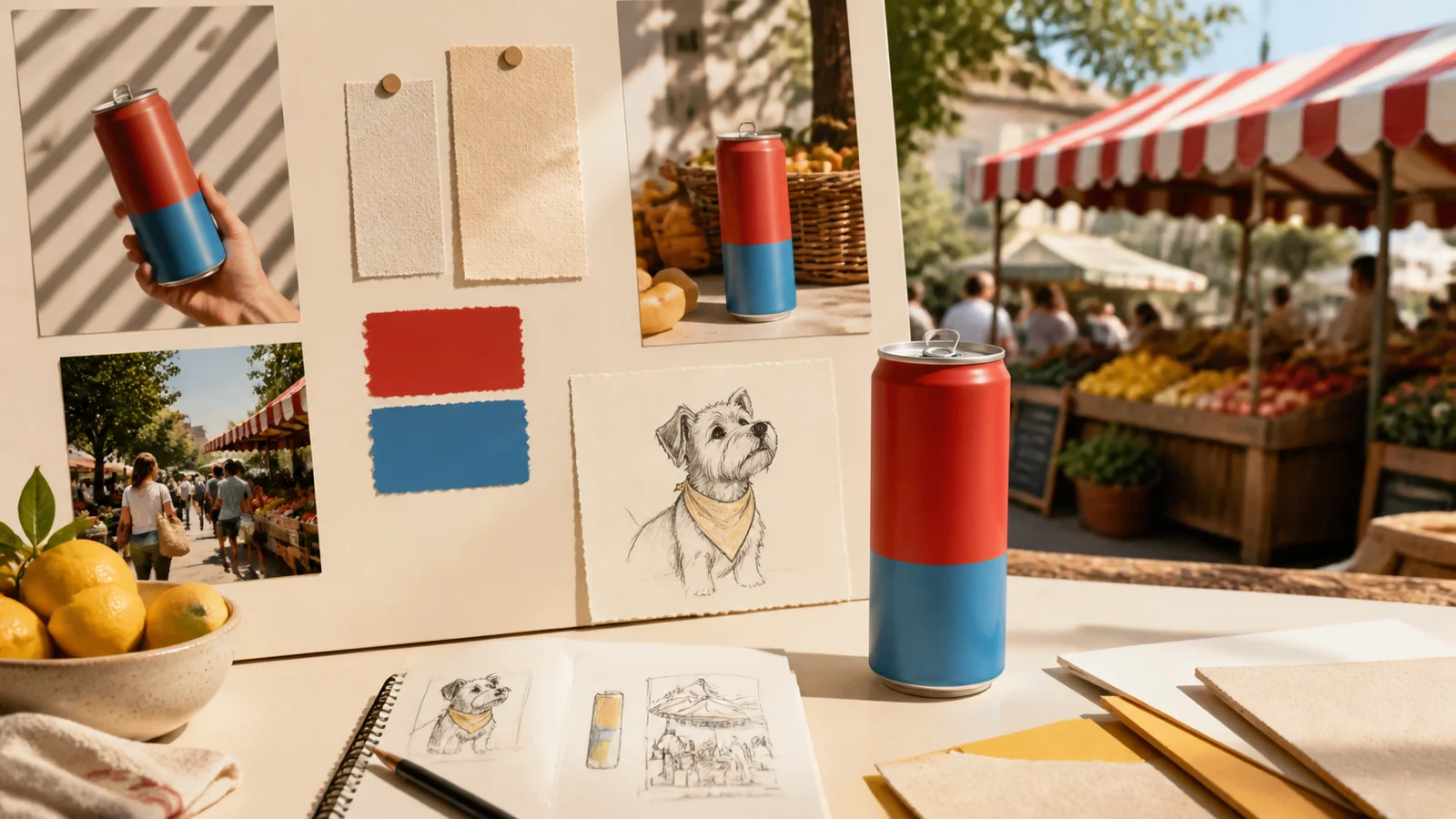
Create and revise everyday campaign images with reference-led editing, short text, and 1K–4K output.
View product page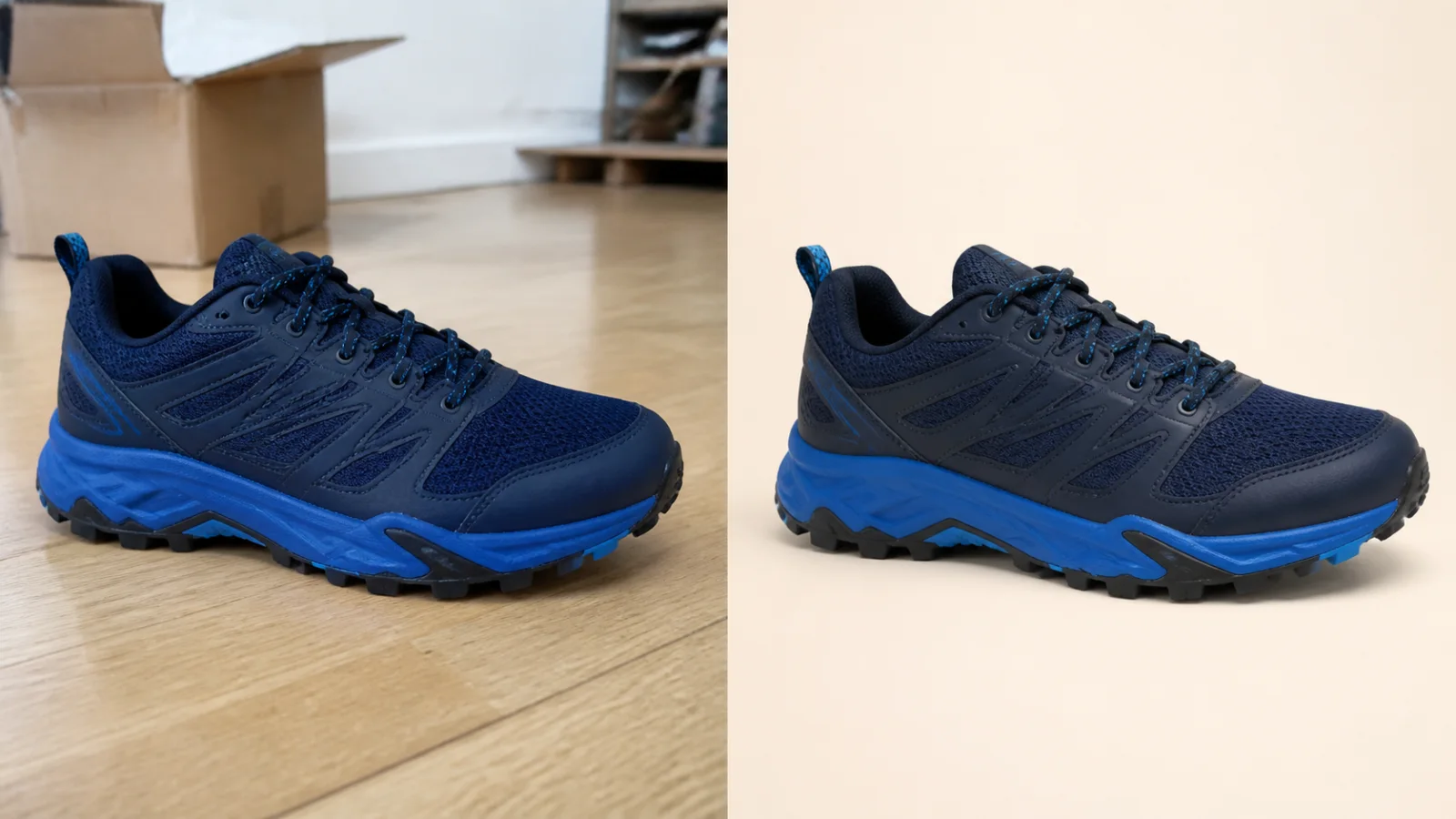
Clean up a product photo into a marketplace-ready packshot with a simple one-purpose flow.
View product pageProduction brief ready
Open Sunburst with your subject, layout, and constraints ready. Begin with one output and refine from there.
High quality starts at 16 credits per image.