 Google
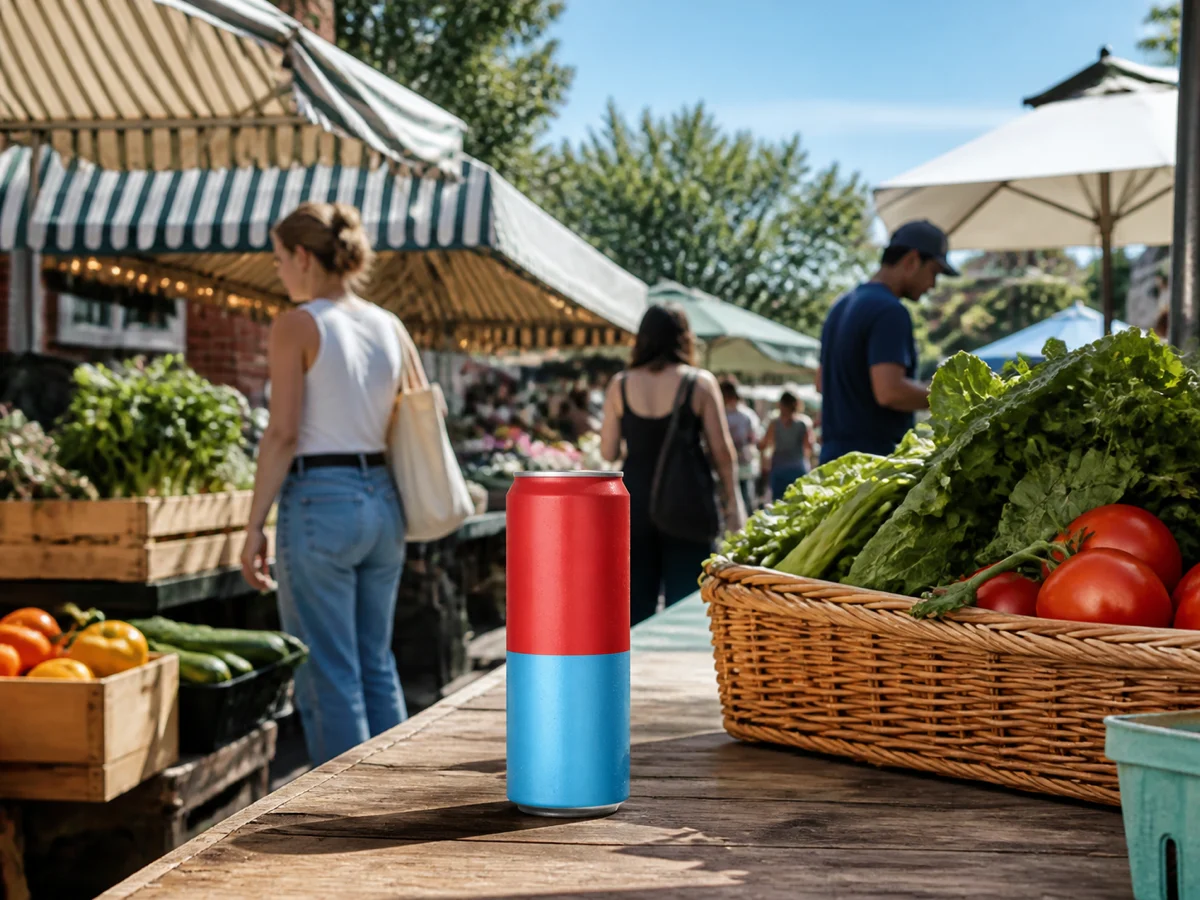
Move the product into a believable market scene
Place the same slim can in a contemporary weekend-market setting, then inspect scale, condensation, contact, shadows, and whether the scene still reads clearly at feed size.

Start from a prompt, add reference images when the subject or style needs an anchor, then create or revise the next asset without rebuilding the brief. Nano Banana 2 balances speed, visual quality, reference-led editing, short text, and everyday production flexibility in one workspace.
Open image generation with this model selected
Visual examples
The useful test is whether one subject survives a scene change, a targeted edit, a short-text layout, and a small campaign series. Each example below answers a different production question.
GooglePlace the same slim can in a contemporary weekend-market setting, then inspect scale, condensation, contact, shadows, and whether the scene still reads clearly at feed size.
 Google
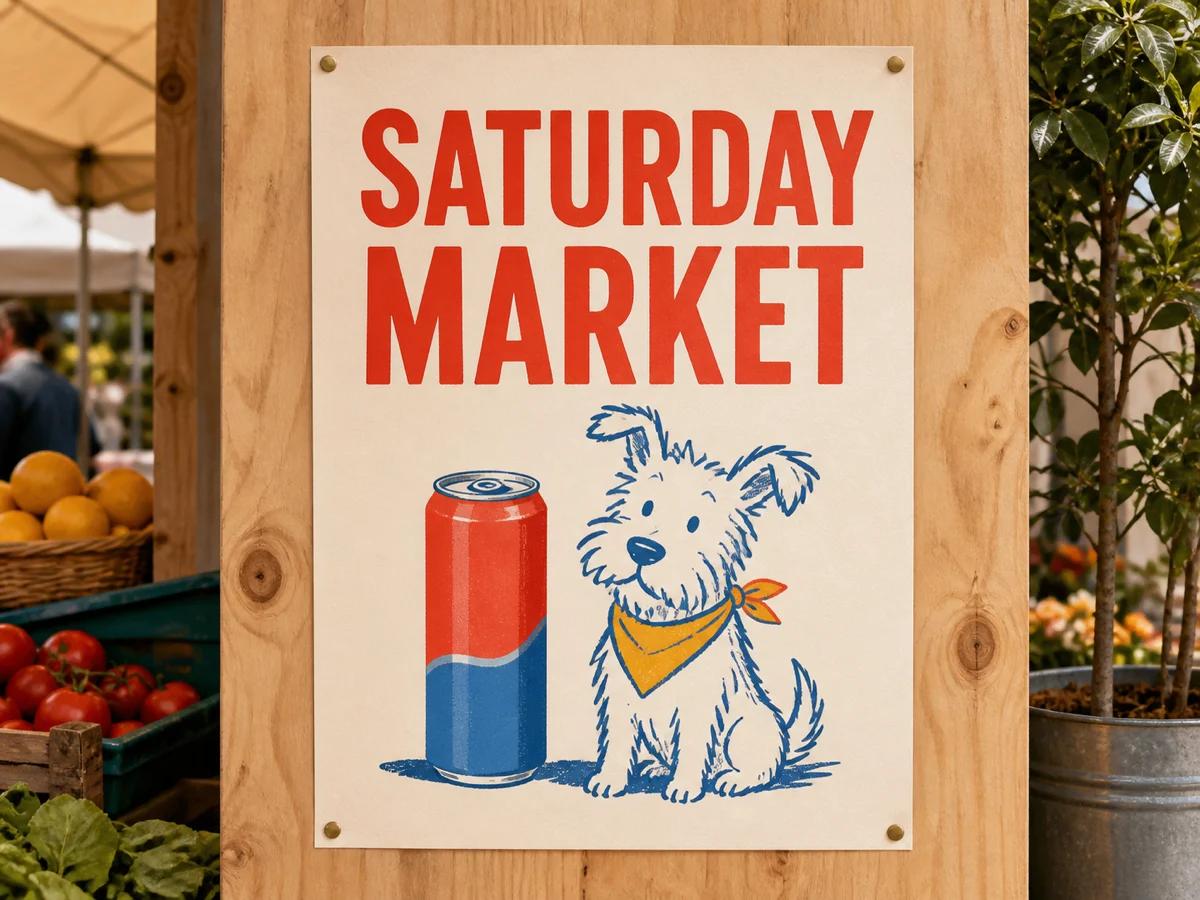
Generate a bold SATURDAY MARKET layout, then verify every letter, safe area, hierarchy, contrast, and relationship between the headline and the product.
 Google
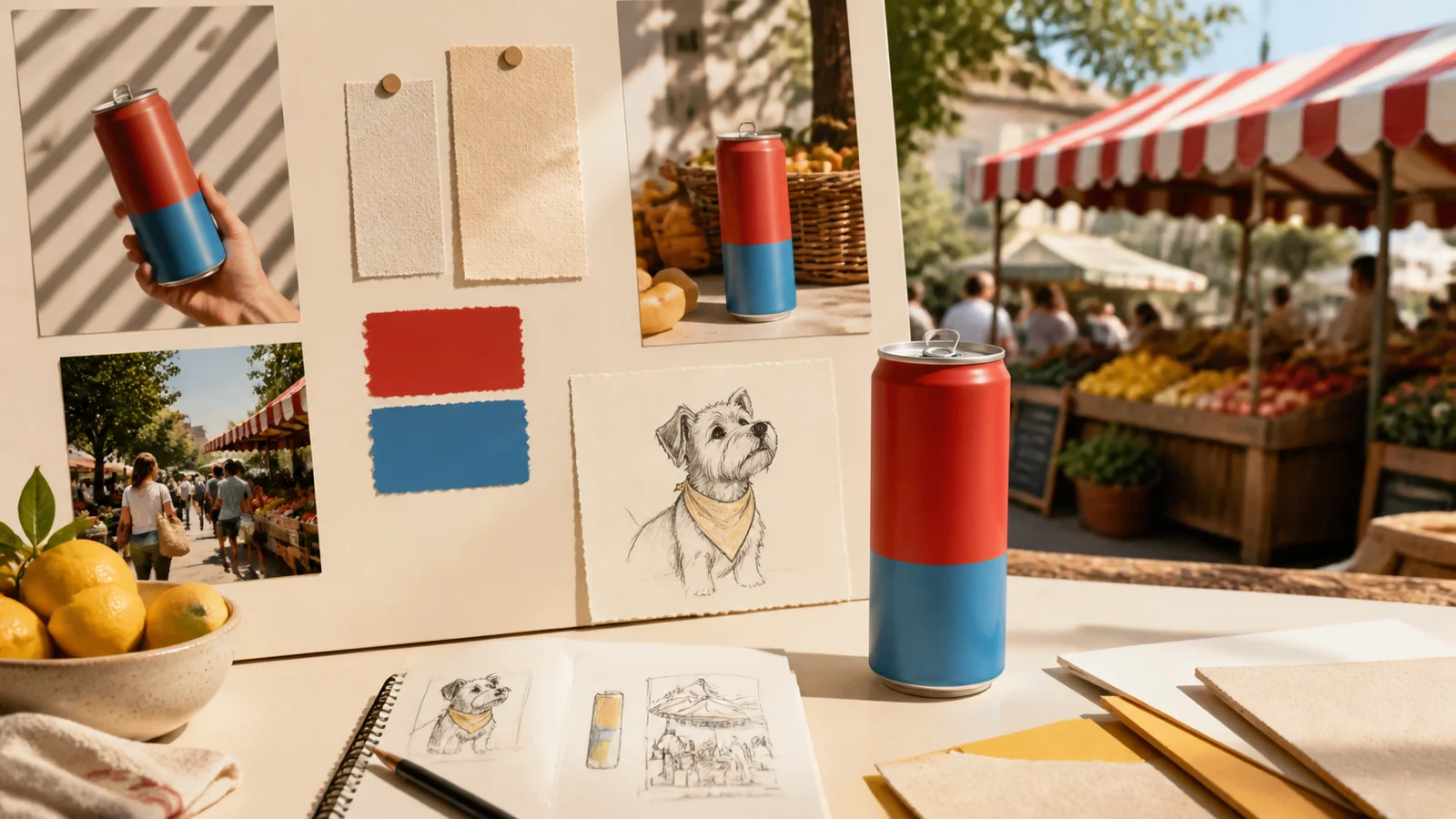
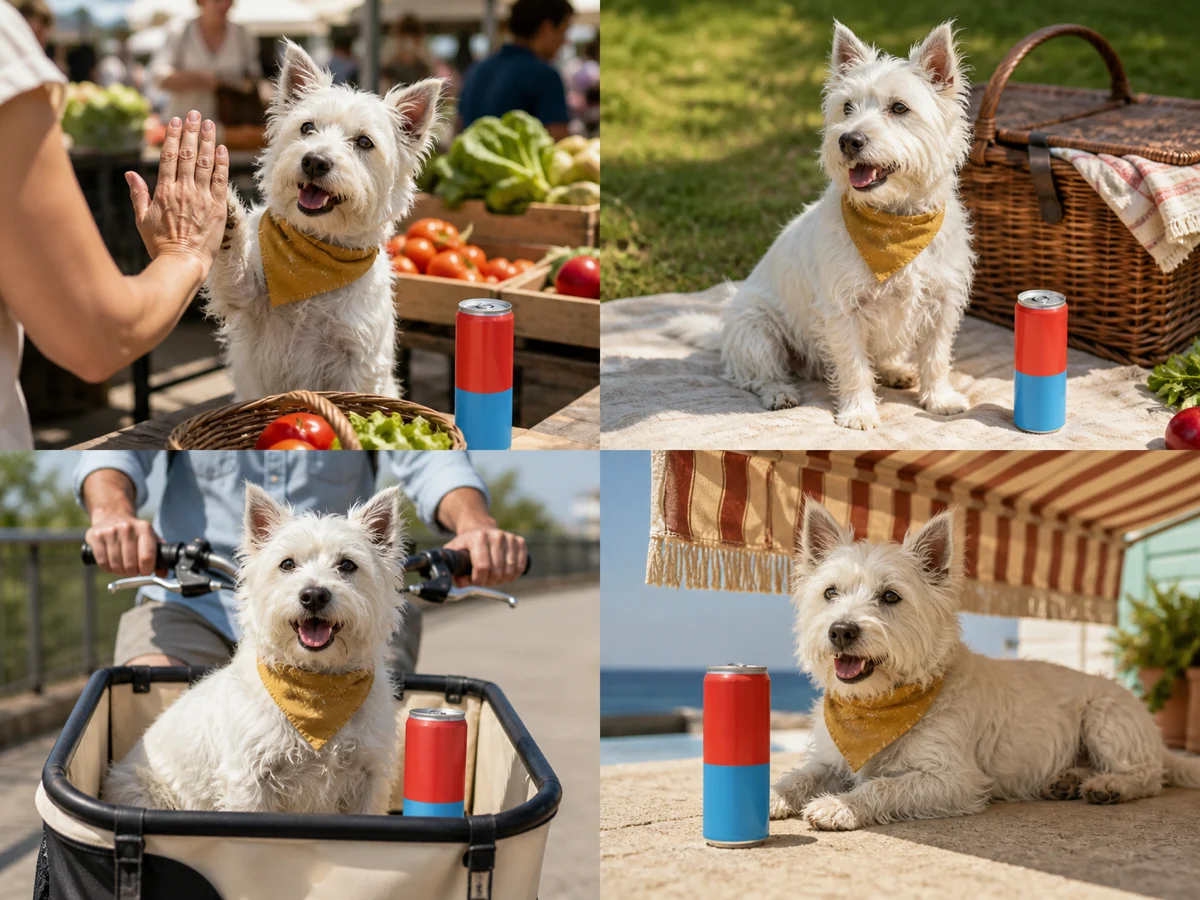
Use references to revise the table, color mood, dog position, or surrounding props while protecting the can silhouette, palette, camera angle, and core composition.
 Google
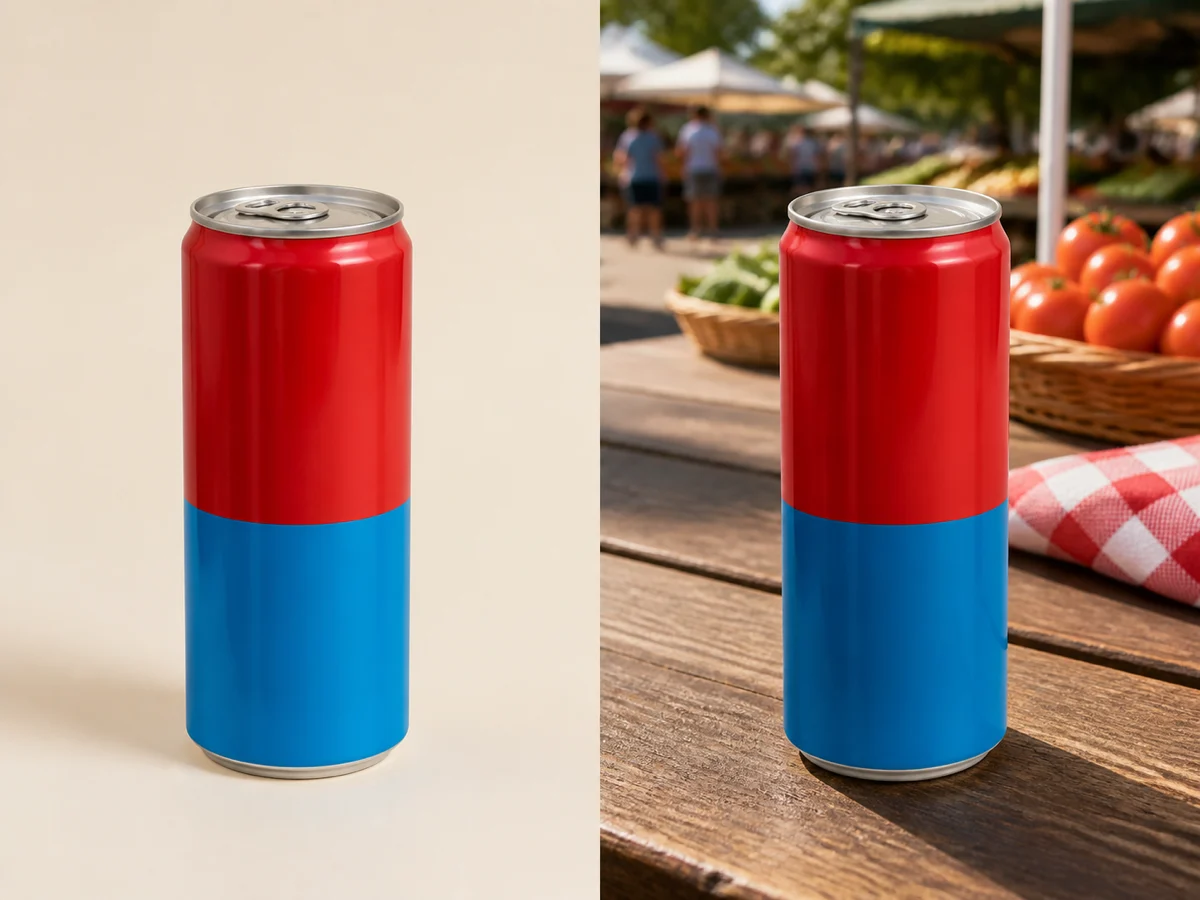
Compare the can and terrier across studio, market, picnic, and poster placements to find where shape, markings, material, or proportion begins to drift.
Examples show creative directions, not guaranteed replicas. Reference fidelity, spelling, object details, people, credit use, and generation time vary with the source material and selected settings. Review every output before publishing.
Nano Banana 2 is most useful when each round has one clear purpose. Lock the subject, define the placement, and change only the condition you are evaluating.
Describe the subject, materials, palette, camera view, required short text, and anything that must not change. Add only the references that support those conditions.
Set the aspect ratio for the feed, store, article, or banner, then prove the direction at a practical size before moving to a higher-resolution finish.
Compare text, identity, product geometry, hands, small objects, shadows, crop, and export format. Revise one structural problem instead of rewriting the whole prompt.
Image inputs, output choices, and review points in the current Toono AI integration.
Related products
Try Nano Banana Pro for more complex reference assembly, compare GPT Image 2 for another image workflow, or open the AI Image Generator when you want to evaluate multiple models.
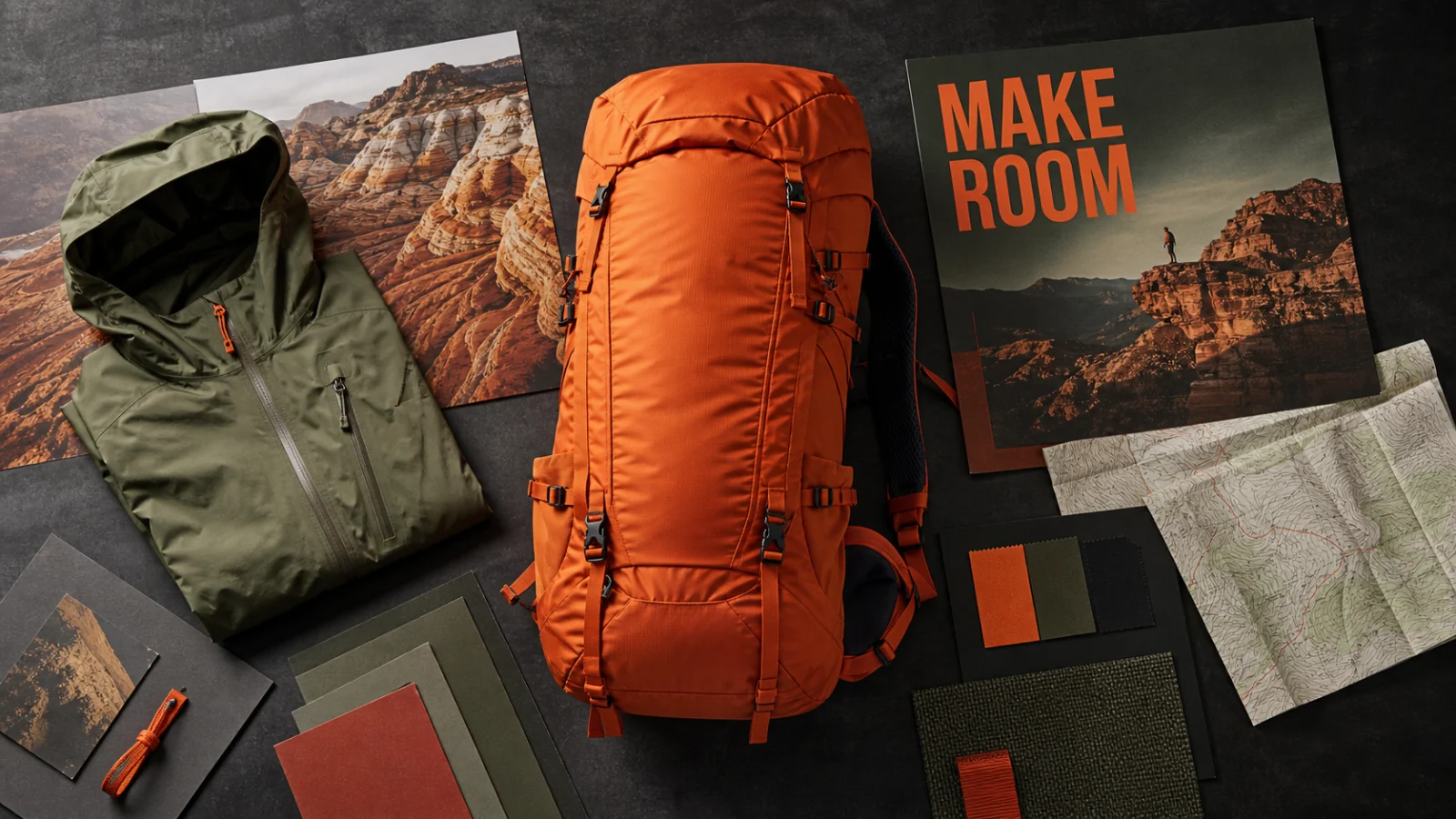
Combine multiple references, make controlled edits, and create structured visuals with 1K–4K output.
View product page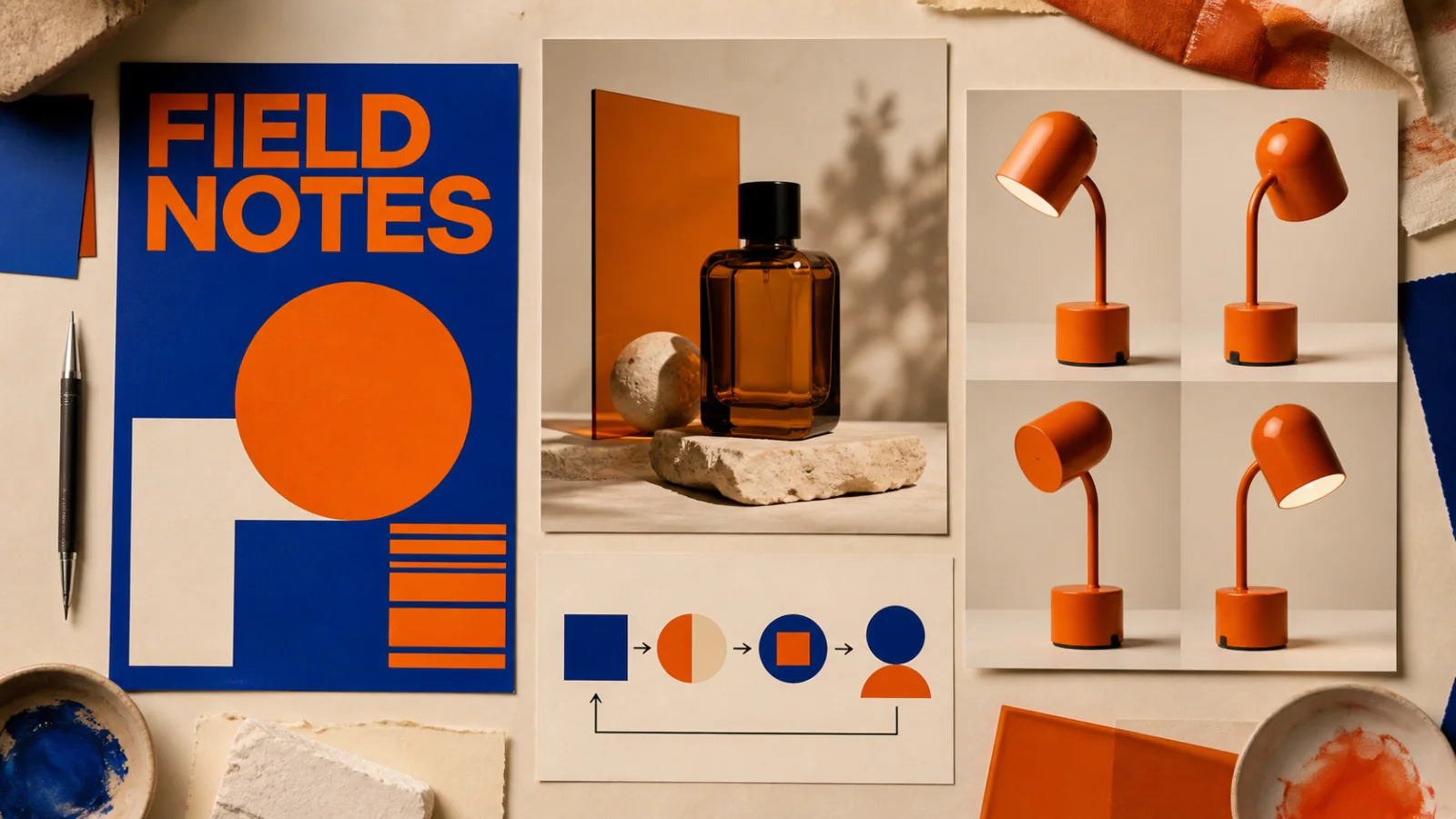
Create text-led layouts, detailed product visuals, structured graphics, and reference-based image edits.
View product page
Create product visuals, editorial images, illustrations, and concepts from prompts or supported reference inputs.
View product pageProduction brief ready
Open Nano Banana 2, choose the placement, protect the details that matter, and create a small set you can compare against the same brief.
Open image generation with this model selected