 Google
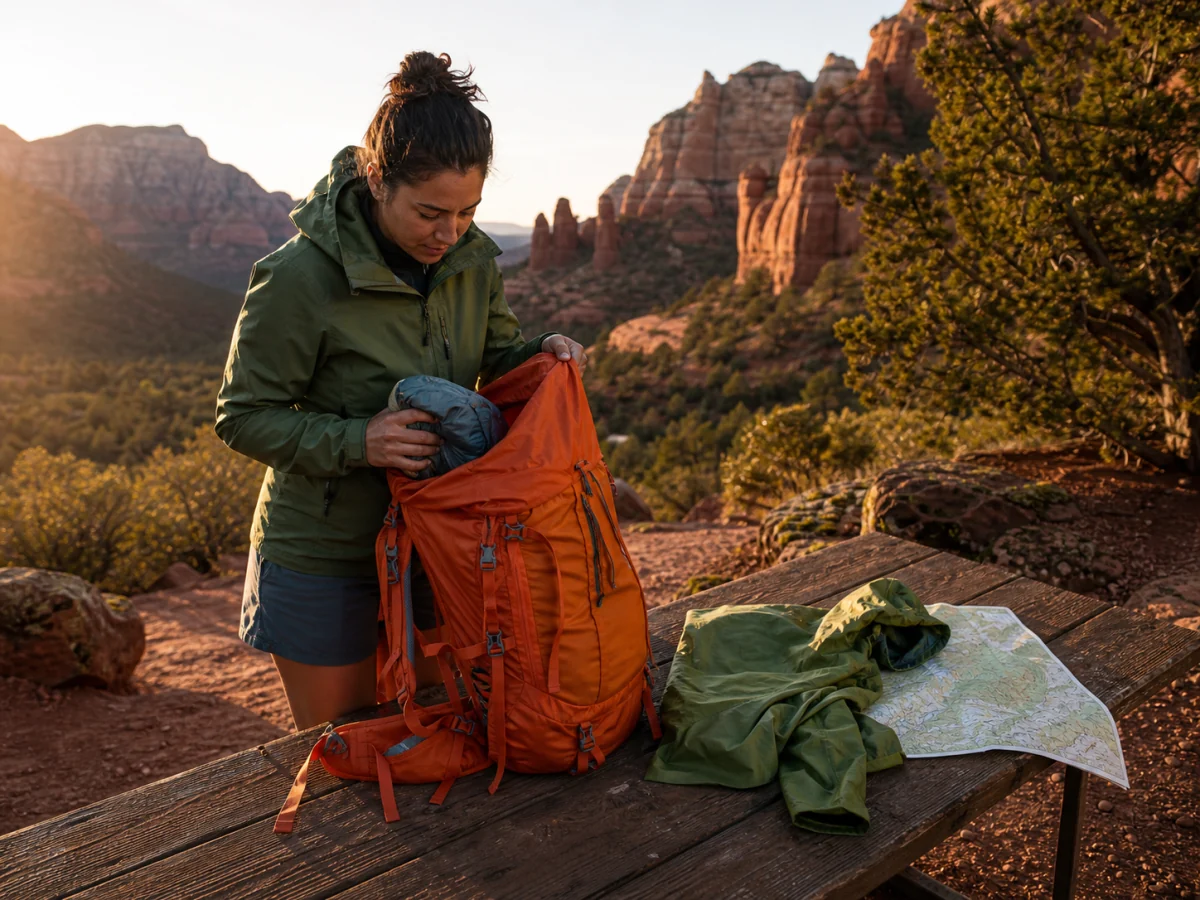
Combine references into one believable scene
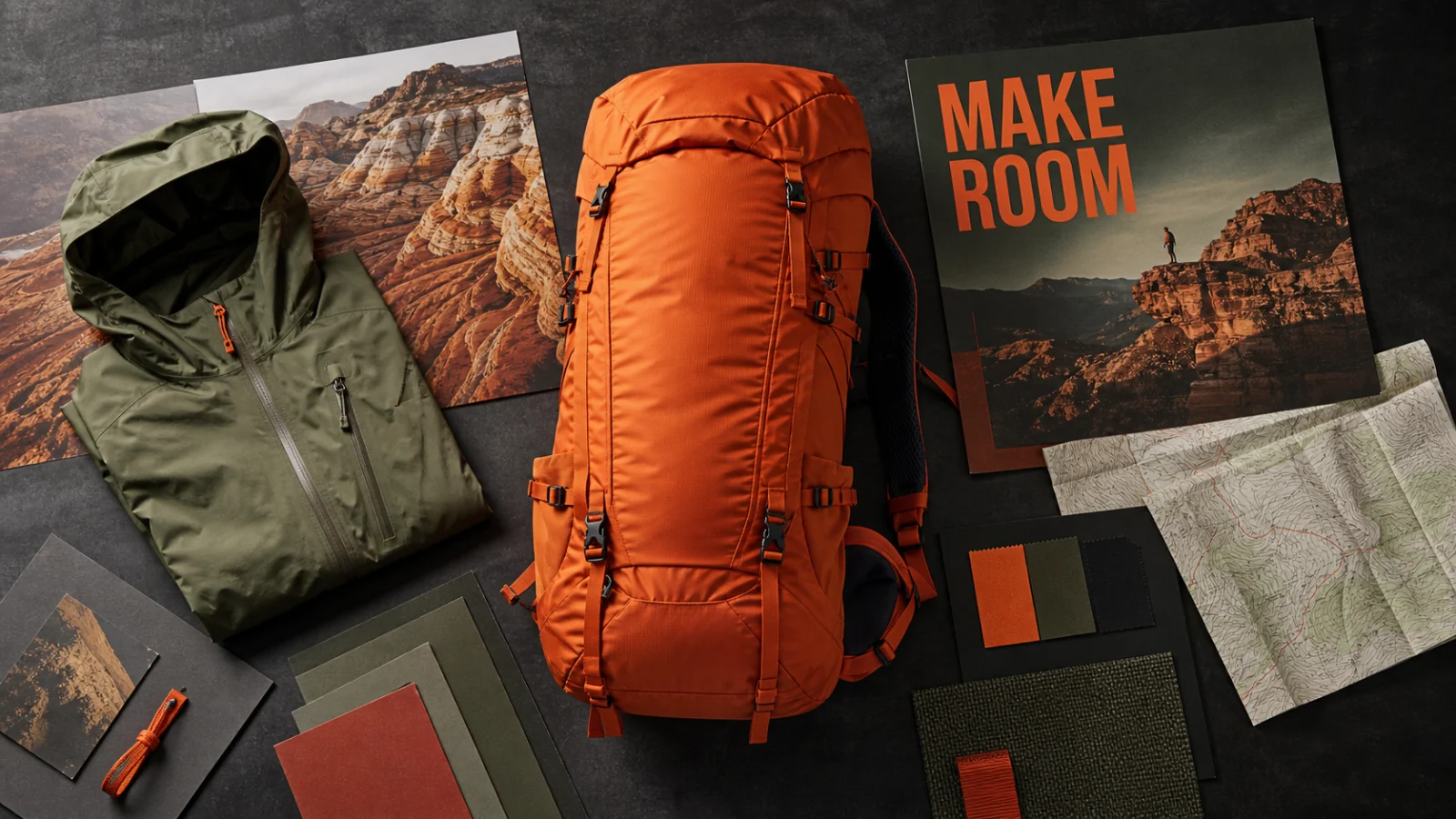
Assign a clear role to each source—product, wardrobe, location, palette, or composition—then check scale, contact, perspective, and material continuity in the result.

Bring product, environment, palette, and layout references into one workspace, then specify what must stay fixed and what can change. The current Toono AI integration supports text-to-image, reference-led editing, 1K–4K output, and multiple aspect ratios.
Open image generation with this model selected
Visual examples
The useful question is not whether the model can make another polished picture. Test whether it can combine sources, isolate a requested change, organize information, and carry one subject across a set.
GoogleAssign a clear role to each source—product, wardrobe, location, palette, or composition—then check scale, contact, perspective, and material continuity in the result.
 Google
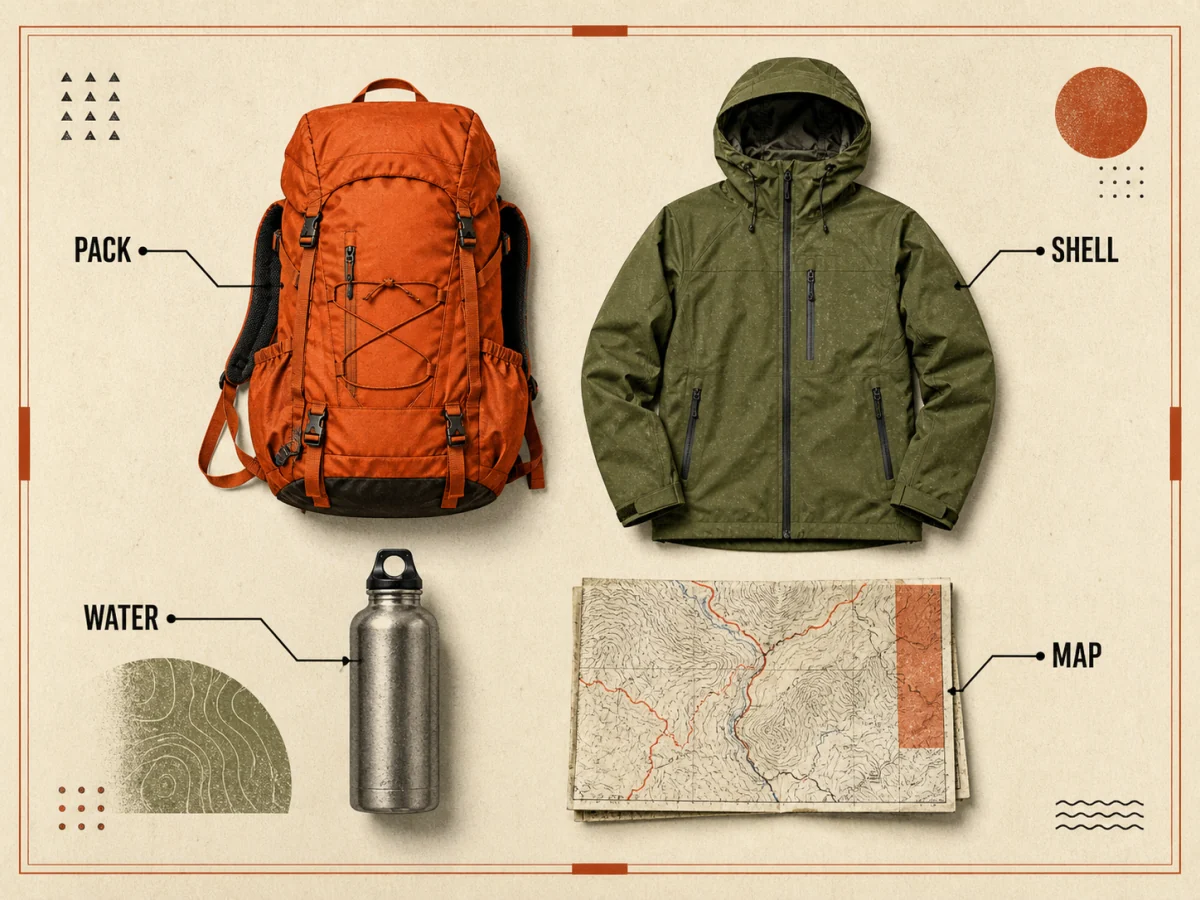
Create a labeled field-kit layout or diagram, then verify every word, leader line, object count, and implied fact before it enters a deck or article.
 Google
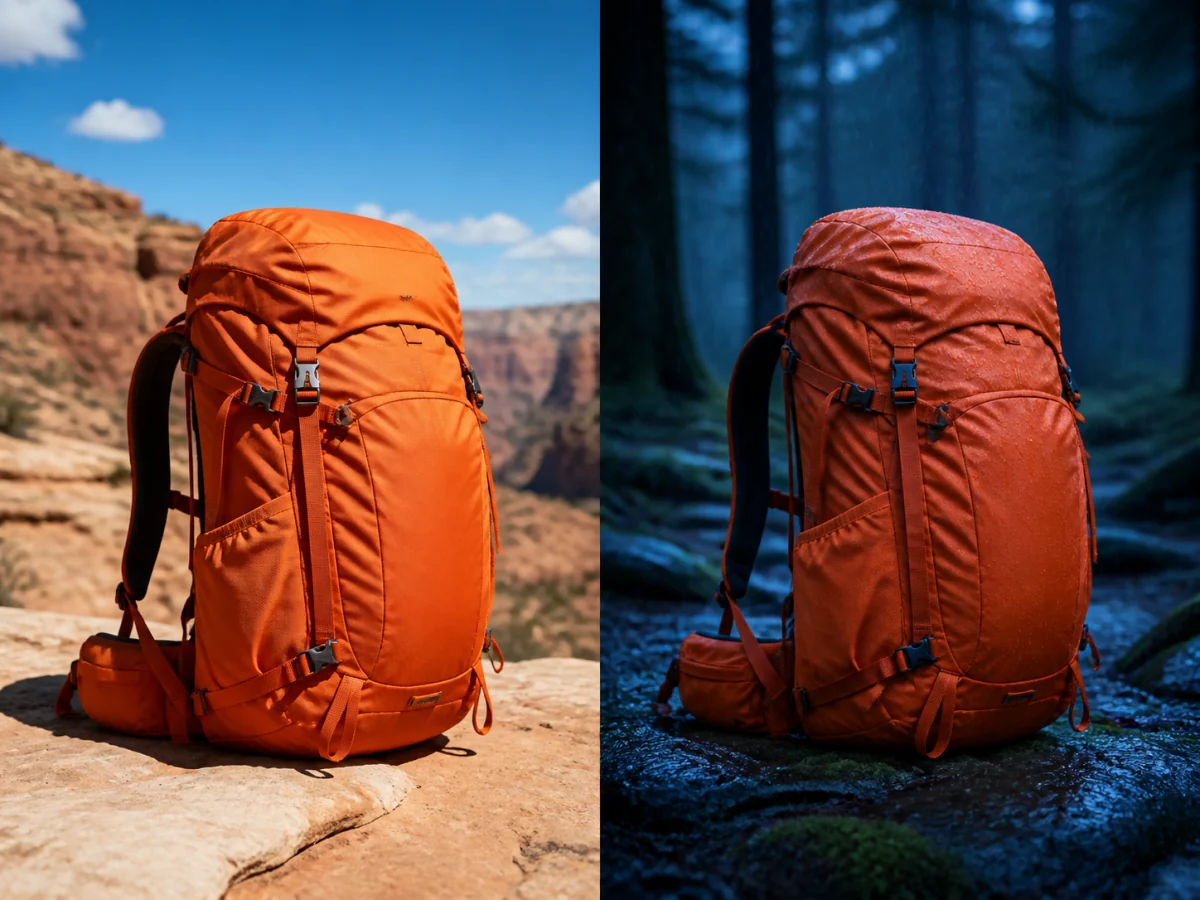
Use a controlled edit brief to move the same object from dry daylight to a rainy evening while protecting geometry, color, hardware, and camera angle.
 Google
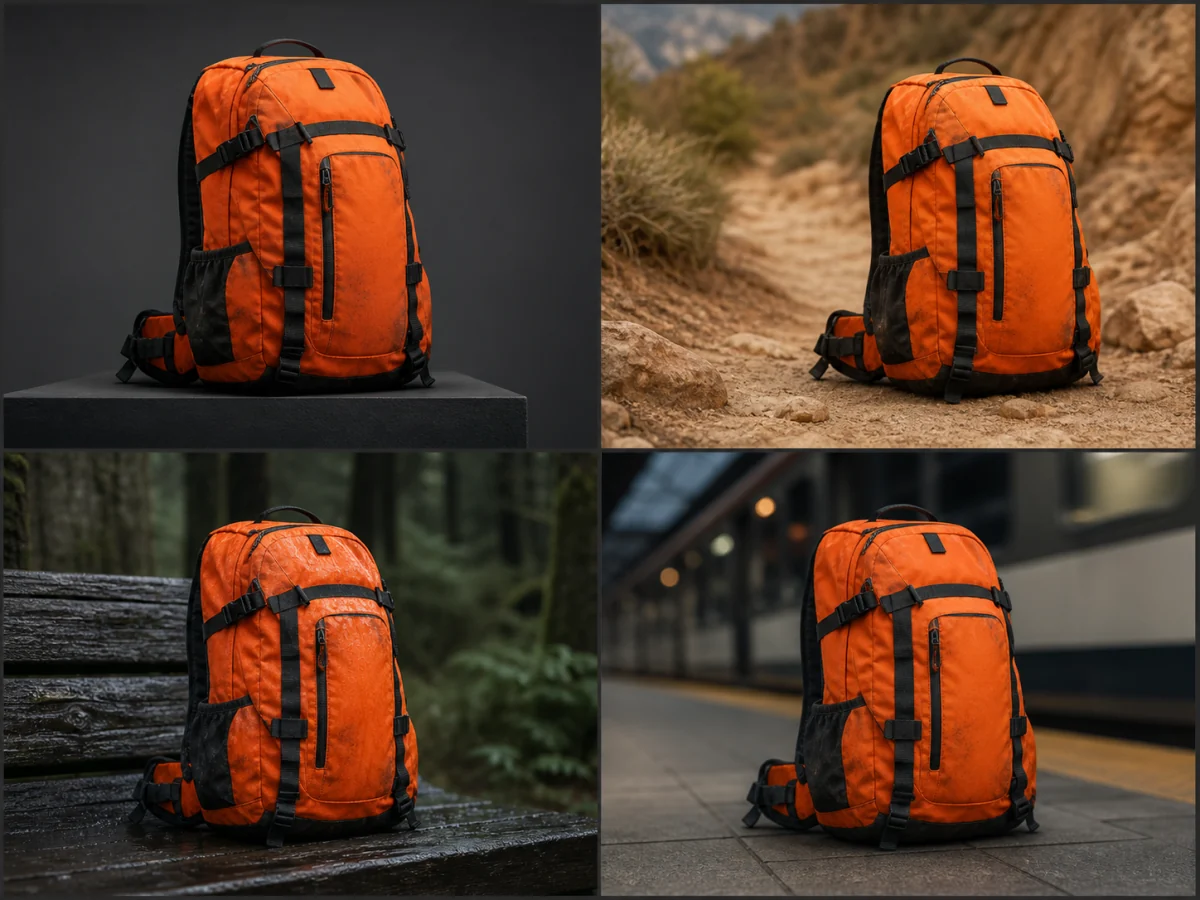
Compare the same object in studio, outdoor, wet-weather, and urban scenes to find where silhouette, material, or small features begin to drift.
Examples show creative directions, not guaranteed outputs. Reference fidelity, text accuracy, factual content, latency, credit cost, and fine detail vary with the source images and selected settings. Review every asset before publishing.
A smaller, well-labeled reference set is easier to direct and easier to review than an unstructured pile of inspiration.
List the subject details that cannot move, then assign other references to location, lighting, palette, styling, or layout.
Set aspect ratio and 1K, 2K, or 4K output for the actual use. Higher resolution costs more in the current workspace, so prove the direction before finishing large.
Inspect text, geometry, people, products, lighting, joins, repeated objects, and the final crop. Refine one structural problem at a time.
Image inputs, output choices, and review points in the current Toono AI integration.
Related products
Use the open AI Image Generator for model choice, compare GPT Image 2 for a different production workflow, or try Nano Banana 2 when you want the related Google image route.
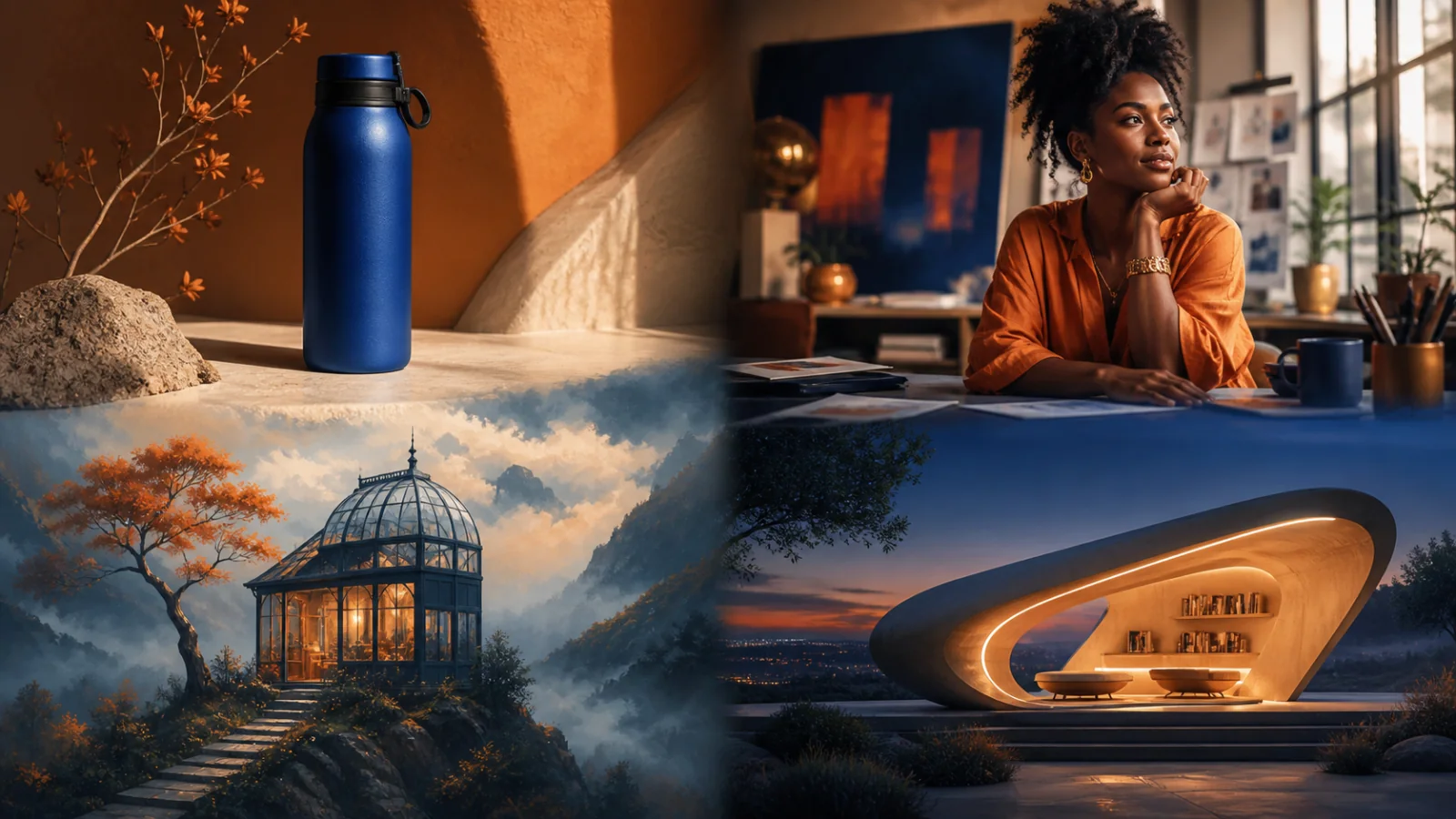
Create product visuals, editorial images, illustrations, and concepts from prompts or supported reference inputs.
View product page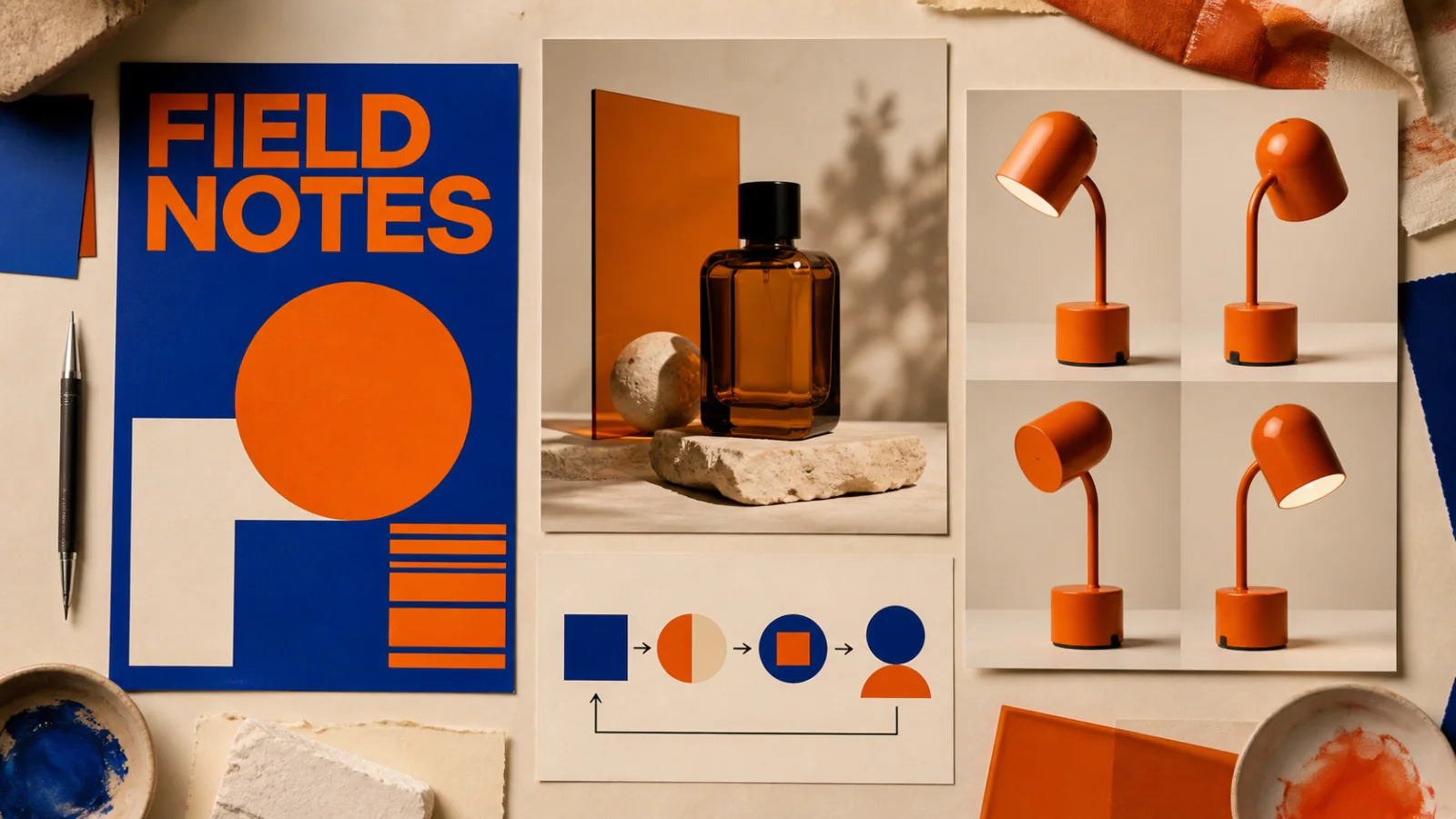
Create text-led layouts, detailed product visuals, structured graphics, and reference-based image edits.
View product page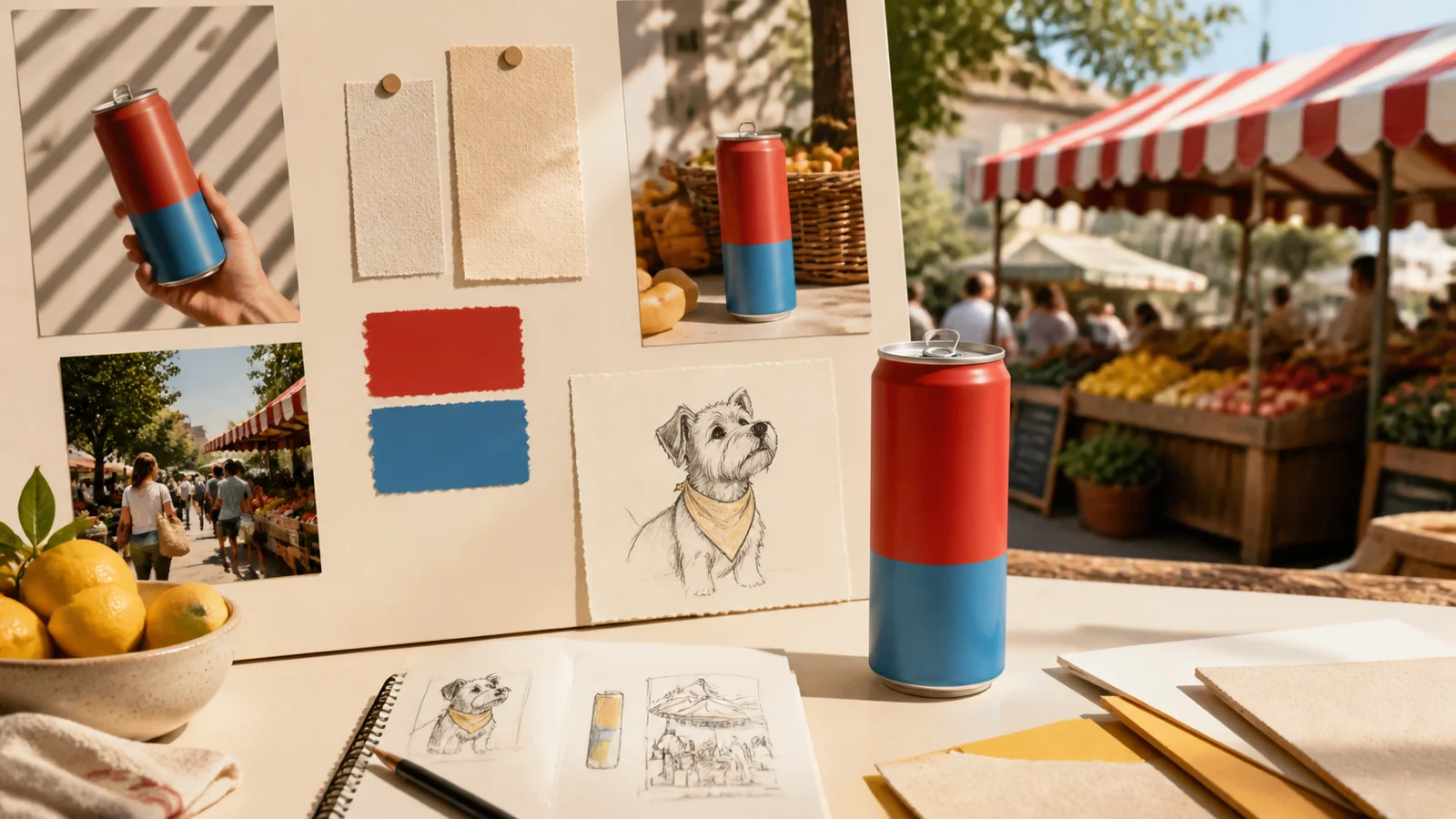
Create and revise everyday campaign images with reference-led editing, short text, and 1K–4K output.
View product pageProduction brief ready
Open Nano Banana Pro, assign one purpose to each source, protect the non-negotiable details, and generate a small set you can inspect against the same brief.
Open image generation with this model selected