 Black Forest Labs
Guide the scene with explicit references
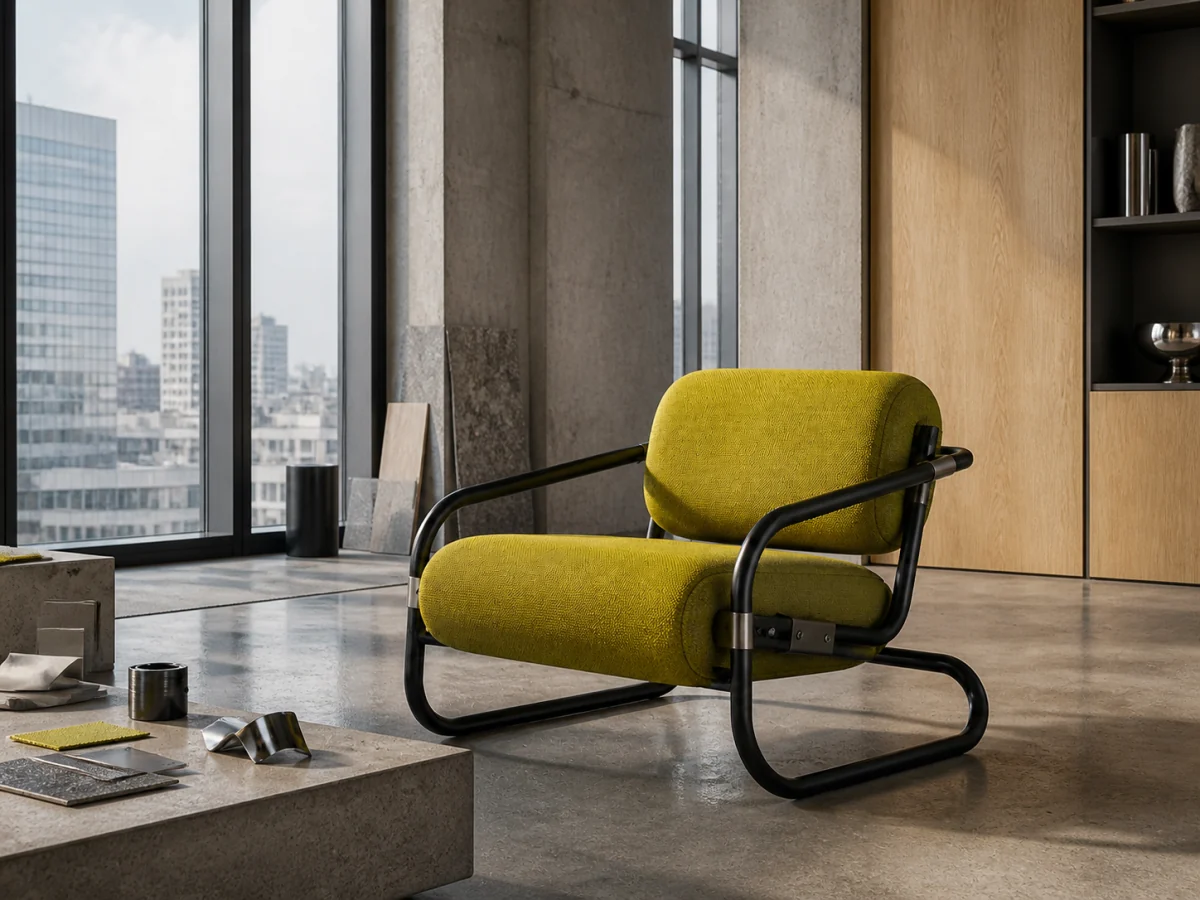
Assign product form, environment, palette, and composition to separate sources, then check scale, perspective, and contact in the combined result.

Start from a prompt or up to eight reference images, then choose a 0.5–4 MP tier or set a custom canvas from 256 to 2048 pixels per side. Flux 2 Pro gives product and creative teams one workspace for composition, detail checks, and PNG, JPG, or WebP delivery.
Open image generation with this model selected
Visual examples
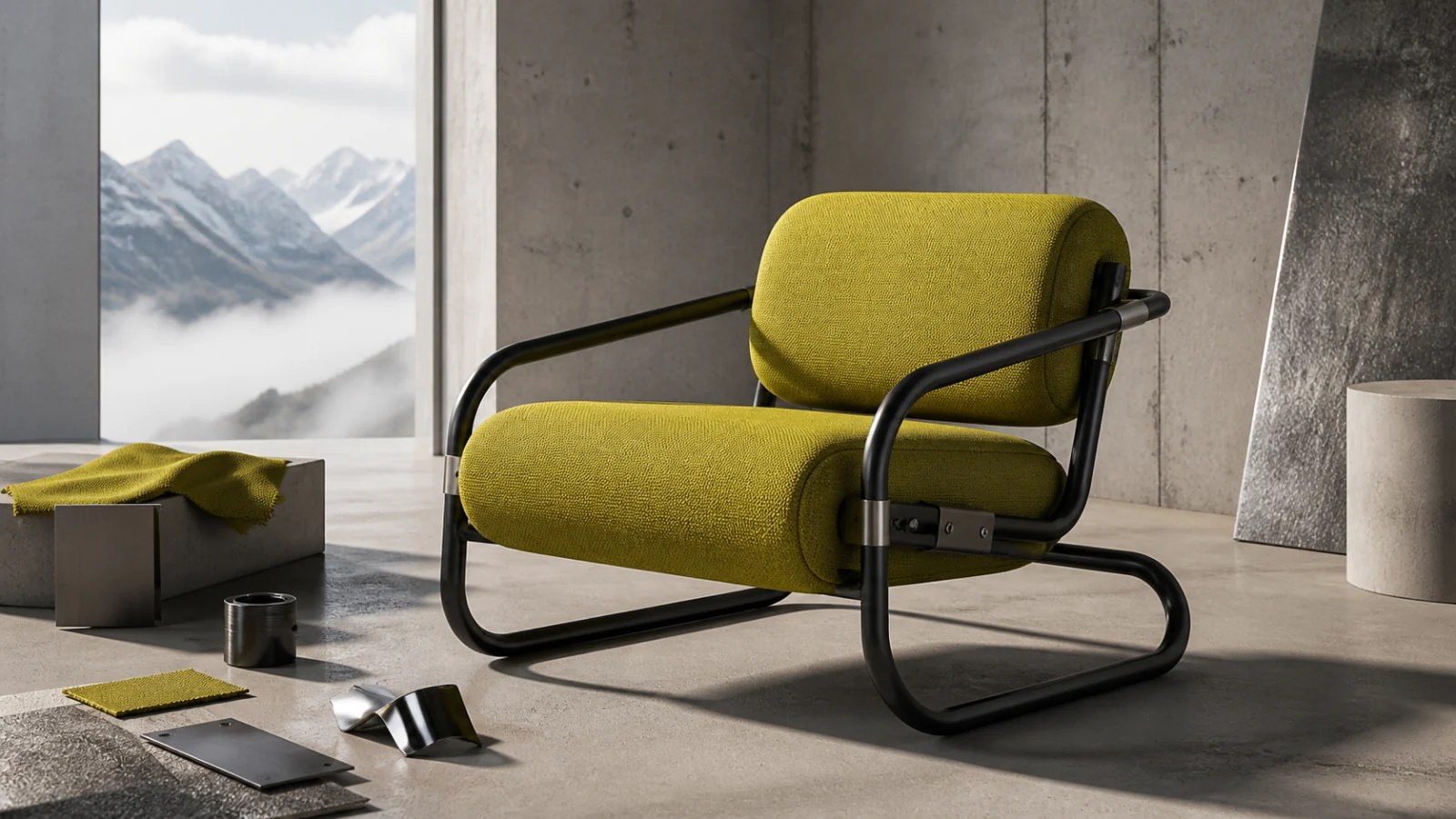
A polished preview is only the start. Test whether references guide the intended composition, materials survive close inspection, the canvas suits the placement, and the product remains recognizable across a set.
Black Forest LabsAssign product form, environment, palette, and composition to separate sources, then check scale, perspective, and contact in the combined result.
 Black Forest Labs
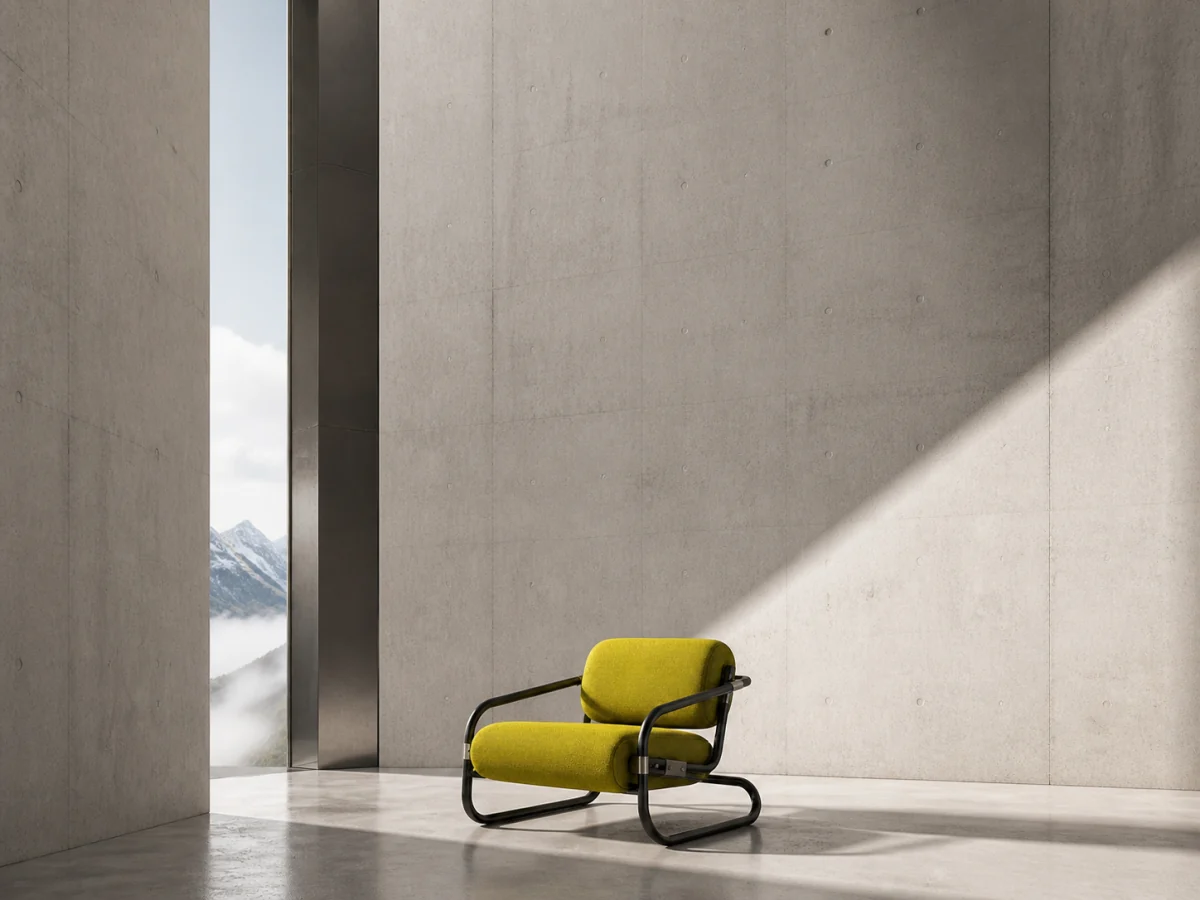
Design the subject and negative space for the actual banner, card, or editorial crop instead of relying on a destructive crop after generation.
 Black Forest Labs
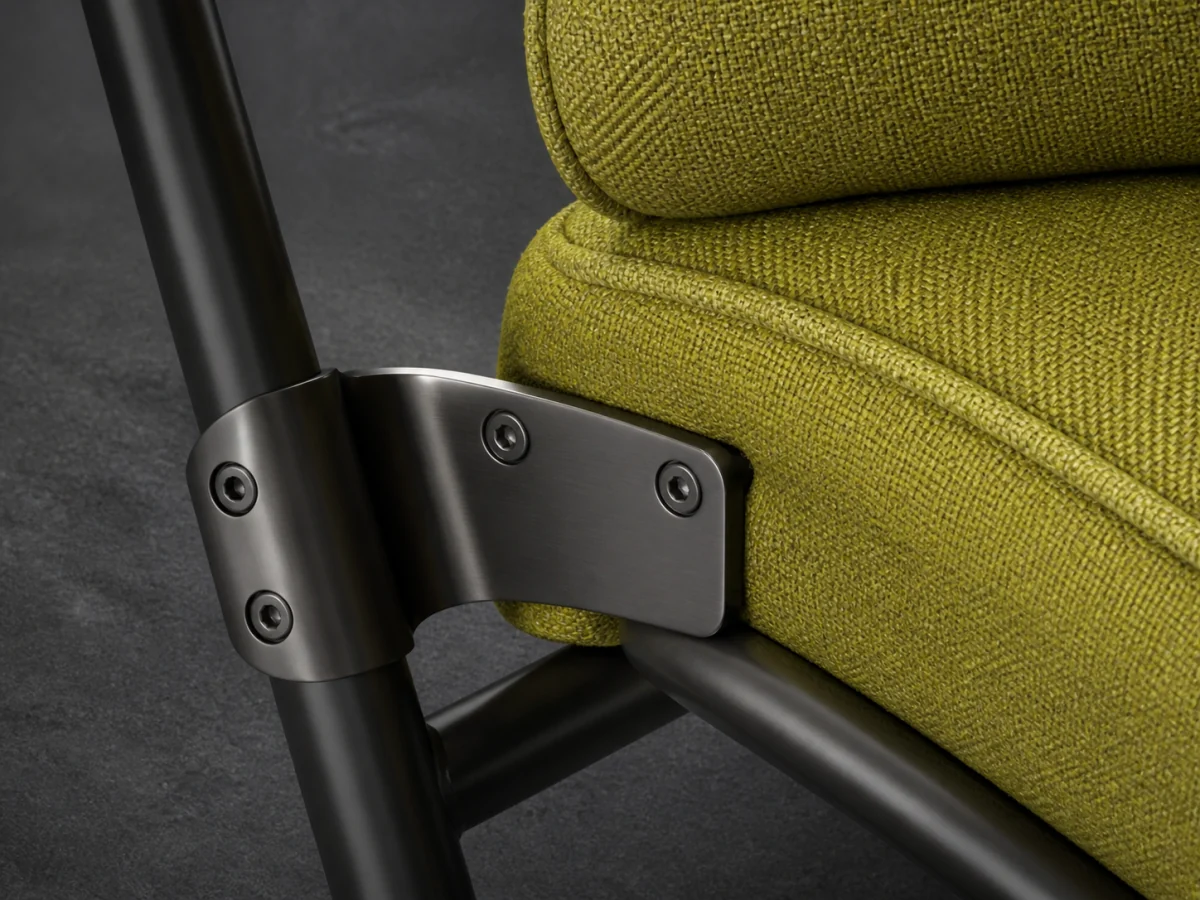
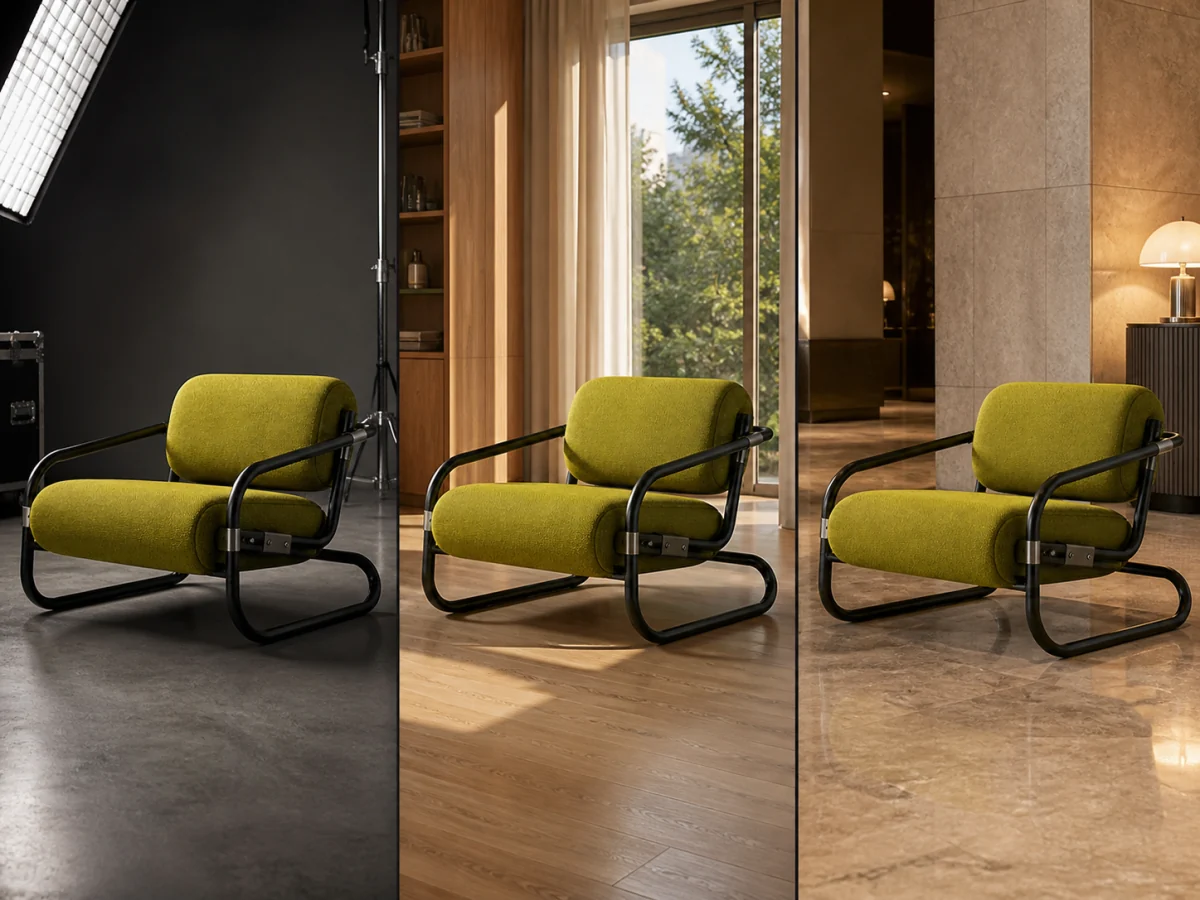
Zoom into textile weave, seams, tubular metal, fasteners, and reflections before treating the image as a catalog or campaign asset.
 Black Forest Labs
Track silhouette, proportions, upholstery color, frame geometry, and distinctive details as the same chair moves into new environments.
Examples show production directions, not guaranteed replicas. Reference fidelity, color, text, small geometry, latency, credit use, and final detail vary with source material and settings. Review every output before publishing.
Decide what each source controls and where the final image will appear before spending credits on larger output.
Separate the product source from optional environment, material, palette, or composition references and remove conflicting directions.
Start with the canvas and resolution tier needed for comparison, then move to a larger output only after composition and subject detail hold up.
Review at full size and inside the real placement, then choose PNG, JPG, or WebP according to the delivery workflow.
Image inputs, output choices, and review points in the current Toono AI integration.
Related products
Use the open AI Image Generator for broader model choice, compare GPT Image 2 for text-led layouts, or try Nano Banana Pro for a different multi-reference workflow.
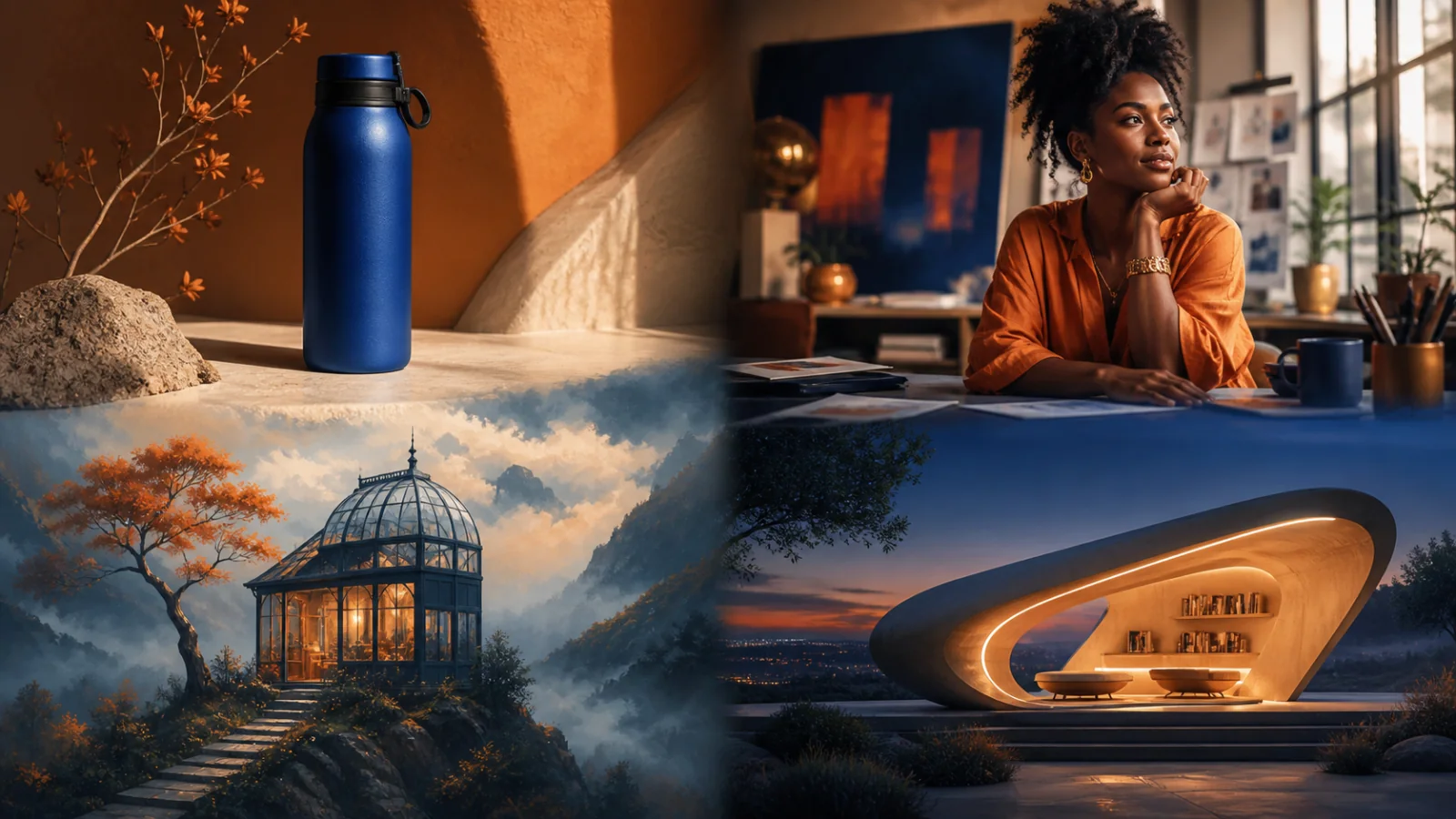
Create product visuals, editorial images, illustrations, and concepts from prompts or supported reference inputs.
View product page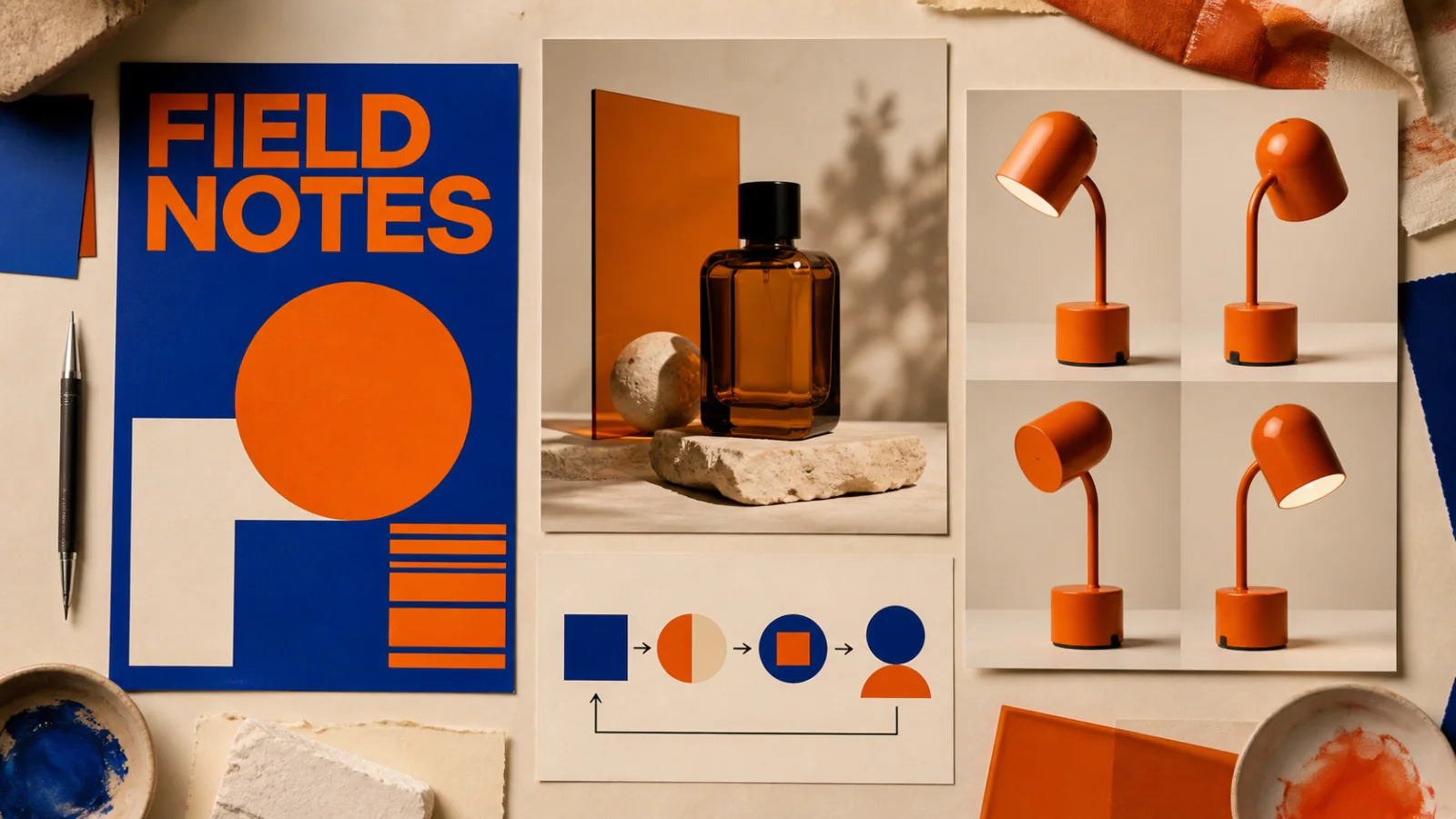
Create text-led layouts, detailed product visuals, structured graphics, and reference-based image edits.
View product page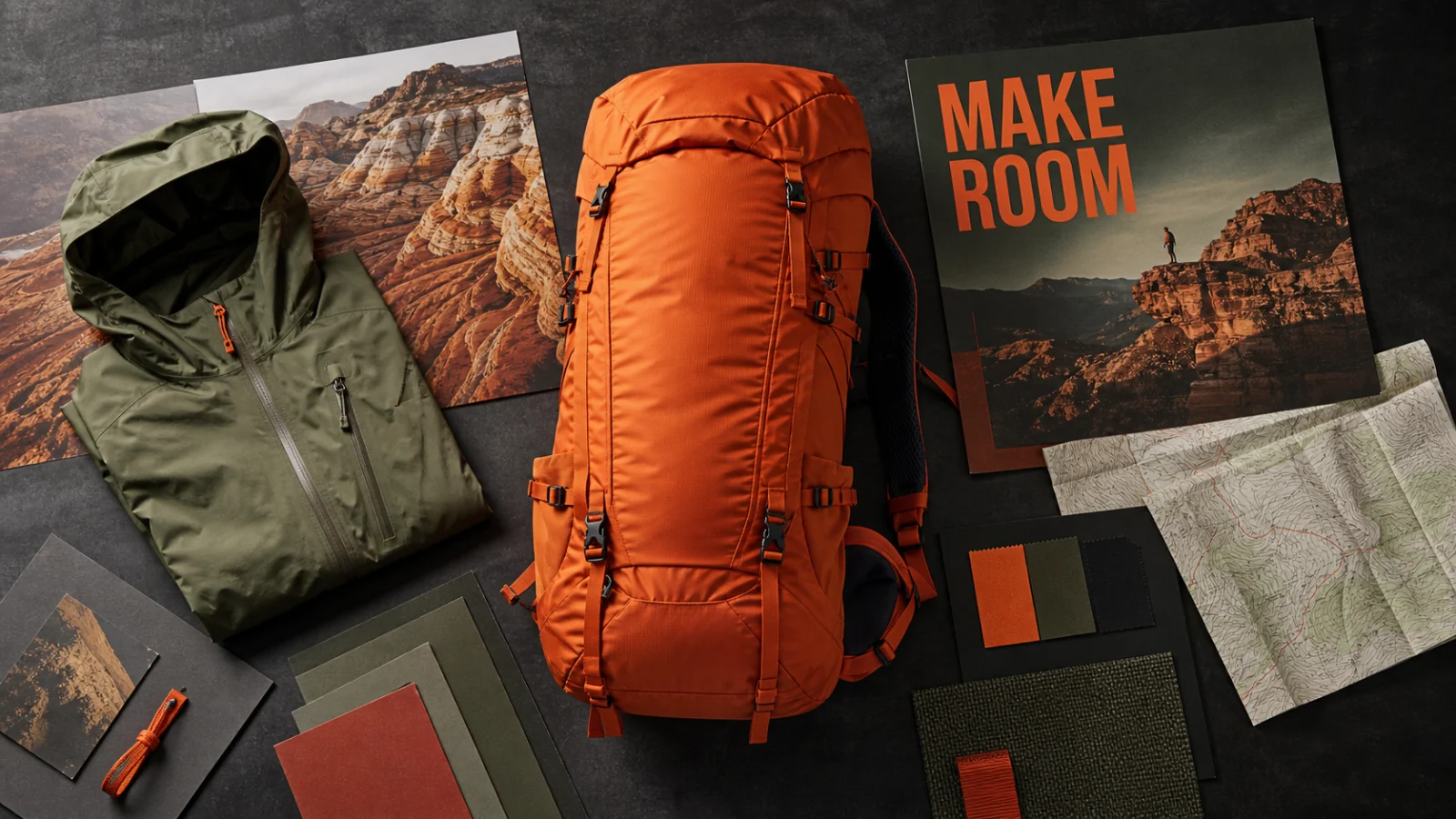
Combine multiple references, make controlled edits, and create structured visuals with 1K–4K output.
View product pageProduction brief ready
Open Flux 2 Pro with the model selected, set the real canvas, and generate a focused direction you can evaluate at delivery size.
Open image generation with this model selected