 ByteDance
Build a sequence with a clear beginning and outcome
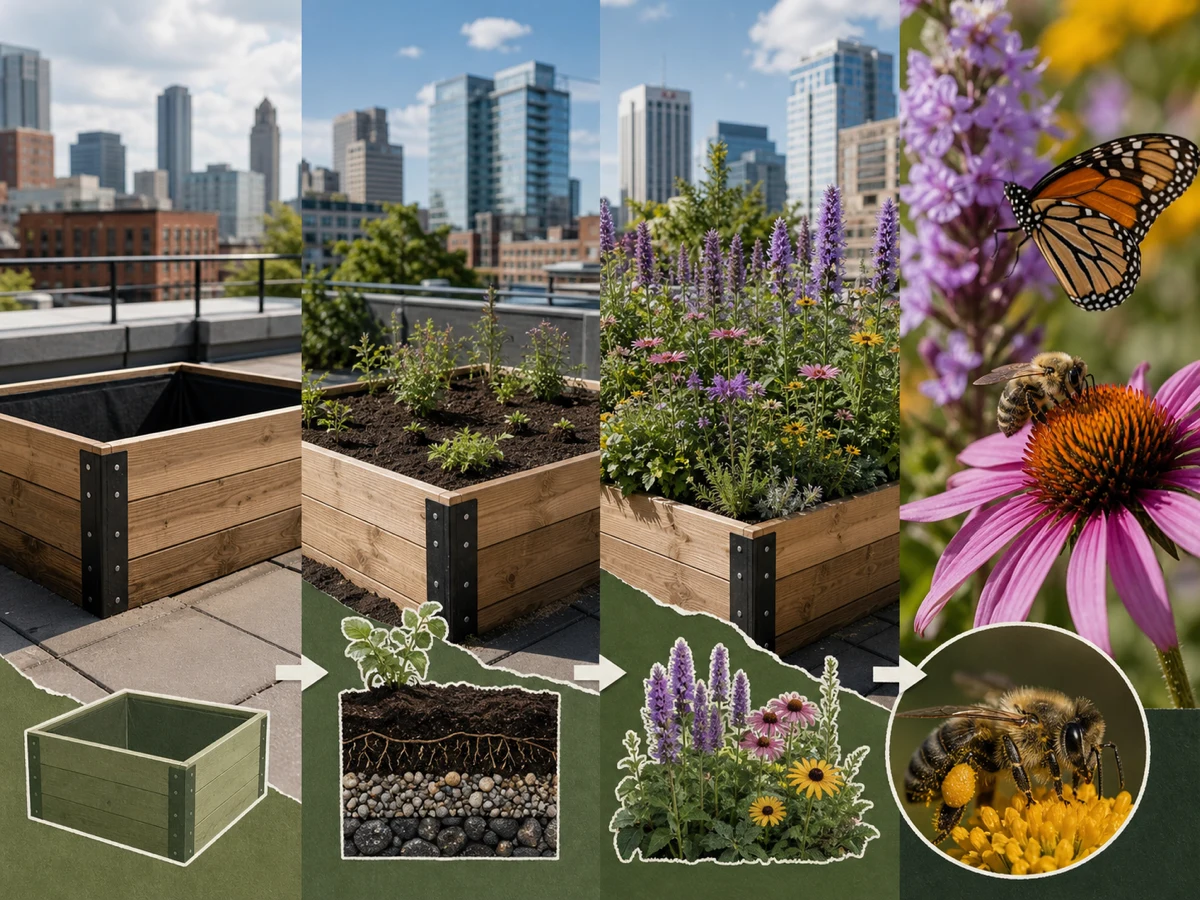
Ask the image to move from an empty planter to planting, mature habitat, and pollinator activity while keeping the planter construction consistent.

Seedream 5 Lite is useful when the image has to organize relationships, not just look attractive. Describe the idea, add up to 14 optional references, and use the current Toono workspace to create or edit information visuals, field guides, process diagrams, and structured campaign images.
Open image generation with this model selected
Visual examples
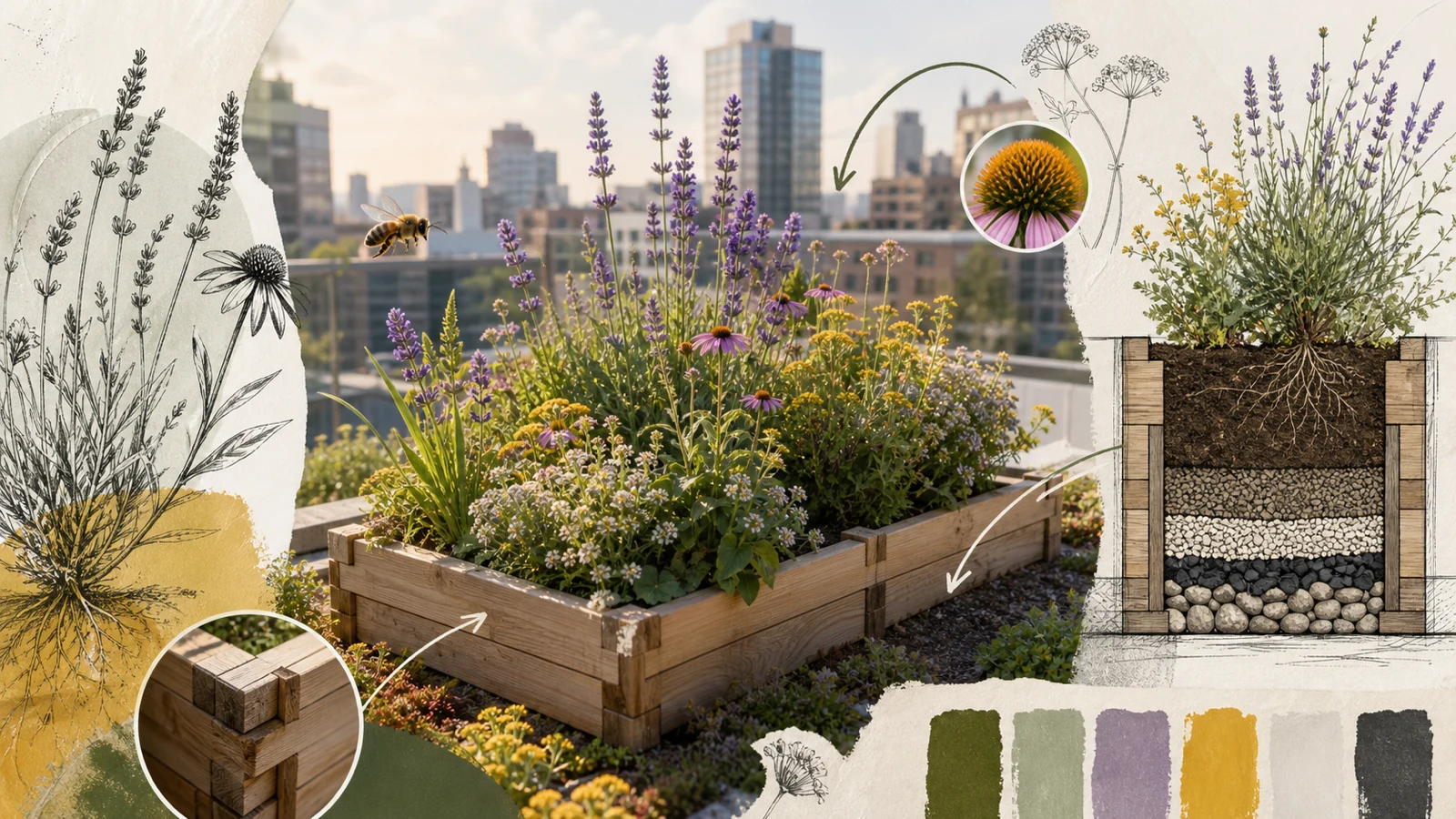
A useful explanatory image should preserve the subject, make the sequence legible, assign every detail a role, and survive review beyond thumbnail size.
ByteDanceAsk the image to move from an empty planter to planting, mature habitat, and pollinator activity while keeping the planter construction consistent.
 ByteDance
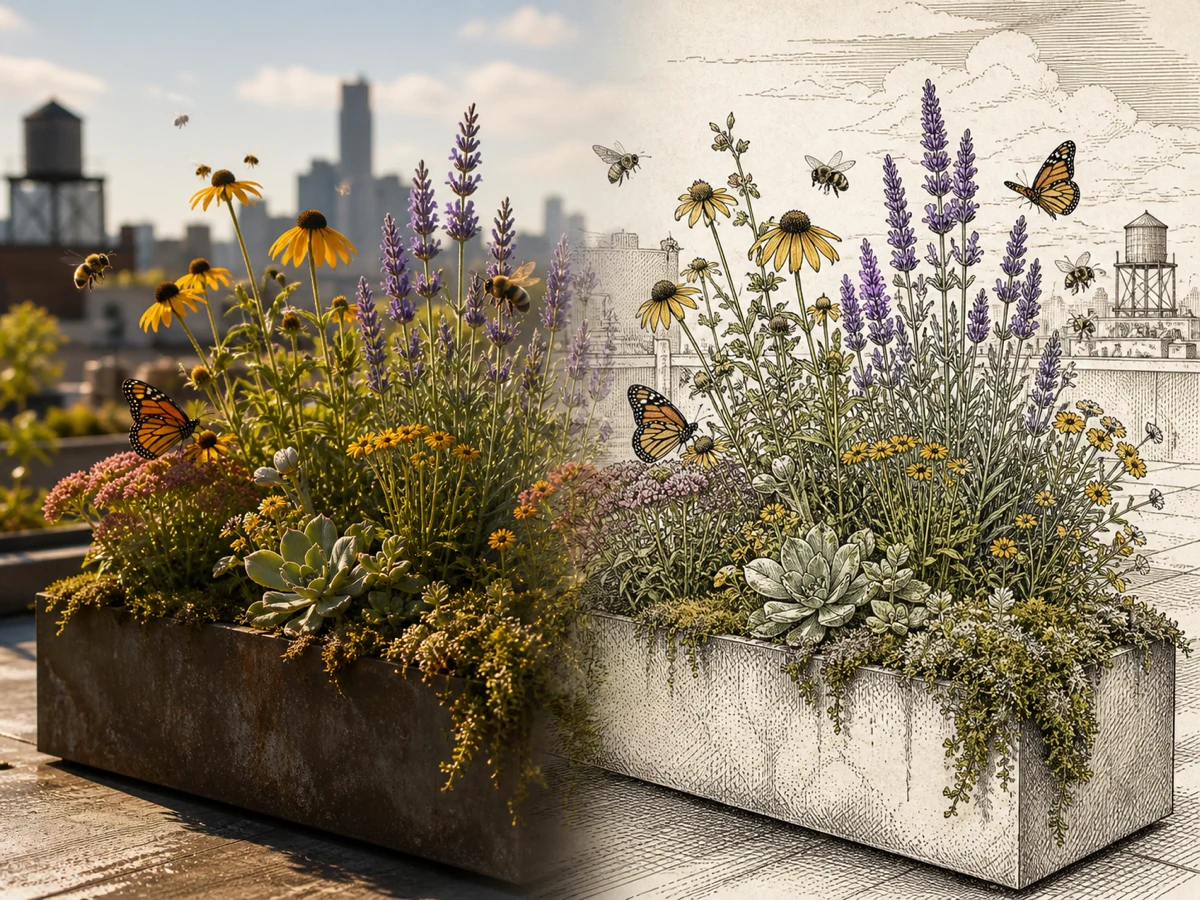
Use an existing scene as the structural reference, then request a field-guide illustration without changing the camera angle, planter silhouette, or key plant groups.
 ByteDance
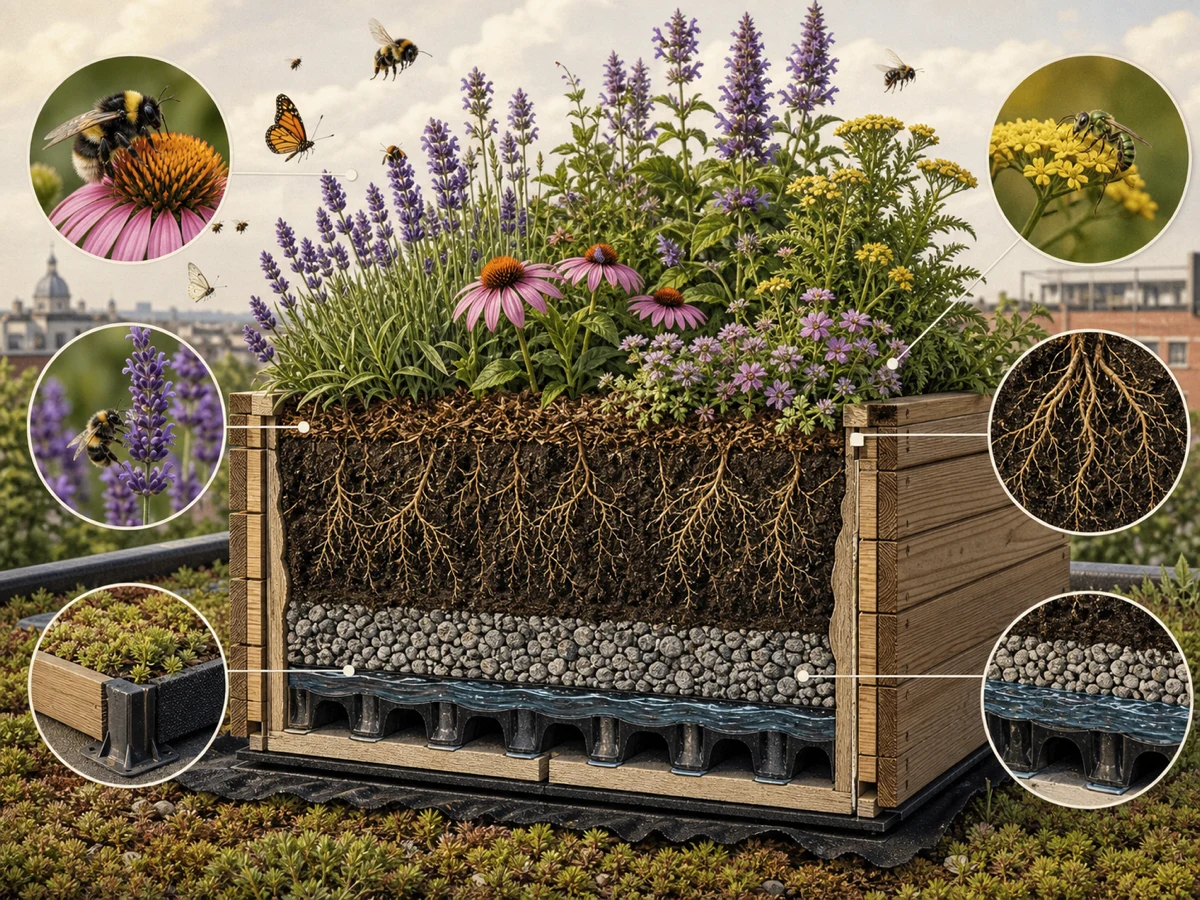
Give soil, roots, drainage, timber, and flowers distinct visual roles, then check whether the reading order still works without a paragraph of explanation.
 ByteDance
Review each requested material, object, color, and specimen separately. A coherent overview can still hide swaps, duplicates, or invented details.
These visuals show useful test directions, not guaranteed Seedream 5 Lite outputs or scientific references. Verify facts, labels, species, structures, source fidelity, and accessibility before publishing an educational or commercial image.
Seedream 5 Lite can follow a dense brief more reliably when the relationships, reading order, and fixed source details come before mood words.
State who needs the visual, what they should understand, and whether the image reads as a sequence, comparison, cutaway, map, or single scene.
Mark the anchor image first, then explain which source controls structure, subject, material, palette, or visual treatment. Remove inputs without a clear job.
Select a fixed ratio or match the input, use 2K or 3K, then check the image at thumbnail, reading, and full-detail sizes before export.
Image inputs, output choices, and review points in the current Toono AI integration.
Related products
Open the AI Image Generator to compare models, use Seedream 4.5 for a multi-reference 4K campaign workflow, or try GPT Image 2 for another production-oriented generation and editing path.

Create product visuals, editorial images, illustrations, and concepts from prompts or supported reference inputs.
View product page
Combine prompts and up to 14 references into consistent campaign images with 2K or 4K output.
View product page
Create text-led layouts, detailed product visuals, structured graphics, and reference-based image edits.
View product pageProduction brief ready
Open Seedream 5 Lite, define the reading order, assign the references, and build a 2K or 3K visual your team can review at full size.
Open image generation with this model selected