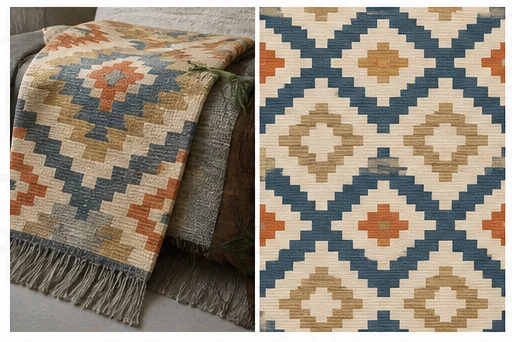
Clean extracted print
Remove folds, seams, shadows, and perspective while preserving motif language.

Upload a garment, fabric, or product photo and isolate its print language. Create a clean pattern ground, repeat tile, motif sheet, or swatch for design exploration.
Open the focused App workspace
Visual examples
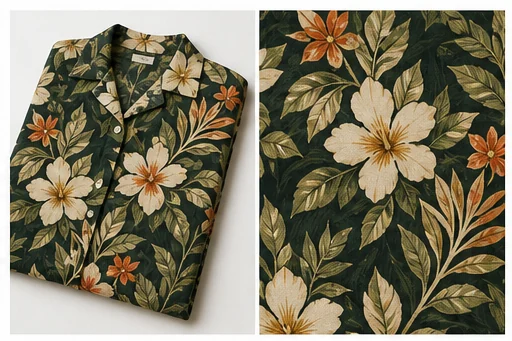
A motif extraction, square repeat, swatch, and presentation board solve different problems.
Remove folds, seams, shadows, and perspective while preserving motif language.
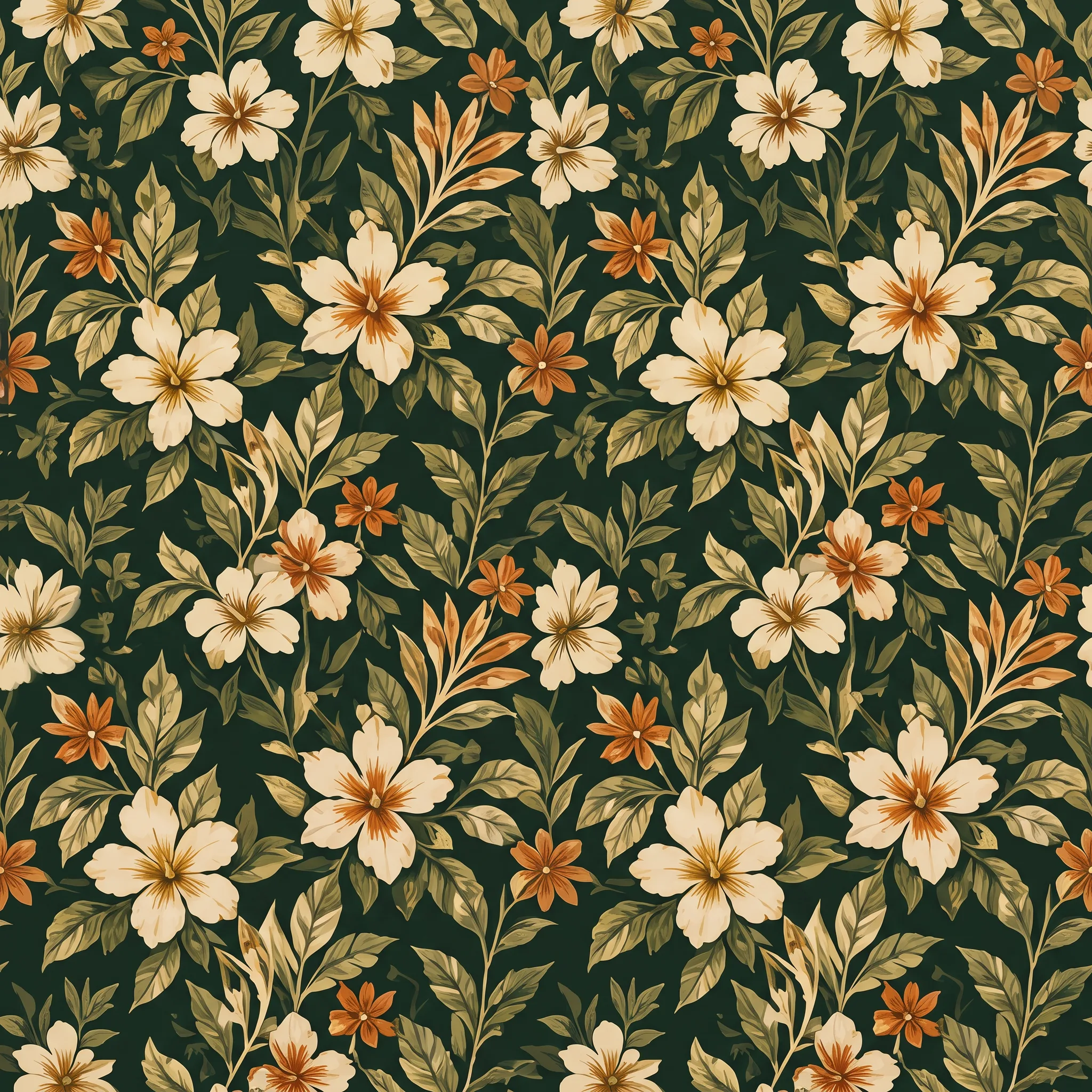
A folded floral shirt was converted in the Toono dashboard into a flat square pattern tile for repeat inspection.
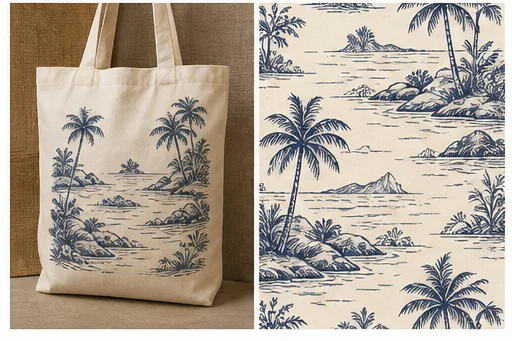
Compare how scale and placement read on an apparel silhouette.
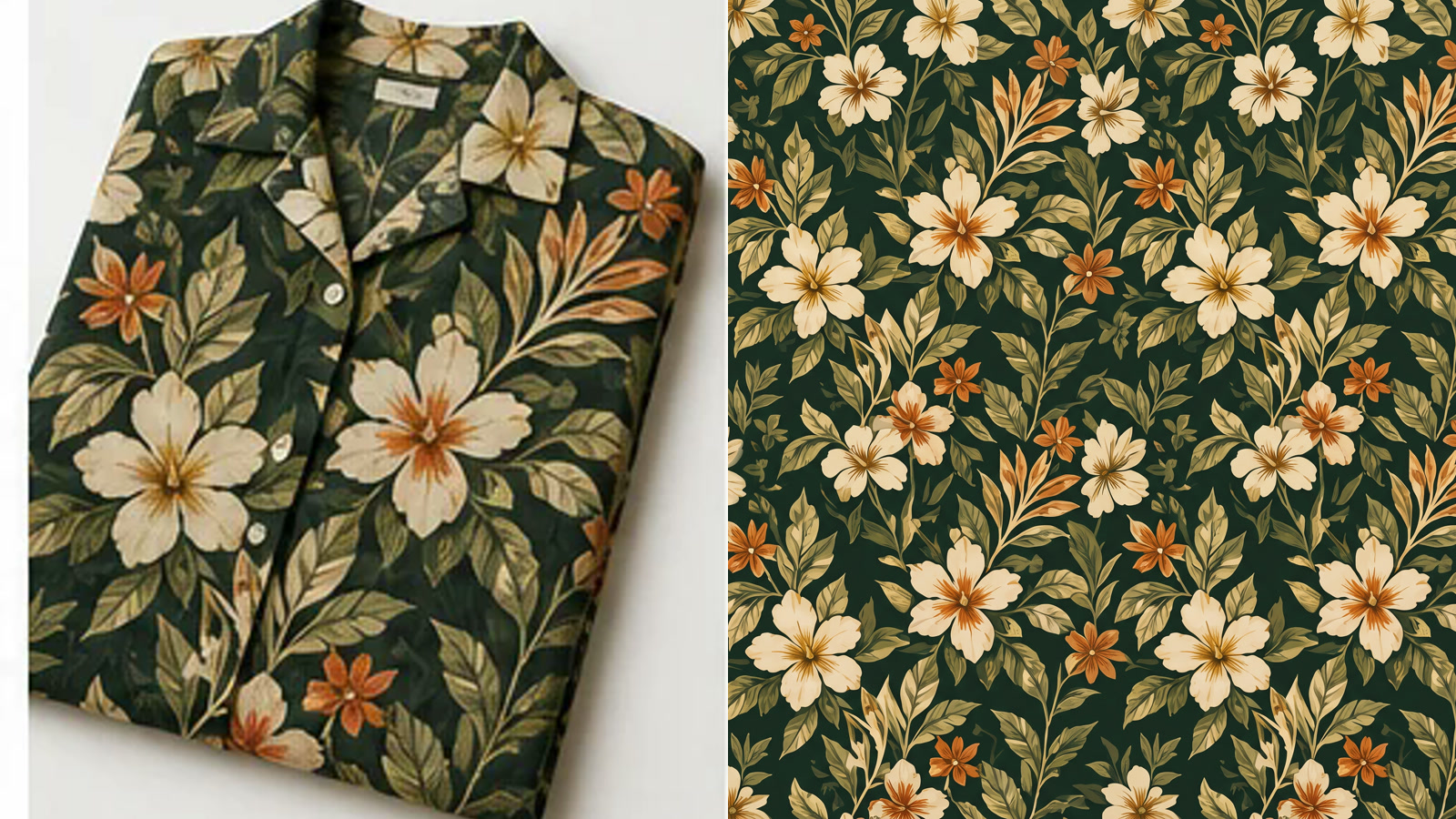
Inspect the original garment beside the generated tile to catch color, motif, spacing, and repeat drift.
Use only artwork you own or may adapt. Output still needs repeat, color, scale, resolution, and production testing.
Isolate the design, choose its structure, then verify edges and scale.
Use a source with visible motif, minimal occlusion, accurate color, and enough repeat.
Select clean ground, seamless tile, motif sheet, or swatch for the next step.
Tile the output, inspect seams, compare colors, and print at intended size.
Inputs, review steps, and publishing considerations for this guided workflow.
Related products
Test the pattern on apparel, refine it, or create product presentation imagery.
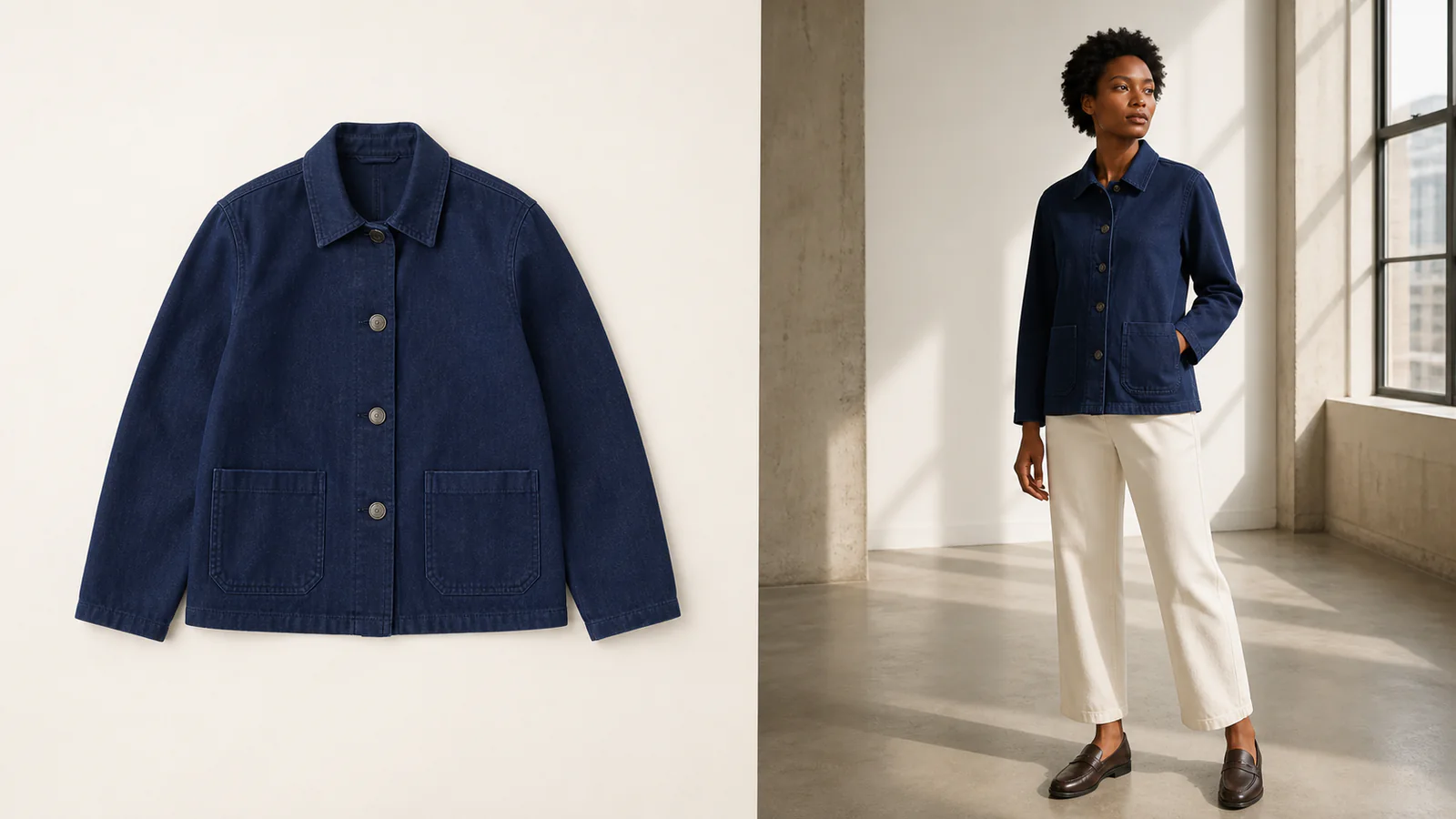
Turn a clothing or accessory image into an editorial-style model photo for campaigns and lookbooks.
View product page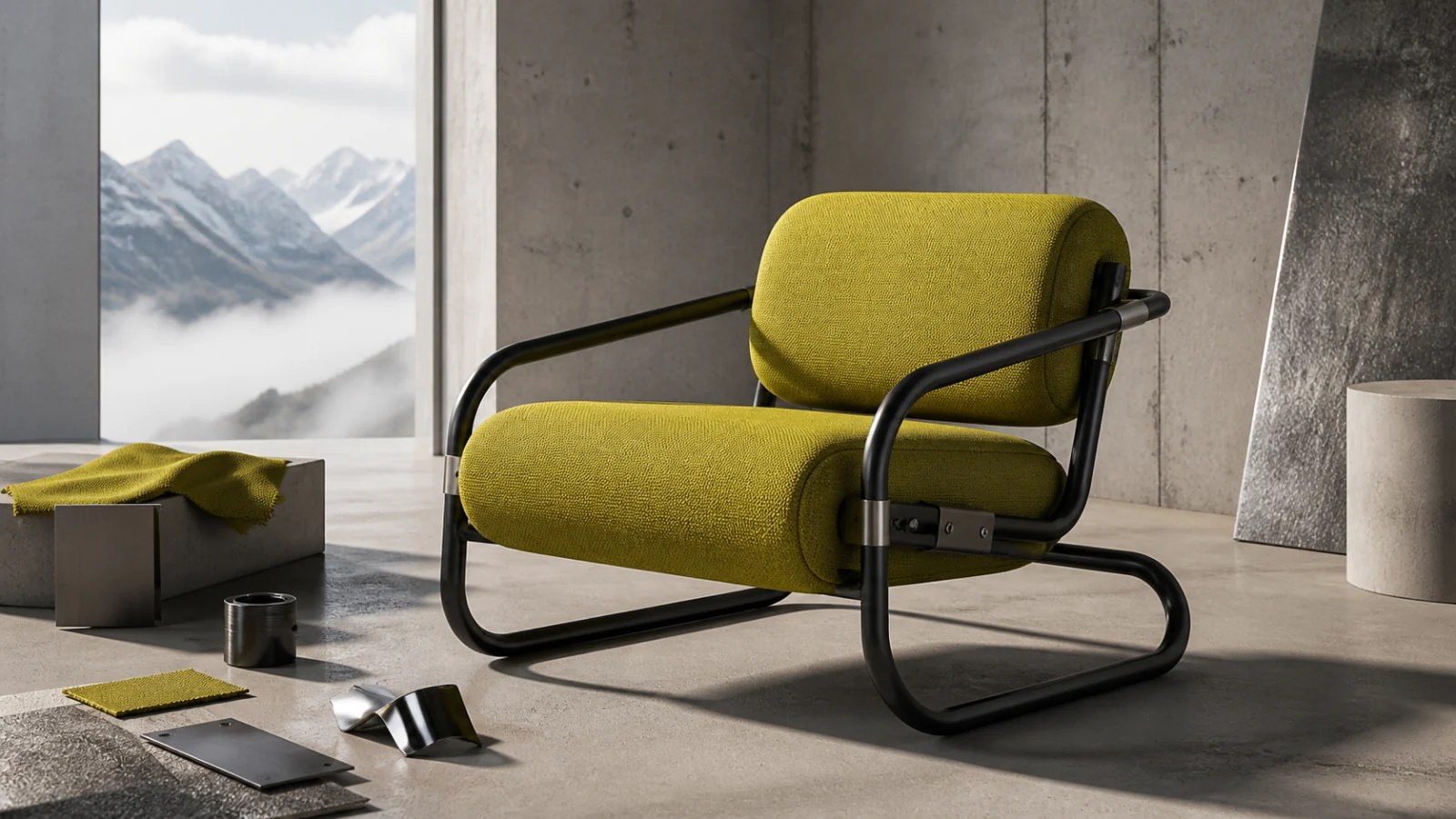
Create from prompts or up to eight references, with 0.5–4 MP tiers, custom dimensions, and PNG, JPG, or WebP export.
View product page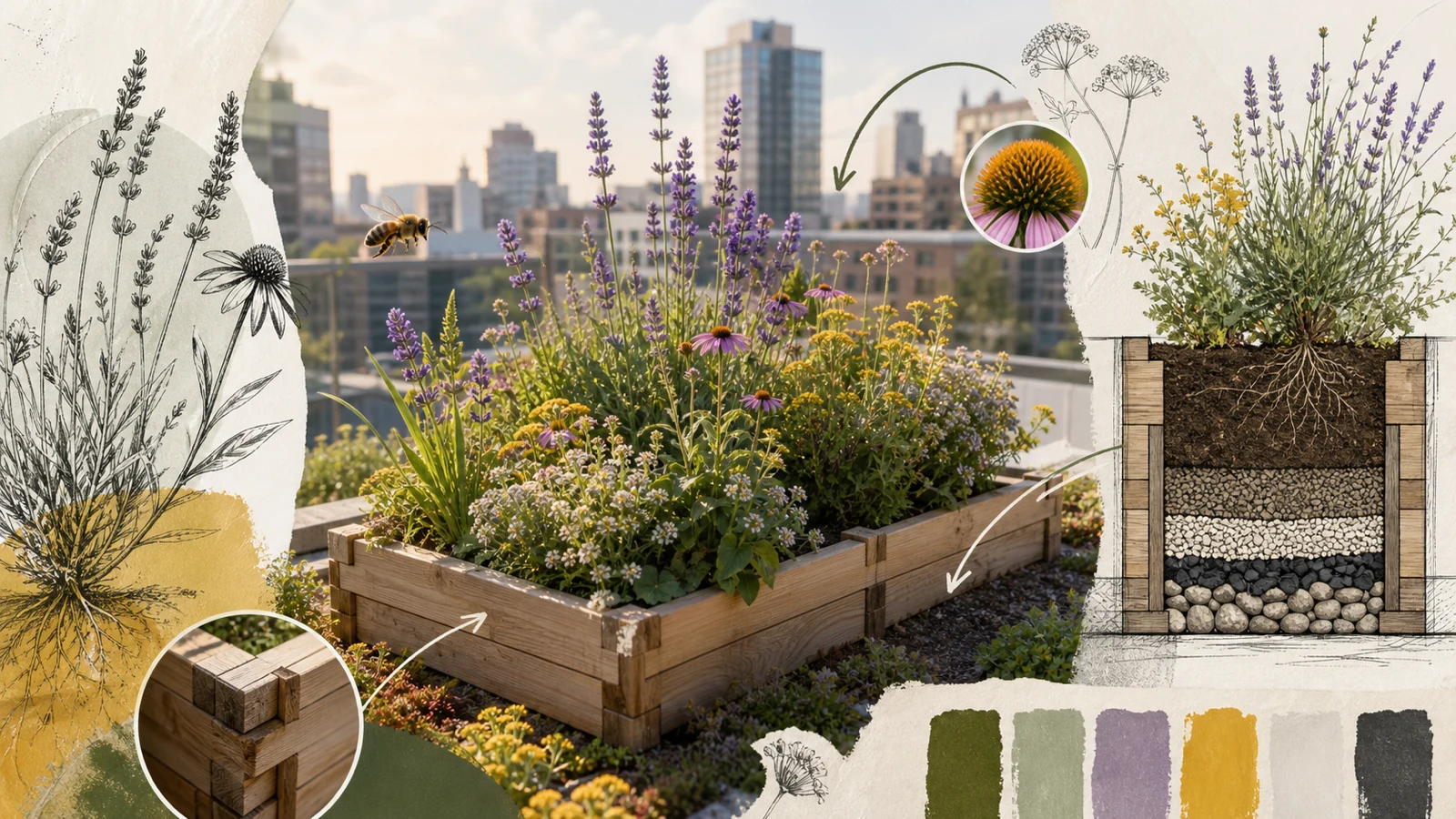
Organize complex prompts and up to 14 references into information visuals, structured edits, and 2K or 3K images.
View product pageSource asset ready
Choose a clean ground, repeat tile, motif sheet, or swatch before generating.
Open the focused App workspace