ByteDance
Reference-led motion
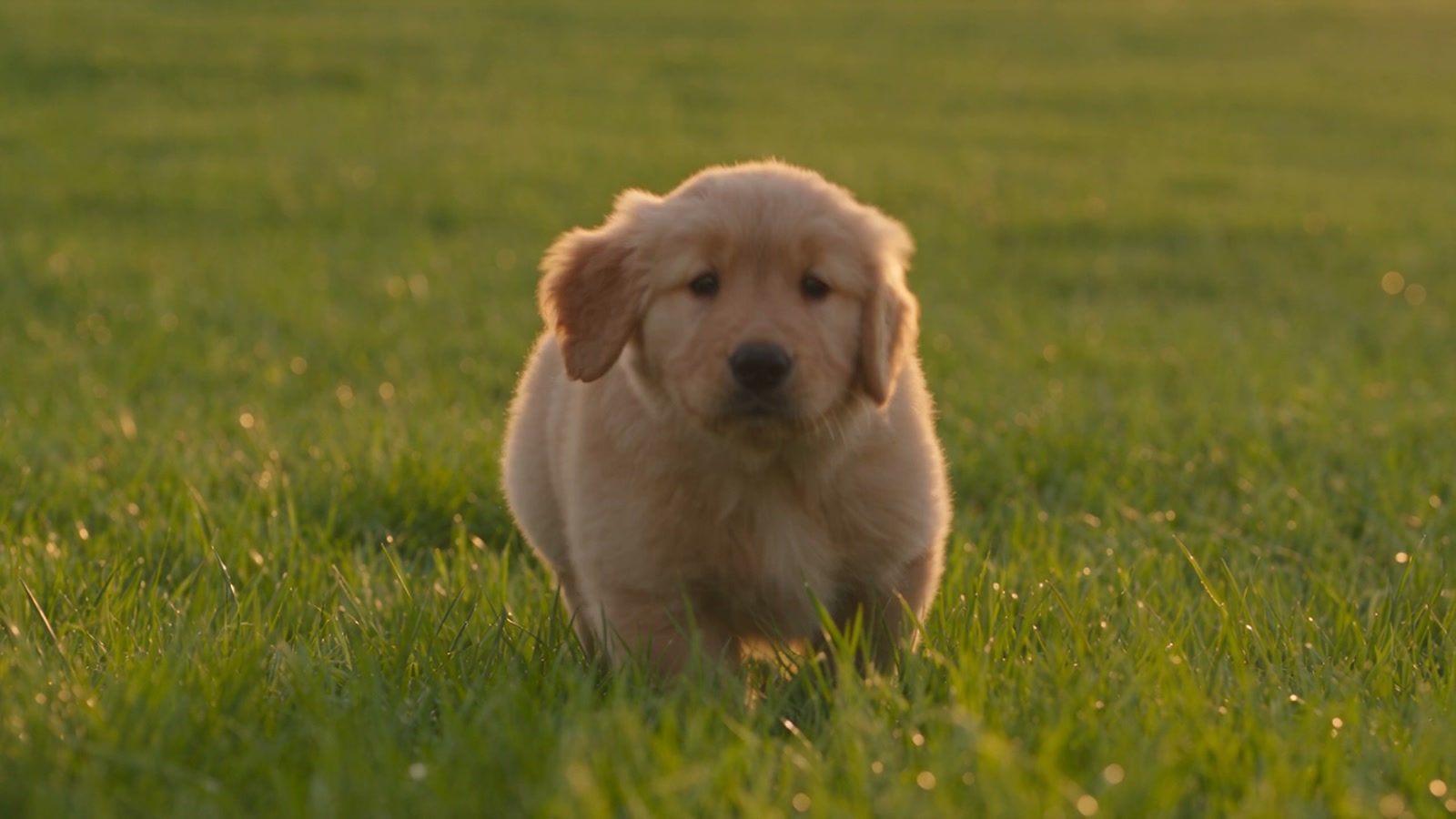
A compact scene tests whether motion, framing, and sound stay coherent from opening to finish.

Use text alone, anchor the opening and ending frames, or assemble visual, video, and audio references for a more directed sequence. The current Toono workspace supports 4–15 seconds, 480p or 720p, and optional native audio.
Open video generation with this model selected
Visual examples
The clips below were generated through Toono to test subject stability, product motion, camera restraint, scene continuity, and synchronized sound—not just the most attractive frame.
A compact scene tests whether motion, framing, and sound stay coherent from opening to finish.
Steam, hands, machinery, and ambient sound test layered movement in a working environment.
Material movement, weather, and a restrained camera test product continuity in a lifestyle shot.
A simple product action tests geometry, branding surfaces, and an edit-friendly ending.
The Toono test clips use economical 480p, 4-second settings with native audio. The workspace also offers 720p and durations up to 15 seconds.
Seedance 2.0 accepts several kinds of guidance, but a smaller, well-labeled reference set is usually easier to evaluate than a crowded mood board.
Describe the subject, one main action, camera behavior, environment, sound intent, and the state you want at the final second.
Use start and end frames for a deliberate transition, or use up to 9 images, 3 videos, and 3 audio references for broader direction.
Test at 480p and a short duration, review continuity and audio, then rerun the strongest direction at 720p or a longer duration.
Capabilities and production choices in the current Toono AI integration.
Related products
Use Seedance 2.5 for longer sequences and larger reference sets, or compare FLUX 3 and Kling V3 for a different balance of control, sound, and cost.
ByteDance's flagship multimodal video model with native audio, 5s to 30s generation, and up to 30 reference images, 10 videos, and 10 audio files.
View product page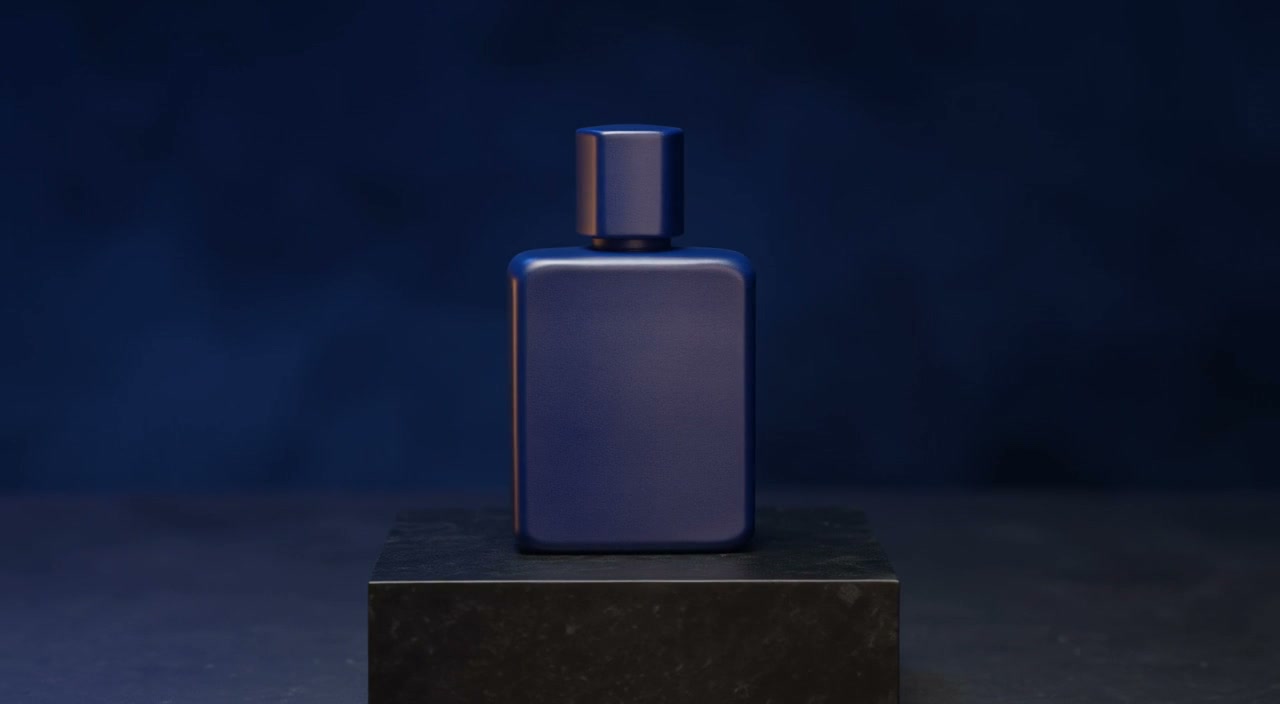
Black Forest Labs' early-access video model for text, 1–10 image storyboards, or video continuation with synchronized audio, 5–20 second timing, and 720p or 1080p output.
View product page
Flexible Kling video model with 3s to 15s generation, standard or pro mode, optional audio, and start or end frame control.
View product pageShot brief ready
Open the workspace, define one action, assign each reference a role, and review a short 480p draft before scaling up.
Open video generation with this model selected