Black Forest Labs
Official FLUX 3 example
Review the futuristic San Francisco clip for movement, continuity, camera behavior, and environmental audio.

Create a new scene from text, control a sequence with up to ten ordered images, or continue an existing video. Choose 5–20 seconds, 720p or 1080p, synchronized audio, and draft 720p for cheaper iteration.
Open video generation with this model selected
Visual examples
Play the official example alongside three 5-second Draft 720p outputs generated through the Toono dashboard. Compare product realism, camera control, scene continuity, and native sound before spending on a longer or higher-resolution run.
Review the futuristic San Francisco clip for movement, continuity, camera behavior, and environmental audio.
An amber bottle tests glass reflections, condensation, a controlled orbit, and subtle studio sound.
A rain-soaked trail shoe tests material detail, restrained camera movement, and object stability.
A desert weather station tests environmental motion, stable geometry, atmosphere, and scale.
The three Toono examples below were generated from text with Draft 720p, 16:9, and audio enabled. Image storyboards and video continuation remain available as separate input modes in the workspace.
FLUX 3 accepts text, ordered images, or a starting video. A clear input role and a concise action arc make the result easier to evaluate.
Start from a prompt, an ordered 1–10 image sequence, or one MP4 continuation source.
Choose 5–20 seconds, the intended aspect ratio, resolution, and whether generated audio is useful.
Validate the idea cheaply in draft 720p, then rerun the strongest direction at full quality.
Capabilities and production choices in the current Toono AI integration.
Related products
Seedance 2.5, Kling V3, and Veo 3.1 offer different balances of references, duration, sound, and cost.
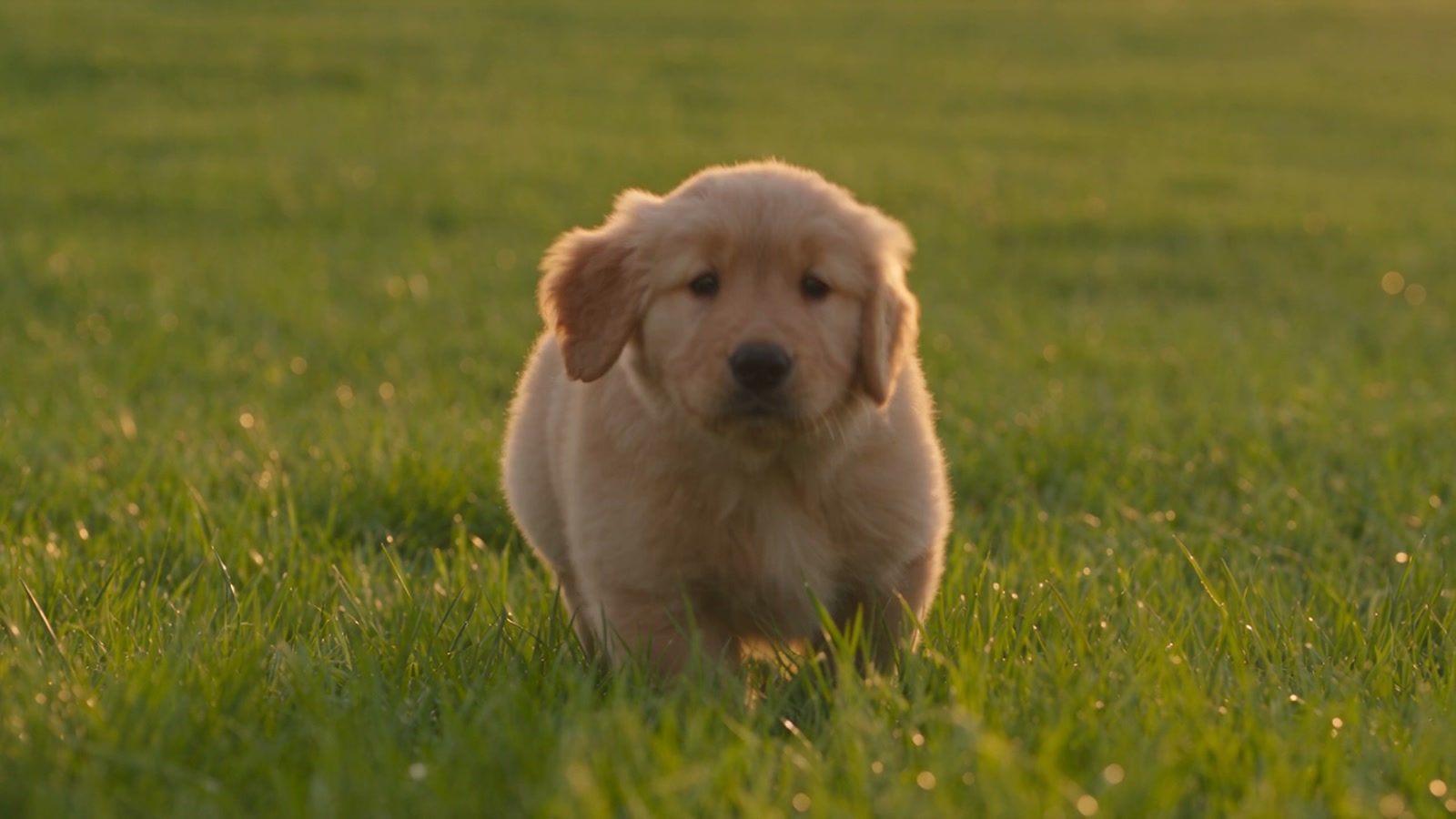
ByteDance's flagship multimodal video model with native audio, 5s to 30s generation, and up to 30 reference images, 10 videos, and 10 audio files.
View product page
Flexible Kling video model with 3s to 15s generation, standard or pro mode, optional audio, and start or end frame control.
View product page
Premium video model with 4s, 6s, and 8s generations, optional audio, and support for multiple reference images.
View product pageShot brief ready
Start with one clear action and input strategy, review a draft, then spend on the strongest full-quality direction.
Open video generation with this model selected