 Google
Veo 3.1 preview
Inspect reference consistency, motion, narrative clarity, and audio.

Use Veo 3.1 when subject and setting consistency benefit from multiple images, or when a short 16:9 or 9:16 clip needs optional audio and a controlled ending.
Open video generation with this model selected

Visual examples
One source may protect the subject while another informs setting or object. Contradictory references make the brief harder.
GoogleInspect reference consistency, motion, narrative clarity, and audio.
 Google
Compare when a source video or 1–15 second range is more useful.
Reference combinations have mode constraints. Use only the controls enabled in the workspace.
Use the smallest compatible source set that can explain the shot.
Start from text, a first frame, or a small set of compatible references.
Write the visual progression and any dialogue, effects, or ambience.
Review identity, background, object detail, framing, and audio.
Capabilities and production choices in the current Toono AI integration.
Related products
Grok, Kling V3, and Seedance provide different input, duration, and audio workflows.

xAI video model for text, image, and video-driven generation with flexible 1s to 15s timing and lightweight per-second pricing.
View product page
Flexible Kling video model with 3s to 15s generation, standard or pro mode, optional audio, and start or end frame control.
View product page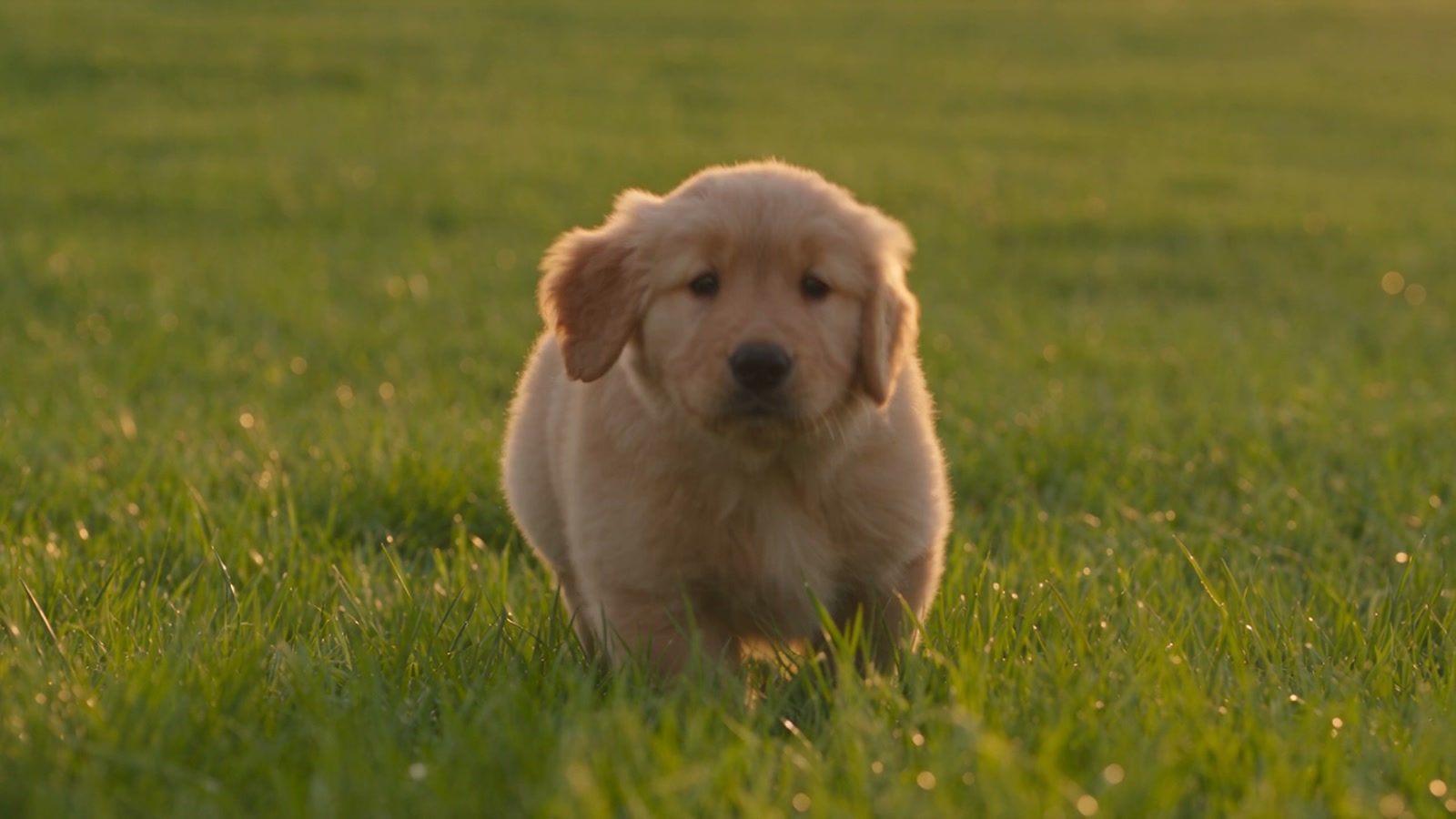
ByteDance's flagship multimodal video model with native audio, 5s to 30s generation, and up to 30 reference images, 10 videos, and 10 audio files.
View product pageShot brief ready
Start with the smallest compatible reference set that explains the scene.
Open video generation with this model selected